 EN
EN
 AR
AR
 BG
BG
 HR
HR
 CS
CS
 DA
DA
 NL
NL
 FR
FR
 DE
DE
 EL
EL
 HI
HI
 IT
IT
 JA
JA
 KO
KO
 NO
NO
 PL
PL
 PT
PT
 RO
RO
 RU
RU
 ES
ES
 SV
SV
 TL
TL
 IW
IW
 ID
ID
 SR
SR
 SK
SK
 VI
VI
 HU
HU
 TH
TH
 TR
TR
 FA
FA
 AF
AF
 MS
MS
 SW
SW
 UR
UR
 BN
BN
 HA
HA
 KM
KM
 MN
MN
 UZ
UZ

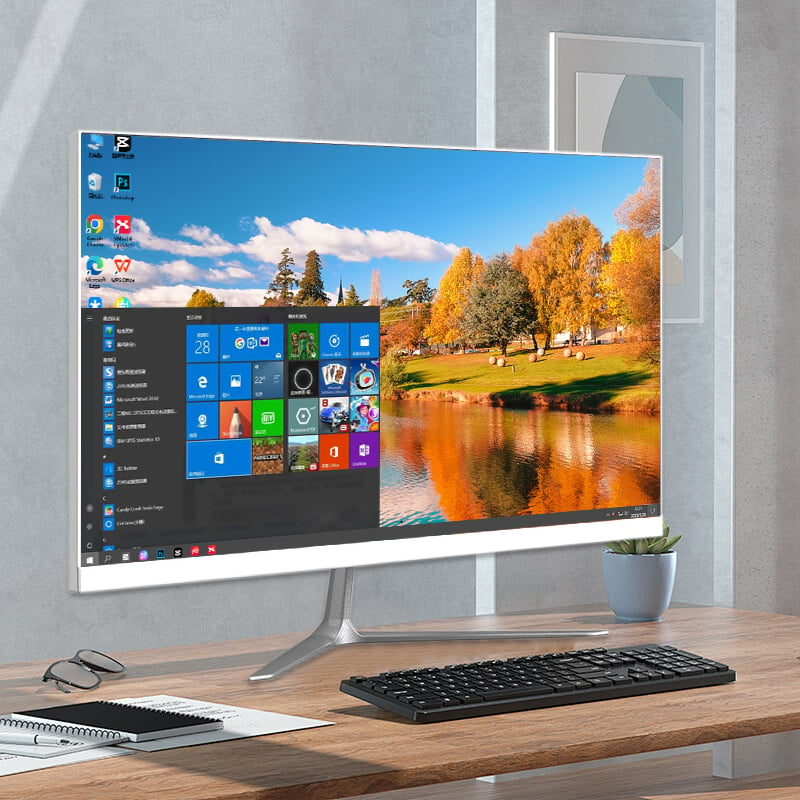
Modern businesses face increasing pressure to maintain productivity, security, and cost-effectiveness in their technology infrastructure. While mobile devices and cloud solutions have gained popularity, many organizations are strategically returning to traditional office desktop PC systems as their primary computing solution for employees. This shift reflects a deeper understanding of workplace computing requirements and the unique advantages that desktop systems provide in professional environments.
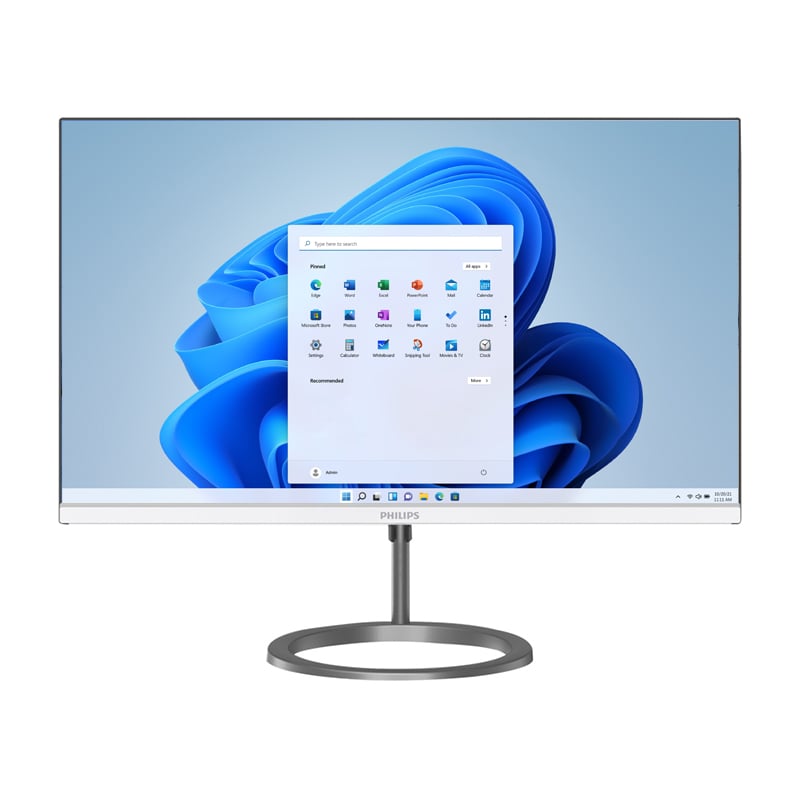
The deployment of office desktop PC systems represents a calculated business decision driven by specific operational needs, security concerns, and long-term financial considerations. Companies are recognizing that desktop computers offer superior performance capabilities, enhanced data protection, and greater administrative control compared to alternative computing solutions. This strategic approach to workplace technology reflects the evolving understanding of how different computing platforms serve distinct business purposes.
Performance and Productivity Advantages
Superior Processing Power for Business Applications
Office desktop PC systems deliver significantly higher processing capabilities compared to laptops or mobile devices with equivalent budgets. The larger form factor allows for more powerful processors, increased RAM capacity, and dedicated graphics cards when needed. These specifications directly translate to faster application loading times, smoother multitasking capabilities, and improved performance when running resource-intensive business software such as CAD programs, video editing tools, or complex databases.
Desktop systems can accommodate multiple high-resolution monitors without performance degradation, enabling employees to work more efficiently with expanded screen real estate. This capability proves particularly valuable for professionals who require simultaneous access to multiple applications, detailed spreadsheets, or comprehensive project management interfaces. The processing power of office desktop PC systems supports seamless switching between applications and maintains consistent performance throughout extended work sessions.
Many specialized business applications are optimized for desktop environments and may not function properly on mobile platforms or underpowered devices. Companies deploying office desktop PC systems ensure their staff can access the full functionality of essential software tools without compatibility issues or performance limitations that could impact productivity and work quality.
Enhanced Ergonomics and User Comfort
The deployment of office desktop PC systems allows organizations to create ergonomically optimized workstations that promote employee health and reduce workplace injuries. Desktop setups enable proper monitor positioning at eye level, full-sized keyboards and mice that reduce repetitive strain, and adjustable components that accommodate different user preferences and physical requirements.
Extended work sessions on laptops or mobile devices often lead to poor posture, eye strain, and musculoskeletal problems that can result in decreased productivity and increased healthcare costs. Office desktop PC systems support the creation of proper workstation environments that comply with occupational health guidelines and demonstrate organizational commitment to employee wellbeing.
The larger keyboards and mice associated with desktop systems provide better tactile feedback and more precise control, which proves particularly important for employees who perform detailed work such as data entry, design tasks, or financial analysis. These ergonomic advantages contribute to improved work quality and reduced error rates across various job functions.
Security and Data Protection Benefits
Centralized Security Management
Companies deploying office desktop PC systems gain significant advantages in implementing comprehensive security protocols and maintaining consistent data protection standards. Desktop computers remain in controlled office environments where IT administrators can directly manage security updates, monitor system access, and ensure compliance with organizational security policies.
The stationary nature of office desktop PC systems reduces the risk of device theft and unauthorized physical access to sensitive information. Organizations can implement robust physical security measures, including locked server rooms, access controls, and surveillance systems that protect both the hardware and the valuable data stored on these systems.
Centralized management of office desktop PC systems enables IT departments to deploy security patches simultaneously across all devices, maintain consistent antivirus protection, and monitor network activity more effectively than with distributed mobile devices that may connect to various unsecured networks outside the office environment.
Data Loss Prevention and Backup Reliability
Desktop systems facilitate more reliable data backup and recovery procedures compared to mobile devices that may not always connect to corporate networks. Office desktop PC systems can be configured for automatic, scheduled backups during off-hours, ensuring that critical business data remains protected without impacting daily productivity.
The implementation of office desktop PC systems supports advanced data loss prevention strategies, including network-based monitoring, file access controls, and automated data classification systems. These capabilities prove essential for organizations handling sensitive customer information, financial data, or proprietary business intelligence that requires strict access controls and audit trails.
Companies can implement comprehensive disaster recovery procedures more easily with office desktop PC systems because the hardware remains in known locations with consistent network connectivity. This predictability enables more effective business continuity planning and faster recovery times in the event of system failures or security incidents.
Cost-Effectiveness and Budget Management
Lower Total Cost of Ownership
The deployment of office desktop PC systems often results in significant cost savings over the typical technology refresh cycle. Desktop computers generally offer longer useful lifespans compared to laptops or mobile devices, with many systems remaining productive for four to six years with appropriate maintenance and minor upgrades.
Office desktop PC systems provide better price-to-performance ratios because the manufacturing costs can be spread across larger, more standardized components. Organizations can purchase more powerful computing capabilities for the same budget when choosing desktop systems instead of equivalent laptop specifications, particularly when considering the premium pricing associated with portable form factors.
The modular nature of desktop systems enables selective upgrades of individual components rather than complete system replacements. Companies can extend the useful life of their office desktop PC systems by upgrading memory, storage, or graphics capabilities as business requirements evolve, reducing the frequency and cost of major technology refreshes.
Simplified Procurement and Standardization
Organizations deploying office desktop PC systems can achieve economies of scale through bulk purchasing agreements and standardized configurations. This approach simplifies procurement processes, reduces administrative overhead, and enables more predictable budgeting for technology expenses across multiple fiscal periods.
Standardized office desktop PC systems reduce the complexity of IT support operations by minimizing the variety of hardware configurations, driver requirements, and compatibility issues that support staff must address. This standardization translates to lower support costs, faster problem resolution times, and more efficient resource allocation within IT departments.
The deployment of uniform office desktop PC systems enables organizations to negotiate better warranty terms, maintenance contracts, and replacement part availability with vendors. These advantages contribute to more predictable operational costs and improved service level agreements that support business continuity requirements.
Operational Control and Management Advantages
Enhanced IT Oversight and Compliance
Office desktop PC systems provide IT administrators with greater visibility and control over computing resources compared to mobile devices that frequently operate outside corporate network boundaries. This enhanced oversight capability proves essential for organizations subject to regulatory compliance requirements that mandate specific data handling procedures and audit capabilities.
The stationary nature of desktop systems enables more comprehensive monitoring of user activities, application usage patterns, and system performance metrics. This information supports better resource planning, identifies training needs, and helps organizations optimize their technology investments based on actual usage data rather than assumptions about employee computing requirements.
Companies can implement more sophisticated access controls and user privilege management with office desktop PC systems because administrators maintain direct control over the computing environment. This capability supports principle of least privilege security models and helps organizations demonstrate compliance with industry regulations and internal governance requirements.
Predictable Performance and Availability
The controlled environment of office desktop PC systems ensures more predictable performance characteristics compared to mobile devices that may experience variations in processing speed due to battery management, thermal throttling, or network connectivity issues. This consistency proves valuable for businesses that require reliable computing performance during critical operational periods.
Office desktop PC systems typically demonstrate higher availability rates because they operate in controlled environmental conditions with consistent power supplies, adequate cooling, and protection from physical damage that mobile devices commonly experience. This reliability translates to reduced downtime and more consistent productivity across the organization.
The deployment of office desktop PC systems enables organizations to implement comprehensive preventive maintenance schedules, including regular cleaning, component inspection, and proactive replacement of aging parts. This approach helps prevent unexpected failures and maintains optimal system performance throughout the equipment lifecycle.
FAQ
What are the main reasons companies choose desktop PCs over laptops for office work?
Companies choose office desktop PC systems primarily for superior performance at lower costs, enhanced security through centralized management, better ergonomics for employee health, and longer equipment lifespans. Desktop systems offer more processing power, memory, and storage capacity for the same budget while remaining in controlled environments that facilitate better security management and compliance monitoring.
How do desktop PC systems improve workplace security compared to mobile devices?
Office desktop PC systems enhance security through centralized management capabilities, reduced theft risk, and consistent network environments. IT administrators can more easily deploy security updates, monitor system access, and maintain compliance standards when devices remain in controlled office locations. Additionally, desktop systems reduce data exposure risks associated with mobile devices connecting to unsecured public networks.
Are desktop PC systems more cost-effective than laptops for businesses?
Yes, office desktop PC systems typically provide better long-term cost-effectiveness through lower initial purchase prices, longer useful lifespans, and reduced maintenance costs. Desktop computers offer superior price-to-performance ratios and enable selective component upgrades rather than complete system replacements. Organizations also benefit from simplified procurement processes and standardized configurations that reduce support complexity.
What performance advantages do desktop systems offer for business applications?
Office desktop PC systems deliver superior performance through more powerful processors, increased memory capacity, and better heat dissipation compared to laptops with similar budgets. They support multiple high-resolution monitors without performance degradation, run resource-intensive applications more effectively, and maintain consistent performance during extended work sessions without thermal throttling or battery management limitations.
Table of Contents
- Performance and Productivity Advantages
- Security and Data Protection Benefits
- Cost-Effectiveness and Budget Management
- Operational Control and Management Advantages
-
FAQ
- What are the main reasons companies choose desktop PCs over laptops for office work?
- How do desktop PC systems improve workplace security compared to mobile devices?
- Are desktop PC systems more cost-effective than laptops for businesses?
- What performance advantages do desktop systems offer for business applications?