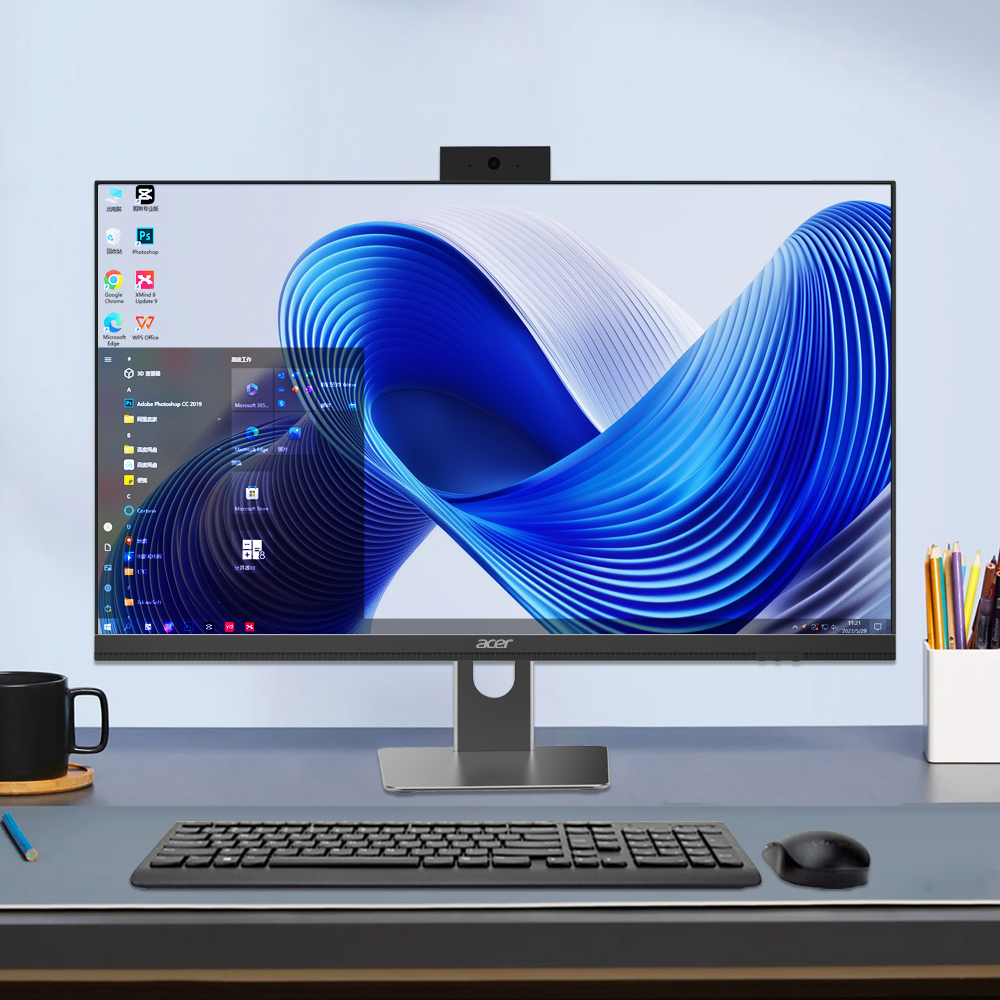
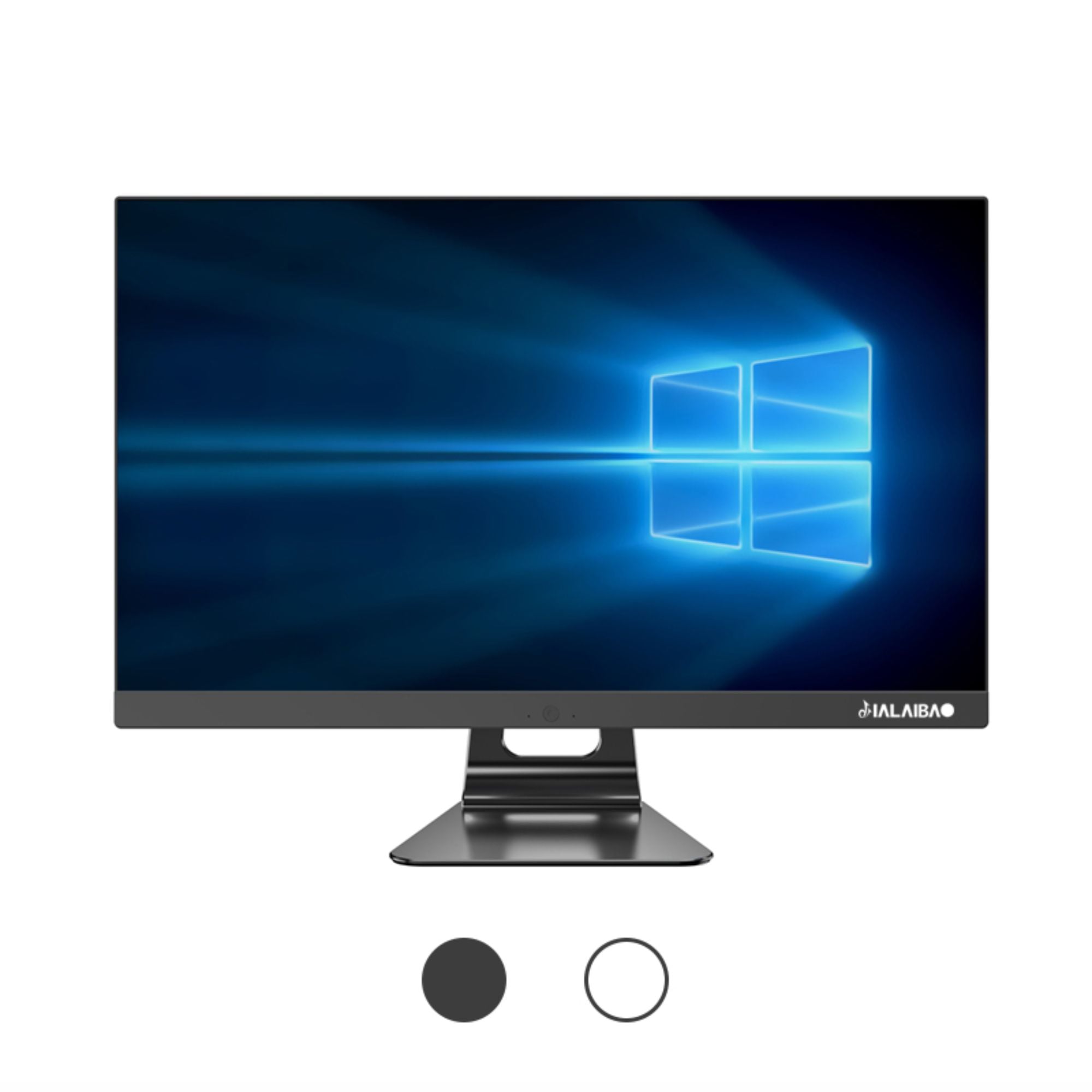
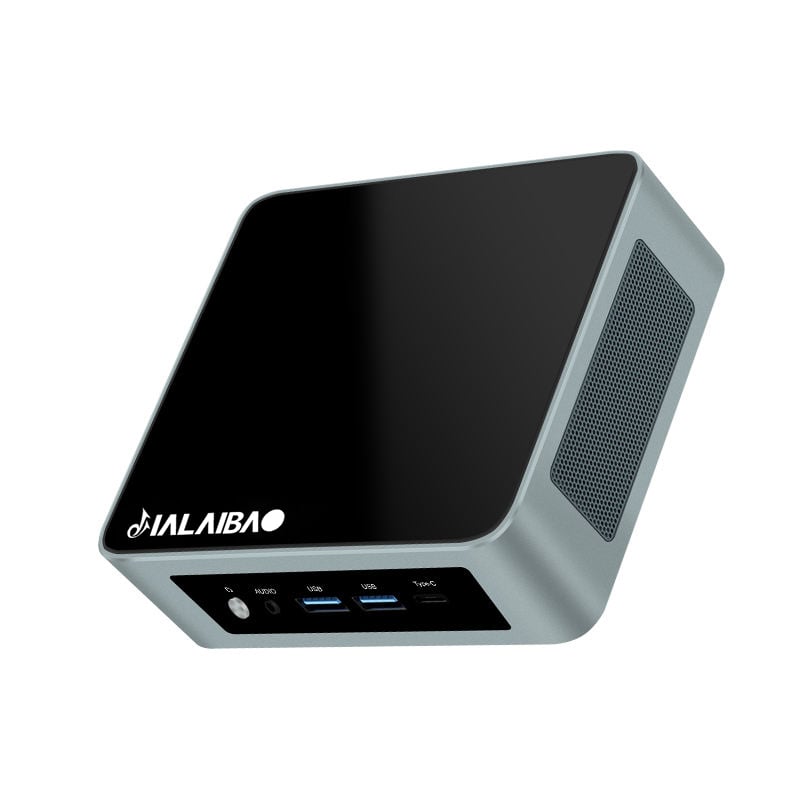
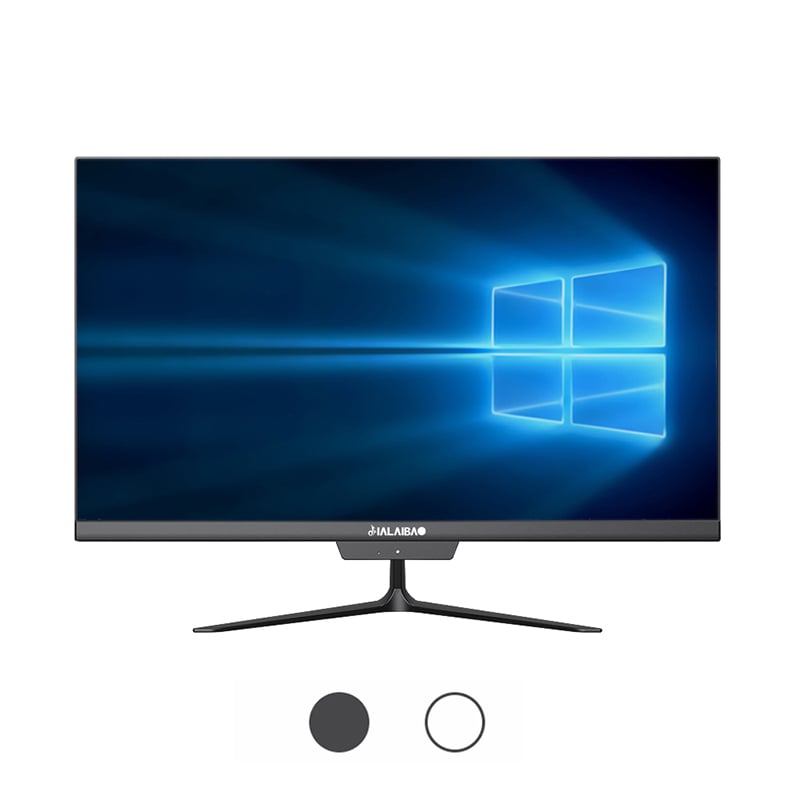
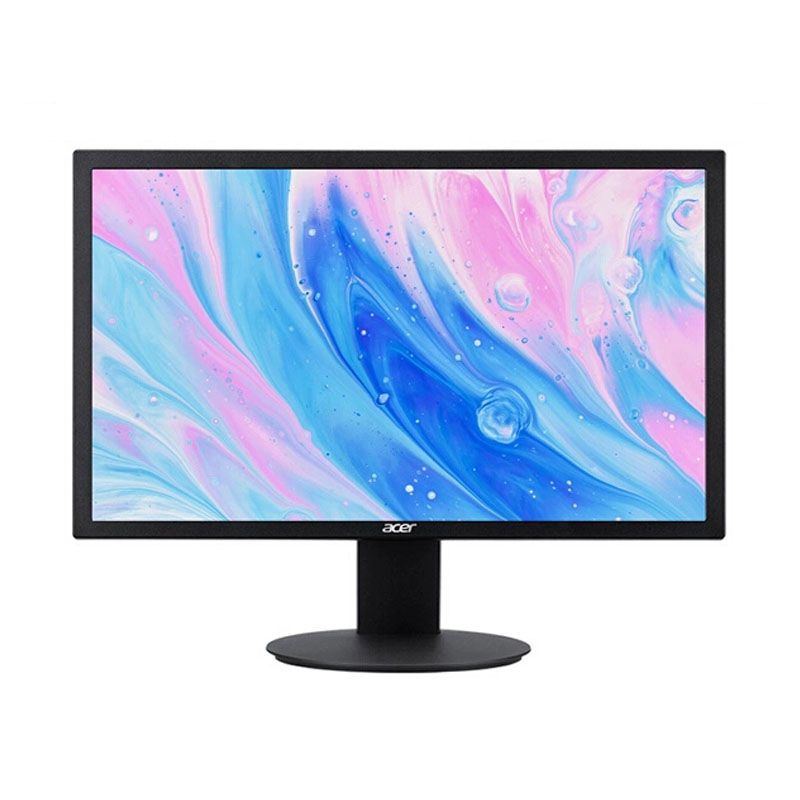
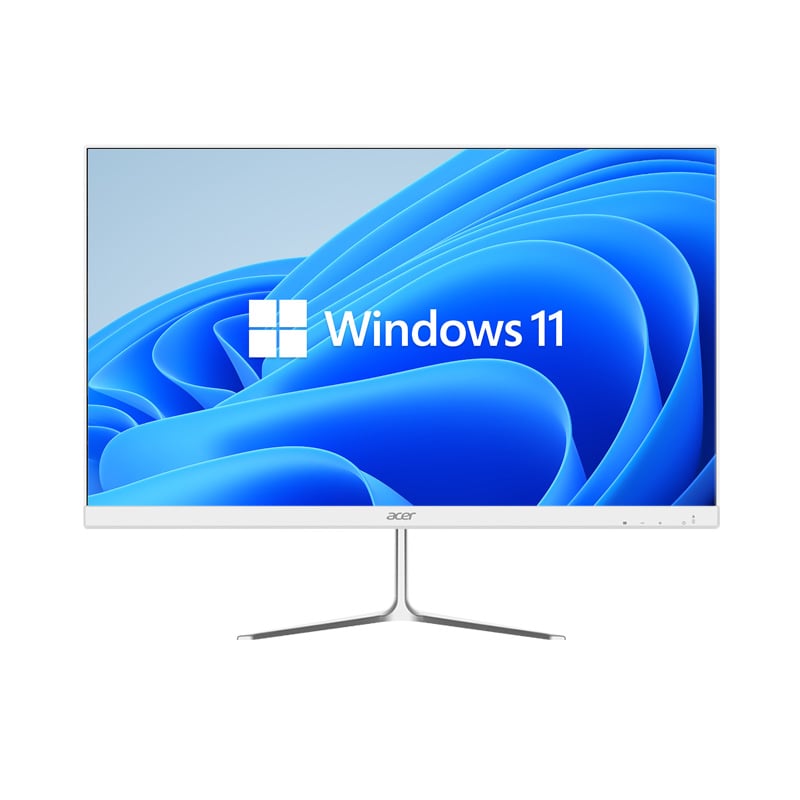
Organizations across industries are increasingly adopting all-in-one desktop systems for their workforce, and this trend reflects deeper operational and financial considerations. An all-in-one desktop integrates the monitor, processor, storage, and connectivity into a single unified unit, eliminating the need for separate towers, cables, and multiple components. This architectural shift is not merely cosmetic—it represents a fundamental rethinking of workplace technology infrastructure. Companies deploying an all-in-one desktop recognize that modern staff members require tools that balance performance, reliability, space efficiency, and total cost of ownership in ways traditional desktop setups cannot always deliver.
The decision to deploy an all-in-one desktop across organizational workforces stems from multiple strategic drivers: operational efficiency, workspace optimization, reduced maintenance complexity, and improved employee experience. When businesses evaluate computing infrastructure for staff, they must weigh productivity outcomes, scalability, support costs, and environmental impact. An all-in-one desktop addresses these priorities simultaneously, making it an increasingly attractive option for businesses of all sizes seeking to modernize their technology environments without sacrificing performance or reliability.
One of the most immediate advantages companies discover when deploying an all-in-one desktop is the dramatic reduction in physical desk footprint. Traditional desktop setups require separate monitors, towers, keyboards, mice, and multiple cable runs—consuming significant workspace. An all-in-one desktop consolidates all these elements into a single, sleek display unit that occupies minimal surface area. This is particularly valuable in modern office environments where real estate costs are substantial and flexible, collaborative workspaces demand adaptable configurations. Staff members gain more desk space for documents, materials, and collaborative tools, while facilities teams can accommodate more workstations in the same physical area. Companies deploying an all-in-one desktop often report improved desk layouts that support both focused work and team collaboration.
Cable clutter represents a hidden but significant operational burden in traditional setups. Each desktop tower, monitor, keyboard, and peripheral generates multiple cables running across desks and floors, creating hazards, complicating moves, and hindering maintenance access. An all-in-one desktop dramatically simplifies this problem by integrating connections into a single unit. Power, video, audio, and peripheral connections are built into the display itself, requiring only the main power cable and optional networking. This simplification accelerates employee onboarding—staff members can be productive faster when setup involves placing one unit rather than configuring multiple components. Companies deploying an all-in-one desktop experience reduced setup times, fewer connection errors, and cleaner, safer work environments.
When financial decision-makers examine why organizations deploy an all-in-one desktop, total cost of ownership often emerges as the decisive factor. While individual unit prices may initially appear comparable to traditional setups, the comprehensive cost picture favors the all-in-one desktop across multiple dimensions. Fewer components mean lower inventory costs, simplified procurement processes, and reduced spare parts management. Integrated displays eliminate the need for separate monitor purchases and replacements. Warranty and service costs typically decline because integrated systems have fewer failure points and simpler diagnostics. Companies deploying an all-in-one desktop across hundreds or thousands of workstations realize cumulative savings in purchasing, logistics, warehousing, and asset management that dwarf initial equipment costs.
IT support teams managing traditional multi-component desktop environments face ongoing challenges: incompatible drivers, connection failures, component-level diagnostics, replacement part sourcing, and complex troubleshooting procedures. An all-in-one desktop significantly reduces this operational load. Integrated systems have standardized configurations, simplified diagnostics, and predictable upgrade paths. Support teams can resolve issues faster because the system architecture is consolidated and easier to understand. When problems occur, technicians can often replace the entire unit rather than attempting complex component-level repairs, reducing downtime and improving staff productivity. Companies deploying an all-in-one desktop report substantial reductions in support ticket volume, faster resolution times, and lower overall IT operational costs.
Modern all-in-one desktop systems are engineered with performance and reliability as core design principles. These systems integrate processors, memory, storage, and thermal management specifically optimized for integrated architectures. Staff members using an all-in-one desktop experience consistent performance for standard business applications, video conferencing, document processing, and collaborative tools. The integrated design enables efficient power delivery and thermal management, reducing thermal throttling and system instability that can frustrate users. Companies deploying an all-in-one desktop observe improved user satisfaction because systems remain responsive throughout the workday, reducing frustration and supporting sustained productivity. Reliability metrics for integrated systems often exceed traditional tower-plus-monitor configurations because fewer connection points mean fewer potential failure modes.
Staff preferences increasingly favor all-in-one desktop configurations for their aesthetic appeal, intuitive interfaces, and modern appearance. An all-in-one desktop conveys technological sophistication and organizational commitment to employee experience. These systems often feature adjustable stands, ergonomic positioning, and integrated peripherals that support comfortable long-term use. Companies deploying an all-in-one desktop frequently observe improved employee satisfaction metrics and reduced complaints about workspace environments. The unified design supports modern work styles including standing desk configurations, display rotation, and simplified cable management that staff members appreciate. Additionally, all-in-one desktop systems integrate smoothly with modern collaboration software, video conferencing platforms, and wireless peripherals that contemporary staff expect.
Organizations deploying an all-in-one desktop across multiple departments or office locations benefit from standardized infrastructure that simplifies management, reduces complexity, and improves consistency. When companies standardize on all-in-one desktop systems, procurement teams can negotiate better pricing through volume agreements, IT teams can develop consistent support procedures, and facilities teams can plan consistent workspace configurations. This standardization extends to software deployment, security configurations, and system updates—all easier to manage across a homogeneous fleet. Companies deploying an all-in-one desktop report improved governance, faster policy implementation, and reduced security gaps that emerge from inconsistent hardware configurations.
Increasingly, organizations recognize that deploying an all-in-one desktop aligns with environmental sustainability objectives. Integrated systems typically consume less power than equivalent tower-plus-monitor configurations because they eliminate inefficiencies in separate components and multiple power supplies. Manufacturing and transportation impacts are reduced when companies deploy an all-in-one desktop because fewer units require fewer materials, packaging, and logistics resources. At end-of-life, integrated systems are often more recyclable because component separation is unnecessary. Companies deploying an all-in-one desktop frequently advance corporate sustainability goals while simultaneously improving operational efficiency and reducing costs—a rare alignment of environmental and financial objectives.
Companies deploying an all-in-one desktop gain multiple interconnected advantages: reduced physical footprint for improved workspace efficiency, simplified cable management that enhances safety and aesthetics, lower total cost of ownership through reduced component and support costs, and improved user experience through integrated design and modern aesthetics. When organizations deploy an all-in-one desktop, they simultaneously address workplace efficiency, IT operational complexity, financial performance, and employee satisfaction—outcomes difficult to achieve with traditional multi-component configurations.
Deploying an all-in-one desktop substantially simplifies IT operations. Support teams benefit from standardized configurations that simplify diagnostics and troubleshooting. When organizations deploy an all-in-one desktop, the integrated architecture reduces connection points where failures occur, leading to fewer support tickets and faster resolution times. Inventory management becomes simpler because organizations maintain fewer component types. Replacement and upgrade procedures are more straightforward since the entire system is typically replaced rather than individual components repaired.
Most standard business roles perform excellently on systems that companies deploy as all-in-one desktop configurations. General office workers, administrative staff, customer service representatives, and professionals using standard business applications find all-in-one desktop systems fully adequate. However, specialized roles like video production, advanced data analysis, or intensive 3D modeling may benefit from higher-performance configurations. When organizations deploy an all-in-one desktop across the majority of staff while maintaining traditional setups for specialized roles, they optimize cost and efficiency without compromising performance for users who genuinely require additional computing capability.
 EN
EN
 AR
AR
 BG
BG
 HR
HR
 CS
CS
 DA
DA
 NL
NL
 FR
FR
 DE
DE
 EL
EL
 HI
HI
 IT
IT
 JA
JA
 KO
KO
 NO
NO
 PL
PL
 PT
PT
 RO
RO
 RU
RU
 ES
ES
 SV
SV
 TL
TL
 IW
IW
 ID
ID
 SR
SR
 SK
SK
 VI
VI
 HU
HU
 TH
TH
 TR
TR
 FA
FA
 AF
AF
 MS
MS
 SW
SW
 UR
UR
 BN
BN
 HA
HA
 KM
KM
 MN
MN
 UZ
UZ