 EN
EN
 AR
AR
 BG
BG
 HR
HR
 CS
CS
 DA
DA
 NL
NL
 FR
FR
 DE
DE
 EL
EL
 HI
HI
 IT
IT
 JA
JA
 KO
KO
 NO
NO
 PL
PL
 PT
PT
 RO
RO
 RU
RU
 ES
ES
 SV
SV
 TL
TL
 IW
IW
 ID
ID
 SR
SR
 SK
SK
 VI
VI
 HU
HU
 TH
TH
 TR
TR
 FA
FA
 AF
AF
 MS
MS
 SW
SW
 UR
UR
 BN
BN
 HA
HA
 KM
KM
 MN
MN
 UZ
UZ

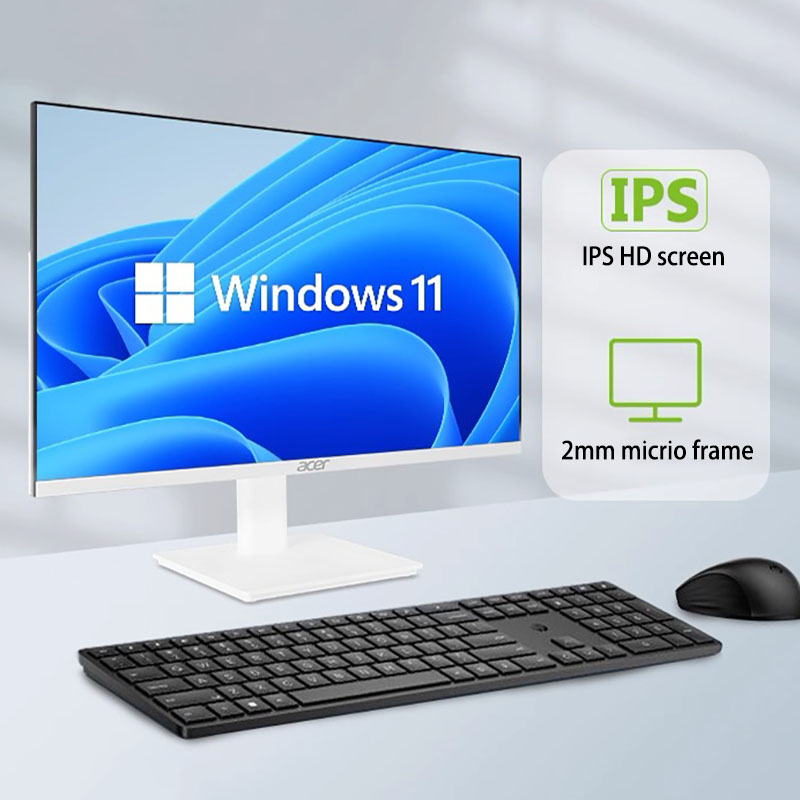
שולחנות קבלה מייצגים את נקודת הכניסה הפיזית והמקצועית לכל עסק, מה שהופך את בחירת ציוד הטכנולוגיה לנחוצה ביותר. מחשב מחשב שולחני הכל באחד הפך לפתרון המועדף לאזורי קבלה מודרניים, המשלבים פונקציונליות, אסתטיקה ויעילות מעשית ליחידת אינטגרציה אחת. בניגוד לסטים מסורתיים של מגדל וצג, מחשב שולחני אול-אין-און מפשט את עיצוב שטח העבודה תוך שמירה על הכוח החישובי הדרוש לתזמון פגישות, ניהול מבקרים ומשימות מינהליות.
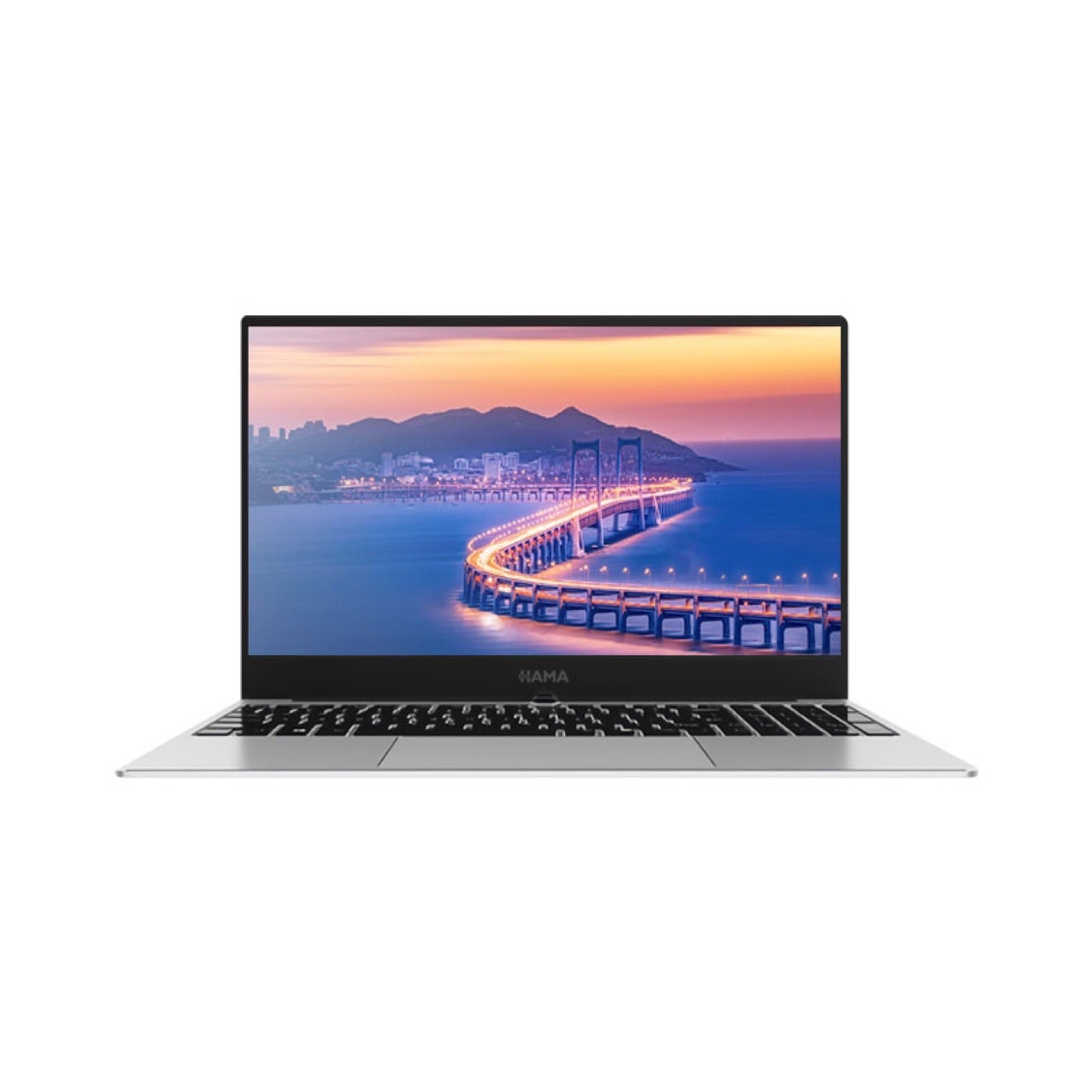
סביבות קבלה מציגות אילוצים ייחודיים במרחב ובתפעול שמביאים למתאימות יוצאת דופן של מחשב שולחני אינטגרלי. סביבות אלו בדרך כלל כוללות שולחנות קומפקטיים, תנועה רבה של אנשים, וצורך בהצגה חזותית מקצועית. העיצוב האינטגרלי של המחשב השולחני האינטגרלי מסיר את הבלגן של הכבלים, מפחית באופן דרמטי את היעד הפיזי, ויוצר סביבת עבודה נקייה ומסודרת שמעבירה רושם של כישרון ומקצועיות לכל מבקר.
יעילות בשימוש במרחב והנאה חזותית
עיצוב קומפקטי לאזורים צרים של קבלה
שולחנות הקבלה נדירים שמציעים שטח עבודה רחב. מחשב שולחני אול-אין-ואן פותר את המגבלה הזו על ידי שילוב של מסך, מעבד ואחסון ליחידה אחת חלקה. במקום לשתול מקום על השולחן עם מגדלים נפרדים, כבלים ותומכים, מחשב שולחני אול-אין-ואן מופיע כמכשיר מאוחד שדורש שטח ריבועי מינימלי. יעילות זו מאפשרת לעובדי הקבלה לשמור על תחנות עבודה מסודרות, להחזיק חומרים חיוניים בטווח יד, ולפעול בנוחות רבה יותר במהלך משמרות ממושכות.
הצגה ויזואלית מקצועית
ההindrשות הראשונות מגדילות את היחסים עם הלקוחות ואת המוניטין העסקי. מחשב שולחני מסוג 'כולל-באחד' תורם למקצועיות חזותית באמצעות המראה המודרנית והאינטגרטיבית שלו. העיצוב החסר פערים מעיד על כך שהעסק משקיע בטכנולוגיה עתירתית ופועל בקפידה רבה. בהשוואה להגדרות שולחניות מסורתיות הכוללות רכיבים מרובים וחוטים נראים, מחשב שולחני מסוג 'כולל-באחד' יוצר אסתטיקה מושלמת המתאימה לאזורים של קבלה לצורך חיזוק המותג.
ביצועים תפעוליים ואמינות
עוצמת עיבוד מספקת למשימות בקבלה
הפעלת תחנת הקבלה דורשת ביצוע עקבי של תוכנות לניהול קשרי לקוחות, מערכות לתיאום פגישות ופלטפורמות תקשורת. מחשב שולחני מסוג 'כולל-באחד' מספק מעבדים, נפח זיכרון וזיכרון אחסון שמספיקים לביצוע המשימות החיוניות הללו. דגמים מודרניים של מחשבים שולחניים מסוג 'כולל-באחד' מצוידים בכוננים חשמליים (SSD) שמאפשרים הפעלה מהירה של יישומים ויכולת ריבוי משימות – תכונות שעליהן סומכים אנשי הקבלה במהלך שעות השיא של מבקרים. העיצוב המשולב אינו פוגע בביצועי החישוב, למרות הגודל הקטן שלו.
עמידות והישג ארוך טווח
סביבות קבלה עובדות באופן רציף עם זמן מינימלי של עיכוב. מחשב שולחני אול-אין-ואן מעוצב לאמינות באמצעות ניהול תרמי משולב ומבנה רכיבים חתומים. בניגוד למחשבים מסורתיים שברכיביהם הפתוחים נוטים לאגר אבק ולקבלת כשלים בחיבורים, מחשב שולחני אול-אין-ואן שומר על ביצועים עקביים לאורך תקופות פעילות ממושכות. אמינות זו מתורגמת לצרכים מזעריים לתיקונים ולפריעות מזעריות לייצוריות.
יתרון כלכלי ויתרונות בהתקנה
עלות בעלות כוללת נמוכה יותר
רכישת יחידות מגדל נפרדות, מסכים, מקלדות והתקנים נלווים מגבירה הן את עלויות הרכישה והן את עלויות התיקון. מחשב שולחני מסוג 'כול באחד' מאחד את הרכיבים הללו להשקעה אחת בלבד, עם תמיכה סטנדרטית וכסף אחריות. הפחתת תשתית הכבלים, ציוד ההתקנה וההתקנים הנלווים מקטינה הן את ההוצאה הראשונית והן את הוצאות התיקון לטווח הארוך. עבור מתקנים המנהלים מספר אזורים של קבלה, החסכונות המצטברים מהטלת מחשב שולחני מסוג 'כול באחד' במתחמים השונים הופכים למשמעותיים וניתנים למדידה.
התקנה והגדרה מפושטות
התקנת מערכות מחשב מסורתיות דורשת כבל אינטנסיבי, חיבורי חשמל מרובים, הרכבת מסכים ותיאום תצורה. מחשב שולחני הכל-באחד מפשט תהליך זה במידה רבה. לרוב דגמים של מחשבים שולחניים הכל-באחד יש צורך רק בחיבור חשמל וגישה לרשת, מה שמאפשר triểnת מהירה גם ללא מומחיות טכנית متخصصة. פשטות זו מקצרת את זמן ההתקנה, מפחיתה שגיאות תצורה ומאפשרת לעובדי הקבלה להפוך מיידיים לייצרתיים לאחר התקנת המערכת.
התאמות לדרישות זרימת העבודה בקבלה
אקווסיסטם תוכנה גמיש
פעולות הקבלה דורשות תאימות עם פלטפורמות תוכנה עסקיות מגוונות, כולל מערכות ניהול מבקרים, יישומי תזמון ואמצעי תקשורת. מחשב שולחני מסוג 'כולל-בכל-אחד' מפעיל מערכות הפעלה סטנדרטיות התומכות בספריות תוכנה מקיפות, ומבטיח לצוותי הקבלה גישה ליישומים הנדרשים לצורך צורכי הפעילות הספציפיים שלהם. הגמישות של מחשב שולחני מסוג 'כולל-בכל-אחד' הופכת אותו למתאים לצרכים העסקיים המשתנים, ללא צורך בהחלפה מלאה של המערכת.
חיבור פריפריה והרחבה
שולחנות קבלה דורשים לעיתים קרובות חיבור לציוד נוסף, כולל מדפסות, קוראי תגים, מערכות טלפון ותחנות אבטחה. מחשב שולחני מסוג 'כולל-באחד' כולל מספר יציאות USB, חיבורי רשת ויציאות שמע לתמיכה בתשתיות ההיקפיות הללו. למרות העיצוב הקומפקטי שלו, מחשב שולחני מסוג 'כולל-באחד' מספק אפשרויות חיבור מספיקות עבור זרמי העבודה בשולחנות קבלה, ובכך מונע את המגבלות שעשויים להיות קיימות במכשירים ניידים על-סגול.
שאלה נפוצה
אילו סוגי משימות קבלה יכול מחשב שולחני מסוג 'כולל-באחד' לבצע?
מחשב שולחני אול-אין-ואן משמש בקלות לניהול תכנון פגישות, מערכות בדיקת כניסה של מבקרים, פעולות טלפון, תקשורת דוא"ל, ניהול מסמכים וקליטת נתונים בסיסית. יכולות העיבוד שלו תומכות בעשיית מספר משימות במקביל במספר יישומים בו זמנית, מה שמאפשר לצוות הקבלה לטפל בבידוקי מבקרים, בקשות מנהליות ושינויי תזמון באופן חד-זמני, ללא עיכובים בביצוע. רוב הפעולות הנדרשות מקבלה נמצאות בתוך טווח הביצועים החישובי של מודלים מודרניים של מחשבים שולחניים אול-אין-ואן.
איך מתמודד מחשב שולחני אול-אין-ואן לעומת מחשב נייד בשימוש בקבלה?
בעוד שמחשבים ניידים מציעים ניידות, מחשב שולחני אול-אין-ואן מספק מסכים גדולים יותר, מיקום נוח יותר לשימוש ממושך, ניהול תרמי טוב יותר במהלך פעילות רציפה, ארגונומיה מעולה יותר של מקלדת וצריכה נמוכה יותר של אנרגיה לכל שעה של פעילות. לסביבות קבלה סטציונריות, מחשב שולחני אול-אין-ואן מעניק יעילות ואמינות עליונות בהשוואה לחלופות הניידות. המסך הגדול מפחית את העייפות העינית במהלך משמרות ארוכות, בעוד שהמיקום הקבוע תומך בהגדרת ארגונומיה מתאימה, אשר חיונית לבריאות העובדים.
האם מחשב שולחני אול-אין-ואן יכול להתמזג עם מערכות הקבלה הקיימות?
כן, מחשב שולחני אינטגרלי מתאמה באופן חלק עם תשתיות הקבלה הקיימות, כולל מערכות טלפון, רשתות בקרת גישה ופלטפורמות לניהול מבקרים. אפשרויות החיבור הסטנדרטיות וההתאמה למערכות הפעלה פופולריות מבטיחות שמחשב שולחני אינטגרלי יפעל בתוך אקוסיסטמות הטכנולוגיה הקיימות ללא צורך בשינויים קיצוניים במערכת. מחלקות ה-IT יכולות בדרך כלל להתקין מחשב שולחני אינטגרלי בהתאם לإجراءات ההגדרה הסטנדרטיות.