 EN
EN
 AR
AR
 BG
BG
 HR
HR
 CS
CS
 DA
DA
 NL
NL
 FR
FR
 DE
DE
 EL
EL
 HI
HI
 IT
IT
 JA
JA
 KO
KO
 NO
NO
 PL
PL
 PT
PT
 RO
RO
 RU
RU
 ES
ES
 SV
SV
 TL
TL
 IW
IW
 ID
ID
 SR
SR
 SK
SK
 VI
VI
 HU
HU
 TH
TH
 TR
TR
 FA
FA
 AF
AF
 MS
MS
 SW
SW
 UR
UR
 BN
BN
 HA
HA
 KM
KM
 MN
MN
 UZ
UZ

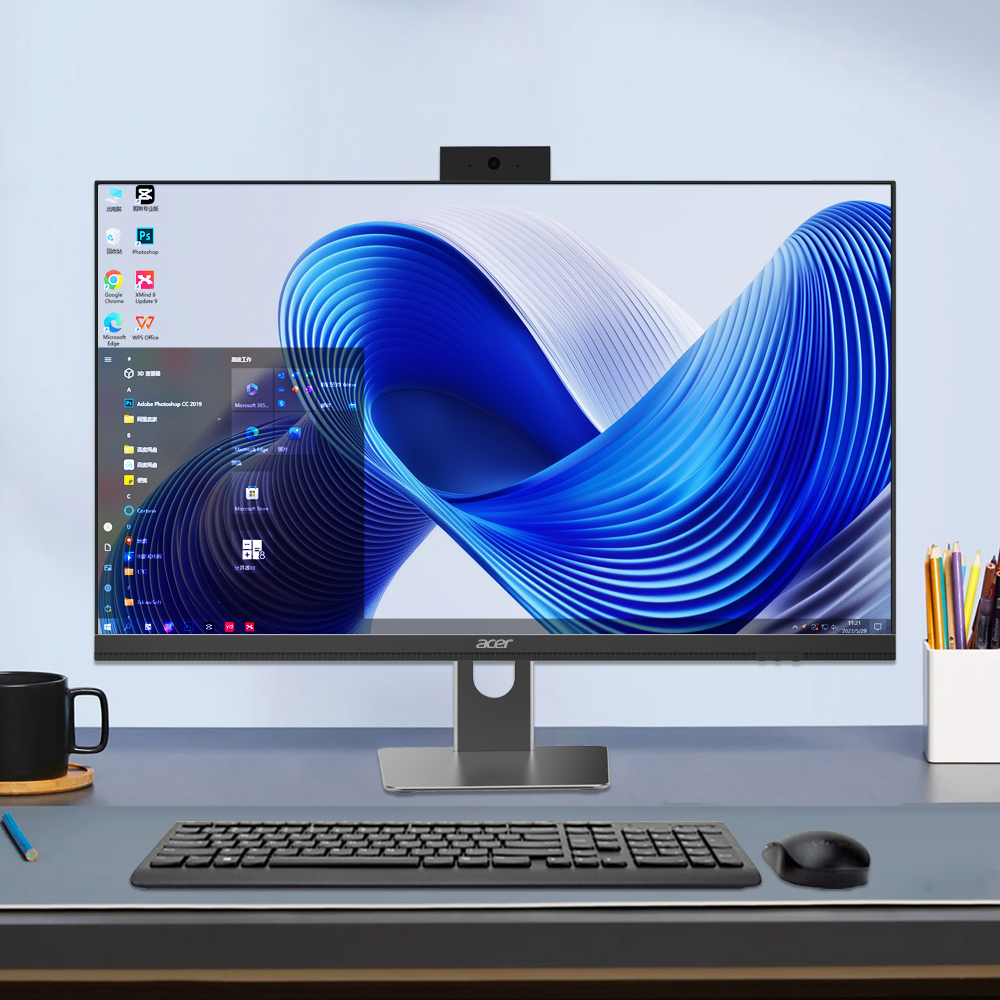
Zonele moderne de recepție reprezintă un punct critic de contact în care prima impresie influențează direct percepția clienților și eficiența operațională. Tot mai multe companii recunosc faptul că implementarea unui calculator tot-in-un în aceste zone cu trafic intens oferă avantaje măsurabile în optimizarea spațiului, experiența utilizatorului și prezentarea profesională. Un computer AIO combină puterea de procesare, funcționalitatea afișajului și eleganța designului într-un singur dispozitiv integrat, eliminând dezordinea configurațiilor tradiționale de birou, dar oferind totuși performanța necesară pentru sarcinile actuale de la recepție.
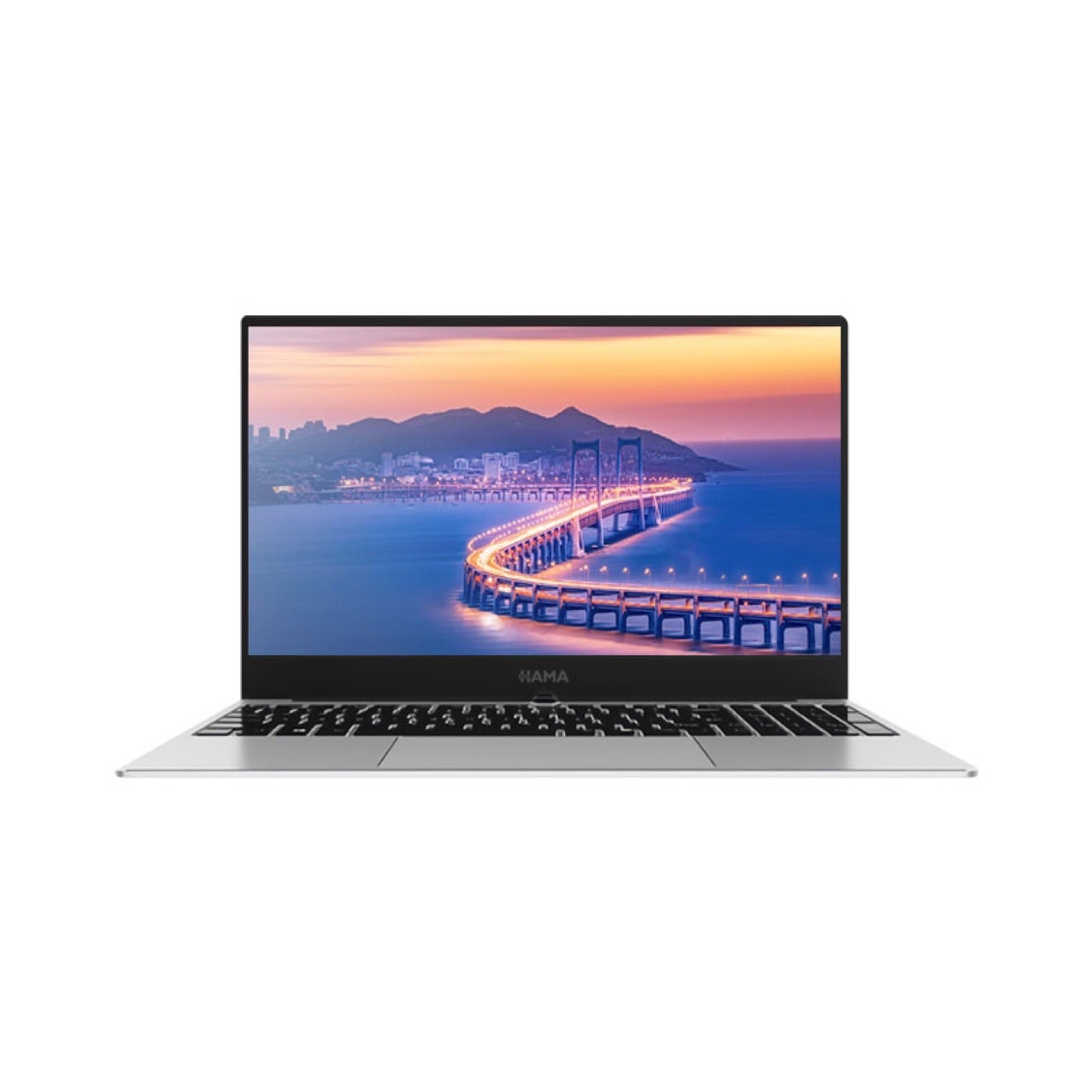
Decizia de a instala un sistem de computere AIO reflectă o schimbare mai amplă în modul în care întreprinderile abordează proiectarea spațiilor de lucru și infrastructura digitală. Personalul de recepție are nevoie de tehnologie fiabilă pentru gestionarea înregistrărilor vizitatorilor, programarea întâlnirilor, procesarea documentelor și furnizarea de informații privind orientarea în spațiu. O soluție AIO răspunde acestor cerințe operaționale, păstrând în același timp atracția estetică și reducând la minimum amprenta fizică, constituind astfel o investiție inteligentă pentru organizațiile care doresc să echilibreze funcționalitatea cu aspectul profesional.
Eficiență spațială și îmbunătățire estetică
Design compact fără compromis privind performanța
Zonele de recepție se confruntă adesea cu restricții spațiale care fac impracticabile configurațiile tradiționale cu mai multe componente. Un computer AIO elimină unitățile separate de tip tower, monitoarele, sertarele pentru tastaturi și provocările legate de gestionarea cablurilor, integrând toate componentele într-un singur factor de formă elegant. Această consolidare eliberează spațiu valoros pe birou pentru materiale administrative, facilități pentru clienți și elemente decorative care contribuie la o atmosferă prietenoasă. Companiile care implementează computere AIO în mediile de recepție raportează îmbunătățiri semnificative atât în ceea ce privește suprafața utilă de lucru, cât și organizarea vizuală generală, creând o impresie de competență modernă și sofisticare operațională.
Impact Visual Profesional
Dimensiunea estetică a alegerii unui calculator all-in-one pentru zonele de recepție nu trebuie subestimată. Vizitatorii își formează rapid judecăți despre profesionalismul companiei pe baza indiciilor din mediu, iar tehnologia vizibilă joacă un rol semnificativ în această evaluare. Un calculator all-in-one oferă o aparență unitară și modernă, care contrastează favorabil cu aranjamentele vechi de calculatoare desktop, care prezintă cabluri vizibile, mai multe dispozitive și periferice dezordonate. Designul impecabil al unui calculator all-in-one modern transmite sofisticare tehnologică și atenție la detalii, consolidând percepția pozitivă a mărcii în timpul interacțiunilor inițiale cruciale cu clienții.
Performanță operațională și fiabilitate
Îndeplinirea cerințelor fluxului de lucru din recepție
Operațiunile de recepție necesită o performanță constantă în scenarii de multitasking, inclusiv sisteme de gestionare a clienților, corespondență prin e-mail, manipularea documentelor, conferințe video și afișarea informațiilor. Un computer AIO oferă capacități de procesare, volum de RAM și performanță grafică potrivite pentru aceste cerințe operaționale simultane, fără reducerea performanței (throttling) sau compromiterea fiabilității. Organizațiile care implementează computere AIO în zonele de recepție elimină riscurile de întreruperi cauzate de sistemele desktop învechite, punând la dispoziția personalului unelte care sporesc productivitatea și reduc frustrarea utilizatorilor. Designul integrat al unui computer AIO înseamnă, de asemenea, mai puține puncte potențiale de defect comparativ cu configurațiile tradiționale care folosesc componente separate.
Securitate și protecția datelor
Zonele de recepție gestionează informații sensibile ale vizitatorilor, date privind programarea și comunicațiile companiei, necesitând o arhitectură de securitate robustă. Un computer AIO integrează caracteristici de securitate, inclusiv stocare criptată, protocoale de pornire sigură și detectare integrată a amenințărilor, care protejează datele organizației mai eficient decât sistemele învechite. Designul consolidat al unui computer AIO simplifică administrarea IT și monitorizarea securității, deoarece administratorii de sistem supraveghează un număr mai mic de dispozitive fizice care necesită actualizări regulate și verificări de conformitate. Companiile care acordă prioritate protecției datelor recunosc că implementarea unui computer AIO în zonele de recepție consolidează poziția generală de cibersiguranță, păstrând în același timp continuitatea operațională.
Avantaje strategice pentru afaceri și pentru experiența utilizatorului
Experiența vizitatorilor și funcționalitățile de auto-serviciu
Recepția modernă integrează din ce în ce mai mult elemente de auto-servire, unde vizitatorii se înregistrează electronic, își actualizează informațiile de contact și accesează independent informații privind orientarea. Un computer aio, cu ecranul său mare și răspuns rapid, precum și cu interfața intuitivă cu suport pentru atingere, facilitează eficient aceste interacțiuni. Prezența vizuală puternică și accesibilitatea unui computer aio îl fac o platformă ideală pentru afișarea informațiilor despre companie, evidențierea realizărilor și prezentarea serviciilor, în timp ce îndeplinește simultan și funcții practice la recepție. Această dublă capacitate transformă spațiile de recepție din simple zone administrative în zone de marketing și implicare care îmbunătățesc experiența generală a clienților.
Considerente despre Costuri și Mediu
Analiza bugetului favorizează adesea implementarea unui calculator all-in-one (aio) în locul sistemelor tradiționale cu mai multe componente, atunci când se evaluează costul total de proprietate pe o perioadă de mai mulți ani. Un calculator aio necesită o singură sursă de alimentare, sisteme unificate de răcire, o infrastructură minimă de cabluri și proceduri de instalare simplificate, ceea ce reduce cheltuielile legate de implementare. Modelele de consum energetic ale unui calculator aio sunt, de obicei, mai eficiente decât cele ale configurațiilor vechi de desktop, care consumă energie prin mai multe dispozitive separate. Organizațiile angajate în responsabilitatea ecologică constată că un calculator aio este aliniat cu obiectivele de sustenabilitate, datorită reducerii consumului de energie, a scăderii deșeurilor electronice și a diminuării utilizării materialelor comparativ cu configurațiile convenționale de desktop.
Întrebări frecvente
Ce sarcini specifice ar trebui să execute un calculator aio într-o zonă de recepție?
Un computer AIO din zonele de recepție gestionează sistemele de gestionare a vizitatorilor, programarea întâlnirilor, comunicațiile prin e-mail, procesarea documentelor, conferințele video și sistemele de afișare a informațiilor și de orientare. Capacitățile de performanță ale unui computer AIO susțin în mod fiabil aceste cerințe de multitasking pe întreaga durată a orelor de lucru. Personalul poate gestiona aplicații simultane fără a experimenta o scădere a performanței, asigurând un flux operațional fluid și furnizarea profesională a serviciilor către clienții și vizitatorii care sosesc.
Cum se compară un computer AIO cu configurațiile tradiționale de desktop în ceea ce privește întreținerea?
Un computer AIO simplifică procedurile de întreținere prin consolidarea componentelor în sisteme unificate care necesită verificări unice de diagnosticare și actualizări standardizate. Configurările tradiționale de desktop implică mai multe dispozitive separate, fiecare necesitând monitorizare individuală, depanare și înlocuire a pieselor. Arhitectura integrată a unui computer AIO reduce sarcina asupra suportului IT, minimizează incidentele de nefuncționare și optimizează gestionarea stocurilor pentru companiile care operează mai multe sisteme de recepție în locații sau departamente diferite.
Ce dimensiune de ecran este optimă la alegerea unui computer AIO pentru utilizare la recepție?
Majoritatea organizațiilor care implementează un computer all-in-one pentru utilizare la recepție aleg dimensiuni ale ecranului între 24 și 27 de inch, echilibrând confortul vizual al personalului cu vizibilitatea adecvată a informațiilor pentru clienții care vizitează. Dimensiunea specifică a computerului all-in-one trebuie să reflecte configurația biroului, distanța de vizionare din unghiul de abordare al clientului și faptul dacă dispozitivul va afișa conținut promoțional sau interfețe operaționale. Specificarea profesională a dimensiunilor computerului all-in-one asigură o utilizare optimă pentru personalul de la recepție, păstrând în același timp obiectivele de aspect profesional care stau la baza investiției tehnologice.