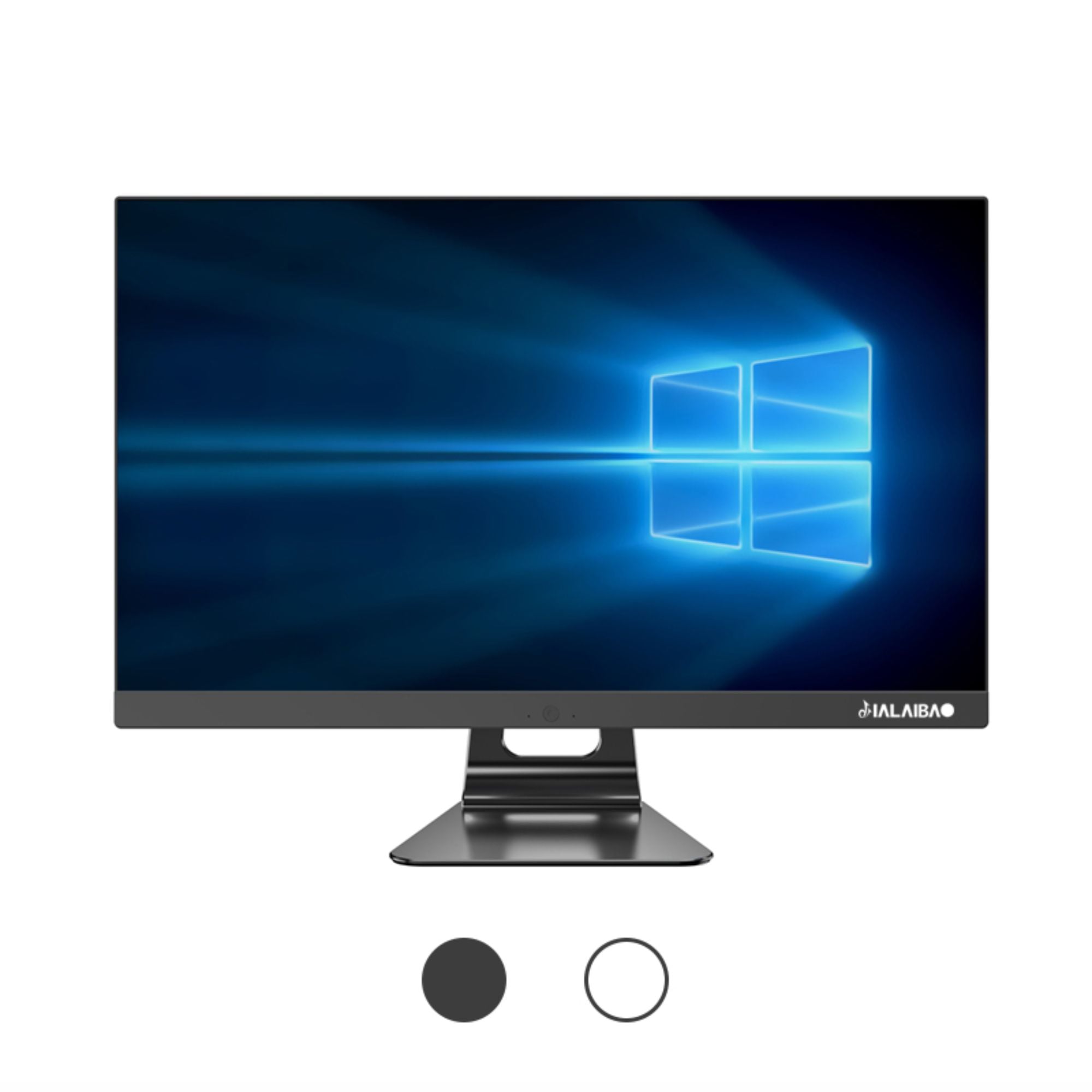
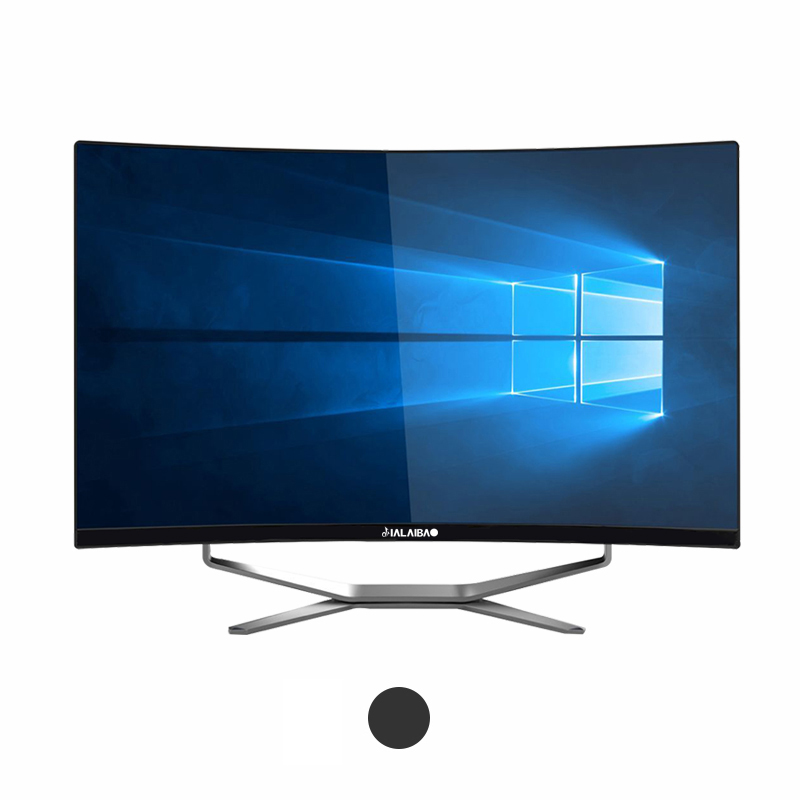
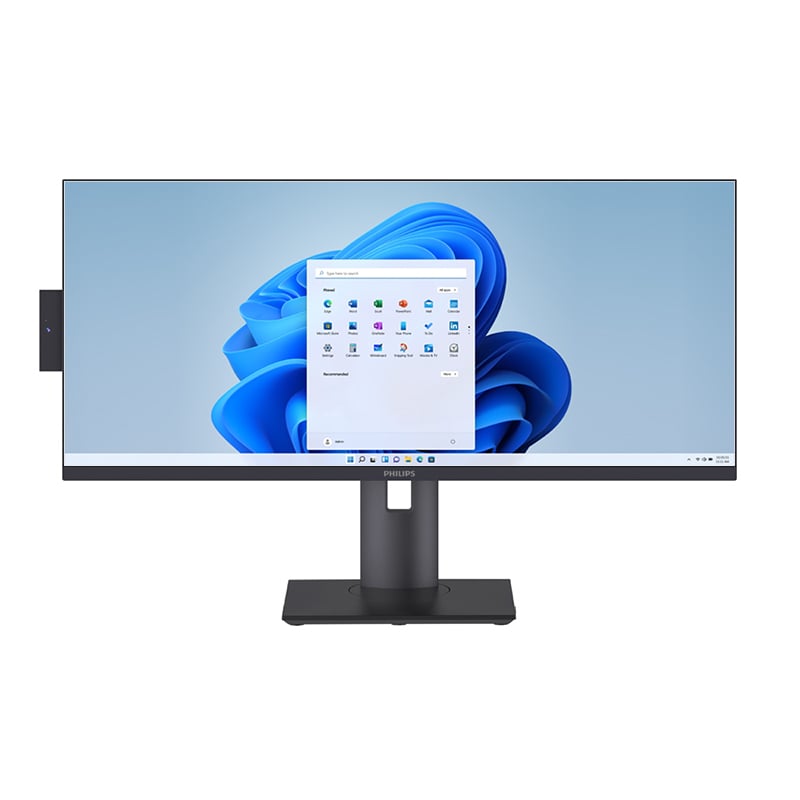
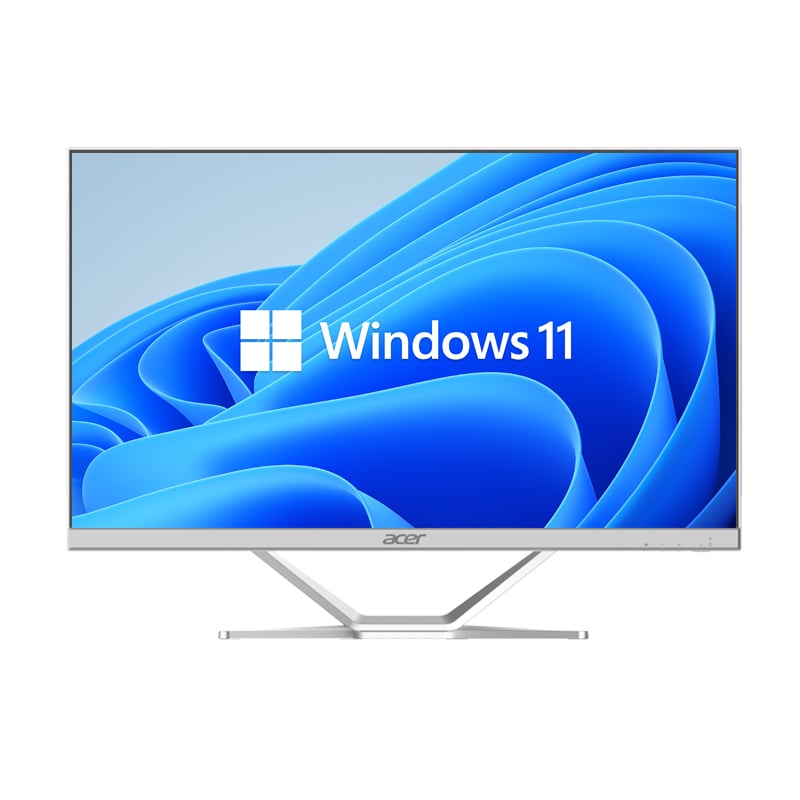
In today's fast-paced corporate environment, workspace efficiency is no longer a luxury—it's a competitive necessity. The business all-in-one desktop has emerged as a purpose-built solution designed to meet the demanding requirements of professional users who need reliable performance, clean desk organization, and seamless multitasking capability. Unlike traditional tower-and-monitor setups, this category of machine integrates computing power and display technology into a single unified unit, reducing cable clutter, conserving desk space, and simplifying IT management across entire organizations.
Understanding how a business all-in-one desktop supports professional workflows requires looking beyond the hardware specifications. It means examining how its design philosophy, connectivity options, software compatibility, and ergonomic attributes translate into measurable productivity gains for real-world business operations. Whether deployed in finance departments, healthcare administration, creative agencies, or enterprise back-office roles, the business all-in-one desktop consistently delivers a workflow experience tailored for professionals who cannot afford downtime or inefficiency.
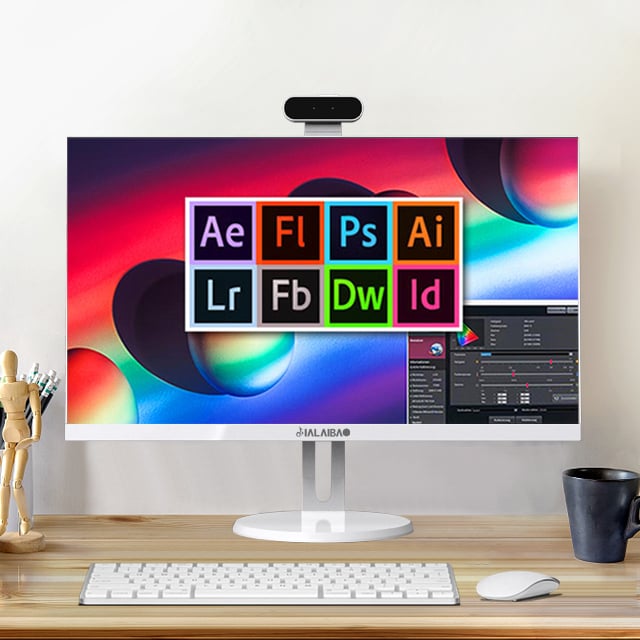
The core design advantage of a business all-in-one desktop lies in its consolidated form factor. By merging the computer unit and the display into one chassis, it eliminates the sprawling cable networks and bulky tower cases that often dominate traditional workstations. This physical consolidation directly affects how professionals interact with their workspace—fewer distractions, more room for documents, peripherals, and collaborative materials.
A cleaner physical environment has measurable cognitive benefits. Research in organizational psychology consistently links workspace organization to focused attention and reduced task-switching errors. For professionals handling multiple simultaneous projects, the streamlined footprint of a business all-in-one desktop creates the mental clarity that supports deeper, more sustained work sessions.
Beyond cleanliness, the unified design also simplifies procurement and deployment for IT administrators. A single device category with predictable dimensions and power requirements means faster rollout, easier standardization, and more consistent support across the organization. This structural predictability is a critical operational benefit in larger enterprises.
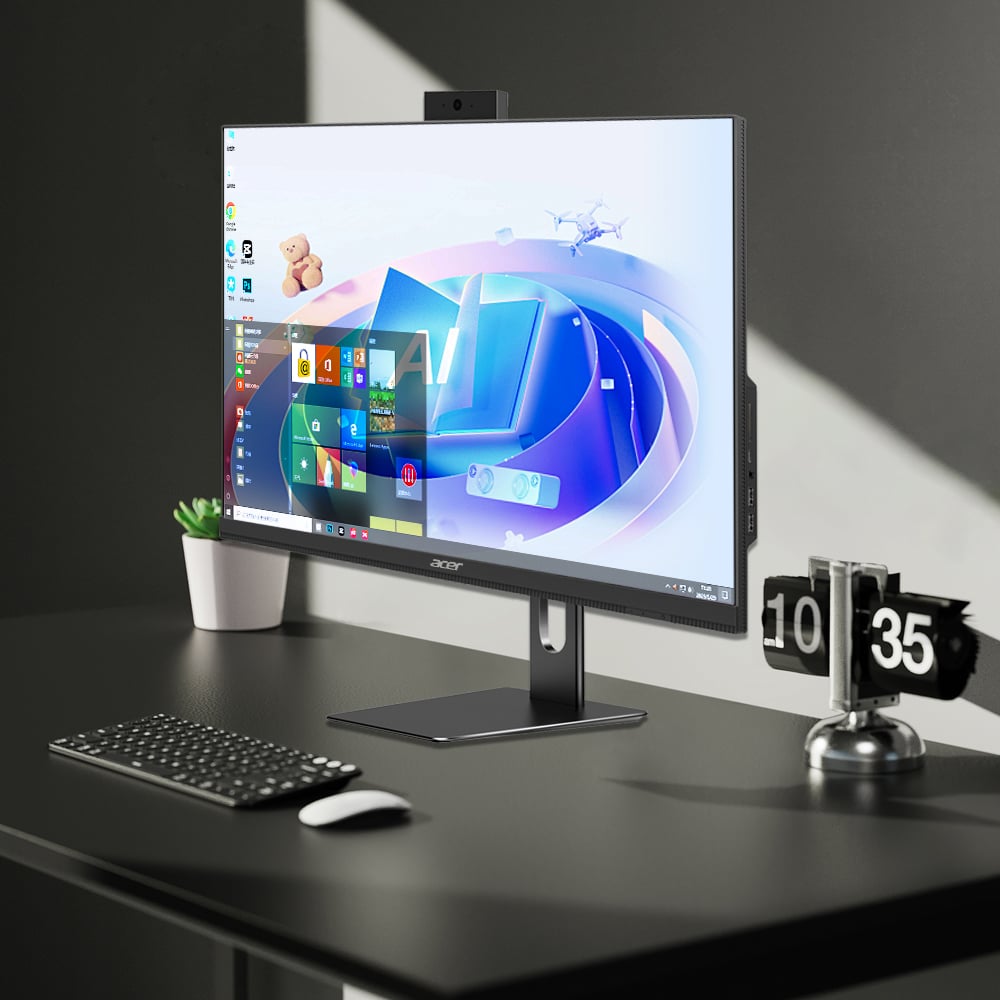
Modern business all-in-one desktop units are designed with ergonomics at the forefront. Adjustable stands, VESA-compatible mounting options, and carefully tuned display angles ensure that professionals can configure their workstation to reduce neck strain, eye fatigue, and repetitive stress injuries over long working hours.
Screen quality is another ergonomic variable that directly affects workflow quality. High-resolution panels with anti-glare coatings, accurate color reproduction, and adaptive brightness controls ensure that professionals working with data-heavy spreadsheets, design assets, or video content receive a viewing experience that supports accuracy and reduces fatigue.
When employees are physically comfortable and visually supported, their output quality increases and their error rates decline. The business all-in-one desktop achieves this by treating ergonomics not as an accessory feature but as a fundamental design pillar that shapes every workflow interaction throughout the workday.
A business all-in-one desktop built for professional environments is configured with processors and memory specifications that support the parallel demands of modern software ecosystems. Running video conferencing simultaneously with document editing, data analysis tools, and enterprise resource planning applications requires a system architecture that can allocate resources intelligently without bottlenecks.
Modern processors found in professional-grade business all-in-one desktop units feature multiple cores and advanced thread management technologies that distribute workload evenly. This architecture is particularly valuable for knowledge workers who routinely operate dozens of browser tabs, cloud-based collaboration tools, and locally installed applications at the same time without acceptable latency.
Solid-state storage further amplifies this performance profile. Fast read and write speeds mean that file retrieval, application loading, and system boot times are compressed dramatically compared to traditional mechanical hard drives. For professionals whose time is billable or deadline-driven, these seconds and minutes compound into significant productivity differences over the course of a working week.
One of the engineering challenges unique to the business all-in-one desktop form factor is thermal management. Because all components are housed within a relatively compact chassis behind the display panel, heat dissipation must be carefully engineered to prevent thermal throttling during sustained workloads.
High-quality thermal design in professional business all-in-one desktop models includes low-noise fan systems, heat pipe routing, and intelligent power management firmware that balances performance with temperature stability. This means that even during long stretches of intensive activity—such as rendering reports, processing large datasets, or running virtualized environments—the system maintains consistent output without degrading speed.
Sustained performance reliability is particularly important in professional workflows where task interruption carries business costs. An accounting professional mid-reconciliation, a logistics coordinator managing real-time shipment data, or a healthcare administrator processing records cannot afford a machine that slows dramatically under load. Proper thermal engineering in the business all-in-one desktop ensures this reliability is built in by design rather than hoped for as a variable outcome.
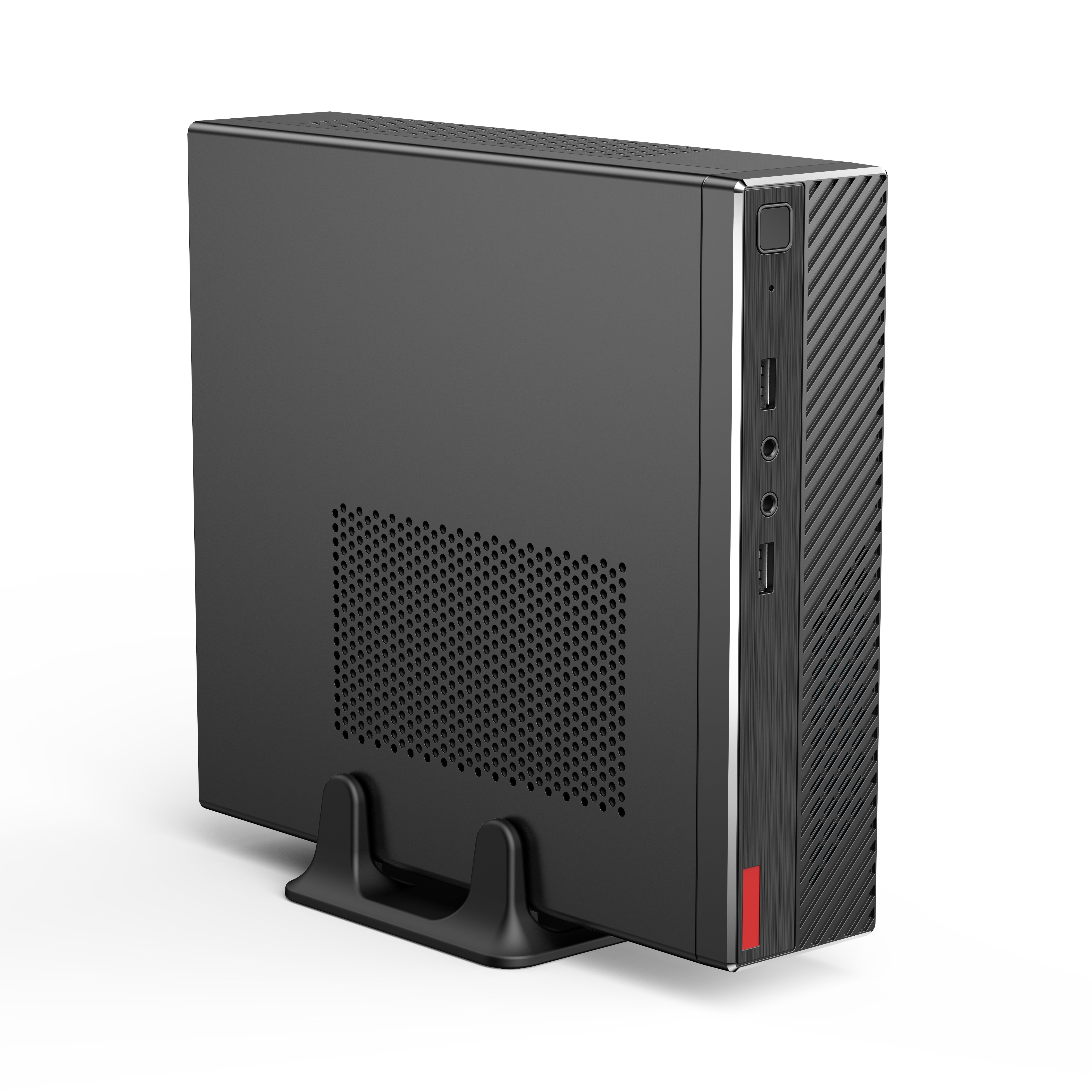
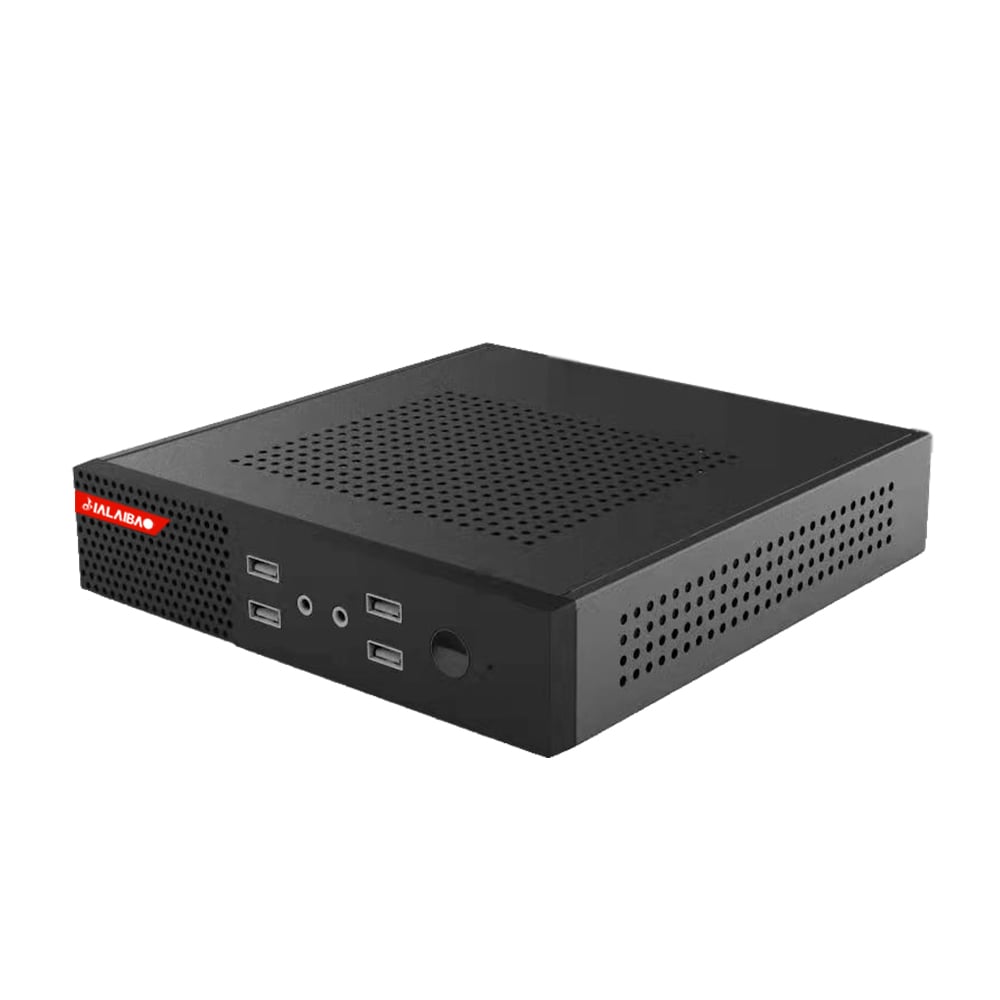
Professional workflows depend on peripheral ecosystems—keyboards, mice, external drives, barcode scanners, card readers, headsets, and more. A well-designed business all-in-one desktop addresses this by offering a comprehensive port arrangement that covers USB-A, USB-C, HDMI output, audio jack, and often SD card slots or ethernet connections in a single accessible location.
The physical placement of ports also matters in professional settings. Front-facing or side-accessible ports allow users to connect and disconnect peripherals quickly without reaching around or under the unit. This seemingly minor design choice has a practical workflow impact, especially in environments where peripheral changes occur frequently throughout the day.
High-speed data transfer support through modern USB-C or Thunderbolt-compatible ports on a business all-in-one desktop enables professionals to work with external storage volumes, connect to high-resolution secondary displays, or drive docking stations that extend their workspace into dual-screen or triple-screen configurations when project complexity demands it.
Modern professional workflows are increasingly cloud-native. Document management, communication platforms, customer relationship systems, and project management tools are all delivered via the network. For this reason, the wireless performance of a business all-in-one desktop is as critical as its processing specifications.
Wi-Fi 6 or ethernet-ready configurations ensure that the business all-in-one desktop maintains stable, high-bandwidth connections to enterprise networks and cloud infrastructure. Video calls conducted over unstable connections introduce miscommunication and delay—conditions that erode professional credibility and team efficiency. Reliable wireless architecture eliminates this as a variable in daily operations.
Bluetooth connectivity further expands the peripheral compatibility range, allowing the business all-in-one desktop to pair with wireless keyboards, mice, headsets, and presentation remotes. This wireless peripheral ecosystem keeps the desk surface clean and unencumbered, reinforcing the workspace clarity that defines the overall form factor advantage.
Data security is a foundational requirement in any professional workflow, particularly in industries subject to regulatory compliance such as finance, healthcare, legal services, and government administration. A professional-grade business all-in-one desktop is designed with security architecture that extends beyond software firewalls to include hardware-level protections.
Trusted Platform Module chips, biometric login support through fingerprint readers or facial recognition cameras, and physical security slot compatibility are common features in business-class business all-in-one desktop configurations. These capabilities ensure that unauthorized access—whether physical or digital—is difficult to achieve, protecting sensitive professional data without creating friction in legitimate user interactions.
For organizations deploying dozens or hundreds of units, the ability to enforce security policies uniformly across a fleet of business all-in-one desktop machines through centralized device management platforms is a significant operational advantage. Consistent security posture across all endpoints reduces vulnerability surface area and simplifies compliance reporting.
Enterprise IT teams benefit enormously from the remote management capabilities built into professional business all-in-one desktop platforms. Features such as out-of-band management, remote diagnostics, and centralized software deployment allow IT administrators to maintain and support systems without requiring physical access to each unit.
This remote management capability becomes especially valuable in hybrid work environments where employees rotate between office and remote settings. IT teams can push updates, enforce configurations, and troubleshoot issues on a business all-in-one desktop from a central console, ensuring that every machine in the organization is current, compliant, and performing to specification regardless of its physical location.
The combination of security depth and remote manageability makes the business all-in-one desktop not just an end-user device but a strategic IT asset. Its predictability, standardization, and enterprise tool compatibility reduce the total cost of ownership over the device lifecycle while supporting the dynamic operational requirements of growing businesses.
A business all-in-one desktop is well-suited for knowledge workers across a wide range of industries, including financial analysts, healthcare administrators, legal professionals, enterprise sales teams, and back-office operations staff. Any role that requires extended daily use of productivity software, video conferencing, data management, and document-intensive workflows will benefit from the form factor's combination of performance, ergonomics, and workspace efficiency. The device is equally effective in individual workstations and shared-use environments such as reception desks or meeting rooms.
A business all-in-one desktop consolidates the computing unit and display into a single device, eliminating the cable complexity and physical footprint of traditional tower-and-monitor configurations. While traditional setups may offer more component-level upgrade flexibility, the all-in-one format provides advantages in workspace organization, deployment consistency, and ergonomic positioning. For professional environments that prioritize clean, standardized workstations over maximum hardware customization, the business all-in-one desktop delivers a more operationally efficient solution.
Yes. Professional-grade business all-in-one desktop models are configured with processors, memory capacities, and storage speeds that support demanding business applications including ERP platforms, data visualization tools, video conferencing with background processing, and large-file document management systems. Thermal engineering in quality units ensures that this performance is sustained over extended sessions without degradation. Professionals should match their specific software requirements to the hardware tier they select to ensure optimal performance alignment.
Organizations deploying a business all-in-one desktop at scale should evaluate remote management compatibility, security feature sets, operating system support lifecycle, warranty and service terms, and peripheral standardization. Choosing a consistent hardware model across departments simplifies IT support, reduces spare parts complexity, and enables uniform policy enforcement. It is also advisable to assess power consumption and physical installation requirements—particularly VESA or desk mounting options—to ensure the deployment meets both operational and facilities standards across all locations.
 EN
EN
 AR
AR
 BG
BG
 HR
HR
 CS
CS
 DA
DA
 NL
NL
 FR
FR
 DE
DE
 EL
EL
 HI
HI
 IT
IT
 JA
JA
 KO
KO
 NO
NO
 PL
PL
 PT
PT
 RO
RO
 RU
RU
 ES
ES
 SV
SV
 TL
TL
 IW
IW
 ID
ID
 SR
SR
 SK
SK
 VI
VI
 HU
HU
 TH
TH
 TR
TR
 FA
FA
 AF
AF
 MS
MS
 SW
SW
 UR
UR
 BN
BN
 HA
HA
 KM
KM
 MN
MN
 UZ
UZ