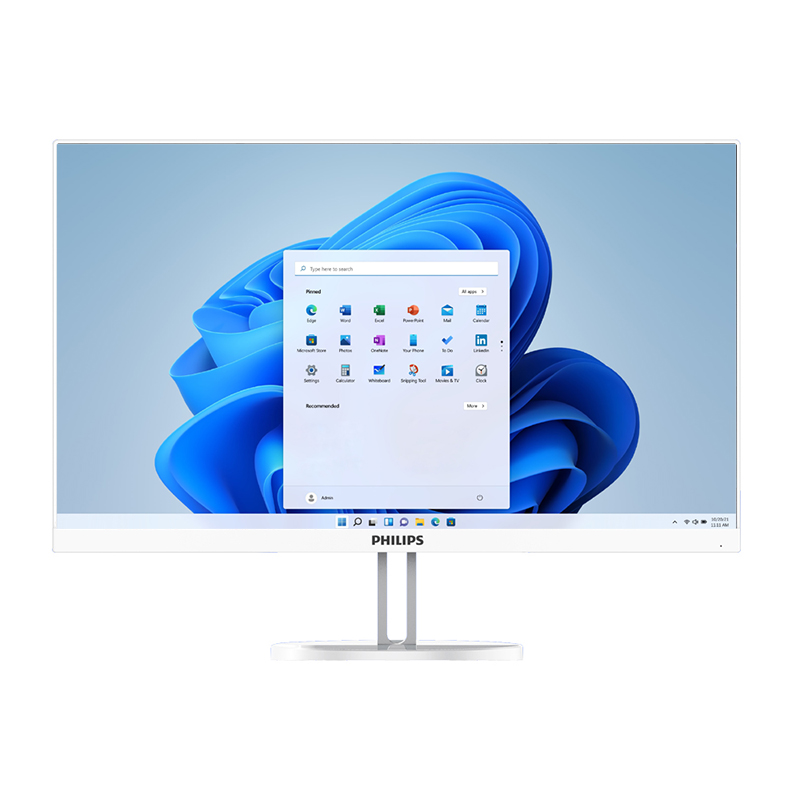
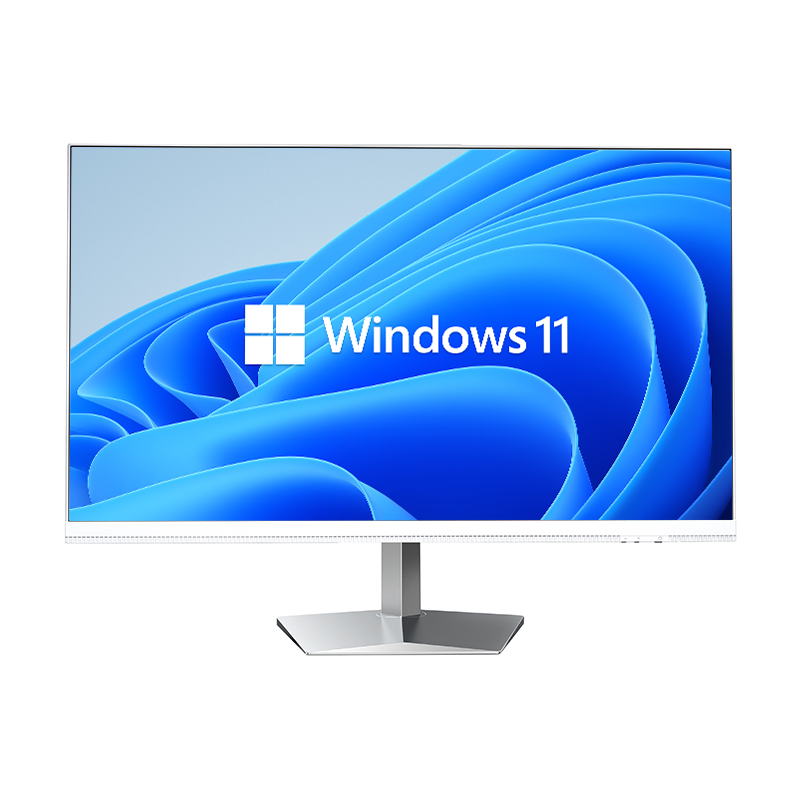
Modern offices are under constant pressure to do more with less space. As teams grow and workflows become more demanding, the physical environment of a workspace plays a surprisingly significant role in productivity, focus, and professional appearance. One of the most impactful hardware decisions a business can make is choosing an all-in-one desktop over traditional tower-and-monitor setups. This single choice can fundamentally transform how a desk looks, how cables are managed, and how efficiently a workspace functions on a daily basis.
The concept of a clean office workspace goes beyond simple aesthetics. It reflects a commitment to organized thinking, reduced distraction, and a professional environment that supports both individual performance and team collaboration. An all-in-one desktop is engineered with exactly these goals in mind, consolidating computing power, display, and connectivity into a single unified form factor that leaves desks open, uncluttered, and ready for real work. Understanding how this hardware achieves that outcome requires a closer look at its design philosophy, practical benefits, and the specific ways it reshapes the modern office environment.
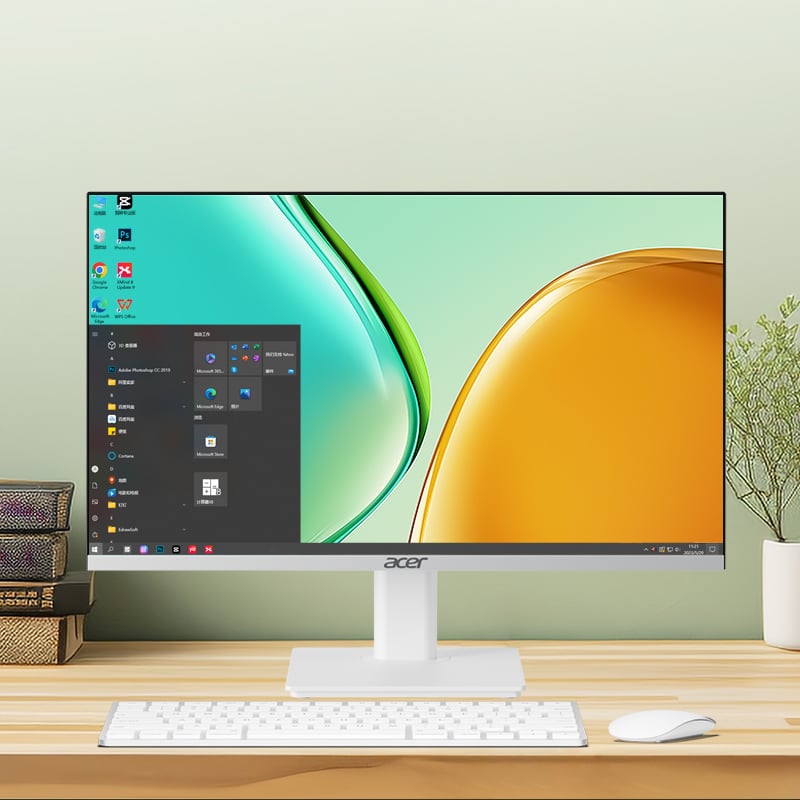
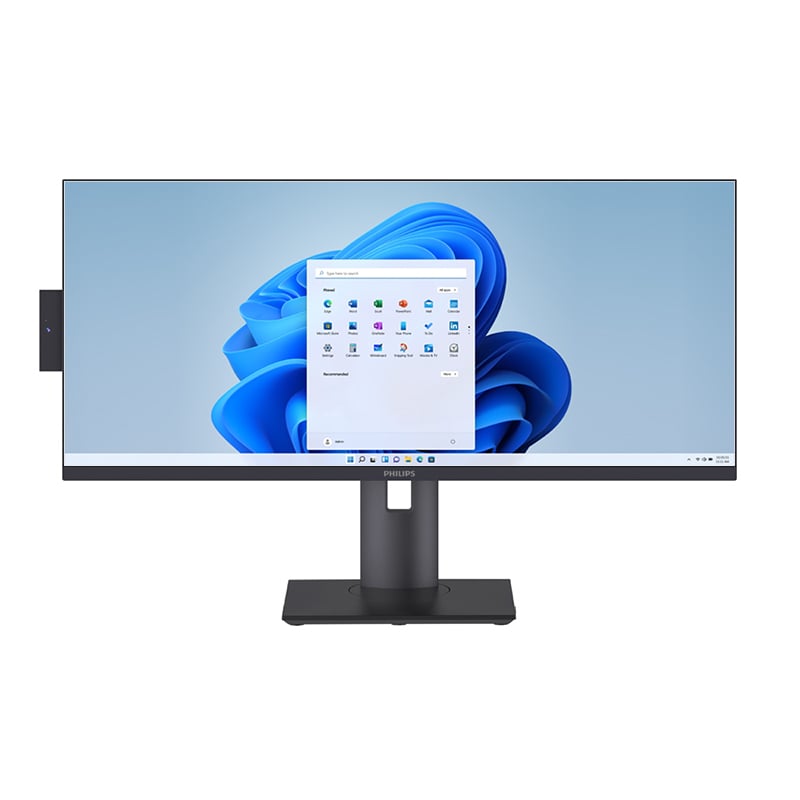
The defining characteristic of an all-in-one desktop is the integration of all computing components directly into the monitor housing. The processor, memory, storage, graphics, and display exist as a single cohesive unit rather than a collection of separate devices connected by cables. This consolidation is not simply a cosmetic decision — it is a fundamental engineering approach that eliminates the physical sprawl associated with conventional desktop setups.
In a traditional workstation, the tower sits on or under the desk, the monitor sits on top, and a web of power cables, data cables, and peripheral connections runs between them. An all-in-one desktop removes the tower entirely. The result is a desk surface that is dramatically cleaner, with far fewer cables competing for space and attention. For offices where visual order matters — client-facing environments, executive suites, collaborative open-plan floors — this difference is immediately visible and professionally meaningful.
The consolidation principle also simplifies IT management. Fewer physical components mean fewer points of failure, fewer devices to track in an asset inventory, and a more straightforward setup and teardown process when workstations need to be reconfigured or relocated. For facilities managers and IT teams, this translates into real operational efficiency.
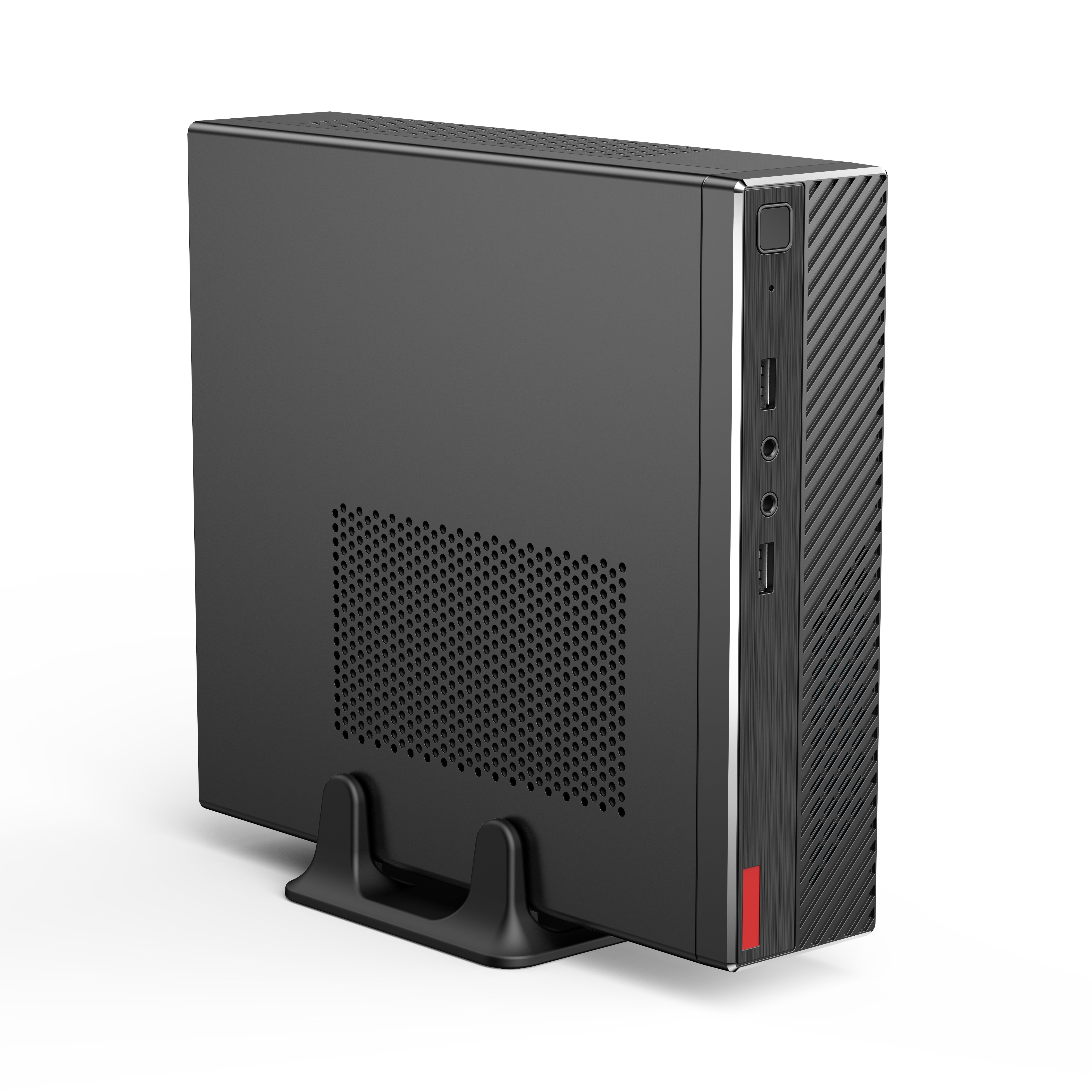
An all-in-one desktop typically features a slim, upright profile that occupies a fraction of the footprint required by a tower-and-monitor combination. The depth of the unit is minimal, and the stand is designed to hold the screen at an ergonomic angle without requiring additional mounting hardware or desk real estate. This spatial efficiency is particularly valuable in high-density office environments where every square centimeter of desk space has a cost.
When desks are not cluttered with hardware, employees have more usable surface area for documents, notebooks, secondary devices, and the physical tools of their work. This practical expansion of workspace contributes directly to comfort and productivity. Studies in workplace ergonomics consistently show that physical clutter increases cognitive load, and reducing that clutter through thoughtful hardware choices has measurable benefits for focus and output quality.
The slim profile of an all-in-one desktop also makes it easier to implement consistent desk layouts across an office floor. When every workstation uses the same form factor, the visual coherence of the environment improves, and the office projects a more organized, professional image to visitors, clients, and new employees alike.
Cable clutter is one of the most persistent challenges in office environments. Even with dedicated cable management trays and clips, a traditional desktop setup generates a significant number of cables: power for the tower, power for the monitor, video signal cable, USB connections, audio cables, and network cables. Managing all of these in a way that keeps the desk clean requires ongoing effort and discipline.
An all-in-one desktop addresses this problem at the source rather than through after-the-fact management. Because the display and computing unit are integrated, the video signal cable between tower and monitor is eliminated entirely. Power is typically delivered through a single cable or a compact adapter. The number of cables running across or under the desk drops dramatically, and the remaining connections are easier to route cleanly because there are fewer of them.
For organizations that enforce a clean desk policy — common in financial services, legal, healthcare, and other regulated industries — the all-in-one desktop is a natural fit. It makes compliance with clean desk standards easier to achieve and maintain without requiring employees to spend time managing hardware at the end of each workday.
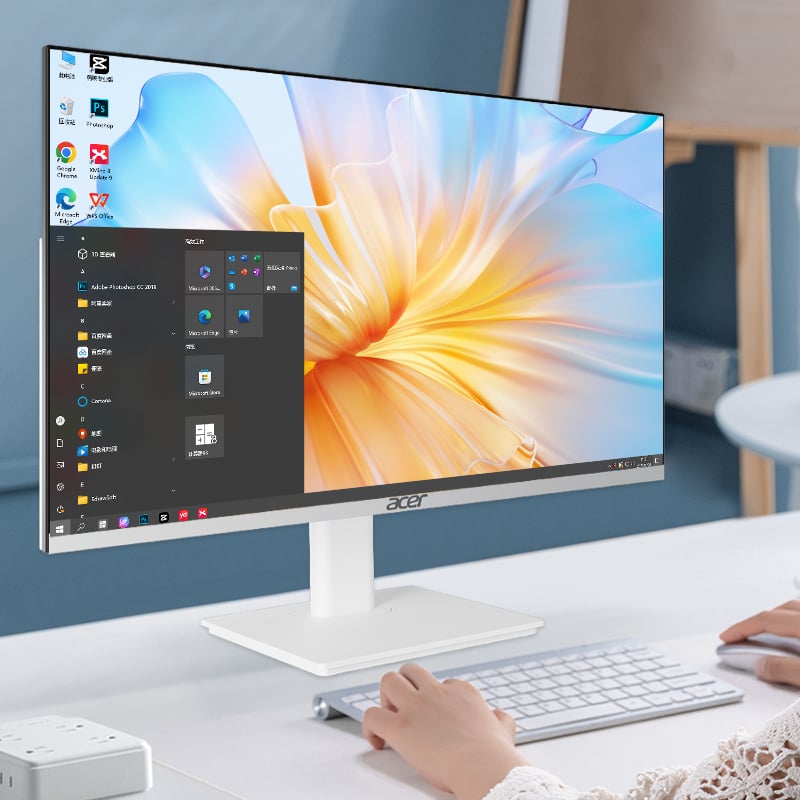
Modern all-in-one desktop units are designed to work seamlessly with wireless peripherals. Keyboards, mice, and even external speakers can connect via Bluetooth or compact USB receivers, eliminating the last remaining cables from the desk surface. When combined with the integrated display and single-power-cable design of the all-in-one desktop itself, a fully wireless peripheral setup creates a workstation that is as close to cable-free as current technology allows.
This wireless-first approach aligns well with the expectations of contemporary office workers, who are accustomed to the freedom and simplicity of wireless devices in their personal lives. Bringing that same simplicity to the professional workstation reduces friction, improves desk ergonomics, and supports the clean, uncluttered aesthetic that modern office design prioritizes.
The practical benefit extends to shared workspaces and hot-desking environments. When an employee sits down at a workstation equipped with an all-in-one desktop and wireless peripherals, the setup process is minimal. There are no cables to connect, no tower to power on separately, and no display settings to adjust. The workstation is ready to use immediately, which supports the flexible, agile working patterns that many organizations are now adopting.
Open-plan offices present unique challenges for hardware management. When dozens of workstations are visible from any point on the floor, the cumulative visual impact of cable clutter, mismatched hardware, and inconsistent desk layouts can make the entire environment feel chaotic. An all-in-one desktop provides a consistent, clean visual baseline that scales well across large open-plan floors.
In collaborative spaces where employees move between workstations or gather around shared screens, the compact form factor of an all-in-one desktop is particularly advantageous. The screen can be positioned and repositioned easily, and the absence of a tower means there is no bulky hardware to work around when multiple people need to view the display simultaneously. This physical flexibility supports the spontaneous, collaborative working styles that open-plan environments are designed to encourage.
The visual consistency achieved by deploying all-in-one desktop units across an open floor also contributes to brand perception. When clients or partners visit the office, a clean, uniform workstation environment communicates professionalism, attention to detail, and organizational discipline — qualities that matter in B2B relationships.
In executive offices and client-facing environments, the appearance of the workspace carries significant weight. An all-in-one desktop fits naturally into these settings because its design language is inherently premium and unobtrusive. The clean lines, slim profile, and absence of visible hardware clutter align with the high-end aesthetic that executive and client-facing spaces require.
For reception desks, meeting rooms, and presentation spaces, the all-in-one desktop offers a practical advantage beyond aesthetics. Its compact footprint leaves more of the desk or table surface available for documents, devices, and the physical materials of a meeting. The display can serve as a presentation screen, a reference tool, or a communication interface without requiring additional hardware or complex setup.
The professional impression created by a well-configured all-in-one desktop in a client-facing environment is difficult to replicate with traditional tower setups. When every element of the workspace is intentional and organized, it signals to clients that the organization values quality, efficiency, and attention to detail — attributes that build trust and reinforce business relationships.
Deploying an all-in-one desktop across an office environment is straightforward compared to traditional desktop configurations. The reduced number of components means faster setup times, simpler cable routing, and fewer variables for IT teams to manage during installation. When a workstation needs to be moved, the process involves unplugging a single power cable and lifting a single unit rather than disassembling and reassembling a multi-component system.
Maintenance is similarly simplified. With fewer physical components and a more contained hardware architecture, diagnosing and addressing hardware issues is more efficient. IT support staff can assess the condition of an all-in-one desktop quickly, and replacement or upgrade cycles are easier to plan and execute at scale. For organizations managing large numbers of workstations, this operational simplicity translates into meaningful cost and time savings over the lifecycle of the hardware.
Power consumption is another practical consideration. An all-in-one desktop typically draws less power than a comparable tower-and-monitor combination because the integrated design allows for more efficient power delivery and thermal management. For organizations with sustainability goals or energy cost targets, this efficiency advantage is a relevant factor in hardware procurement decisions.
A clean, uncluttered workspace is not just visually appealing — it has a direct impact on employee wellbeing and performance. Research in environmental psychology consistently links physical order with reduced stress, improved focus, and higher job satisfaction. By choosing an all-in-one desktop as the foundation of the workstation, organizations make a hardware decision that supports these wellbeing outcomes without requiring additional investment in workspace redesign.
The ergonomic design of most all-in-one desktop units also contributes to physical comfort. Adjustable stands allow employees to set the screen at the correct height and angle for their posture, reducing neck and eye strain over long working sessions. The absence of a tower on or under the desk also improves leg room and freedom of movement, which matters for employees who spend extended periods at their workstations.
When employees feel comfortable and organized in their physical environment, they are better positioned to focus on their work. The all-in-one desktop supports this by removing the low-level friction of cable management, hardware clutter, and spatial constraints that can accumulate into significant daily irritants over time.
For the vast majority of office tasks — document creation, email, video conferencing, data analysis, and web-based applications — an all-in-one desktop delivers fully comparable performance to a traditional tower. Modern all-in-one desktop units are equipped with capable processors, sufficient RAM, and fast storage that meet the demands of professional office workflows without compromise. For highly specialized tasks such as intensive 3D rendering or large-scale data processing, requirements should be evaluated against specific hardware specifications.
An all-in-one desktop reduces cable complexity significantly by eliminating the video signal cable between tower and monitor and consolidating power delivery into a single connection. When paired with wireless peripherals, the workstation can operate with minimal visible cabling. This makes it much easier to maintain a clean desk standard across shared workspaces and hot-desking environments, where consistent presentation and quick setup are important operational requirements.
Yes. The compact, self-contained form factor of an all-in-one desktop makes it well suited to hot-desking and flexible office arrangements. The unit is easy to configure consistently across multiple workstations, and the minimal cable setup means employees can sit down and begin working quickly without needing to connect multiple devices. This supports the agile, flexible working patterns that many modern organizations are adopting as standard practice.
Key considerations include display size and resolution relative to the tasks employees perform, processing power and memory capacity for the organization's specific software requirements, connectivity options such as USB ports and wireless capabilities, stand adjustability for ergonomic compliance, and the vendor's support and warranty terms for business customers. Evaluating these factors against the organization's workflow needs and workspace design goals will ensure that the all-in-one desktop chosen delivers both the performance and the clean workspace benefits the organization is seeking.
 EN
EN
 AR
AR
 BG
BG
 HR
HR
 CS
CS
 DA
DA
 NL
NL
 FR
FR
 DE
DE
 EL
EL
 HI
HI
 IT
IT
 JA
JA
 KO
KO
 NO
NO
 PL
PL
 PT
PT
 RO
RO
 RU
RU
 ES
ES
 SV
SV
 TL
TL
 IW
IW
 ID
ID
 SR
SR
 SK
SK
 VI
VI
 HU
HU
 TH
TH
 TR
TR
 FA
FA
 AF
AF
 MS
MS
 SW
SW
 UR
UR
 BN
BN
 HA
HA
 KM
KM
 MN
MN
 UZ
UZ