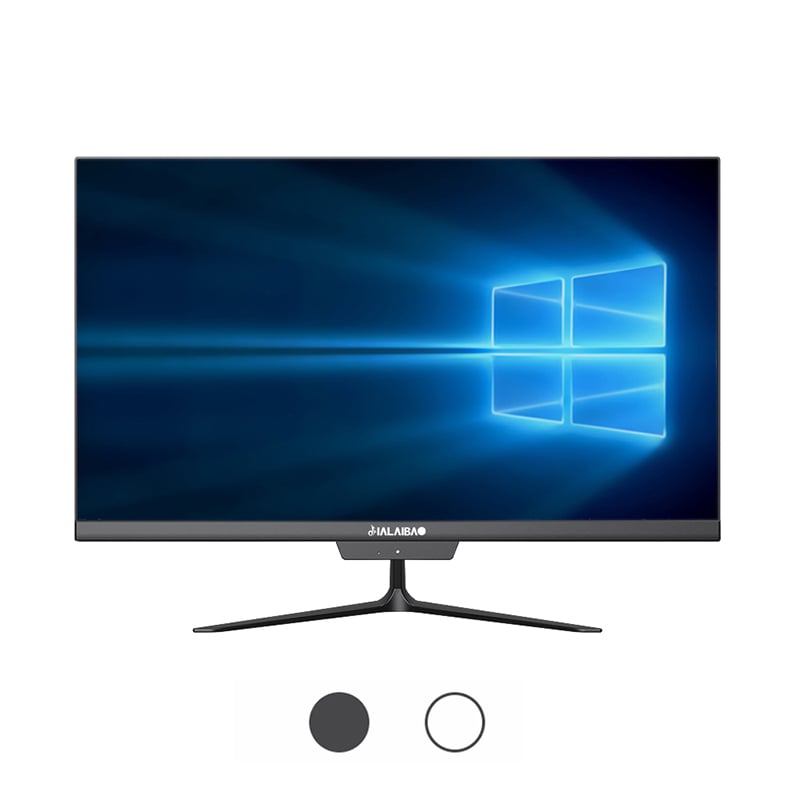
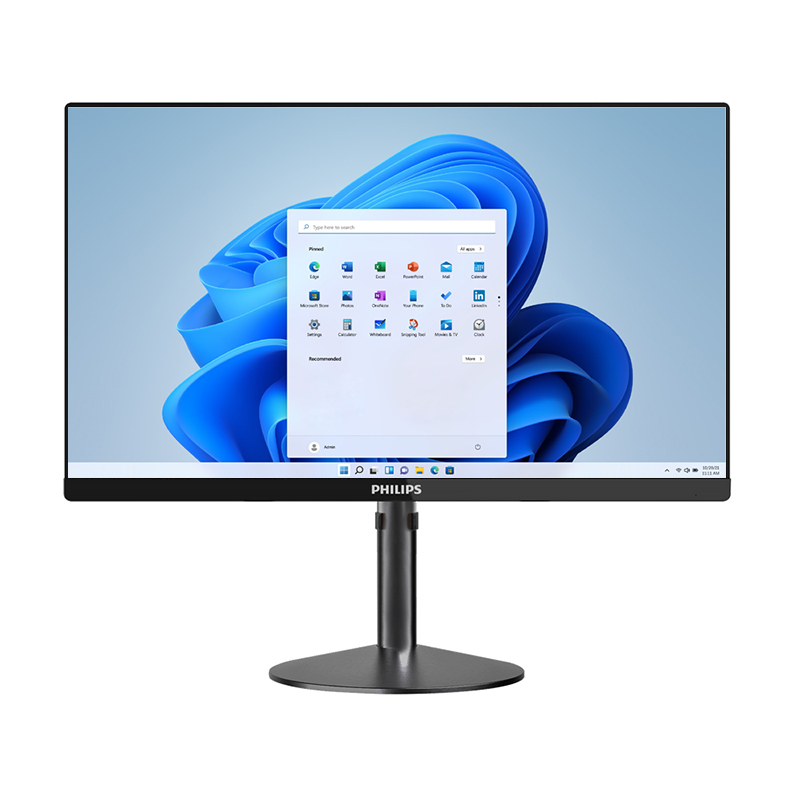
In modern professional environments, the demand for computing solutions that balance power, space efficiency, and clean aesthetics has never been greater. The all-in-one desktop has emerged as a compelling answer to these demands, combining the processing capability of a traditional tower PC with the sleek, integrated form factor of a monitor-based design. For businesses looking to equip professional workstations without sacrificing desk space or visual order, this category of machine offers a genuinely practical case worth examining in depth.
Understanding why the all-in-one desktop suits professional workstations requires looking beyond surface-level convenience. It involves analyzing how the hardware architecture supports intensive workflows, how the design philosophy aligns with business productivity, and how practical considerations such as deployment, maintenance, and scalability play out in real enterprise contexts. This article breaks down each of these dimensions to give decision-makers a clear-eyed view of what this computing format genuinely offers.
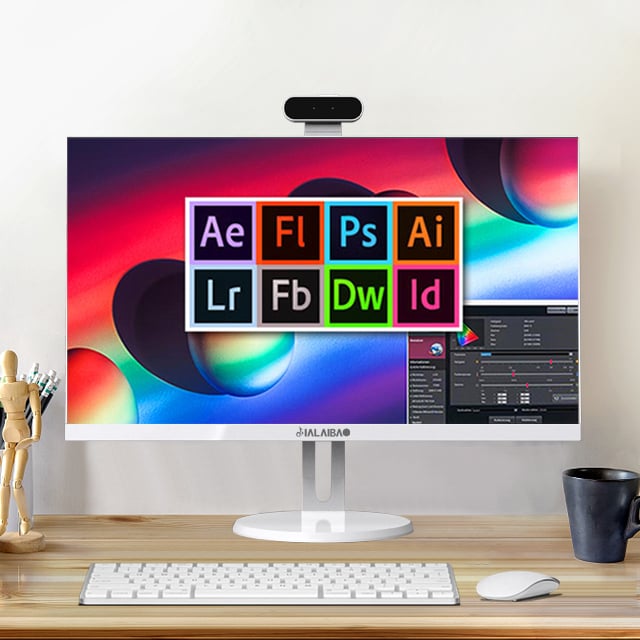
A common misconception is that the all-in-one desktop trades performance for compactness. In professional-grade models, this is rarely the case. Modern all-in-one desktops are engineered with the same processor families, RAM capacities, and storage tiers found in conventional tower workstations. Multi-core CPUs, dedicated graphics processing units, high-speed NVMe SSDs, and support for large memory configurations are now standard features in business-class all-in-one systems.
What sets the all-in-one desktop apart architecturally is the thermal design. Engineers have developed sophisticated passive and active cooling solutions that keep critical components running at sustained performance levels without the bulk of traditional chassis designs. For professionals running data analysis software, design applications, or enterprise resource platforms, this means the machine can hold its performance envelope throughout a full workday without thermal throttling becoming a limiting factor.
This architecture is directly relevant for workstation environments because professional software demands consistency, not just peak performance. An all-in-one desktop that maintains stable clock speeds under load is far more valuable in a professional context than a system capable of brief performance spikes followed by thermal limitation.
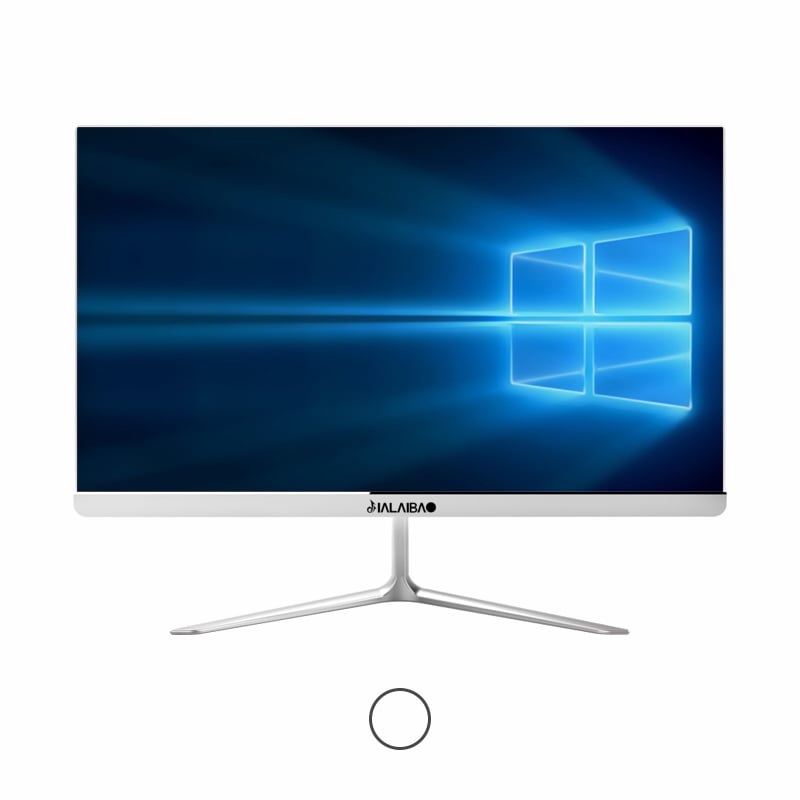
One of the most underappreciated aspects of the all-in-one desktop in a professional context is the deep integration between the display and the computing unit. Because both components are engineered together, the display calibration, color accuracy, and pixel density can be matched precisely to the machine's output capabilities. This is particularly significant for professionals in graphic design, medical imaging, architectural visualization, and content production.
The all-in-one desktop eliminates the interface uncertainty that arises when pairing third-party monitors with separate tower units. Signal latency, color profile mismatches, and cable management complications are all reduced or eliminated. In a professional workstation environment where visual accuracy matters, this tighter integration translates directly into fewer errors and faster turnaround on visually critical tasks.
Additionally, many all-in-one desktop models at the professional tier offer high-resolution panels with factory calibration, touch functionality, and wide color gamut coverage. These are not luxury additions but practical tools that directly support the precision workflows common in professional settings.
In any professional office or facility, physical workspace is a resource with real economic value. The all-in-one desktop is specifically designed to occupy minimal desk or counter space while delivering full workstation-level performance. The elimination of a separate tower, the reduction of power bricks and cables, and the consolidation of components behind the screen all contribute to a meaningfully smaller physical footprint.
For organizations deploying dozens or hundreds of workstations, the spatial savings achieved by adopting an all-in-one desktop approach are cumulative and significant. In open-plan offices, collaborative workspace designs, or high-density environments like trading floors, healthcare facilities, and architectural studios, compact workstation formats are not merely aesthetic preferences but operational necessities.
The all-in-one desktop also tends to have fewer cables entering and exiting the workstation, which reduces clutter that could otherwise impede movement, create tripping hazards, or complicate cleaning and maintenance routines. In regulated environments such as cleanrooms, food production facilities, or clinical settings, cable reduction is not a convenience but a compliance consideration.
Setting up a professional workstation with a traditional tower configuration involves coordinating multiple components, managing driver compatibility across different hardware vendors, and handling substantial cabling. The all-in-one desktop simplifies this process significantly. Because all core components are factory-assembled and pre-tested as a unified system, deployment time is shorter and the likelihood of configuration errors is reduced.
For IT departments responsible for large-scale workstation rollouts, this is a meaningful operational advantage. The all-in-one desktop can be imaged, configured, and deployed faster than equivalent tower-based setups. When workstation reconfiguration is required due to office reorganization or role changes, the all-in-one desktop is also easier to relocate — one unit, one power connection, and a minimal set of peripheral cables to manage.
This deployment efficiency has a direct impact on total cost of ownership. While the upfront unit cost of a professional all-in-one desktop may be comparable to or slightly higher than a tower equivalent, the reduced deployment labor, simpler logistics, and lower infrastructure overhead often result in favorable cost calculations over the full lifecycle of the equipment.
Professional applications in fields such as engineering, financial modeling, biomedical research, and digital content creation often carry specific hardware requirements or certification programs. Many all-in-one desktop models at the business and professional tier are certified for compatibility with major enterprise software platforms. This means the hardware has been tested and approved by software vendors to ensure stable, reliable performance under real workload conditions.
Achieving these certifications requires that the all-in-one desktop meet stringent requirements for memory stability, GPU compute accuracy, driver reliability, and sustained performance consistency. Procurement teams evaluating workstation upgrades or new deployments should view these certifications as meaningful quality markers rather than marketing labels. They represent real engineering investment in verification and validation.
The availability of such certifications in all-in-one desktop configurations confirms that the form factor has matured to the point where it is taken seriously not just by consumer markets but by professional software ecosystems that have demanding accuracy and stability requirements.
A professional workstation rarely operates in isolation. It must connect to printers, external storage arrays, specialized input devices, digitizing tablets, secondary displays, and network infrastructure. A well-designed all-in-one desktop addresses this through a thoughtfully designed connectivity suite, including multiple USB-A and USB-C ports, Thunderbolt interfaces, SD card readers, and Ethernet ports.
The all-in-one desktop in a professional context must also support dual or multi-display configurations for users who require extended screen real estate. Most business-grade all-in-one desktops now include video output ports that allow a secondary monitor to be added seamlessly, effectively extending the workstation's visual workspace beyond the integrated display.
This connectivity breadth means that adopting an all-in-one desktop for professional workstations does not require compromising on the peripheral ecosystem the user depends on. The form factor accommodates the full range of professional attachments without requiring adapters or docking stations in most cases.
One concern raised about the all-in-one desktop in professional settings is repairability and component upgradeability. This is a legitimate consideration, and it must be evaluated honestly. Business-grade all-in-one desktops are typically designed with serviceable components — RAM upgrades, storage expansions, and battery replacements are possible in most professional-tier models, though internal access requires more careful handling than tower units.
For enterprise deployments, manufacturers of professional all-in-one desktop systems typically offer on-site service agreements, advance hardware replacement programs, and dedicated support channels. These service models are specifically designed for business environments where workstation downtime has measurable productivity and financial consequences. When evaluated as part of a total support package, the all-in-one desktop's service story is entirely adequate for professional use.
Organizations that require maximum internal repairability may find the tower format more accommodating, but for the large majority of professional workstation use cases — office productivity, design work, financial analysis, healthcare administration — the all-in-one desktop provides sufficient maintainability within a structured service agreement framework.
When evaluating whether the all-in-one desktop is suitable for professional workstations, total cost of ownership is a critical dimension. Purchase price is only one component of this calculation. Energy consumption, physical space cost, deployment labor, peripheral purchases, and support costs all factor into the true economic picture of any workstation investment.
The all-in-one desktop typically has lower power consumption than a tower-plus-monitor configuration providing equivalent performance. Fewer components, more efficient thermal design, and integrated display management all contribute to reduced energy draw. Over a multi-year deployment lifecycle, this difference in energy consumption accumulates into meaningful cost savings for large deployments.
When all cost factors are considered together, the all-in-one desktop often presents a favorable total cost of ownership profile for organizations deploying professional workstations at scale. The combination of space savings, deployment efficiency, energy economy, and integrated support options creates an economic case that justifies the format not just on aesthetic grounds but on practical financial grounds.
Yes, professional-grade all-in-one desktop systems are equipped with high-performance multi-core processors, dedicated graphics cards, and fast NVMe storage that can handle demanding applications including CAD, 3D rendering, and video editing. The key is selecting a model specifically positioned for professional or workstation use rather than a consumer-tier all-in-one desktop.
The all-in-one desktop is well-suited to shared workstation environments. Its compact and self-contained design makes it easy to keep workstations clean, reconfigure layouts, and manage multiple units. Enterprise models also support multiple user profiles and network-based configuration management, making shared deployment straightforward to administer.
The all-in-one desktop offers more limited internal upgrade options compared to a traditional tower, but business-grade models typically allow RAM and storage upgrades. For organizations on a structured hardware refresh cycle, the all-in-one desktop's upgrade limitations are rarely a practical barrier, as the full unit is replaced at the end of the service life rather than upgraded piecemeal.
Business-class all-in-one desktop models commonly feature high-resolution IPS or OLED panels with accurate color reproduction, wide viewing angles, and factory calibration. These specifications are designed to meet the requirements of professional workflows involving visual accuracy. Many models also support touch input and stylus compatibility for design-intensive professional tasks.
 EN
EN
 AR
AR
 BG
BG
 HR
HR
 CS
CS
 DA
DA
 NL
NL
 FR
FR
 DE
DE
 EL
EL
 HI
HI
 IT
IT
 JA
JA
 KO
KO
 NO
NO
 PL
PL
 PT
PT
 RO
RO
 RU
RU
 ES
ES
 SV
SV
 TL
TL
 IW
IW
 ID
ID
 SR
SR
 SK
SK
 VI
VI
 HU
HU
 TH
TH
 TR
TR
 FA
FA
 AF
AF
 MS
MS
 SW
SW
 UR
UR
 BN
BN
 HA
HA
 KM
KM
 MN
MN
 UZ
UZ