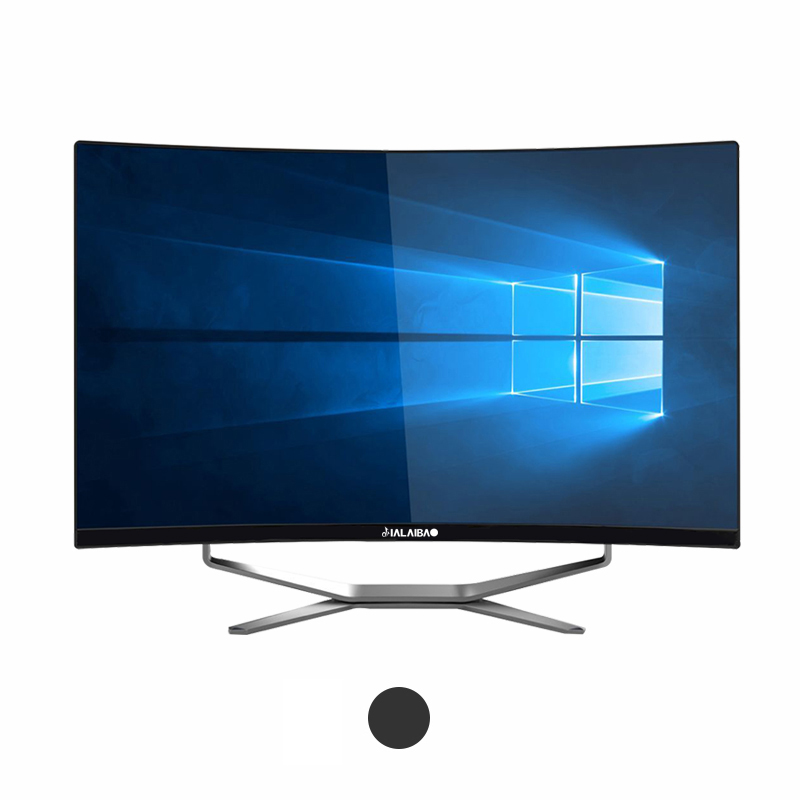
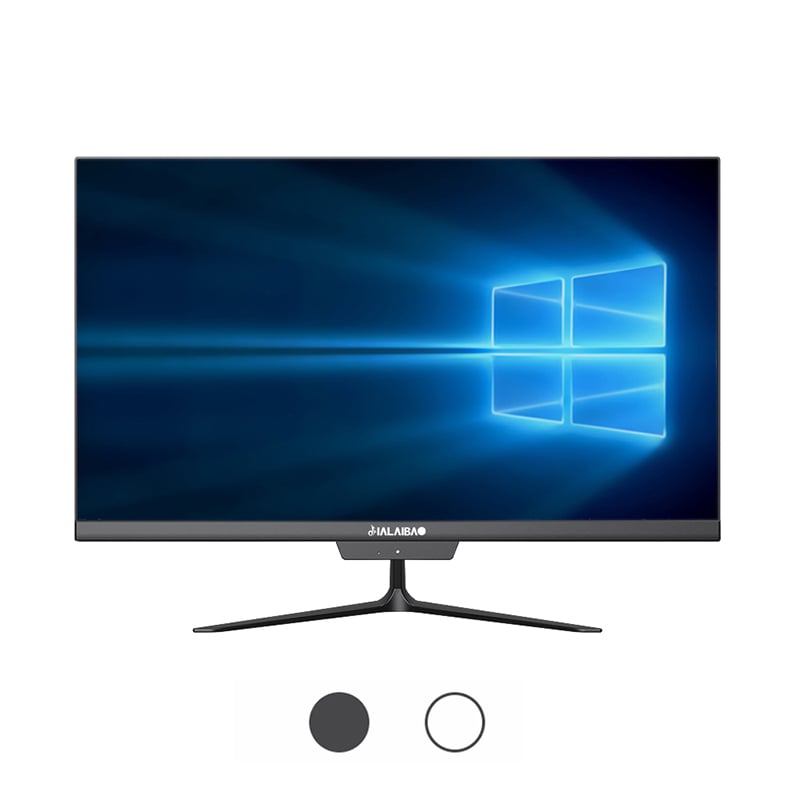
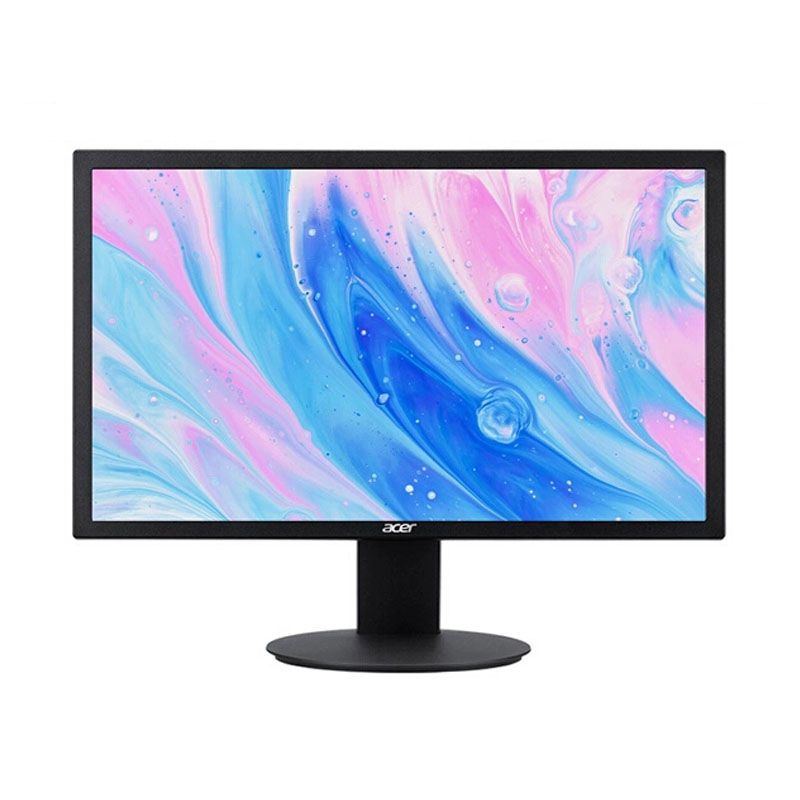
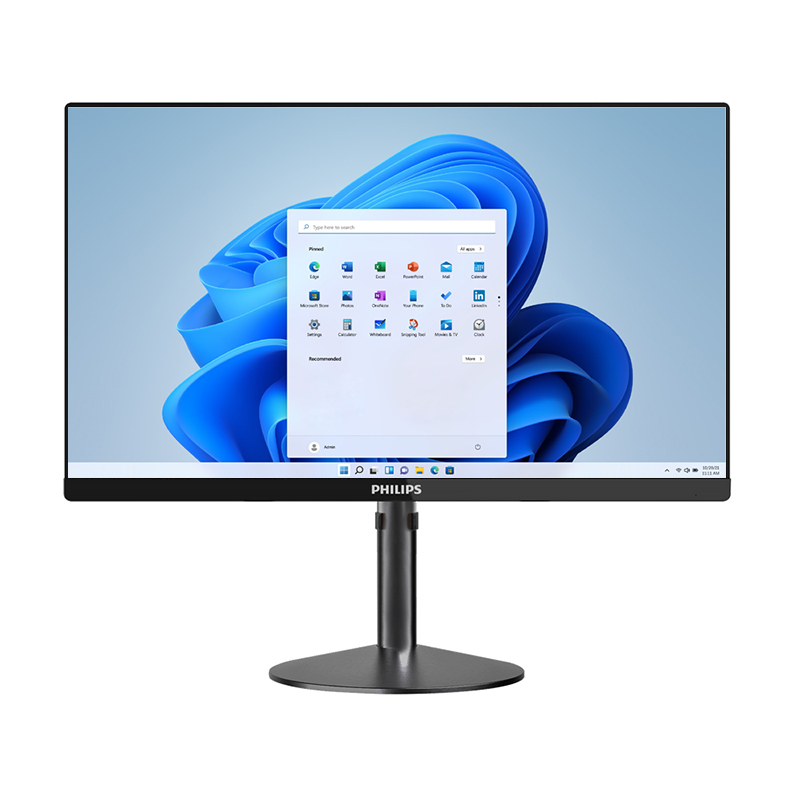
Understanding the factors that influence all-in-one PC lifespan is crucial for businesses and individuals making technology investments. These integrated computing solutions combine monitor, CPU, and other components into a single unit, offering space-saving benefits while presenting unique considerations for longevity. Modern all-in-one systems typically serve users effectively for 5-8 years, though various environmental, usage, and maintenance factors significantly impact their operational lifespan. The durability of these systems depends on hardware quality, thermal management, component selection, and proper care throughout their service life.
The central processing unit serves as the primary determinant of system longevity, with higher-tier processors typically maintaining relevance longer than entry-level alternatives. Intel Core i5 and i7 processors, along with AMD Ryzen equivalents, generally provide extended service life compared to budget options. Memory configuration also plays a vital role, as systems with 16GB or more RAM tend to handle future software requirements more effectively. The ability to upgrade memory modules varies significantly between all-in-one models, with some manufacturers offering accessible slots while others integrate memory permanently into the motherboard.
Storage technology represents another critical component affecting overall system performance over time. Solid-state drives deliver superior durability compared to traditional hard disk drives, as they contain no moving parts susceptible to mechanical failure. The all-in-one PC lifespan increases substantially when equipped with quality SSD storage, often extending reliable operation by 2-3 years beyond systems using conventional spinning drives. Modern NVMe SSDs further enhance performance longevity through faster data access speeds and improved thermal characteristics.
The integrated display represents both an advantage and potential limitation for all-in-one systems, as screen failure often necessitates complete system replacement rather than simple component swapping. LED-backlit LCD panels typically maintain brightness and color accuracy for 7-10 years under normal usage conditions, though prolonged exposure to high brightness settings may accelerate degradation. Higher-resolution displays tend to remain useful longer as software and content evolve toward increased pixel density requirements.
Touch-enabled screens introduce additional complexity and potential failure points, as the digitizer layer and associated controllers represent additional components subject to wear and failure. However, quality touch implementations using capacitive technology generally provide reliable operation throughout the system's expected lifespan when properly maintained and protected from physical damage.
Thermal management presents unique challenges for all-in-one designs due to the compact integration of heat-generating components within limited space. Effective cooling systems utilizing multiple fans, heat pipes, and strategic airflow design help maintain component temperatures within safe operating ranges. Excessive heat exposure accelerates component aging, particularly affecting processors, graphics chips, and capacitors on the motherboard. Regular monitoring of internal temperatures can provide early warning of cooling system degradation before permanent damage occurs.
Ambient environmental conditions significantly influence all-in-one PC lifespan through their impact on internal operating temperatures. Systems deployed in air-conditioned offices typically experience longer service life compared to those operating in warehouses, retail environments, or locations with poor climate control. Dust accumulation within the chassis restricts airflow and insulates components, leading to elevated temperatures and accelerated wear patterns.
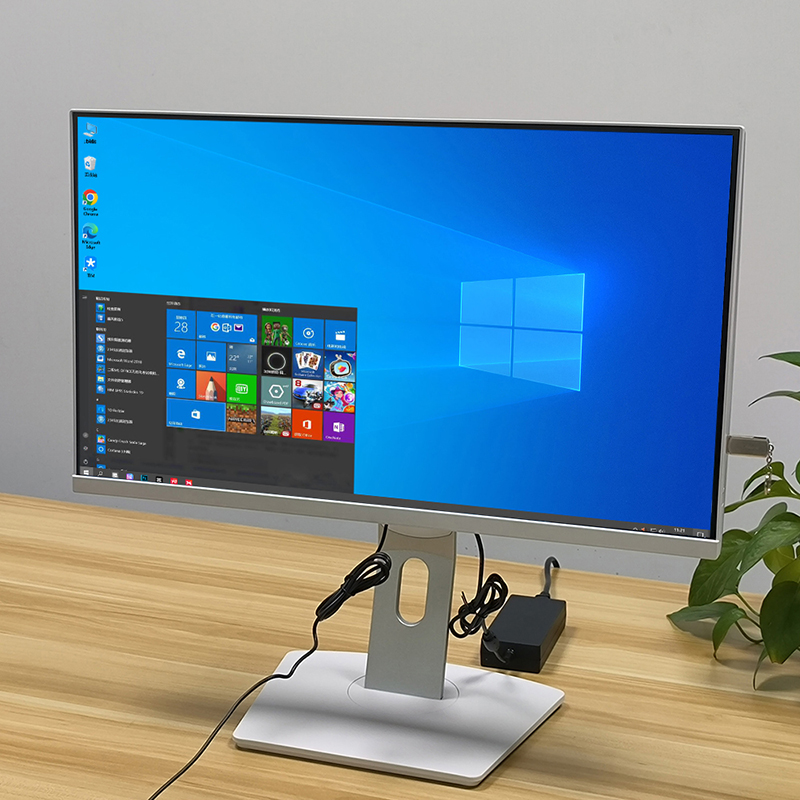
The integrated power supply unit represents a critical component often overlooked in lifespan considerations, as failure typically renders the entire system inoperable. Quality power supplies incorporate protection circuits and use higher-grade capacitors designed for extended operation under varying load conditions. External power adapters used by some all-in-one models offer the advantage of easy replacement when failure occurs, potentially extending overall system usability.
Power quality at the installation site affects component longevity through voltage fluctuations, surge events, and electrical noise. Implementing proper surge protection and uninterruptible power supply systems helps protect sensitive electronics from damage while ensuring clean, stable power delivery throughout the system's operational life.
Daily operating hours directly correlate with component wear and overall system degradation, as continuous operation generates sustained heat stress and mechanical wear on cooling fans. Systems running 8-10 hours per day in typical office environments generally achieve longer lifespans compared to those operating continuously in 24/7 environments. However, frequent power cycling can stress components through thermal expansion and contraction cycles, making consistent operation patterns preferable to erratic on-off cycles.
Application workloads significantly influence hardware stress levels and corresponding lifespan expectations. Intensive tasks such as video editing, CAD work, or data processing generate sustained high temperatures and component stress, potentially reducing all-in-one PC lifespan compared to basic office productivity tasks. Graphics-intensive applications particularly stress integrated or dedicated graphics processors, often representing the first component to show performance degradation over time.
Regular cleaning of air intake vents and internal components helps maintain proper thermal performance throughout the system's service life. Compressed air cleaning every 6-12 months removes dust buildup that would otherwise insulate components and restrict cooling airflow. Professional cleaning services may be necessary for systems deployed in particularly dusty or contaminated environments.
Software maintenance practices including regular updates, antivirus protection, and disk cleanup help maintain system performance and prevent software-related issues that could necessitate premature replacement. Keeping operating systems and drivers current ensures compatibility with new software while addressing security vulnerabilities that could compromise system integrity.
Advancing software requirements often drive replacement decisions before hardware failure occurs, as older systems struggle to run current applications effectively. Operating system support lifecycles typically span 8-10 years from initial release, providing a baseline for minimum system usability. However, third-party software vendors may discontinue support for older hardware configurations more aggressively, particularly for specialized business applications.
Web browsers and cloud-based applications increasingly demand substantial system resources, making older all-in-one systems appear sluggish even when hardware remains functional. The shift toward more demanding web technologies and multimedia content requires adequate processing power and memory to maintain user productivity and satisfaction.
Evolving connectivity standards can render older all-in-one systems less versatile over time, as new peripheral devices and networking technologies emerge. USB-C, Thunderbolt, and wireless standards continue advancing, potentially limiting integration options for systems lacking current interface options. However, many connectivity limitations can be addressed through external adapters and hubs, extending practical system utility.
Display output capabilities may become limiting factors as external monitor technologies advance toward higher resolutions and refresh rates. All-in-one systems with limited graphics processing power or outdated display outputs may struggle to drive modern external displays effectively, constraining expansion options for growing businesses.
Evaluating all-in-one PC lifespan requires comprehensive analysis of total ownership costs including initial purchase price, maintenance expenses, productivity impacts, and replacement timing. Systems maintained in optimal condition often provide cost-effective service beyond their typical 5-year depreciation cycle, particularly for non-intensive applications. However, increasing maintenance costs and declining performance may justify earlier replacement in demanding environments.
Energy efficiency improvements in newer systems can offset replacement costs through reduced power consumption, particularly for organizations operating large fleets of aging equipment. Modern all-in-one systems typically consume 30-40% less power than equivalents from 7-8 years ago, generating measurable savings in enterprise deployments.
Proactive replacement planning helps organizations avoid productivity disruptions from unexpected failures while optimizing technology refresh cycles. Monitoring system performance metrics, component temperatures, and error logs provides early warning of impending issues requiring attention. Staggered replacement schedules distribute capital expenses while ensuring consistent technology standards across the organization.
Considering future requirements during replacement planning helps ensure new systems meet evolving needs throughout their expected service life. Specifications that appear adequate today may prove limiting as software requirements advance and user expectations increase over the system's operational period.
Most quality all-in-one PCs provide reliable service for 5-8 years under typical office conditions with proper maintenance. Higher-end models with premium components may exceed this range, while budget systems might require replacement sooner. Factors such as daily usage hours, environmental conditions, and maintenance quality significantly influence actual lifespan.
The most frequent failure modes include cooling fan degradation, power supply issues, and hard drive failures in systems using traditional storage. The integrated display represents a significant failure point, as screen problems often necessitate complete system replacement due to repair costs exceeding replacement value.
Limited upgrade options restrict component replacement in most all-in-one designs, though some models allow memory and storage upgrades. Adding external storage, upgrading to SSD drives where possible, and ensuring adequate RAM can help extend system performance and utility beyond the typical replacement cycle.
Replacement becomes economically justified when repair costs exceed 50-60% of new system cost, or when performance limitations significantly impact user productivity. Additionally, systems approaching 6-8 years of age often lack software support and security updates that make continued operation inadvisable in business environments.
 EN
EN
 AR
AR
 BG
BG
 HR
HR
 CS
CS
 DA
DA
 NL
NL
 FR
FR
 DE
DE
 EL
EL
 HI
HI
 IT
IT
 JA
JA
 KO
KO
 NO
NO
 PL
PL
 PT
PT
 RO
RO
 RU
RU
 ES
ES
 SV
SV
 TL
TL
 IW
IW
 ID
ID
 SR
SR
 SK
SK
 VI
VI
 HU
HU
 TH
TH
 TR
TR
 FA
FA
 AF
AF
 MS
MS
 SW
SW
 UR
UR
 BN
BN
 HA
HA
 KM
KM
 MN
MN
 UZ
UZ