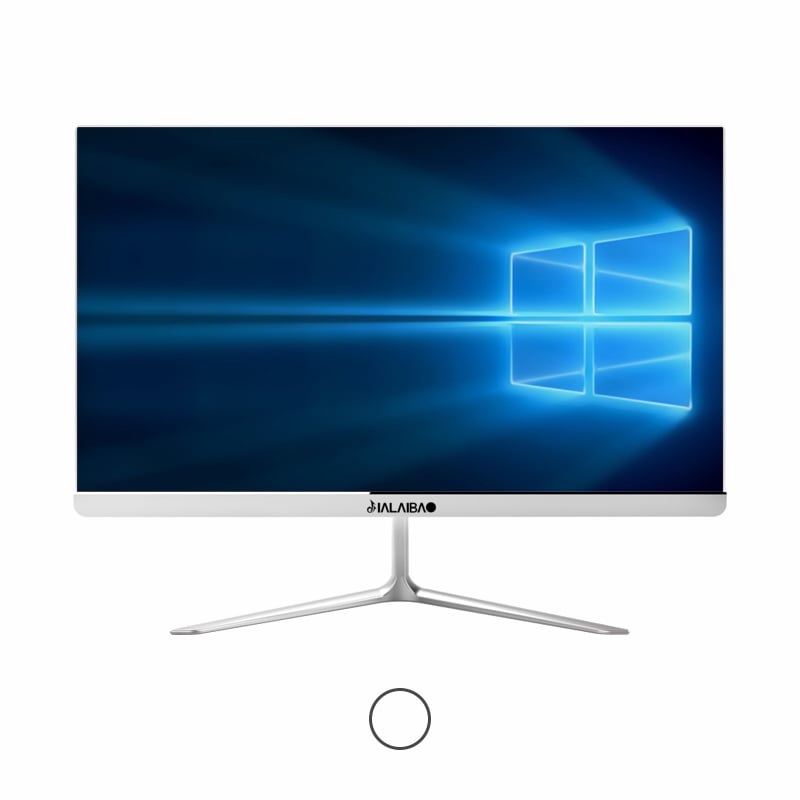
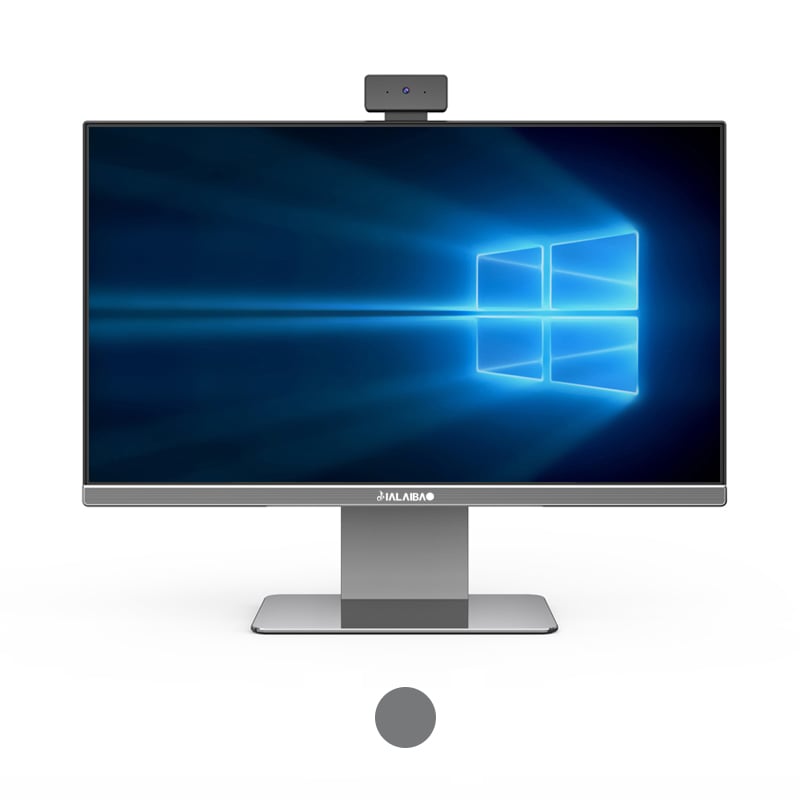
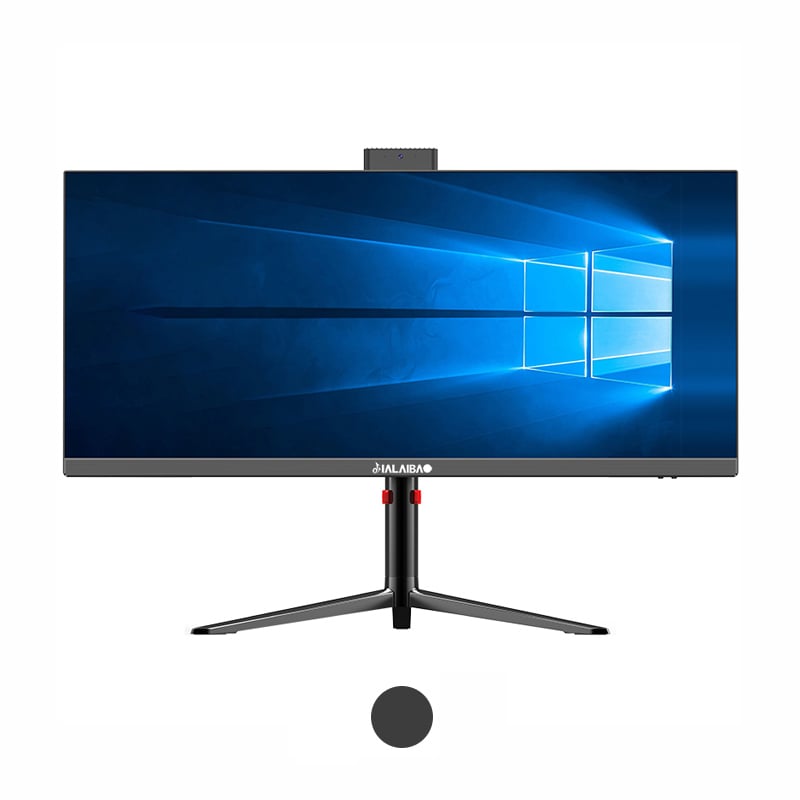
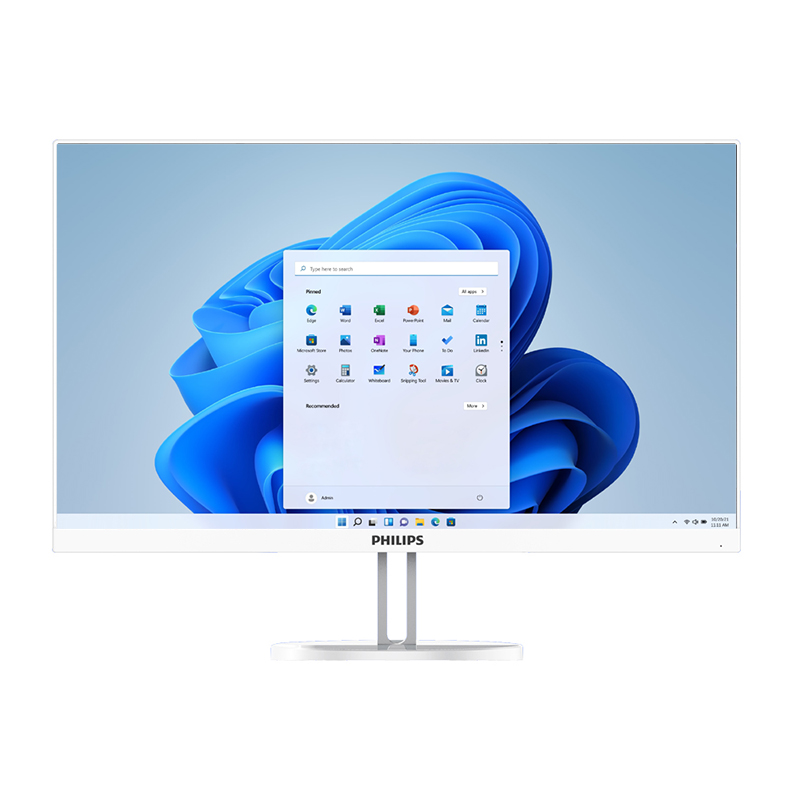
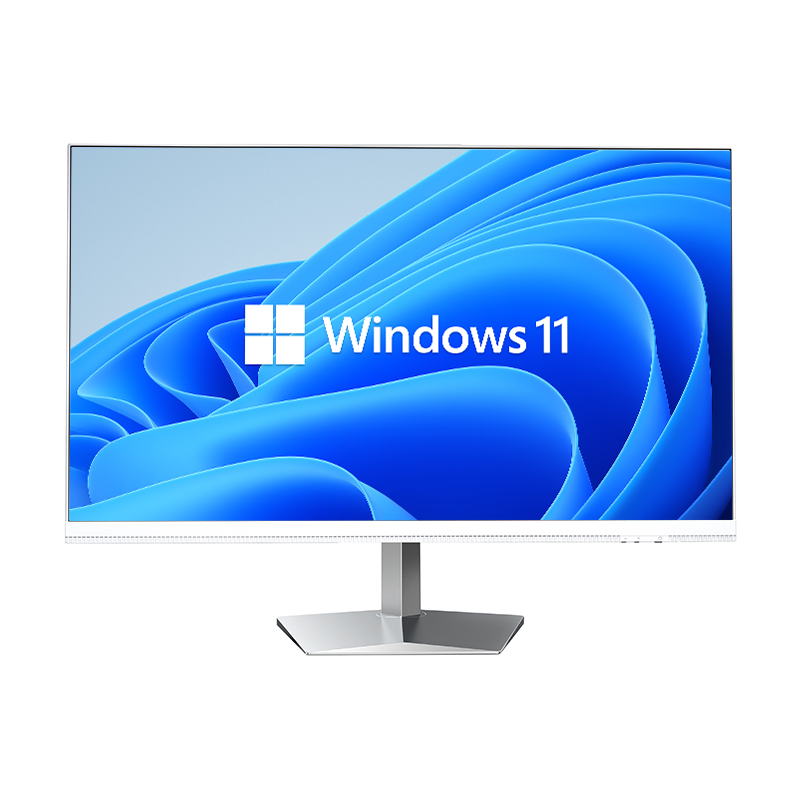
Modern workspaces face constant pressure to maximize efficiency while minimizing their physical footprint. The all-in-one PC has emerged as a revolutionary computing solution that addresses these challenges by integrating essential components into a streamlined design. Unlike traditional desktop setups that require separate towers, monitors, and multiple cables, these innovative systems consolidate everything into a single unit that dramatically reduces desk space requirements.
The space-saving capabilities of all-in-one computers extend beyond mere physical dimensions to encompass organizational benefits, aesthetic improvements, and operational efficiency gains. These systems have become particularly valuable in environments where square footage comes at a premium, such as urban offices, home workspaces, and educational institutions seeking to optimize their technology infrastructure.
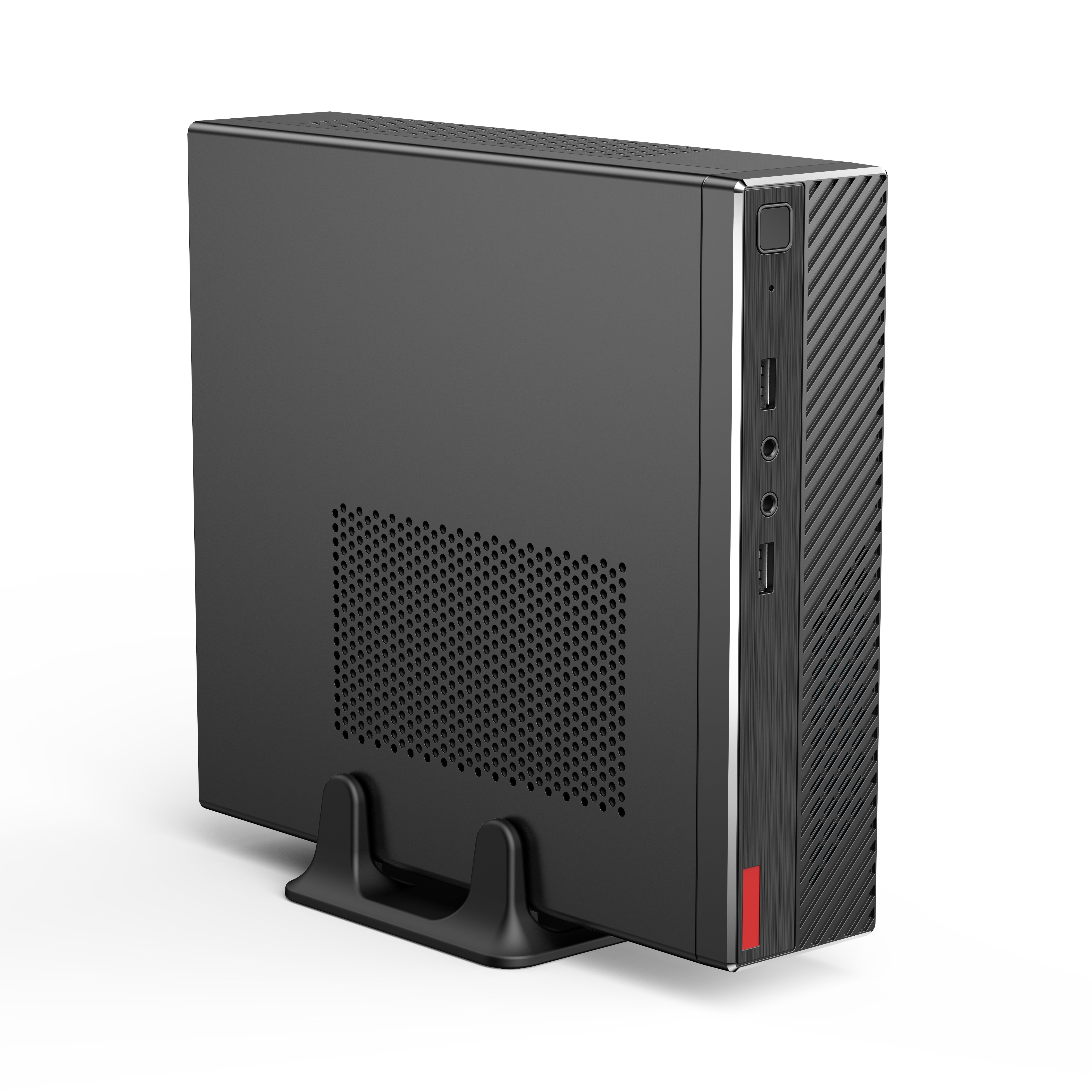
The fundamental advantage of an all-in-one PC lies in its integrated architecture that eliminates the need for separate computer towers. Traditional desktop configurations typically require dedicated space for a CPU tower, monitor stand, and various peripheral connections, consuming significant desk real estate. By housing the processing unit, storage, and display components within the monitor housing, these systems reduce the total footprint by up to seventy percent compared to conventional setups.
This consolidated approach also minimizes the vertical space requirements that often pose challenges in cramped work environments. Without bulky towers occupying floor space or requiring elevated shelving, users can position their computing setup more flexibly within their available area. The elimination of tower placement considerations opens up new possibilities for desk arrangement and room layout optimization.
Traditional desktop computers generate substantial cable clutter through connections between the monitor, tower, keyboard, mouse, speakers, and power sources. All-in-one systems dramatically reduce this complexity by internalizing most connections and requiring only essential external cables for power and peripherals. This reduction in cable volume directly translates to less space needed for cable routing and management behind desks.
The simplified connectivity also reduces the space needed for cable organization accessories such as cable trays, clips, and management arms. Users can achieve cleaner workspace aesthetics without investing in additional organizational hardware or dedicating space to cable management solutions that traditional setups typically require.
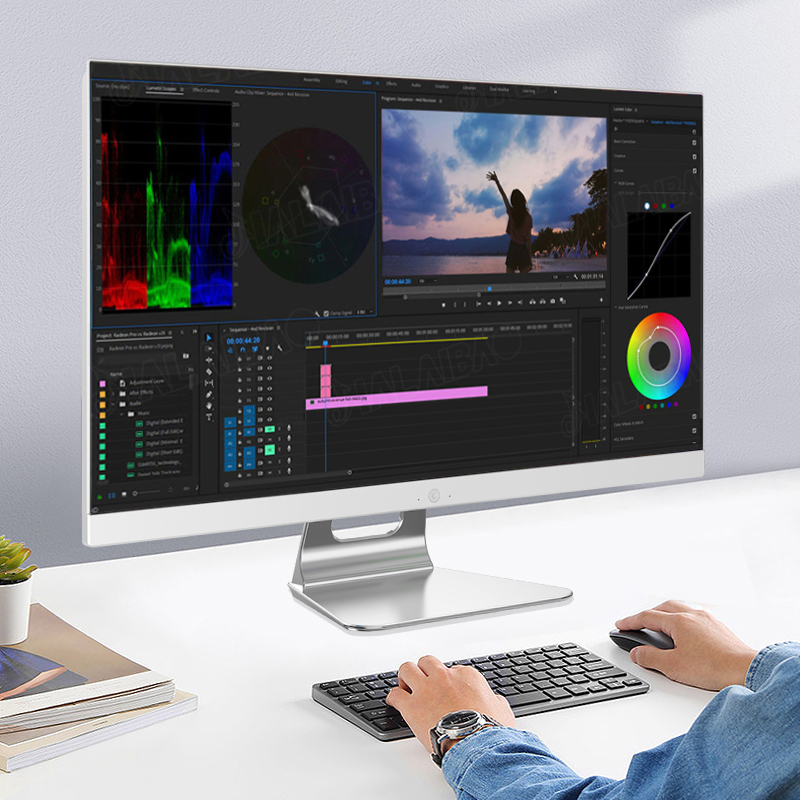
The space liberation provided by all-in-one computers enables more strategic desk space allocation for other essential work materials and tools. Without computer towers consuming valuable surface area, professionals can dedicate more space to documents, reference materials, or specialized equipment relevant to their specific roles. This improved space utilization often translates to enhanced productivity and reduced workspace frustration.
The additional available space also accommodates better ergonomic accessories such as document holders, ergonomic keyboards, or adjustable monitor arms. Users can create more comfortable and health-conscious work environments without compromising on computing power or functionality, leading to improved long-term workplace satisfaction and efficiency.
Modern all-in-one PC designs prioritize visual appeal alongside functionality, contributing to cleaner and more professional workspace appearances. The elimination of visible towers, reduced cable presence, and streamlined profiles create environments that appear more organized and intentional. This aesthetic improvement proves particularly valuable in client-facing environments or shared workspaces where professional appearance matters.
The design consistency achieved through single-unit systems also supports better overall room aesthetics by reducing visual clutter and competing elements. This unified appearance can enhance focus and create more pleasant working conditions while maintaining the same computing capabilities as traditional multi-component setups.
The installation process for all-in-one systems requires significantly less physical maneuvering and space preparation compared to traditional desktop configurations. Users avoid the need to position heavy towers, route multiple cables, or coordinate placement of separate components across their workspace. This streamlined setup process reduces the time and space disruption typically associated with computer installation or relocation.
The reduced complexity also makes these systems more accessible to users with limited technical experience or physical mobility constraints. The single-unit approach eliminates many common setup challenges related to component compatibility, cable identification, and spatial coordination that often complicate traditional desktop installations.
Ongoing maintenance and troubleshooting activities require less workspace disruption with all-in-one computers due to their consolidated design. Technical service or upgrades typically involve accessing a single unit rather than multiple components spread across the workspace. This efficiency reduces the time and space required for maintenance activities, minimizing productivity interruptions.
The integrated design also simplifies cleaning and dust management procedures, as users need to maintain fewer surfaces and accessible components. This maintenance simplification contributes to longer-term space efficiency by reducing the accumulation of dust and debris that traditional multi-component systems often generate around towers and connection points.
While not traditionally considered portable devices, all-in-one computers offer superior mobility compared to conventional desktop setups when workspace changes become necessary. Moving these systems requires handling a single unit rather than coordinating multiple components, cables, and accessories. This mobility advantage proves valuable in dynamic work environments or temporary installations where computing needs may shift.
The reduced component count also simplifies inventory management and reduces the risk of losing essential pieces during relocations. Organizations can more easily redistribute computing resources across different locations without the logistical complexity associated with traditional desktop configurations.
The integrated design of all-in-one systems often enables more efficient power management and consumption compared to separate monitor and tower combinations. This efficiency contributes to reduced heat generation, which indirectly supports space optimization by reducing cooling requirements and associated ventilation space needs. Lower power consumption also translates to reduced electrical infrastructure demands in dense office environments.
The thermal efficiency of integrated designs also eliminates hot spots typically generated by separate CPU towers, creating more comfortable workspace conditions without additional cooling equipment that would consume valuable floor or desk space.
An all-in-one PC typically saves 60-70% of the desk space required by traditional desktop setups. While a conventional system needs space for a monitor, separate tower, and cable management, an all-in-one only requires the footprint of its integrated display unit. This translates to approximately 15-20 square inches of saved desk space for most standard configurations.
The primary space-related limitation involves upgrade and repair accessibility, which may require more workspace clearing during maintenance activities since all components are integrated. However, this occasional inconvenience is typically outweighed by the daily space savings and reduced clutter. Some users also note that screen size options may be more limited compared to separate monitor choices.
All-in-one computers excel in small home office settings due to their minimal footprint requirements and reduced cable management needs. They're particularly effective on small desks, in converted bedrooms, or multipurpose spaces where computing equipment must coexist with other activities. The clean appearance also helps maintain professional aesthetics in residential environments used for video conferencing.
Yes, the absence of separate towers and reduced cable requirements allows all-in-one systems to be positioned with minimal spacing between units. This capability proves valuable in classroom settings, shared workspaces, or offices with multiple workstations where maximizing the number of computing positions within limited space is essential.
 EN
EN
 AR
AR
 BG
BG
 HR
HR
 CS
CS
 DA
DA
 NL
NL
 FR
FR
 DE
DE
 EL
EL
 HI
HI
 IT
IT
 JA
JA
 KO
KO
 NO
NO
 PL
PL
 PT
PT
 RO
RO
 RU
RU
 ES
ES
 SV
SV
 TL
TL
 IW
IW
 ID
ID
 SR
SR
 SK
SK
 VI
VI
 HU
HU
 TH
TH
 TR
TR
 FA
FA
 AF
AF
 MS
MS
 SW
SW
 UR
UR
 BN
BN
 HA
HA
 KM
KM
 MN
MN
 UZ
UZ