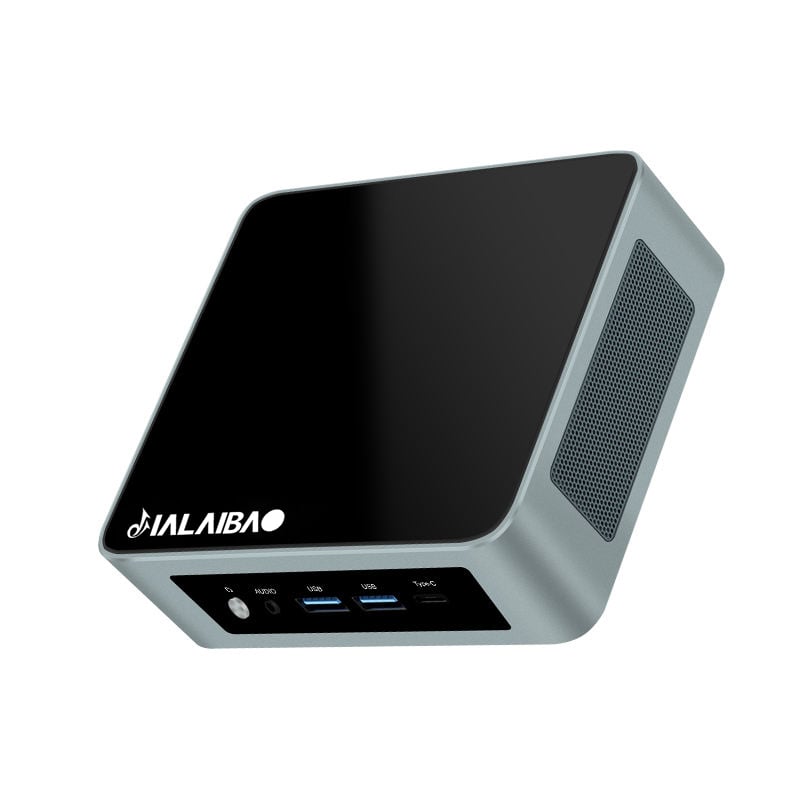
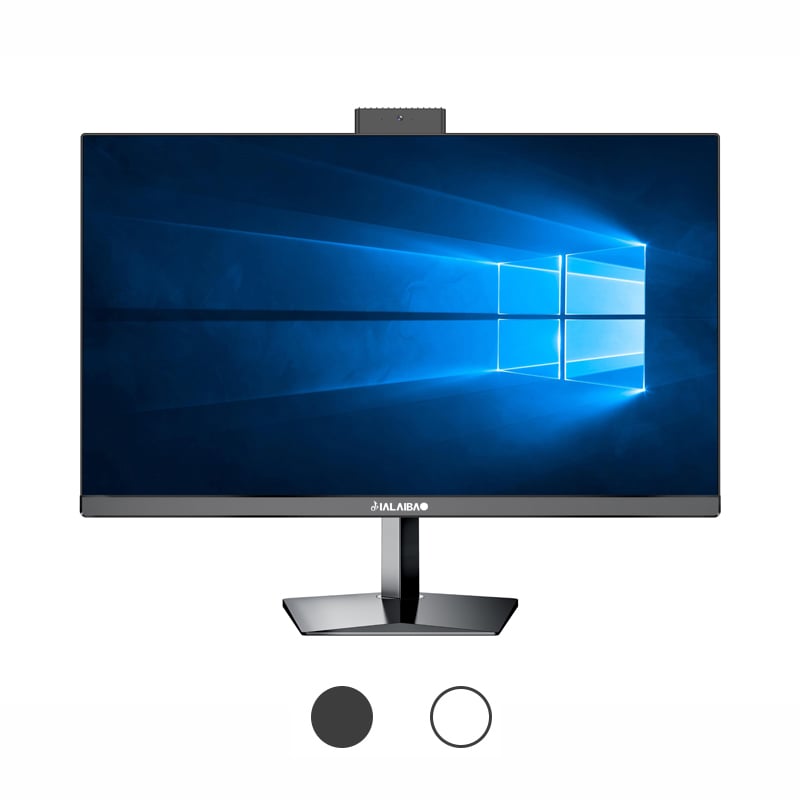
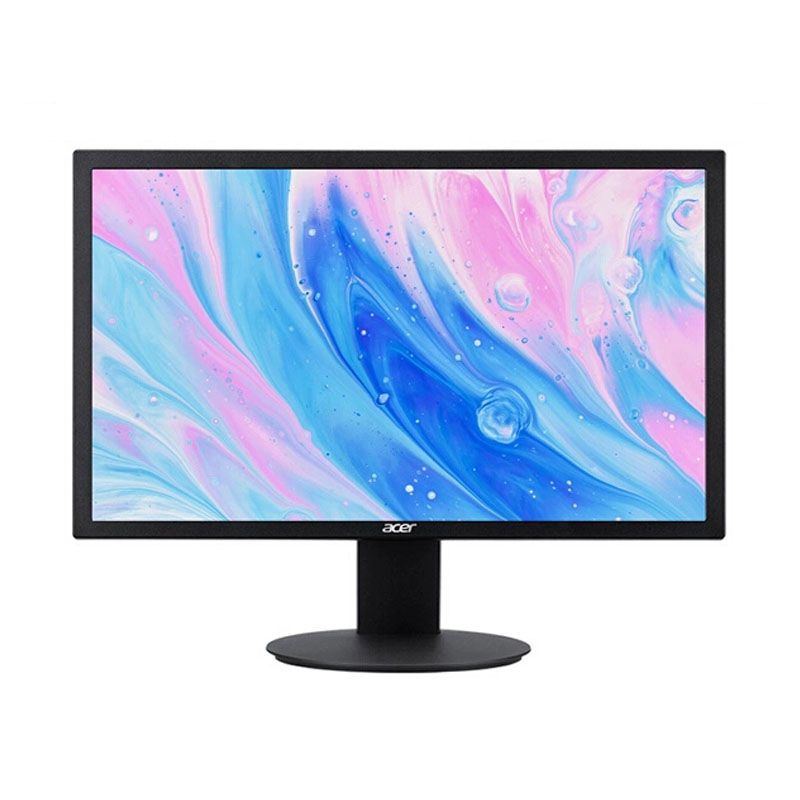
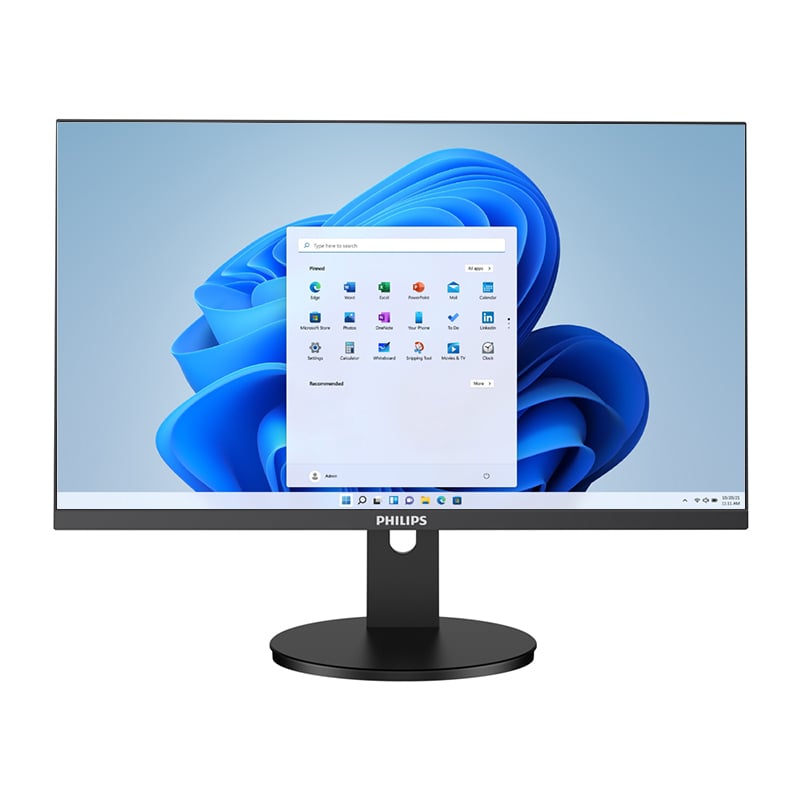
The modern office landscape has evolved significantly, with businesses seeking streamlined computing solutions that maximize space efficiency while delivering reliable performance. An All-in-one computer represents a compelling option for organizations looking to balance functionality with workspace optimization. These integrated systems combine the monitor and processing unit into a single device, eliminating the traditional tower setup and reducing cable clutter. However, selecting the right All-in-one computer for office use requires careful consideration of various performance tradeoffs that can impact productivity, cost-effectiveness, and long-term usability.
Understanding these performance tradeoffs becomes crucial when implementing technology solutions across multiple workstations. Office managers and IT professionals must evaluate how an All-in-one computer will perform under typical business workloads while considering factors such as upgradability, thermal management, and total cost of ownership. The decision involves balancing immediate space-saving benefits against potential limitations in processing power, expansion capabilities, and maintenance flexibility.
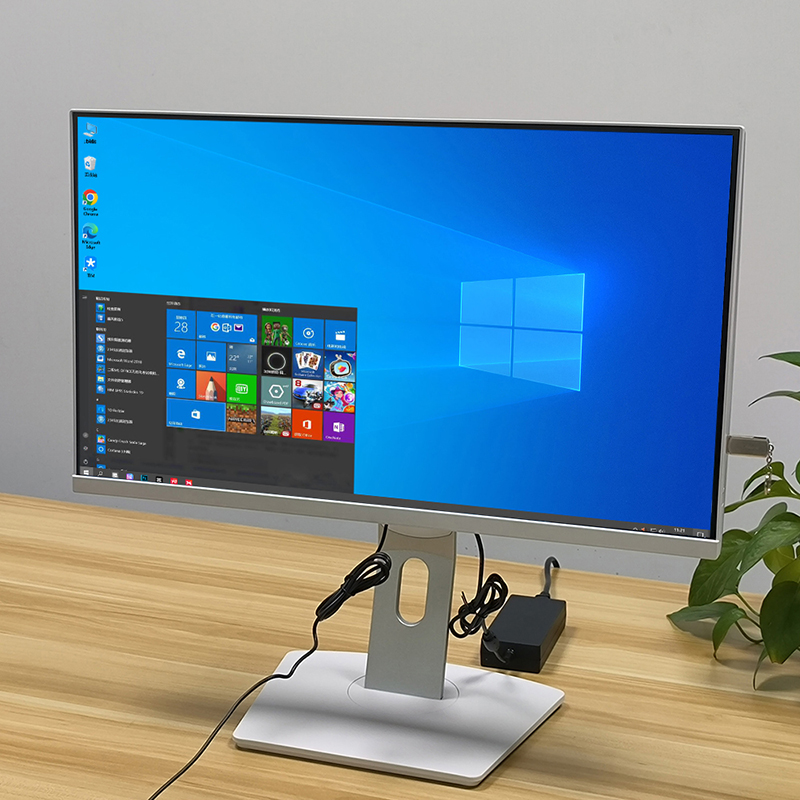
The compact design of an All-in-one computer often necessitates the use of mobile-grade or lower-power processors to manage heat generation and power consumption effectively. These processors typically operate at lower base frequencies compared to their desktop counterparts, which can result in reduced performance for CPU-intensive tasks such as data analysis, complex spreadsheet calculations, or multitasking scenarios common in office environments. The thermal constraints imposed by the slim profile of an All-in-one computer limit the sustained performance potential, as processors may throttle under extended workloads to prevent overheating.
Office applications that rely heavily on single-threaded performance may experience noticeable delays when running on an All-in-one computer with thermally constrained processors. Tasks such as compiling reports, rendering presentations, or processing large databases can take longer to complete compared to traditional desktop systems with robust cooling solutions. However, for standard office productivity tasks like word processing, email management, and web browsing, the performance difference may be negligible for most users.
Memory limitations represent another significant consideration when evaluating an All-in-one computer for office deployment. Many models feature soldered RAM that cannot be upgraded after purchase, requiring organizations to carefully assess their memory requirements upfront. Insufficient RAM can lead to system slowdowns when running multiple applications simultaneously, which is common in modern office workflows where users frequently switch between productivity suites, communication platforms, and web-based applications.
Storage performance in an All-in-one computer often relies on solid-state drives to minimize heat generation and improve reliability. While SSDs provide faster boot times and application loading compared to traditional hard drives, the available storage capacity may be limited due to space constraints. Organizations must balance storage speed with capacity requirements, potentially necessitating cloud storage solutions or network-attached storage to supplement the internal storage of an All-in-one computer.
The integrated design of an All-in-one computer presents unique thermal management challenges that can impact both performance and longevity. The limited internal space restricts the size and effectiveness of cooling solutions, often relying on smaller fans and heat sinks that must work harder to maintain acceptable operating temperatures. This increased workload on cooling components can lead to higher fan speeds and potentially more noise during operation, which may affect the office environment's acoustic comfort.
Heat dissipation becomes particularly critical when an All-in-one computer operates in environments with limited ventilation or elevated ambient temperatures. The proximity of heat-generating components to the display panel can also affect screen longevity and color accuracy over time. Organizations should consider the placement of these systems to ensure adequate airflow and prevent thermal throttling that could impact productivity during peak usage periods.
The compact integration of components in an All-in-one computer can complicate maintenance procedures and potentially reduce the lifespan of individual components. Heat buildup within the confined space may accelerate the degradation of electronic components, particularly capacitors and other temperature-sensitive elements. This thermal stress can lead to earlier component failures compared to traditional desktop systems with superior cooling capabilities.
Maintenance accessibility becomes a significant concern when components fail or require cleaning. Unlike traditional desktop computers where individual components can be easily accessed and replaced, an All-in-one computer often requires specialized tools and procedures to service internal components. This complexity can increase repair costs and downtime, making it essential for organizations to factor in extended warranty coverage and professional maintenance services when budgeting for All-in-one computer deployments.
One of the most significant tradeoffs when choosing an All-in-one computer for office use involves the limited upgrade potential compared to traditional desktop systems. The integrated design often features soldered components such as processors, memory, and sometimes even storage, preventing future hardware improvements. This limitation means that organizations must anticipate their computing needs for the entire lifespan of the device, typically three to five years, and configure systems accordingly at the time of purchase.
The inability to upgrade key components can result in premature obsolescence when software requirements evolve or business needs change. An All-in-one computer that performs adequately for current office tasks may struggle with future software versions that demand more processing power, memory, or storage capacity. This constraint forces organizations to either accept reduced performance over time or replace entire systems more frequently than they would with upgradeable desktop computers.
The slim profile of an All-in-one computer typically results in fewer expansion ports and connectivity options compared to traditional desktop systems. This limitation can affect the ability to connect multiple peripherals, external storage devices, or specialized office equipment. Organizations may need to invest in additional USB hubs, docking stations, or wireless solutions to accommodate their peripheral requirements, adding to the total cost of ownership.
Port limitations become particularly challenging in office environments that require connections to multiple monitors, printers, scanners, and other business equipment. The reduced number of available ports on an All-in-one computer may necessitate frequent cable swapping or the use of adapters, which can impact workflow efficiency and user productivity. Planning for adequate connectivity options requires careful assessment of each workstation's peripheral requirements before deploying All-in-one computer systems.
The primary advantage of an All-in-one computer lies in its space-saving design, which can significantly improve workspace organization and aesthetics. The elimination of a separate tower reduces desk clutter and creates a cleaner, more professional appearance that many organizations value. This space efficiency becomes particularly valuable in open office environments, small businesses, or locations where real estate costs are high and every square foot of space represents significant value.
The integrated design of an All-in-one computer also simplifies cable management, reducing the number of power cables and data connections required compared to traditional desktop setups. This streamlined configuration can improve workplace safety by reducing trip hazards and make cleaning and maintenance of office spaces more efficient. The reduced cable complexity also minimizes potential connection issues and simplifies the setup process when relocating workstations or reconfiguring office layouts.
While an All-in-one computer excels in space efficiency, this design philosophy often comes at the cost of raw computational performance per unit of investment. The same budget allocated to a traditional desktop system typically yields superior processing power, memory capacity, and expansion options. Organizations must weigh the value of saved space against the potential productivity benefits of higher-performance computing resources.
The performance density consideration becomes more complex when factoring in the total office ecosystem. An All-in-one computer may provide sufficient performance for individual users while enabling higher employee density in the same physical space. This space efficiency can offset some performance limitations by allowing organizations to accommodate more workstations or use the saved space for collaborative areas, storage, or other business functions that contribute to overall productivity.
The upfront cost of an All-in-one computer typically falls between that of a budget desktop system and a premium workstation when comparing similar performance specifications. However, the integrated display eliminates the need for a separate monitor purchase, which can make an All-in-one computer cost-competitive for complete workstation setups. Organizations must evaluate the total system cost including peripherals to determine the true financial impact of choosing integrated systems over traditional desktop configurations.
The value proposition of an All-in-one computer extends beyond the initial hardware cost to include factors such as reduced setup complexity, lower power consumption, and simplified inventory management. These systems require fewer components to track and maintain, which can reduce administrative overhead and simplify procurement processes. The integrated nature also eliminates compatibility concerns between monitors and computers, ensuring consistent performance across all workstations.
Maintenance and repair costs represent a significant long-term consideration when evaluating an All-in-one computer deployment. The integrated design can make repairs more expensive when components fail, as technicians may need to disassemble more of the system to access faulty parts. Additionally, if either the display or computing components fail, the entire system may be out of service, whereas traditional desktop setups allow for independent replacement of monitors or towers.
Energy efficiency often favors the All-in-one computer design due to the use of mobile-grade processors and integrated power management systems. Lower power consumption can result in reduced electricity costs over the system's lifespan, particularly in large deployments where energy savings multiply across numerous workstations. However, organizations should balance these savings against the potential need for more frequent system replacements due to limited upgrade options, which can impact the total cost of ownership calculation.
Thermal throttling in an All-in-one computer typically manifests during sustained workloads such as video conferencing, large file processing, or running multiple demanding applications simultaneously. Users may notice slower response times, delayed file saves, or reduced performance in productivity applications during these thermal events. However, for typical office tasks like email, document editing, and web browsing, thermal throttling rarely impacts day-to-day productivity significantly.
Most modern All-in-one computer systems support at least one external monitor through HDMI, DisplayPort, or USB-C connections, allowing for dual-monitor setups that many office workers prefer. However, supporting three or more monitors may require the use of USB docking stations or display adapters, which can impact performance depending on the system's graphics capabilities and available connectivity options.
Display failure on an All-in-one computer typically requires replacement of the entire integrated unit, as the monitor cannot be separated from the computing components. This can result in higher repair costs and longer downtime compared to traditional desktop systems where a failed monitor can be quickly replaced independently. Organizations should consider extended warranty coverage and maintain spare systems for critical workstations to minimize business disruption.
An All-in-one computer may struggle with demanding applications such as CAD software, complex financial modeling, or large database operations due to thermal constraints and mobile-grade processors. These applications typically benefit from the superior cooling and high-performance components available in traditional desktop workstations. Organizations requiring intensive computing should carefully evaluate performance requirements against the capabilities of specific All-in-one computer models before deployment.
 EN
EN
 AR
AR
 BG
BG
 HR
HR
 CS
CS
 DA
DA
 NL
NL
 FR
FR
 DE
DE
 EL
EL
 HI
HI
 IT
IT
 JA
JA
 KO
KO
 NO
NO
 PL
PL
 PT
PT
 RO
RO
 RU
RU
 ES
ES
 SV
SV
 TL
TL
 IW
IW
 ID
ID
 SR
SR
 SK
SK
 VI
VI
 HU
HU
 TH
TH
 TR
TR
 FA
FA
 AF
AF
 MS
MS
 SW
SW
 UR
UR
 BN
BN
 HA
HA
 KM
KM
 MN
MN
 UZ
UZ