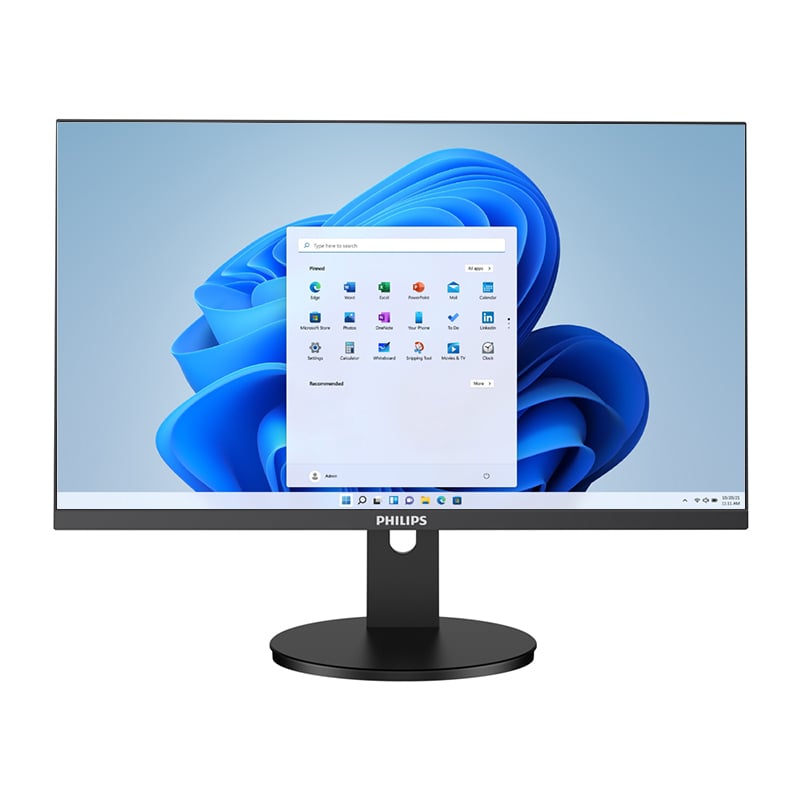
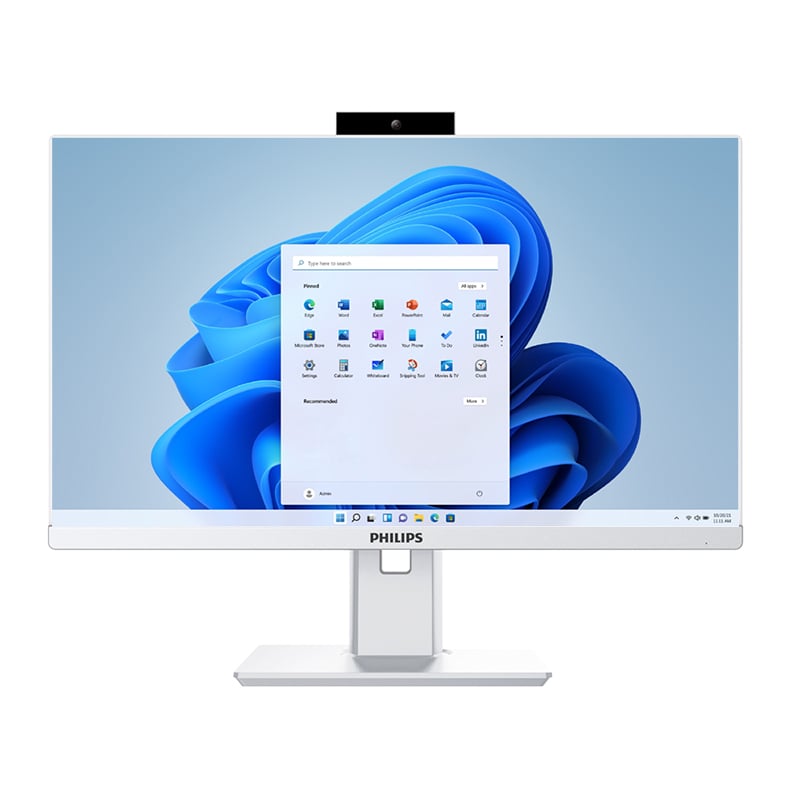
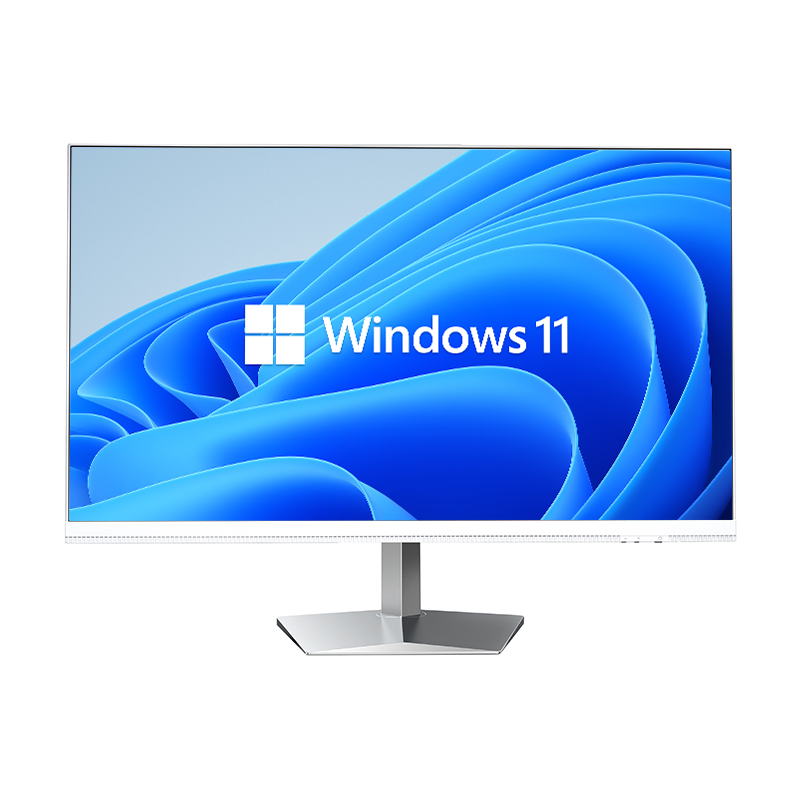
In today's compact living and working environments, maximizing space efficiency has become a critical consideration for both home users and businesses. An AIO computer represents a revolutionary approach to desktop computing, fundamentally transforming how we think about workspace organization and equipment footprint. Unlike traditional desktop setups that require separate towers, monitors, keyboards, and mice scattered across surfaces, an AIO computer consolidates all essential components into a single, streamlined unit. This integration delivers substantial space savings while maintaining the performance capabilities users expect from modern computing systems.
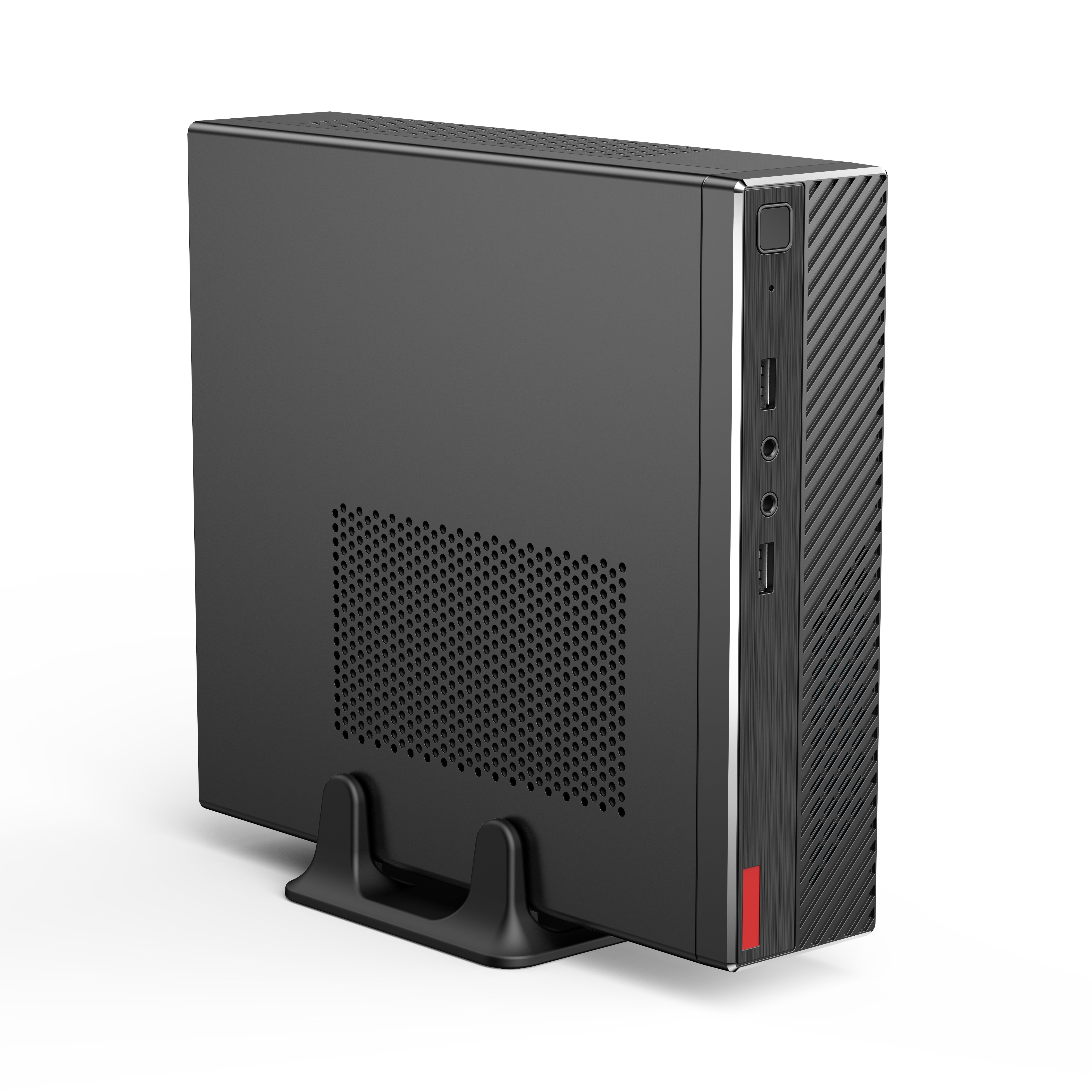
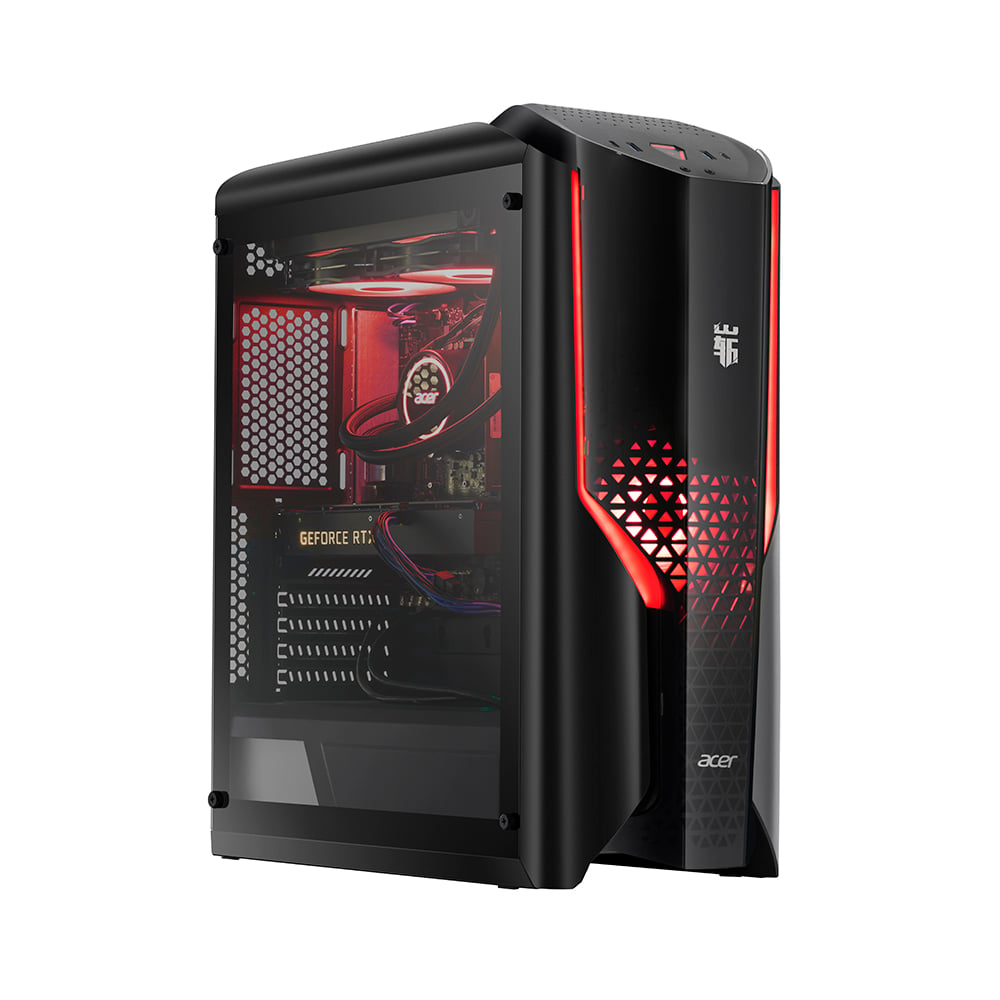
The fundamental advantage of an AIO computer lies in its integrated design philosophy, which eliminates the need for a separate computer tower entirely. Traditional desktop computers require dedicated space for a CPU tower, which typically measures between 15-20 inches in height and occupies significant floor or desk real estate. An AIO computer incorporates all processing components directly behind the monitor screen, creating a single cohesive unit that requires only the monitor's footprint on your workspace.
This integration extends beyond mere space consolidation to include power management and cable organization. Where traditional setups require multiple power cables, data connections, and various peripherals creating cable clutter, an AIO computer streamlines these connections into minimal cable requirements. The result is a cleaner, more organized workspace that maximizes available surface area for other essential work materials and tools.
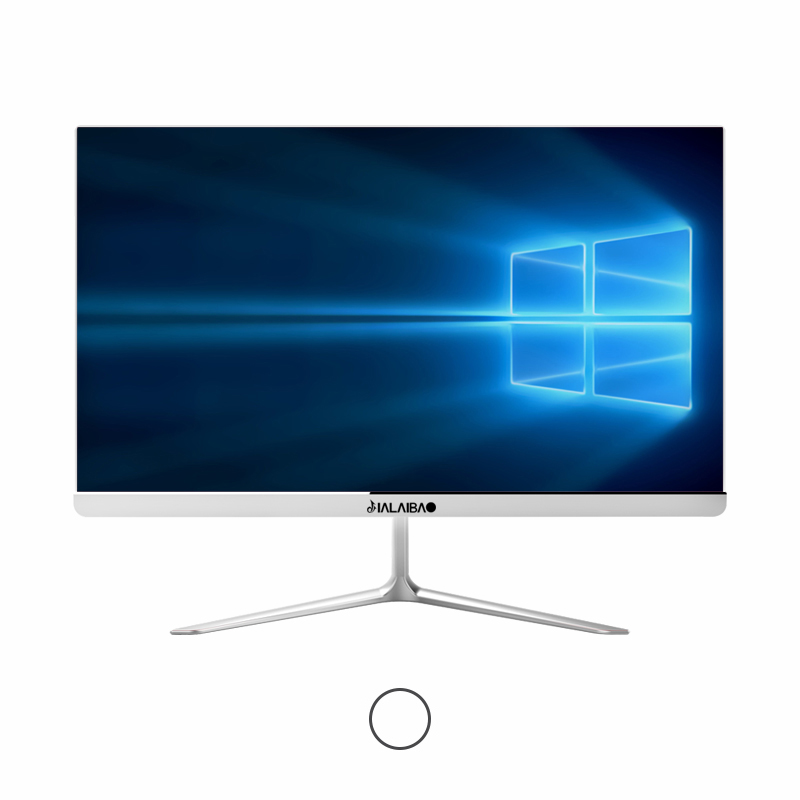
When comparing actual desk space requirements, an AIO computer typically occupies 60-70% less surface area than equivalent traditional desktop configurations. A standard desktop setup with a 24-inch monitor and mid-tower CPU requires approximately 4-5 square feet of desk space, including clearance areas for proper ventilation and cable management. In contrast, an AIO computer with similar screen size occupies roughly 1.5-2 square feet of desk space.
This dramatic reduction in footprint becomes particularly valuable in small offices, home workspaces, and shared environments where every square inch matters. The space savings translate directly into improved workspace functionality, allowing users to maintain larger work surfaces for documents, reference materials, or additional peripherals while still enjoying full computing capabilities.
The most significant space-saving advantage of an AIO computer comes from eliminating the traditional CPU tower entirely. Desktop towers not only consume valuable floor or desk space but also require adequate clearance for airflow and accessibility to ports and drives. Many users place towers under desks, reducing legroom and creating potential hazards for cables and connections.
An AIO computer removes these spatial constraints completely, freeing up floor space and eliminating the need to accommodate tower placement in workspace design. This freedom allows for more flexible furniture arrangements and creates cleaner, more professional-looking work environments. The absence of a tower also reduces dust accumulation areas and simplifies cleaning and maintenance routines.
Traditional desktop computers generate significant cable clutter through multiple connections between the tower, monitor, speakers, keyboard, mouse, and various peripherals. An AIO computer dramatically reduces this complexity by integrating most components internally, requiring only essential external connections like power, internet, and wireless peripherals.
This cable reduction translates into cleaner desk surfaces, reduced tripping hazards, and simplified setup processes. Users can achieve professional-looking workspaces without investing in extensive cable management systems or dealing with the ongoing maintenance of complex wiring arrangements. The simplified connection system also makes relocation and reconfiguration significantly easier when workspace needs change.
The space savings achieved by an AIO computer extend far beyond simple footprint reduction to encompass overall workspace optimization. With traditional desktop setups, users often struggle to find adequate surface area for essential work materials, forcing compromises between computing functionality and practical workspace needs. An AIO computer liberates substantial desk surface area, enabling more efficient organization of documents, reference materials, and work tools.
This increased surface availability proves particularly valuable for professionals who require extensive desk space for drawings, documents, or multiple projects simultaneously. The streamlined footprint of an AIO computer allows for more spacious and organized work environments without sacrificing computing performance or display quality.
Beyond desk-level improvements, an AIO computer provides enhanced flexibility in room layout and furniture selection. Traditional desktop computers constrain furniture choices due to tower accommodation requirements, ventilation needs, and cable routing considerations. Users must ensure adequate clearance, proper airflow, and accessible port locations when planning workspace layouts.
An AIO computer removes these constraints entirely, allowing for more creative and efficient room layouts. Smaller desks become viable options, wall-mounted installations become possible, and furniture arrangements can prioritize workflow efficiency rather than computer hardware accommodation. This flexibility proves especially valuable in small offices, home environments, and shared workspaces where maximizing functionality within limited square footage is essential.
In professional environments, space efficiency directly correlates with operational costs and employee productivity. An AIO computer enables businesses to optimize office layouts more effectively, potentially reducing real estate requirements and improving space utilization ratios. Companies can accommodate more workstations within existing footprints or downsize to smaller, more cost-effective office spaces while maintaining full computing capabilities for all employees.
The professional appearance of an AIO computer also contributes to improved workplace aesthetics, creating cleaner, more modern office environments that reflect positively on company image. This visual improvement can enhance client impressions during meetings and contribute to overall workplace satisfaction among employees who appreciate organized, clutter-free work environments.
In shared or collaborative work environments, an AIO computer provides exceptional advantages for space management and system deployment. Traditional desktop computers in shared spaces create challenges with personal storage, cable management, and system security. The compact profile of an AIO computer allows for more efficient shared workspace designs, enabling businesses to accommodate more users within available square footage.
The simplified setup and teardown process associated with AIO computer configurations also facilitates more flexible workspace sharing arrangements. Users can quickly personalize and depersonalize workstations without dealing with complex cable routing or tower accessibility issues, supporting hot-desking initiatives and flexible work arrangements more effectively.
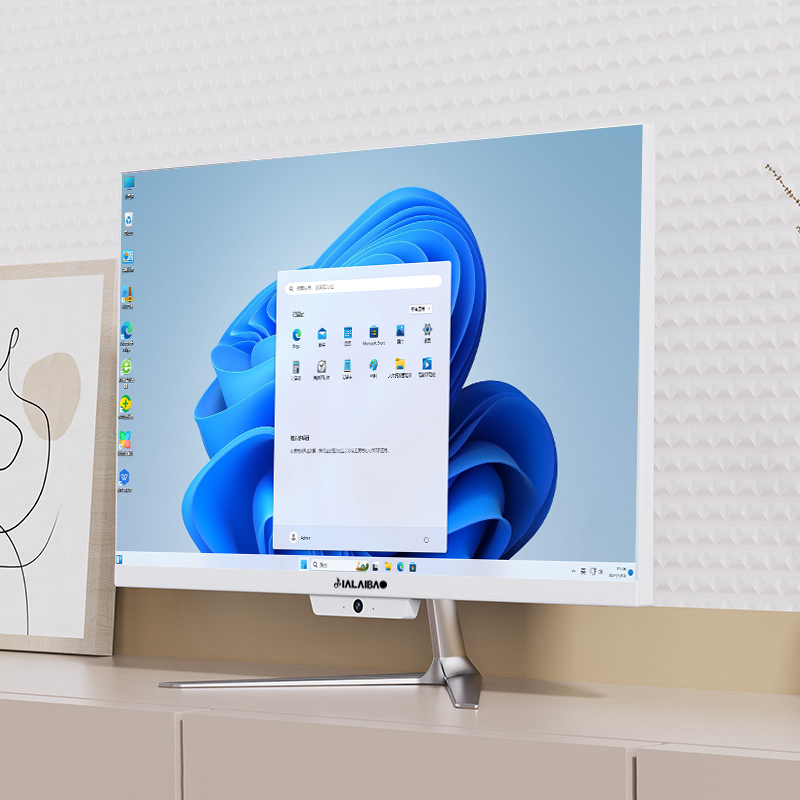
For home users, an AIO computer offers seamless integration into residential living spaces where traditional desktop computers often appear intrusive or industrial. The sleek, unified design of an AIO computer blends more naturally with home décor while providing full computing functionality. This aesthetic compatibility allows users to establish productive workspaces within living areas without creating visual disruption or requiring dedicated computer rooms.
The reduced noise profile typical of AIO computer designs also contributes to better residential integration, as the absence of separate tower fans and drives creates quieter operation suitable for shared living spaces. Families can establish computing areas within common spaces without generating noise disturbances that interfere with other household activities.
Home environments often require rooms to serve multiple purposes, and an AIO computer excels in these flexible-use scenarios. The compact footprint and clean appearance allow computing functionality to coexist with other room purposes without dominating the space or creating permanent workspace commitments. Users can easily reconfigure rooms for different activities while maintaining computing access when needed.
This flexibility proves particularly valuable in smaller homes or apartments where dedicated office space isn't available. An AIO computer can transform dining tables, bedroom desks, or living room surfaces into temporary workstations without the setup complexity or space requirements associated with traditional desktop computers. The ability to quickly establish and dismantle computing setups supports modern lifestyle flexibility and work-from-home requirements.
An AIO computer typically saves 60-70% of the desk space required by traditional desktop setups. While a standard desktop with tower requires 4-5 square feet including clearance areas, an AIO computer occupies only 1.5-2 square feet. This translates to approximately 2.5-3 square feet of additional usable desk surface for other work materials, documents, or personal items.
Modern AIO computers deliver comparable performance to traditional desktops for most business and personal computing tasks. While high-end gaming or specialized professional applications may still benefit from traditional tower configurations, current AIO computer technology provides sufficient processing power, memory capacity, and graphics capabilities for standard productivity work, multimedia consumption, and moderate creative tasks without performance compromises.
Beyond desk space savings, an AIO computer eliminates floor space requirements for towers, reduces cable clutter by up to 80%, simplifies workspace cleaning and maintenance, enables more flexible furniture arrangements, and creates opportunities for wall-mounting installations. These combined benefits contribute to overall room optimization and improved workspace functionality that extends far beyond simple surface area calculations.
The primary space-related consideration with AIO computers involves reduced upgrade flexibility compared to traditional desktops. While this doesn't directly impact space savings, users should ensure their AIO computer specifications meet long-term needs since internal component upgrades are typically more limited. However, for most users, the substantial space savings and clean workspace benefits significantly outweigh this consideration, especially given the typical 3-5 year replacement cycles for business computers.
 EN
EN
 AR
AR
 BG
BG
 HR
HR
 CS
CS
 DA
DA
 NL
NL
 FR
FR
 DE
DE
 EL
EL
 HI
HI
 IT
IT
 JA
JA
 KO
KO
 NO
NO
 PL
PL
 PT
PT
 RO
RO
 RU
RU
 ES
ES
 SV
SV
 TL
TL
 IW
IW
 ID
ID
 SR
SR
 SK
SK
 VI
VI
 HU
HU
 TH
TH
 TR
TR
 FA
FA
 AF
AF
 MS
MS
 SW
SW
 UR
UR
 BN
BN
 HA
HA
 KM
KM
 MN
MN
 UZ
UZ