Business All-in-One Desktop: Complete Guide to Enterprise Computing Solutions

All Categories
GET IN TOUCH

business all-in-one desktop

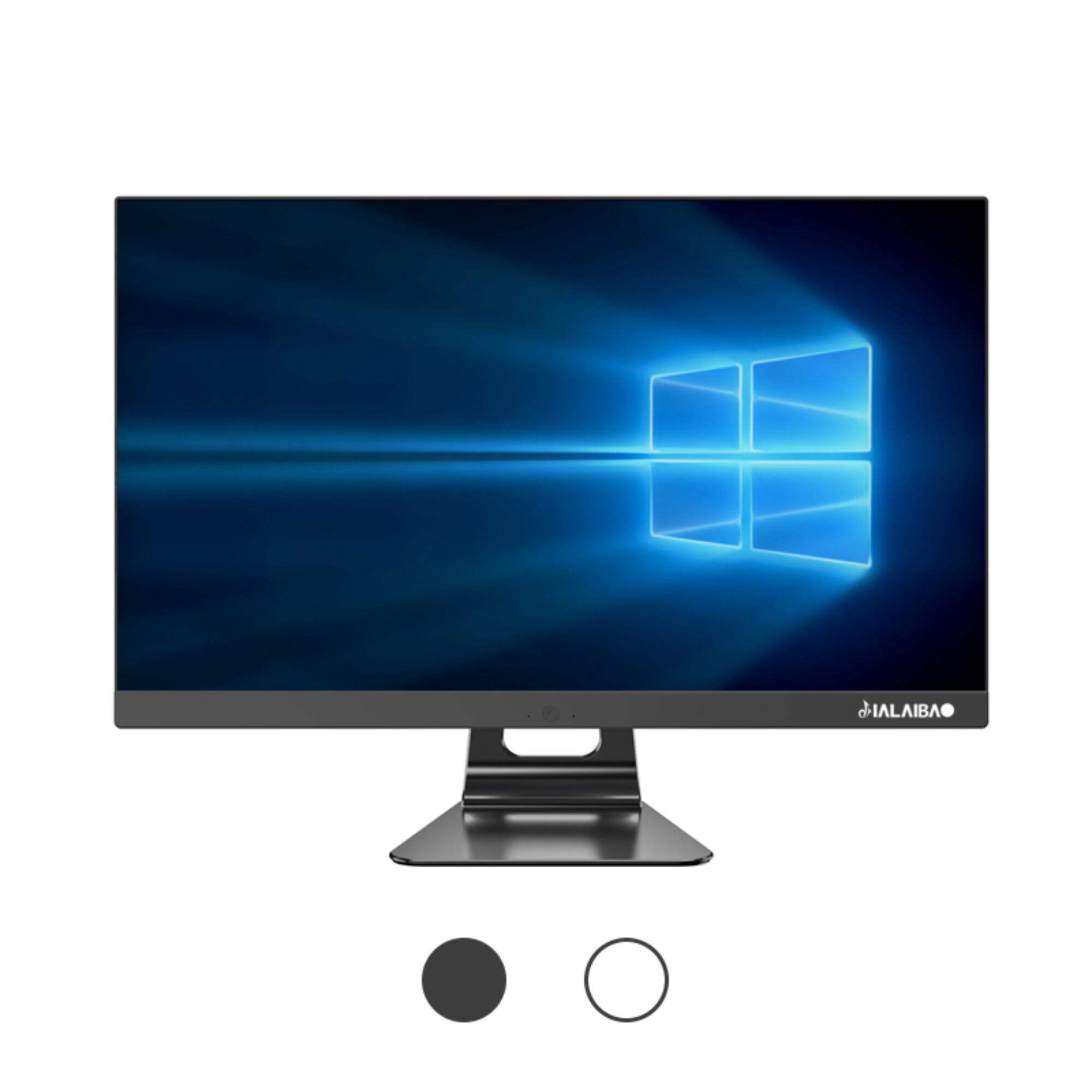
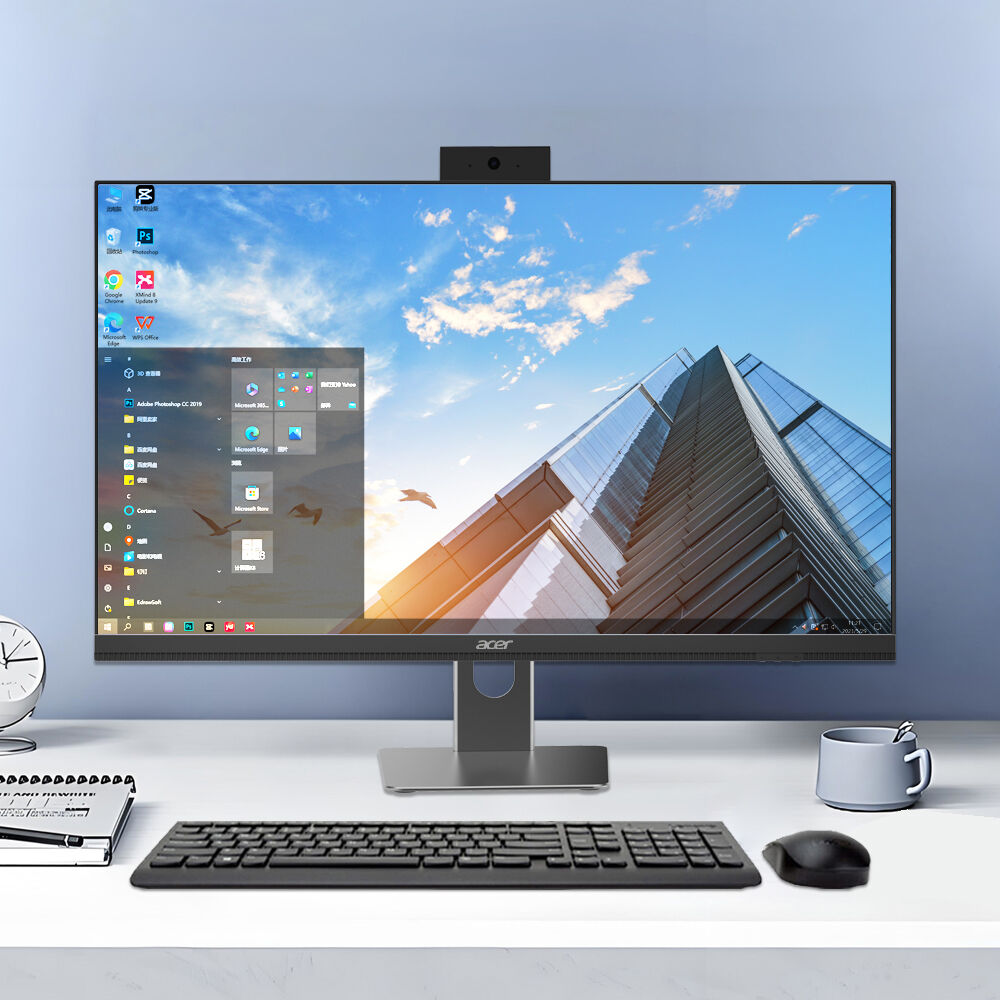
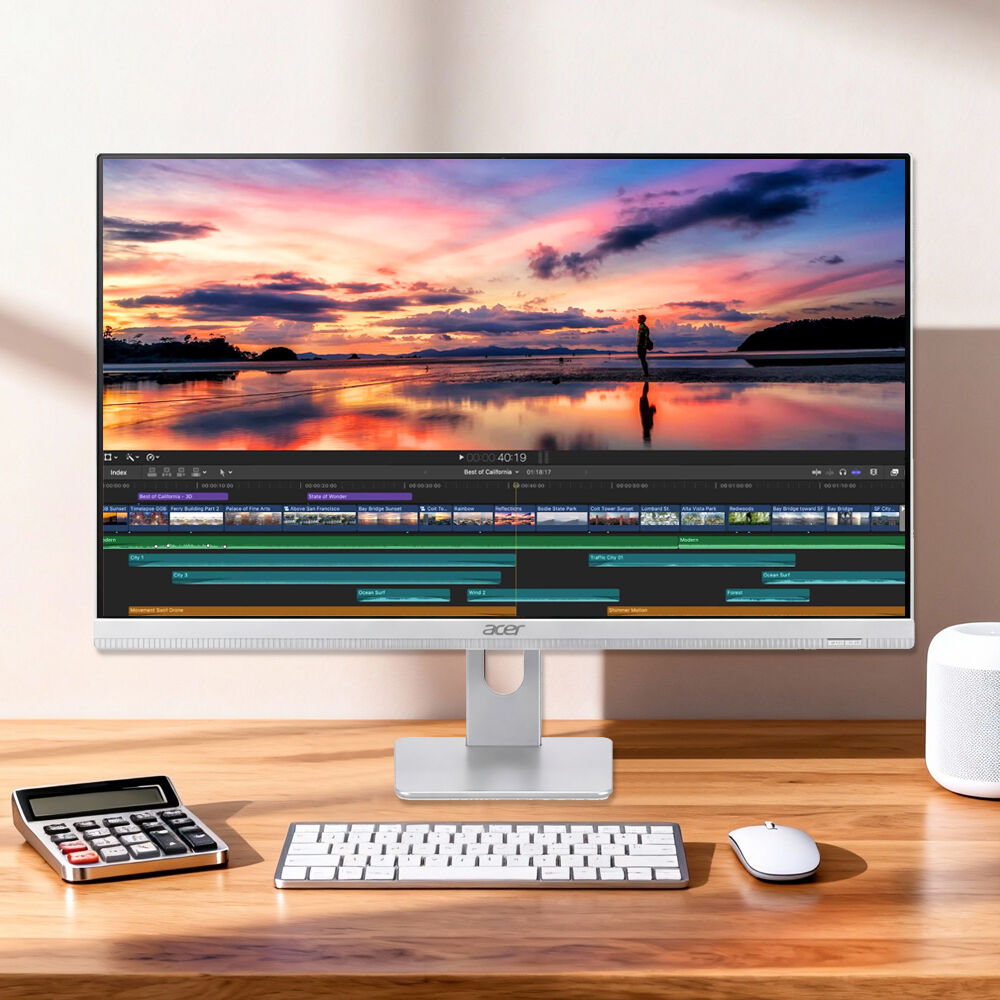
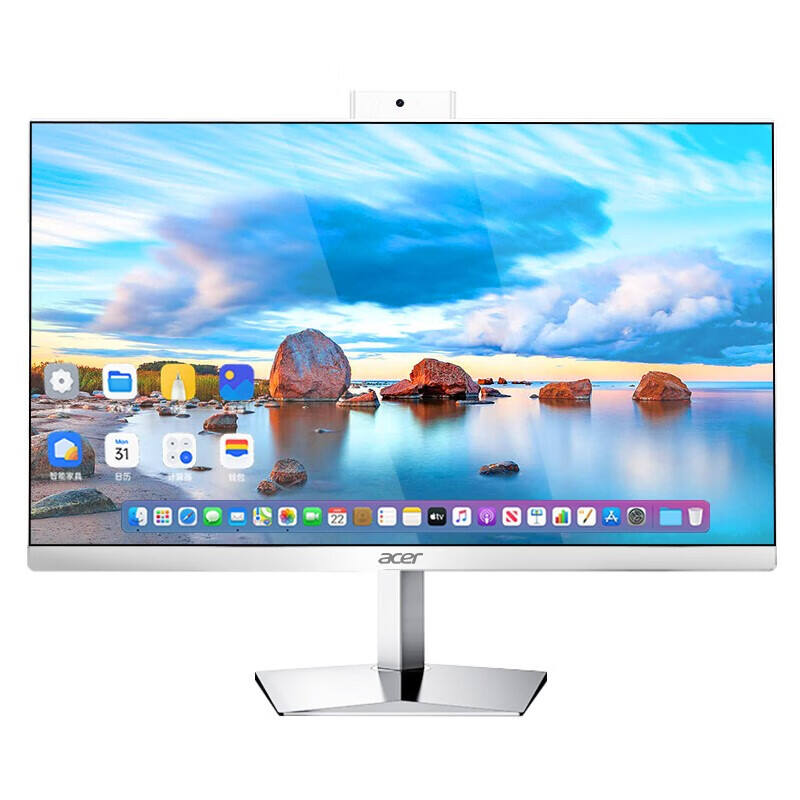
A business all-in-one desktop represents a revolutionary computing solution that integrates all essential components into a single, elegant unit. This innovative technology combines the monitor, processor, memory, storage, and connectivity features within one streamlined device, eliminating the traditional separation between display and tower units. Modern business all-in-one desktop systems deliver enterprise-grade performance while maintaining a sophisticated aesthetic that complements professional environments. The core functionality encompasses comprehensive business applications, from document processing and data analysis to video conferencing and project management. Advanced processors, typically Intel Core or AMD Ryzen series, power these systems to handle demanding tasks efficiently. Memory configurations range from 8GB to 64GB, accommodating various workload requirements, while solid-state drives ensure rapid boot times and file access. Connectivity options include multiple USB ports, HDMI outputs, Ethernet connections, and wireless capabilities supporting WiFi 6 and Bluetooth 5.0 standards. Display technology features high-resolution screens, often 4K Ultra HD, with anti-glare coatings and adjustable brightness levels optimized for extended usage periods. Built-in cameras support high-definition video calls, essential for remote collaboration and virtual meetings. Audio systems incorporate noise-canceling microphones and quality speakers for clear communication. Security features include TPM chips, fingerprint scanners, and facial recognition capabilities protecting sensitive business data. Applications span across industries including finance, healthcare, education, design, and administration. The business all-in-one desktop serves accounting firms processing financial data, medical practices managing patient records, educational institutions facilitating digital learning, and creative agencies developing multimedia content. These systems support popular software suites like Microsoft Office 365, Adobe Creative Cloud, and specialized industry applications, ensuring compatibility with existing business workflows and maximizing productivity across diverse professional contexts.

New Product Releases

The business all-in-one desktop offers significant space-saving benefits that transform workplace environments. Traditional desktop setups require separate towers, monitors, keyboards, and mice, consuming valuable desk real estate and creating cable management challenges. By consolidating these components, the business all-in-one desktop reduces the physical footprint by up to 50 percent, creating cleaner, more organized workspaces that enhance productivity and professional appearance. Cost efficiency represents another compelling advantage, as purchasing a business all-in-one desktop typically costs less than buying equivalent separate components. This integrated approach eliminates redundant features and reduces manufacturing overhead, passing savings directly to consumers. Energy consumption decreases substantially compared to traditional configurations, with most business all-in-one desktop units consuming 40-60 watts versus 150-200 watts for conventional tower-monitor combinations. Lower power usage translates to reduced electricity bills and smaller environmental footprints, aligning with corporate sustainability initiatives. Installation simplicity streamlines deployment processes significantly. IT departments can set up a business all-in-one desktop in minutes rather than hours, requiring only power connection and network configuration. This efficiency reduces labor costs and minimizes workplace disruption during technology upgrades or office relocations. Maintenance becomes more straightforward with fewer components to monitor and service. Technical support teams handle single-unit troubleshooting instead of diagnosing multiple interconnected devices, reducing downtime and support costs. The business all-in-one desktop also delivers superior reliability through integrated design and optimized component compatibility. Manufacturers test entire systems together, ensuring stable performance and reducing compatibility issues common in mixed-component setups. Thermal management improves through purpose-built cooling systems designed specifically for compact form factors. Warranty coverage typically extends across all components under single agreements, simplifying support processes and providing comprehensive protection. Performance optimization occurs naturally when manufacturers design processors, graphics, and cooling systems to work harmoniously within space constraints, often delivering better performance per watt than traditional configurations. Professional aesthetics enhance office environments and client perceptions, with sleek designs that project modern, efficient business images.

Latest News

What Are the Energy-Saving Benefits of Modern All-in-One PCs?

19

Dec

What Are the Energy-Saving Benefits of Modern All-in-One PCs?

Modern workplaces increasingly prioritize energy efficiency as organizations seek to reduce operational costs and environmental impact. All-in-one PCs have emerged as compelling solutions that combine performance with significant energy-saving advant...
View More
Can All-in-One PCs Reduce Maintenance and Hardware Costs in Businesses?

19

Dec

Can All-in-One PCs Reduce Maintenance and Hardware Costs in Businesses?

Modern businesses face mounting pressure to optimize their technology investments while maintaining operational efficiency. All-in-one PCs have emerged as a compelling solution for organizations seeking to streamline their computing infrastructure an...
View More
Why Is a Commercial Desktop Suitable for Enterprise Work Environments?

24

Mar

Why Is a Commercial Desktop Suitable for Enterprise Work Environments?

Enterprise work environments demand computing solutions that can withstand intensive daily operations while delivering consistent performance across diverse business applications. The choice between consumer-grade and commercial desktop systems signi...
View More
How Does a Desktop Computer Complete Set Support OfficeEfficiency?

24

Mar

How Does a Desktop Computer Complete Set Support OfficeEfficiency?

Modern office environments demand comprehensive computing solutions that streamline workflows and maximize productivity. A desktop computer complete set emerges as the cornerstone of efficient office operations, providing businesses with integrated h...
View More

Apply as Distributor

Our representative will contact you soon.
Email
Name
Company Name
Message
0/1000

business all-in-one desktop

Enhanced Security and Data Protection

Enhanced Security and Data Protection

The business all-in-one desktop prioritizes enterprise-level security through multiple integrated protection layers that safeguard sensitive business information from evolving cyber threats. Built-in Trusted Platform Module (TPM) 2.0 chips provide hardware-based encryption capabilities, creating secure environments for storing authentication credentials, certificates, and encryption keys that remain protected even if software security measures are compromised. Biometric authentication systems, including fingerprint scanners and facial recognition cameras, eliminate password vulnerabilities while providing convenient access control that adapts to individual users. These features prevent unauthorized access attempts and maintain detailed audit logs for compliance requirements. Advanced endpoint protection integrates seamlessly with existing security infrastructures, supporting enterprise identity management systems and active directory integration that streamlines user provisioning and access controls. Secure boot processes verify system integrity during startup, preventing malware injection at the firmware level and ensuring only authenticated operating systems and drivers load successfully. Built-in webcam privacy shutters provide physical protection against unauthorized surveillance, addressing growing concerns about remote monitoring and corporate espionage. Network security enhancements include enterprise-grade WiFi protocols with WPA3 encryption and support for virtual private networks that protect data transmission across public networks. The business all-in-one desktop also features remote management capabilities that allow IT administrators to deploy security updates, monitor system health, and enforce compliance policies across distributed workforces. These systems support multi-factor authentication protocols and single sign-on solutions that balance security requirements with user convenience. Data loss prevention features include automated backup systems and encrypted storage options that protect against hardware failures and theft. Compliance with industry standards such as HIPAA, SOX, and GDPR ensures that organizations can confidently deploy business all-in-one desktop solutions in regulated environments without compromising legal obligations or risking penalties.
Superior Collaboration and Communication Tools

Superior Collaboration and Communication Tools

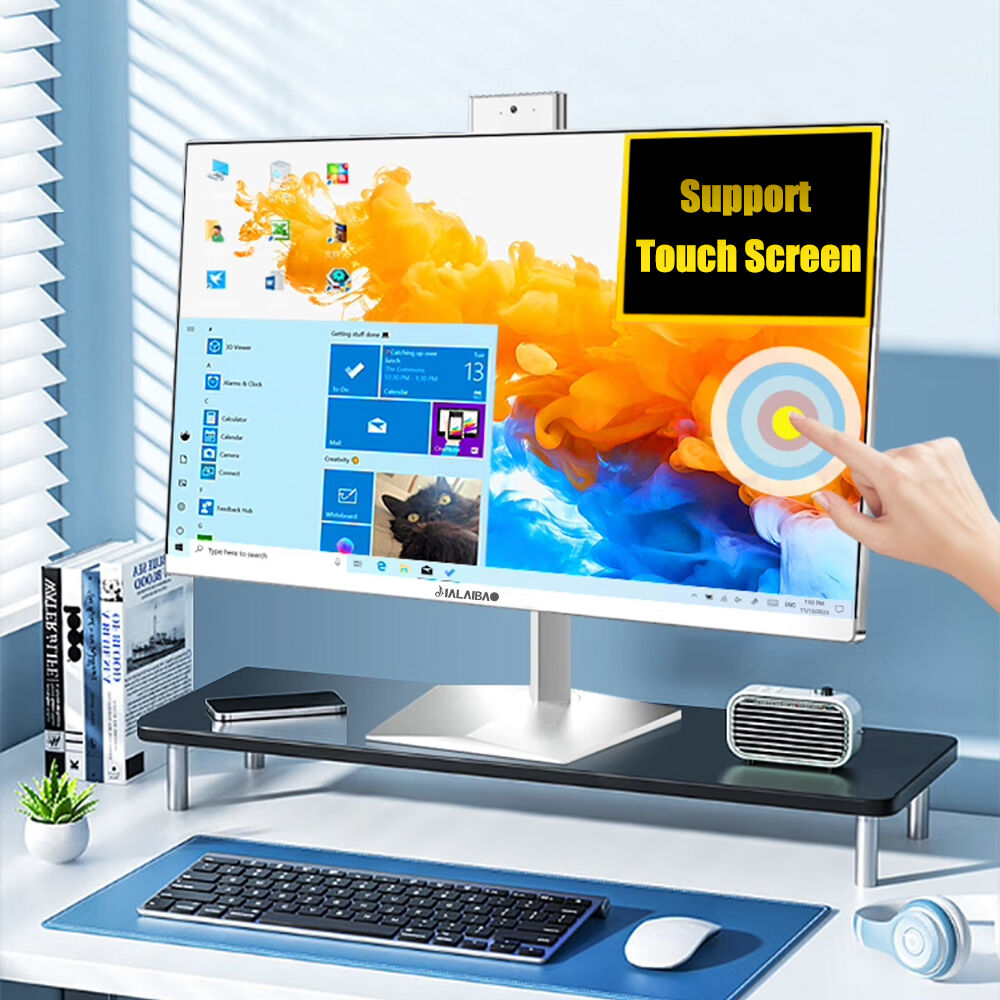
Modern business all-in-one desktop systems excel in facilitating seamless collaboration through integrated communication technologies designed for today's hybrid work environments. High-definition webcams with advanced image processing deliver crystal-clear video quality during virtual meetings, while intelligent auto-framing technology keeps users properly positioned within the frame even during movement. Noise-canceling microphone arrays utilize sophisticated algorithms to eliminate background distractions and enhance voice clarity, ensuring professional-quality audio transmission that maintains meeting effectiveness regardless of environmental conditions. These collaboration features support popular platforms including Microsoft Teams, Zoom, WebEx, and Google Meet without requiring additional hardware investments or complex configurations. Touch-screen capabilities on select business all-in-one desktop models enable intuitive interaction with presentation materials, allowing users to annotate documents, manipulate 3D models, and engage with content in natural ways that enhance communication effectiveness. Wireless screen sharing protocols support multiple device connections simultaneously, enabling seamless transitions between presenters and collaborative editing sessions that boost team productivity. The business all-in-one desktop integrates with cloud-based collaboration platforms, providing real-time document synchronization and version control that keeps distributed teams aligned on project progress. Built-in speakers deliver room-filling audio quality suitable for small group meetings without external sound systems, while headphone connectivity ensures private conversations when needed. Advanced scheduling integration synchronizes with calendar applications and automatically launches meeting software at appointment times, reducing delays and technical difficulties that commonly disrupt virtual gatherings. Multi-monitor support extends collaboration capabilities by enabling users to share specific applications while maintaining private workspace access, improving both security and productivity during client presentations and team meetings. The business all-in-one desktop also supports digital whiteboard applications that transform traditional brainstorming sessions into interactive experiences, allowing remote participants to contribute ideas and feedback in real-time through intuitive drawing and annotation tools.
Exceptional Performance and Scalability

Exceptional Performance and Scalability

The business all-in-one desktop delivers enterprise-grade computational performance through carefully optimized hardware configurations that maximize efficiency within compact form factors. Latest-generation processors, including Intel Core i7 and AMD Ryzen 7 series, provide substantial processing power capable of handling demanding business applications, data analysis tasks, and multimedia content creation without performance bottlenecks. Intelligent thermal management systems maintain optimal operating temperatures through advanced fan curve algorithms and heat dissipation designs that prevent throttling during sustained workloads, ensuring consistent performance throughout extended usage periods. Memory configurations up to 64GB support resource-intensive applications such as virtual machines, large dataset analysis, and complex design software that modern businesses increasingly rely upon. High-speed solid-state drives with PCIe NVMe interfaces deliver exceptional read-write speeds that dramatically reduce application loading times and file transfer durations, improving overall workflow efficiency and user satisfaction. Graphics processing capabilities range from integrated solutions suitable for general business tasks to dedicated graphics cards supporting CAD applications, video editing, and data visualization requirements. The business all-in-one desktop architecture supports future upgrade paths through accessible memory slots and storage expansion options that extend system lifespan and protect technology investments. Performance monitoring tools provide real-time insights into system utilization, helping users optimize resource allocation and identify potential bottlenecks before they impact productivity. Virtualization support enables businesses to run multiple operating systems simultaneously, facilitating software testing, legacy application access, and development environments without requiring separate hardware investments. Power management features automatically adjust performance levels based on current demands, balancing computational capability with energy efficiency to reduce operating costs and environmental impact. The business all-in-one desktop also supports advanced peripherals including 4K external monitors, high-speed storage arrays, and specialized input devices that expand system capabilities as business requirements evolve. Quality assurance testing ensures reliable performance across diverse software environments and usage patterns, providing confidence in mission-critical deployments where system failures could disrupt business operations and damage organizational reputation.

Get a Free Quote

Our representative will contact you soon.
Work Email
Full Name
Project Details
WhatsApp or Tel
Company Name
Message
0/1000