 EN
EN
 AR
AR
 BG
BG
 HR
HR
 CS
CS
 DA
DA
 NL
NL
 FR
FR
 DE
DE
 EL
EL
 HI
HI
 IT
IT
 JA
JA
 KO
KO
 NO
NO
 PL
PL
 PT
PT
 RO
RO
 RU
RU
 ES
ES
 SV
SV
 TL
TL
 IW
IW
 ID
ID
 SR
SR
 SK
SK
 VI
VI
 HU
HU
 TH
TH
 TR
TR
 FA
FA
 AF
AF
 MS
MS
 SW
SW
 UR
UR
 BN
BN
 HA
HA
 KM
KM
 MN
MN
 UZ
UZ

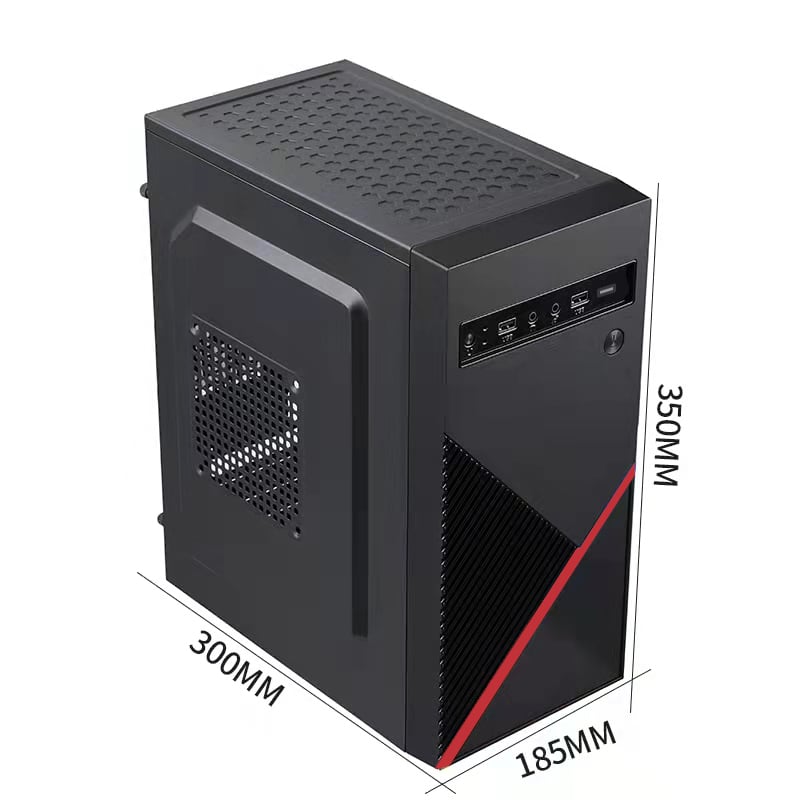
The modern office demands efficiency, flexibility, and smart use of space. A mini desktop computer has emerged as one of the most practical solutions for businesses that need reliable computing power without the bulk of a traditional tower. Whether your team handles documents, spreadsheets, video calls, or cloud-based applications, a mini desktop computer is built to handle these tasks with impressive competence. Its compact footprint and straightforward setup make it an increasingly popular choice in offices of all sizes.
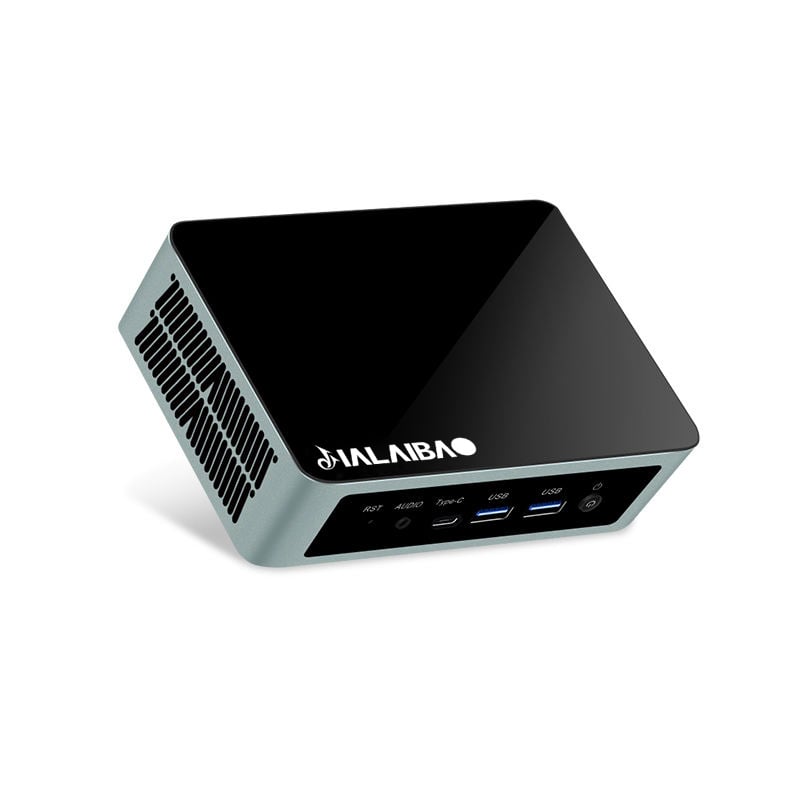
Understanding how a mini desktop computer fits into daily office workflows requires looking at real operational needs. Offices rely on consistent uptime, manageable hardware costs, and machines that employees can use without constant IT intervention. A mini desktop computer addresses each of these concerns directly. From reception desks to executive workstations, the mini desktop computer proves its value across many different roles and environments within a working office.
Space Efficiency and Workstation Organization
Compact Design That Transforms Desk Layouts
One of the most immediate benefits of a mini desktop computer is the dramatic reduction in physical footprint. Traditional desktop towers consume significant desk or floor space, often cluttering the workspace and making cable management difficult. A mini desktop computer typically fits in the palm of a hand or mounts directly behind a monitor using a VESA bracket. This frees up valuable desk real estate, giving employees more room to work comfortably and keep their stations organized.
When an office deploys a mini desktop computer across multiple workstations, the cumulative effect on workspace organization is substantial. Meeting rooms, reception areas, and shared workspaces particularly benefit from the clean aesthetic a mini desktop computer provides. A tidy, uncluttered environment also contributes to employee focus and professionalism when clients visit. The mini desktop computer is not just a hardware choice but a workspace design decision.
Simplified Cable Management and Reduced Clutter
A mini desktop computer generally requires fewer cables than a full-sized tower, which simplifies cable routing significantly. Most mini desktop computer units include all necessary ports, such as USB, HDMI, and audio, in a compact and accessible layout. This means IT teams spend less time managing tangled wiring behind desks and more time on higher-value support tasks. For offices that prioritize a professional appearance, the streamlined setup of a mini desktop computer aligns perfectly with that goal.
Performance Capability for Core Office Tasks
Handling Everyday Business Applications with Confidence
A common concern when considering a mini desktop computer is whether the smaller chassis compromises performance. In practice, a modern mini desktop computer delivers sufficient processing power for the vast majority of daily office tasks. Running word processors, spreadsheets, email clients, web browsers, and video conferencing platforms simultaneously is well within the capability of a current-generation mini desktop computer. Employees can work without frustrating delays or system slowdowns during peak usage hours.
Many mini desktop computer models offer configurable RAM and storage options, allowing businesses to match the machine specifications to their specific workload requirements. A data-entry team may need a different configuration than a design or finance team, and the mini desktop computer ecosystem accommodates this flexibility. Choosing the right mini desktop computer configuration at procurement ensures that performance expectations are met without overspending on unnecessary capability.
Connectivity and Peripheral Support in Office Environments
Office operations depend on a wide range of peripherals, including monitors, keyboards, mice, printers, and external storage devices. A mini desktop computer typically supports dual-monitor setups, which significantly improves multitasking efficiency for roles that require comparing documents or monitoring multiple data streams simultaneously. The mini desktop computer connects to standard office networking infrastructure, including wired Ethernet and Wi-Fi, ensuring stable and fast connectivity throughout the workday.
Compatibility with existing office peripherals is rarely an issue with a mini desktop computer running a standard operating system. This means businesses do not need to replace existing hardware when transitioning to a mini desktop computer setup. The transition is smooth, cost-effective, and minimally disruptive to daily operations, which is a critical consideration for any IT decision-maker evaluating the mini desktop computer as a workplace solution.
Cost Efficiency and Long-Term Office Value
Lower Energy Consumption Across the Office Fleet
Energy consumption is a measurable operating cost for any business, and the mini desktop computer performs exceptionally well in this regard. A mini desktop computer typically consumes significantly less electricity than a full-sized desktop tower, which translates directly into lower utility bills over time. For an office running dozens of machines, replacing traditional towers with a mini desktop computer fleet can produce meaningful savings on energy costs annually. This makes the mini desktop computer a financially sound choice for businesses focused on operational efficiency.
The lower heat output of a mini desktop computer also reduces the load on office cooling systems. Less heat generated by workstations means air conditioning units do not need to work as hard to maintain a comfortable office temperature. This secondary energy saving further strengthens the financial case for adopting the mini desktop computer as the standard office computing platform.
Easier Deployment, Maintenance, and Scalability
Deploying a mini desktop computer across an office is straightforward, and maintenance requirements tend to be minimal. The compact, sealed design of many mini desktop computer units reduces the entry of dust and debris, which is a common cause of hardware failure in open-tower systems. IT teams can configure a mini desktop computer quickly, and if a unit requires replacement, swapping out a mini desktop computer causes far less disruption than replacing a bulky tower. Businesses that plan to scale their workforce can add mini desktop computer units incrementally without requiring significant infrastructure changes.
FAQ
Is a mini desktop computer powerful enough for video conferencing and cloud applications?
Yes, a current-generation mini desktop computer handles video conferencing platforms and cloud-based business applications without difficulty. Most mini desktop computer models include sufficient processing power and memory to run these tools alongside standard office software simultaneously.
Can a mini desktop computer support dual monitors in an office setting?
Most modern mini desktop computer units include multiple video output ports, enabling dual-monitor configurations. This makes the mini desktop computer a practical choice for office roles that benefit from expanded screen space, such as data analysis or document review positions.
How does a mini desktop computer compare to a laptop for permanent office workstations?
For fixed office workstations, a mini desktop computer often provides better value than a laptop. The mini desktop computer offers more stable thermal performance, easier peripheral integration, and lower cost per unit. Employees working at a dedicated desk benefit from the ergonomic flexibility that a mini desktop computer paired with an external monitor and keyboard provides.