 EN
EN
 AR
AR
 BG
BG
 HR
HR
 CS
CS
 DA
DA
 NL
NL
 FR
FR
 DE
DE
 EL
EL
 HI
HI
 IT
IT
 JA
JA
 KO
KO
 NO
NO
 PL
PL
 PT
PT
 RO
RO
 RU
RU
 ES
ES
 SV
SV
 TL
TL
 IW
IW
 ID
ID
 SR
SR
 SK
SK
 VI
VI
 HU
HU
 TH
TH
 TR
TR
 FA
FA
 AF
AF
 MS
MS
 SW
SW
 UR
UR
 BN
BN
 HA
HA
 KM
KM
 MN
MN
 UZ
UZ

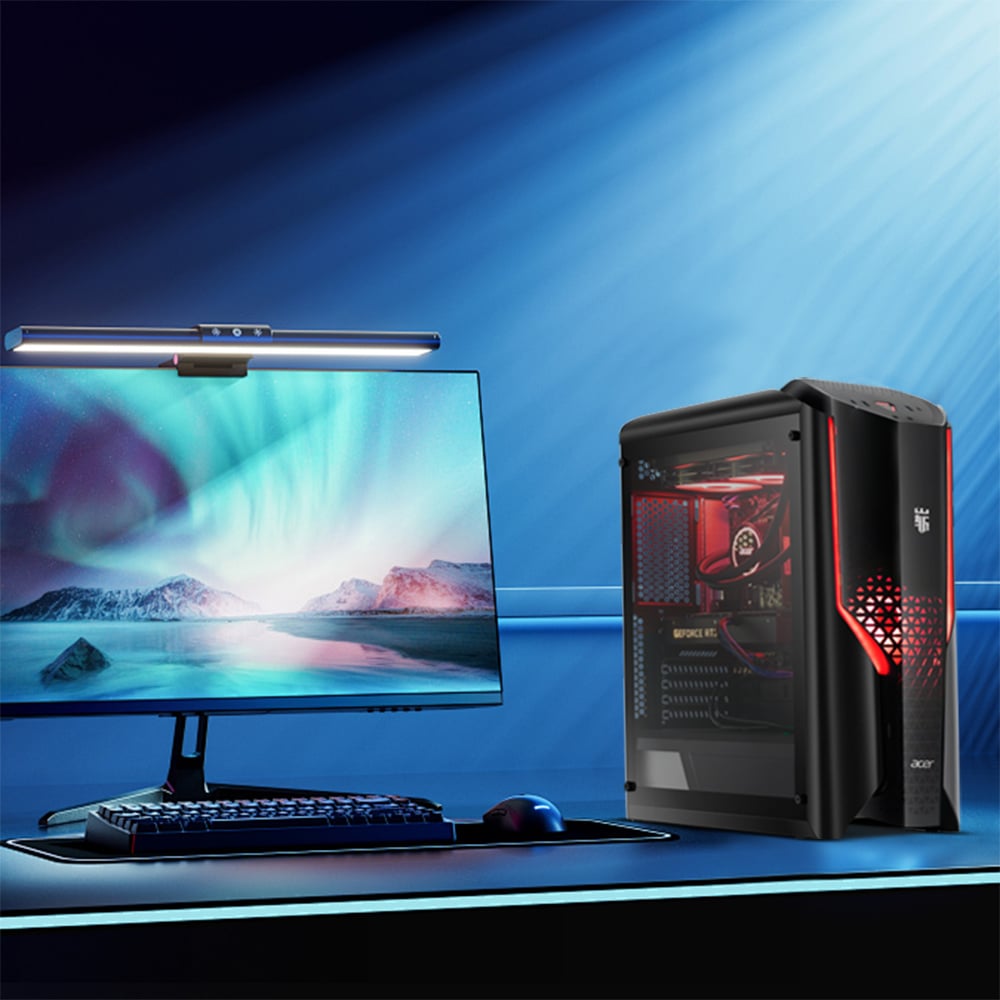
Cable clutter is one of the most persistent frustrations in modern office environments. Every traditional desktop workstation comes with a tower, a separate monitor, multiple power bricks, and a tangle of data cables connecting each component. An AIO computer changes this reality fundamentally by consolidating the processor, display, and internal components into a single unified housing. The result is a workstation that requires far fewer cables from the very first moment of setup, giving office desks a noticeably cleaner and more organized appearance.
The benefits of an AIO computer extend well beyond aesthetics. A tidier desk directly supports employee focus, reduces tripping hazards, and makes routine cleaning far simpler. For offices that prioritize a professional appearance during client visits or video calls, an AIO computer presents an immediately polished and modern impression. Understanding exactly how an AIO computer achieves this cable reduction helps decision-makers choose the right hardware solution for their teams.
The Built-In Design Advantage of an AIO Computer
Fewer External Components, Fewer Cables
A conventional desktop setup typically requires at least five separate cables: a power cable for the tower, a power cable for the monitor, a video cable between them, and additional cables for audio or USB hubs. An AIO computer eliminates the tower entirely. Because the AIO computer integrates the motherboard, CPU, RAM, storage, and display into one enclosure, the power connection is reduced to a single cable. This dramatic simplification is the core reason an AIO computer is so effective at clearing desk surfaces.
An AIO computer also typically includes built-in speakers, a built-in webcam, and built-in wireless connectivity such as Wi-Fi and Bluetooth. Each of these built-in features removes another potential cable from the desk. Without the need for a separate external webcam cable, a dedicated speaker wire, or a wired network adapter, the AIO computer achieves a remarkably minimal cable footprint. Offices switching from traditional desktops to an AIO computer often report removing four to six cables per workstation immediately upon deployment.
Integrated Wireless Peripherals Support
Modern AIO computer models are designed to pair seamlessly with wireless keyboards and wireless mice using Bluetooth. This means the AIO computer itself does not require USB dongle adapters cluttering the ports, and no peripheral cables run across the desk surface. When an organization standardizes on wireless peripherals alongside an AIO computer, the desk can operate with just a single power cable visible, or sometimes none at all if cable management clips route it discreetly behind the monitor stand. The AIO computer therefore acts as a natural anchor for a fully wireless workstation strategy.
Cable Management Made Simpler with an AIO Computer
Centralized Port Layout
One practical advantage of the AIO computer design is that all ports, including USB, audio, and video outputs, are located on the rear panel or along the side edges of the single unit. This centralized port placement means any remaining cables connect at one defined point rather than running from a floor-level tower to a desk-level monitor. When managing an AIO computer installation, facilities teams only need to address cable routing at one location per workstation, which significantly reduces time and materials spent on cable management infrastructure.
The rear-facing ports on an AIO computer also allow cables to drop directly behind the monitor stand, where they can be guided along a desk grommet or wall channel with minimal effort. Compared to managing cables that travel from a tower hidden under a desk, then climb to the monitor, then branch to peripherals, the AIO computer approach requires far less conduit, fewer ties, and less planning. This efficiency is particularly valuable for large offices deploying dozens of workstations simultaneously.
Reduced Power Strip Dependency
Because an AIO computer uses only one power connection instead of two or three, each workstation requires fewer power strip outlets. This reduction means power strips can be smaller, positioned more discreetly, or even eliminated from the desk surface entirely. An AIO computer combined with a wireless keyboard, wireless mouse, and wireless headset can realistically operate from a single outlet. Fewer devices drawing power also contributes to a simpler, safer, and more compliant electrical environment within the office.
Long-Term Workspace Impact of an AIO Computer
Maintaining a Clutter-Free Desk Over Time
Cable clutter tends to grow over time as employees add accessories, upgrade peripherals, or connect additional devices. A traditional desktop workstation accumulates new cables rapidly because its open architecture encourages expansion through external hardware. An AIO computer naturally limits this tendency by offering a contained, defined set of ports and a form factor that discourages the attachment of bulky external components. Staff who use an AIO computer are more likely to maintain cleaner desks long-term because the AIO computer itself sets a visual standard of simplicity that guides accessory choices.
From a facilities management perspective, maintaining an AIO computer fleet is also easier than managing traditional desktop fleets. Dust accumulation is reduced because there is no floor-standing tower with intake fans pulling debris. Moves and reconfigurations are faster because relocating an AIO computer involves unplugging a single power cable and carrying one unit, rather than disassembling a multi-component tower setup. These practical efficiencies compound over months and years, making the AIO computer a sound long-term investment for office environments focused on organization and operational simplicity.
Supporting Ergonomic and Aesthetic Standards
An AIO computer also supports ergonomic desk setups by removing the physical and visual bulk of a desktop tower. Without a tower occupying under-desk space, employees have more freedom for ergonomic accessories like foot rests and under-desk drawers. The clean visual profile of an AIO computer also aligns with contemporary office design standards that emphasize open space and minimal visual noise. When cable clutter is eliminated through an AIO computer, employees report feeling more in control of their workspace, which is linked to improved focus and reduced cognitive stress during the workday.
FAQ
Does an AIO computer completely eliminate all desk cables?
An AIO computer significantly reduces cables but typically retains one power cable. If wired peripherals such as a keyboard, mouse, or external drive are used, additional cables may remain. However, even in these cases, the total cable count with an AIO computer is substantially lower than with a traditional desktop setup.
Is an AIO computer suitable for demanding office tasks?
Yes, a modern AIO computer is capable of handling typical business applications including productivity suites, video conferencing, data analysis, and light creative work. Higher-specification AIO computer models are available for more demanding tasks. The AIO computer form factor does not inherently limit performance for standard office environments.
How does an AIO computer compare to a laptop for reducing cable clutter?
A laptop can also reduce cables, but an AIO computer offers a larger integrated display, a more stable ergonomic position, and better long-term desk organization for stationary workstations. An AIO computer is the preferred choice when employees work primarily at a fixed desk and need a full-sized screen without the cable complexity of a traditional desktop computer.