 EN
 AR
 BG
 HR
 CS
 DA
 NL
 FR
 DE
 EL
 HI
 IT
 JA
 KO
 NO
 PL
 PT
 RO
 RU
 ES
 SV
 TL
 IW
 ID
 SR
 SK
 VI
 HU
 TH
 TR
 FA
 AF
 MS
 SW
 UR
 BN
 HA
 KM
 MN
 UZ

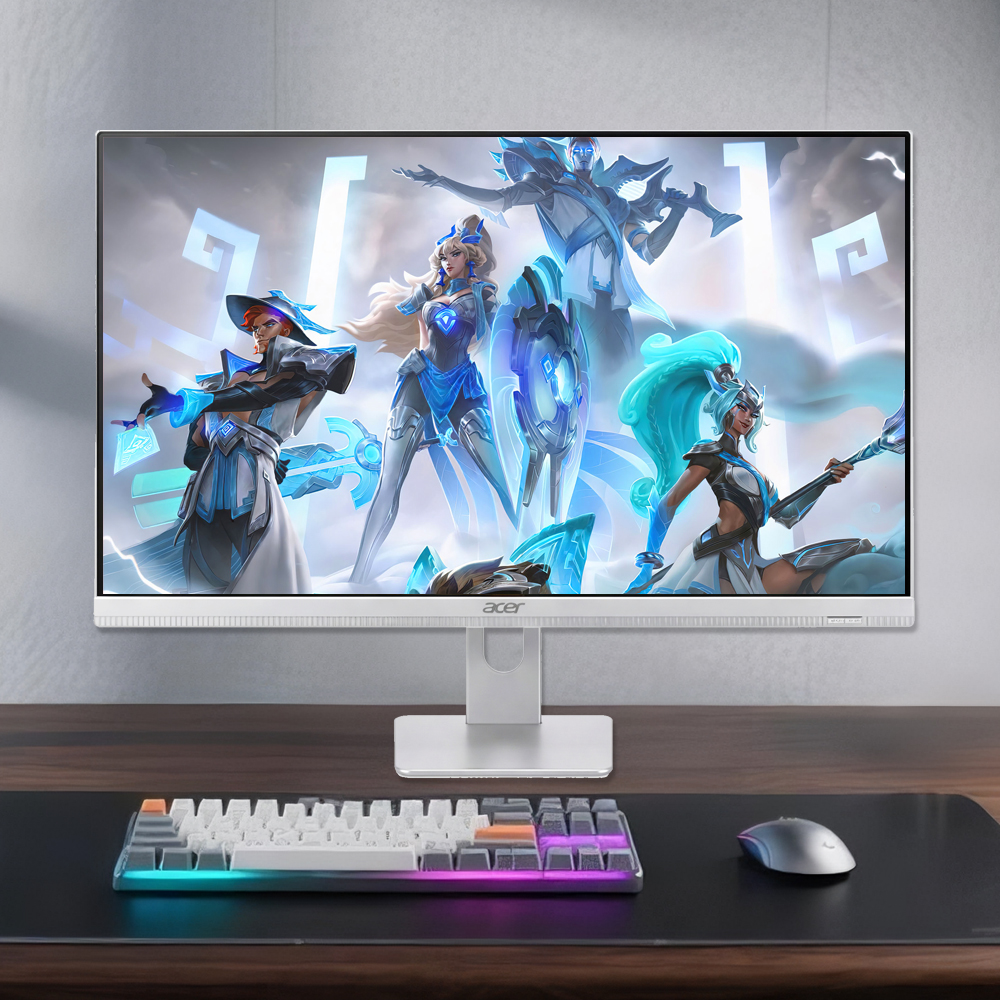
A corporate office needs computers that support focused work without making every desk harder to organize. A business all-in-one desktop brings the display and computer into one integrated unit, which can simplify workspace planning and everyday setup. Its suitability depends on how employees work, which applications they use, and how IT manages devices. For teams with standard office workloads, a business all-in-one desktop can be a practical fit rather than simply a tidier-looking choice.
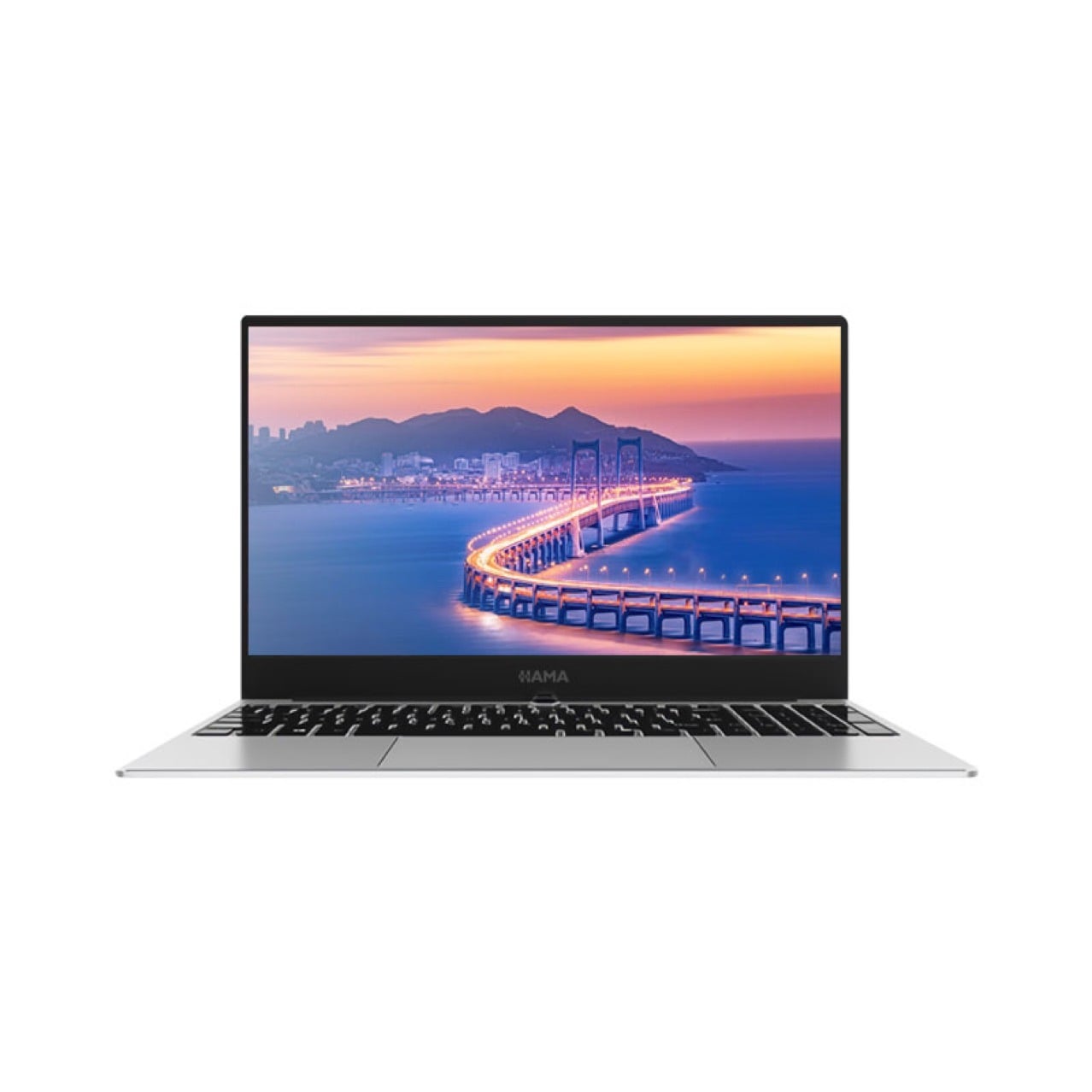
The case for a business all-in-one desktop is strongest where staff spend much of the day at a fixed workstation and need dependable access to documents, communication tools, and business software. Fewer separate components can make desks easier to arrange and maintain. However, an integrated design is not automatically right for every department, so office planners should assess performance, service access, connectivity, and future needs before standardizing.
How the integrated design fits corporate workspaces
More orderly desks and simpler space planning
Combining the screen and computer reduces the number of large devices competing for desk space. A business all-in-one desktop can leave more room for paperwork, input devices, and task-specific equipment, while fewer visible cables help keep shared work areas orderly. This can be useful in reception areas, administrative departments, and open-plan offices where consistent workstation layouts matter.
The benefit is practical, not merely visual. Facilities teams can plan desk dimensions and power access around a business all-in-one desktop instead of accommodating a separate tower beside or beneath each monitor. Before selecting a configuration, confirm that the screen size, stand footprint, cable routing, and mounting options suit the actual furniture and the user’s preferred working posture.
A consistent experience across teams
Organizations often need a familiar workstation experience for employees who move between departments or locations. A business all-in-one desktop can support a consistent screen-and-computer arrangement across reception, finance, human resources, and general administration. IT can define standard configurations for common roles, helping users encounter similar ports, displays, and setup procedures at different desks.
Standardization still needs sensible exceptions. A business all-in-one desktop configured for document processing may not meet the needs of staff running demanding design, data, or engineering applications. Treat a common model as a baseline, then confirm role-specific memory, processor, storage, display, and peripheral requirements. This keeps the workstation strategy coherent without assuming that every employee has the same workload.
Why everyday office operations can benefit
Streamlined deployment and desk changes
A workstation with fewer separate components can make initial deployment easier to coordinate. With a business all-in-one desktop, IT staff still need to image the system, apply security settings, connect peripherals, and test network access, but there may be fewer individual units to position and cable. That can simplify desk moves or new-starter preparation when deployment steps are documented.
The operational gain depends on preparation rather than form factor alone. A business all-in-one desktop should arrive with an agreed configuration, approved software, asset records, and a clear handover process. Teams should also verify wireless or wired network requirements, video-call accessories, and any specialist devices before rollout. Those checks reduce avoidable delays and make the integrated design useful in day-to-day office operations.
Support for communication and routine tasks
Corporate employees commonly switch among email, shared documents, business applications, and video meetings. A business all-in-one desktop can place these activities on a single workstation without requiring a separate computer tower at the desk. Built-in or attached camera and audio options may be relevant, but buyers should check their suitability for meeting quality, privacy controls, and company security policies.
The right configuration is determined by the work, not by the integrated enclosure. When specifying a business all-in-one desktop, review application requirements, multitasking patterns, display resolution, memory capacity, and storage needs. Also confirm available connections for headsets, external displays, docks, and other peripherals. A careful fit assessment helps avoid paying for capabilities employees will not use or overlooking resources they rely on.
What to assess before choosing an office configuration
Performance, serviceability, and lifecycle needs
An integrated system can make component replacement less straightforward than a setup with a separate tower and monitor, depending on its construction and service model. Before adopting a business all-in-one desktop, ask how memory and storage can be accessed, what repair procedures involve, and whether parts or service are available throughout the planned lifecycle. These details affect downtime planning and total ownership considerations.
IT teams should compare the expected service life with the organization’s refresh schedule and security requirements. A business all-in-one desktop must support the operating system, management tools, and applications that the business intends to use. Check warranty terms, firmware support, and repair pathways, then document how a failed unit will be diagnosed and replaced. This preparation matters especially where employees depend on fixed desks for continuous operations.
Ergonomics, connectivity, and suitability by role
A neat workstation is only useful if employees can work comfortably and connect necessary equipment. Evaluate screen height and adjustment, viewing distance, glare, and available desk space when testing a business all-in-one desktop. Confirm that the stand or mounting approach allows an appropriate position, and consider whether users need an external keyboard, mouse, monitor, or accessibility device.
A business all-in-one desktop is generally most suitable for stable office roles with predictable applications and limited need to change internal hardware. Mobile employees may need a different device, while high-performance or highly configurable roles may benefit from another workstation design. A company can use the integrated format for suitable departments and retain role-based alternatives, provided support standards and security controls remain consistent.
FAQ
Why choose an all-in-one computer for a corporate office?
A business all-in-one desktop can reduce the number of separate devices at a desk and support a more consistent layout. It is particularly relevant for fixed workstations handling common office applications. The decision should also account for performance, repair access, connectivity, and employee ergonomics rather than relying on appearance alone.
Can an all-in-one desktop support different employee roles?
Yes, when configurations match each role’s applications and peripherals. A business all-in-one desktop may suit administrative, reception, and general office work, while technical or graphics-intensive jobs may require different specifications. Establish a standard baseline, then provide clearly managed variations where real workload requirements justify them.
What should IT check before deployment?
IT should verify software compatibility, security management, ports, network access, display and audio needs, service procedures, and desk ergonomics. Before deploying a business all-in-one desktop at scale, test a representative workstation with actual users and peripherals. Record configuration and support steps so the rollout and later maintenance follow a repeatable process.