 EN
 AR
 BG
 HR
 CS
 DA
 NL
 FR
 DE
 EL
 HI
 IT
 JA
 KO
 NO
 PL
 PT
 RO
 RU
 ES
 SV
 TL
 IW
 ID
 SR
 SK
 VI
 HU
 TH
 TR
 FA
 AF
 MS
 SW
 UR
 BN
 HA
 KM
 MN
 UZ

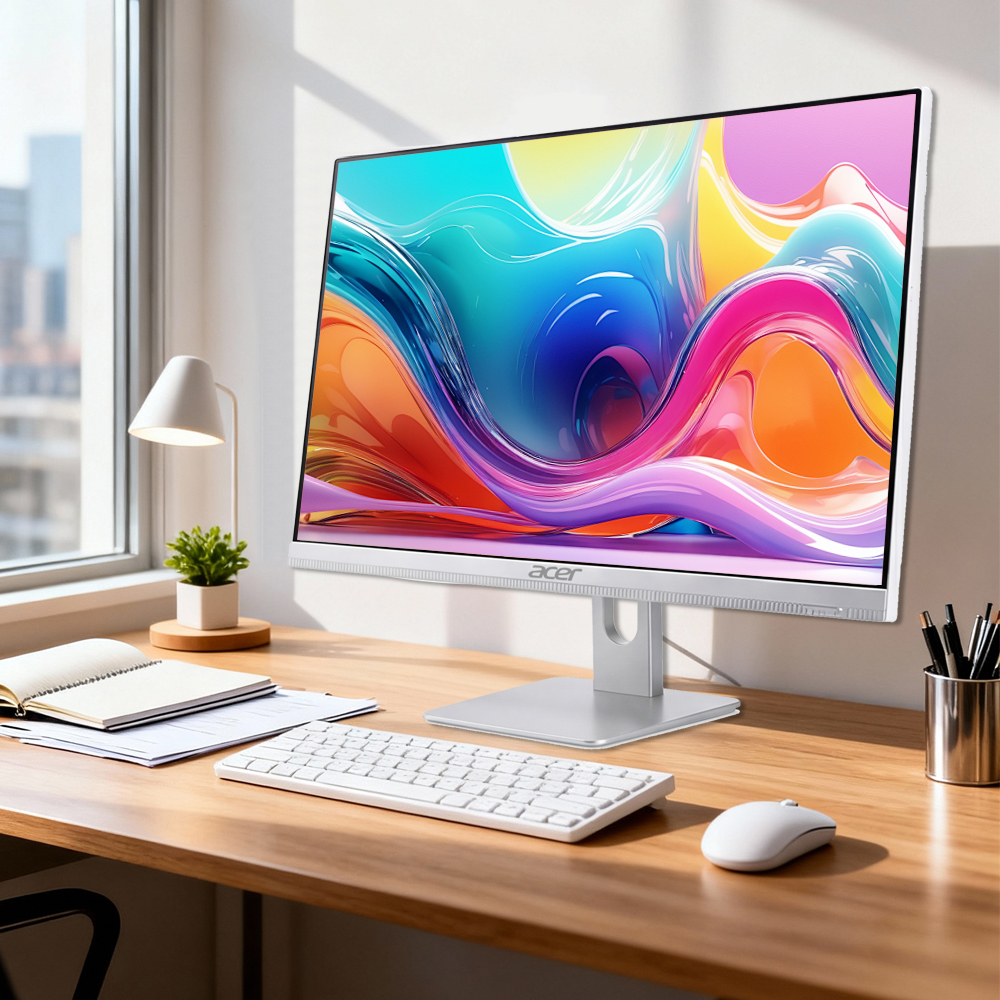
A business all-in-one desktop can improve office productivity by bringing the computer and display together in one workspace. That simpler setup can reduce desk clutter, make everyday tasks easier to start, and help teams use shared work areas more consistently. The practical benefit comes from fitting the workstation to the work, not from assuming that one device solves every process problem.
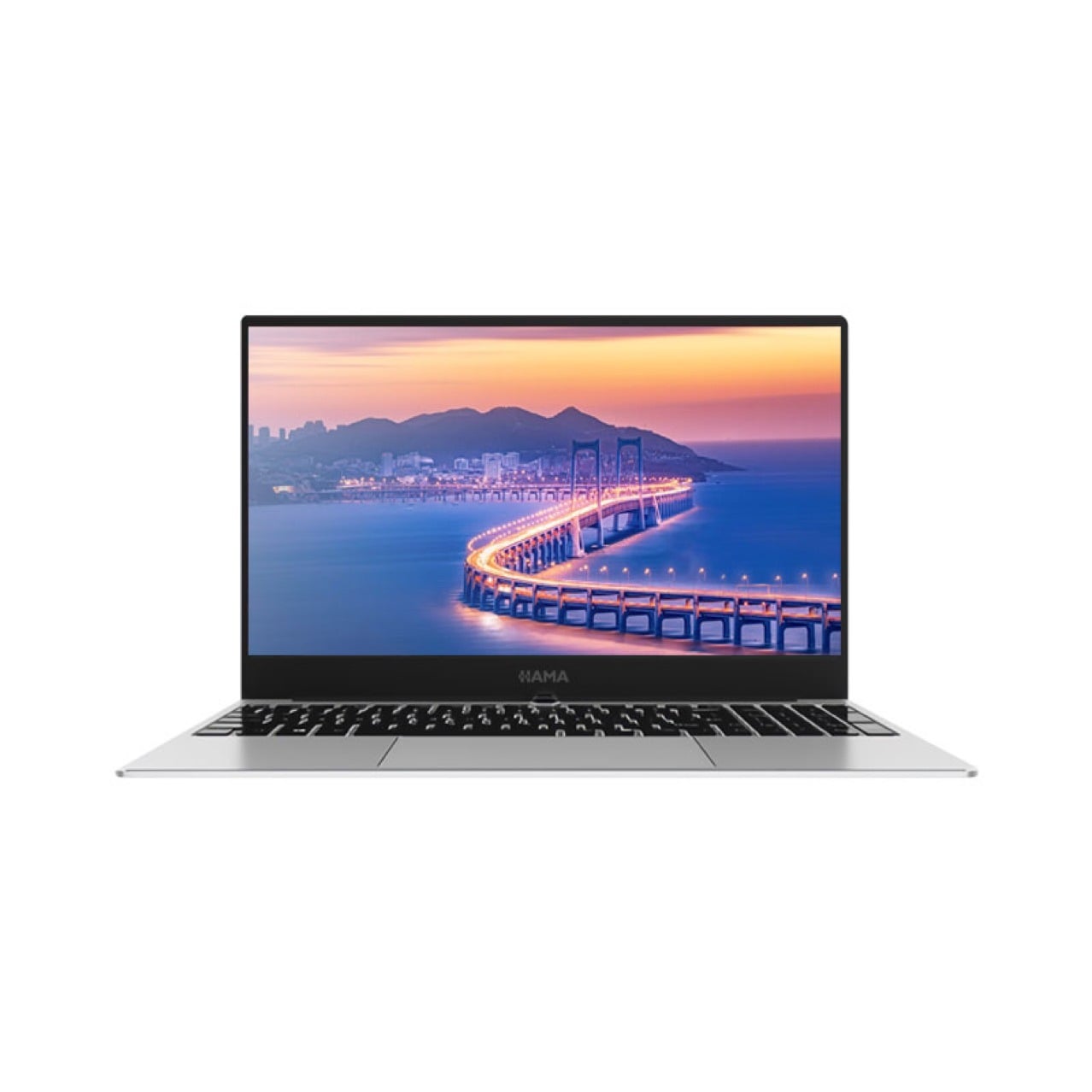
For office managers and IT teams, the productivity case for a business all-in-one desktop is clearest when employees spend much of the day on communication, documents, scheduling, or operational systems. A business all-in-one desktop can make those routines less dependent on improvised equipment placement, while still requiring suitable specifications, secure setup, and a plan for support.
How a unified workstation reduces daily friction
A cleaner desk supports task changes
A business all-in-one desktop combines the screen and computing hardware in one unit, so the workstation generally needs fewer separate components than a conventional desktop arrangement. For employees moving between email, customer records, spreadsheets, and video calls, a business all-in-one desktop can leave more usable desk space for notes, documents, or equipment used in the role. Less visual and physical clutter may make it easier to shift attention between tasks.
The value is practical rather than automatic. A business all-in-one desktop does not remove interruptions or improve a poorly designed process, but it can make a crowded desk easier to organize. When people share desks or work in compact offices, a business all-in-one desktop can also reduce the number of separate items that must be arranged before work begins.
Consistent placement makes workspaces easier to use
A business all-in-one desktop can help standardize how workstations are arranged across a department. With a consistent screen position and fewer independent components, employees may find it easier to settle into a familiar setup when they move between rooms or assigned desks. That consistency is useful for reception, administration, and other roles where staff regularly rotate across work areas.
To capture this benefit, teams should consider desk dimensions, viewing distance, cable routing, and access to power before deployment. A business all-in-one desktop still needs a suitable chair, monitor height, and clear space for documents. Planning these details makes the business all-in-one desktop part of an ergonomic workstation instead of simply a tidier device on the desk.
How it supports communication and daily workflows
Fewer setup steps help employees get started
A business all-in-one desktop can simplify initial workstation setup because fewer separate hardware components need to be positioned and connected. In a new office or a team expansion, a business all-in-one desktop may make desk preparation more straightforward, particularly when IT staff use a consistent configuration. Employees can then focus sooner on signing in, accessing approved applications, and completing role-specific tasks.
This benefit depends on thoughtful preparation. IT should confirm that each business all-in-one desktop has the required operating environment, user access, security settings, and network connection before it reaches an employee. A business all-in-one desktop that is physically ready but not properly configured can still create delays, so deployment procedures matter as much as the integrated design.
One workstation can support connected office tasks
Many office roles alternate between messaging, documents, browser-based tools, and meetings. A business all-in-one desktop provides a single workstation for those connected tasks, which can make routine transitions feel more orderly. For staff who need to keep reference material visible during a call, the display and available workspace should suit the applications and viewing habits involved.
A business all-in-one desktop can also support shared service points when the workload is mainly digital and the device is positioned for the intended user. Before using a business all-in-one desktop in reception or a team hub, assess privacy, screen visibility, peripherals, and access controls. These choices help the setup support collaboration without exposing sensitive information or interrupting nearby work.
How to make the productivity gains sustainable
Match specifications to real workloads
The right business all-in-one desktop starts with the applications employees actually use. Review expected multitasking, video meetings, document size, storage needs, and any specialist software rather than choosing by appearance alone. A business all-in-one desktop configured for routine office work may not suit demanding design, data, or engineering workloads, so performance requirements should be confirmed with users and IT.
Screen size, ports, connectivity, camera needs, and peripheral compatibility can also affect daily efficiency. A business all-in-one desktop should connect reliably to the tools a role depends on, such as a headset, external storage, or approved input devices. Checking those requirements in advance helps prevent workarounds that add friction after installation.
Plan support, security, and replacement
A business all-in-one desktop places more of the workstation in one integrated unit, so support teams should understand the service process and replacement options before standardizing a model. Documenting setup, updates, backups, and user permissions makes routine support more predictable. A business all-in-one desktop can simplify the physical setup, but it still needs the same care around patching and data protection as other office computers.
Measure productivity in terms employees can observe: time spent preparing a desk, interruptions caused by setup issues, and whether common tasks run smoothly. Feedback after deployment can reveal whether a business all-in-one desktop improves the actual work environment or whether adjustments are needed. A business all-in-one desktop delivers sustainable value when equipment choices, support practices, and workspace design work together.
FAQ
How does a business all-in-one desktop save desk space?
A business all-in-one desktop integrates the computer with its display, reducing the need to place a separate tower beside or under the desk. The business all-in-one desktop still requires room for accessories, cables, and work materials, so measure the space before installation.
Is a business all-in-one desktop suitable for every office role?
Not necessarily. A business all-in-one desktop can suit many administrative and customer-service roles, but demanding software, unusual peripherals, or specialized workflows may call for another configuration. Match the business all-in-one desktop to the employee’s workload and technical requirements.
What should IT check before deploying one?
Confirm application needs, connectivity, security configuration, peripherals, ergonomics, and support procedures. Preparing those details allows a business all-in-one desktop to be ready for real work, rather than simply installed at the desk.