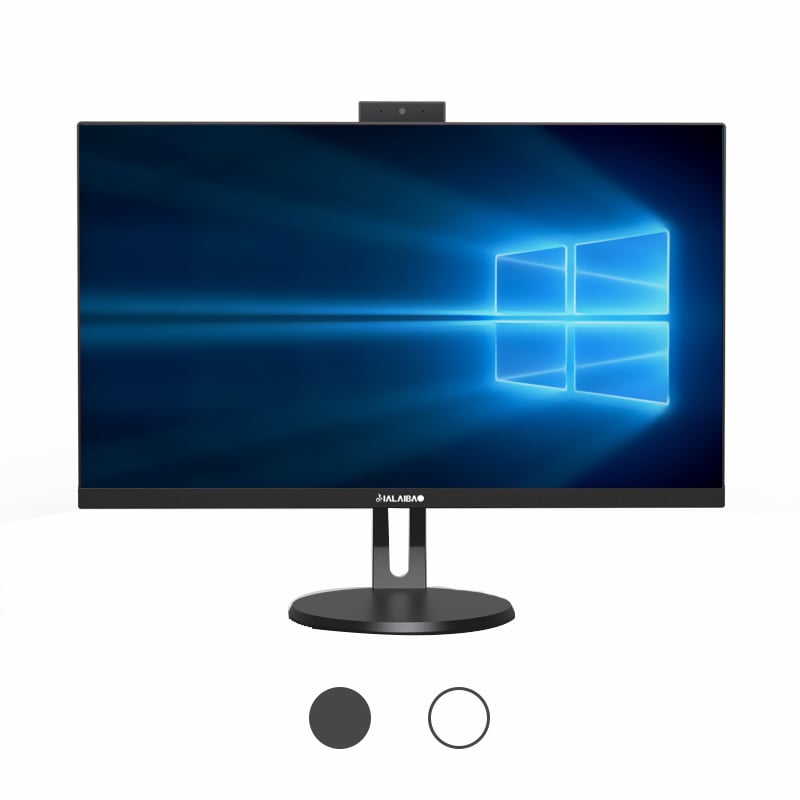
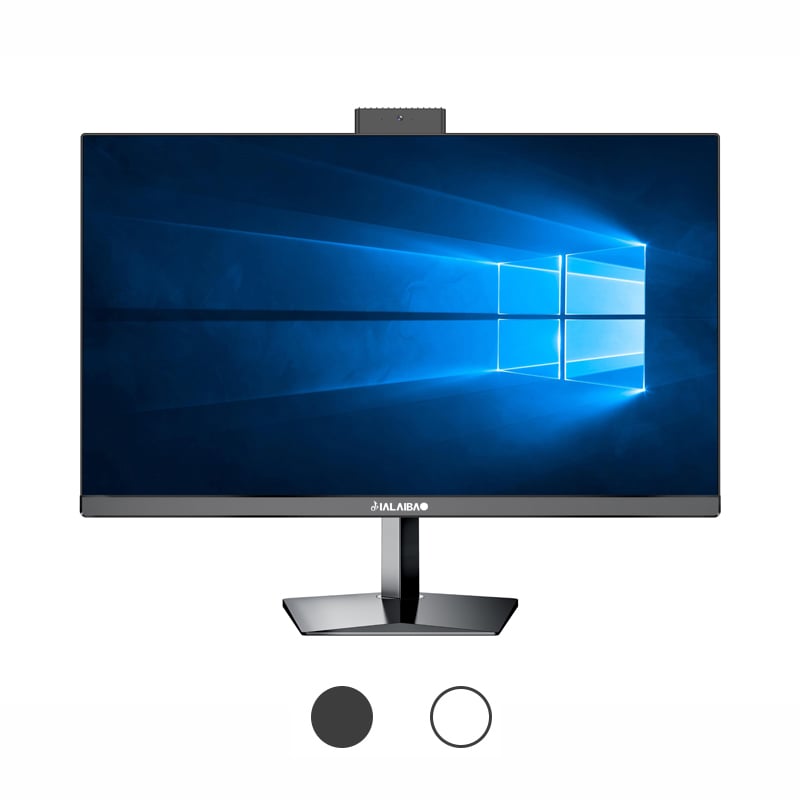
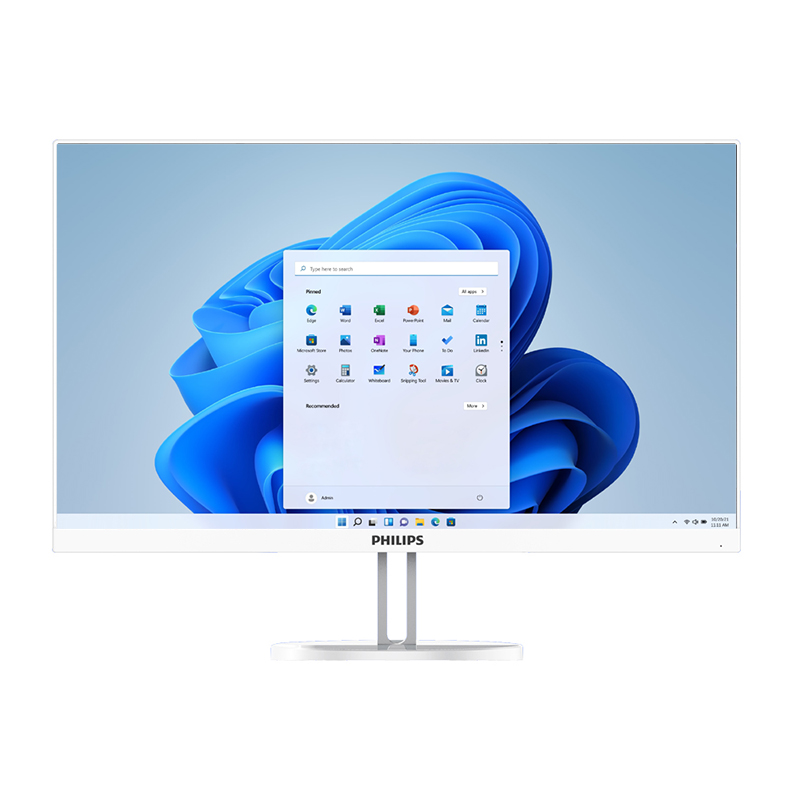
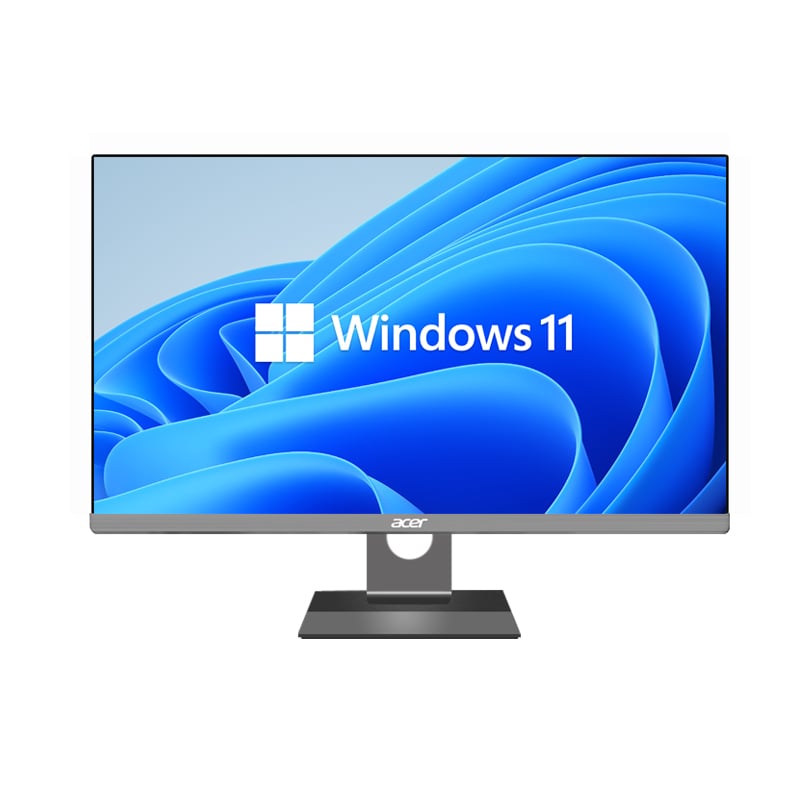
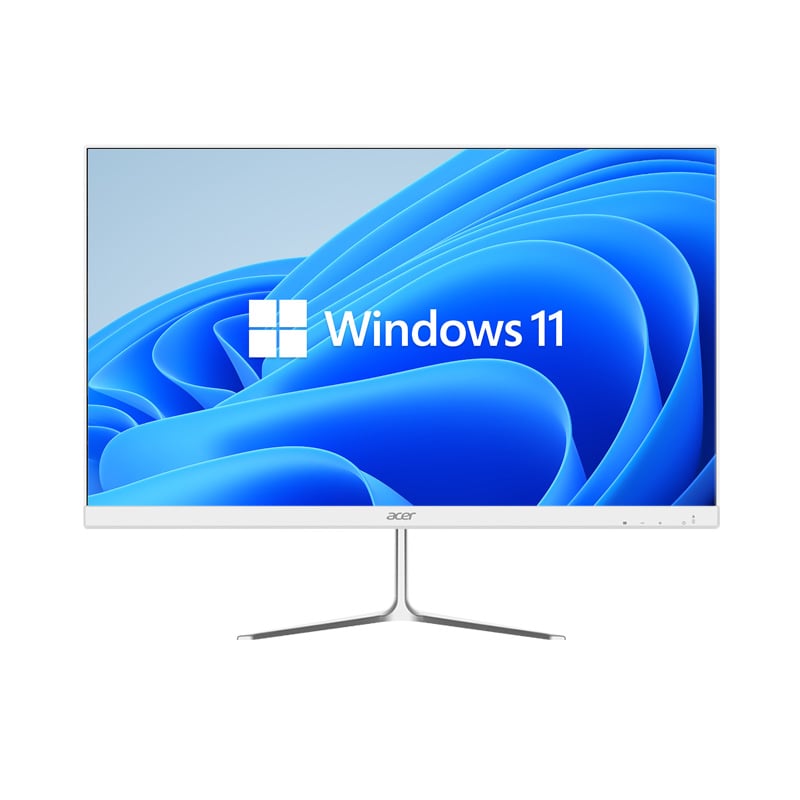
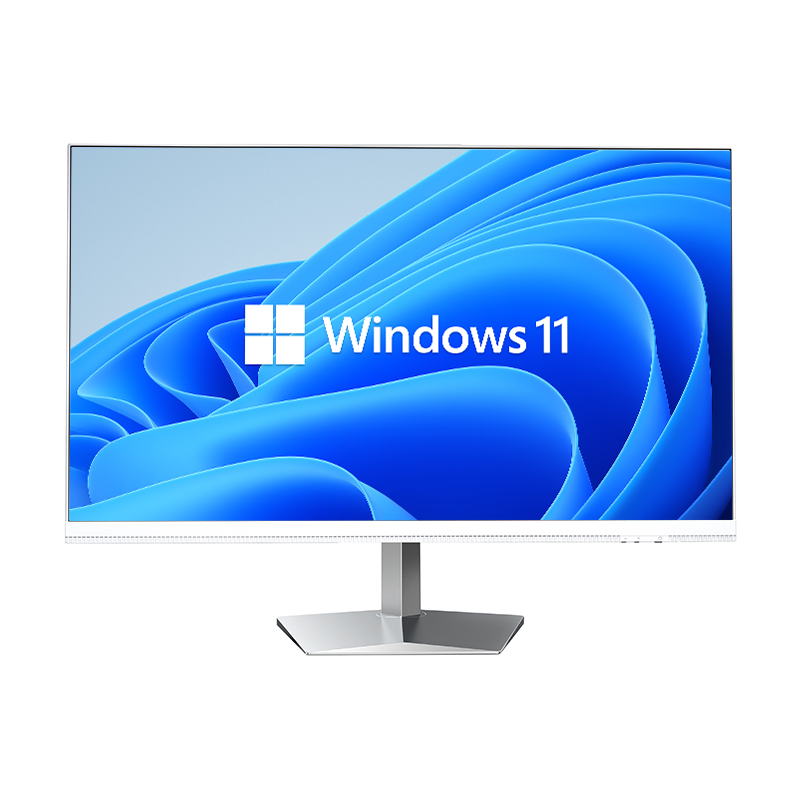
Modern businesses face mounting pressure to optimize their technology investments while maintaining operational efficiency. All-in-one PCs have emerged as a compelling solution for organizations seeking to streamline their computing infrastructure and reduce total cost of ownership. These integrated systems combine the monitor, CPU, and essential components into a single unit, offering unique advantages over traditional desktop setups. Understanding the financial implications of all-in-one PCs requires examining both immediate savings and long-term operational benefits that can significantly impact a company's bottom line.
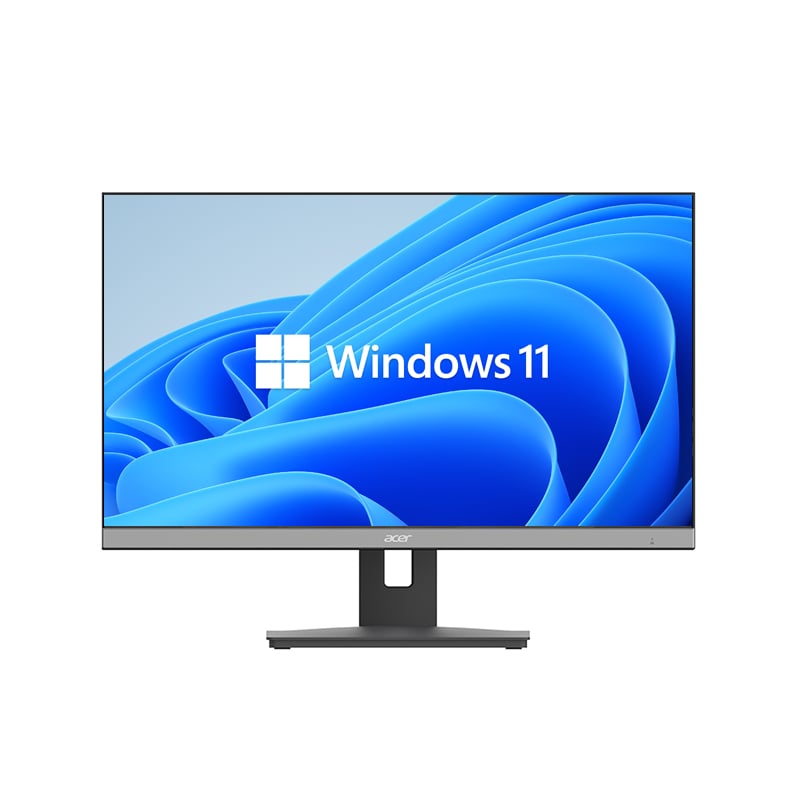
All-in-one PCs eliminate the need for separate tower units, monitors, and multiple cables that characterize traditional desktop systems. This integration reduces the number of potential failure points, as fewer connections mean fewer opportunities for hardware malfunctions. The streamlined design also minimizes the space required for each workstation, which can translate to reduced real estate costs in office environments. Companies can accommodate more employees in the same physical space or reduce their office footprint entirely.
The consolidated architecture of all-in-one systems simplifies the procurement process for IT departments. Instead of sourcing monitors, CPUs, keyboards, and mice separately, organizations can purchase complete workstation solutions from single vendors. This approach often results in volume discounts and simplified warranty management. Additionally, the reduced component count means fewer SKUs to track and manage in inventory systems.
Energy efficiency represents a significant cost advantage of all-in-one PCs compared to traditional desktop configurations. These systems typically consume 30-50% less power than equivalent tower-and-monitor combinations. The integrated design allows manufacturers to optimize power distribution and thermal management more effectively. Modern all-in-one PCs often incorporate energy-efficient processors and LED displays that further reduce electricity consumption.
Lower power consumption translates directly to reduced utility bills, particularly important for organizations with large numbers of workstations. The cumulative savings can be substantial over the typical 3-5 year lifecycle of business computing equipment. Additionally, reduced power consumption generates less heat, potentially lowering air conditioning costs in office environments. Some organizations have reported 20-30% reductions in workstation-related energy costs after transitioning to all-in-one PCs.
The integrated nature of all-in-one PCs significantly reduces the complexity of hardware troubleshooting and maintenance. IT support staff no longer need to diagnose issues across multiple separate components or determine whether problems stem from the monitor, CPU, or connection cables. This consolidation reduces the time required for problem identification and resolution, improving overall IT efficiency and reducing labor costs associated with technical support.
When hardware issues do occur, the unified warranty coverage typical of all-in-one PCs simplifies the repair process. Organizations deal with a single vendor for warranty claims rather than coordinating between multiple manufacturers. This streamlined approach reduces administrative overhead and accelerates resolution times. Many all-in-one PC manufacturers offer on-site service options that further minimize downtime and productivity losses.
Traditional desktop setups require numerous cables connecting the monitor to the CPU, power supplies, peripherals, and network connections. These cables represent frequent sources of technical problems, from loose connections to cable degradation over time. All-in-one PCs eliminate most of these potential failure points, reducing the frequency of service calls and maintenance interventions. The cleaner workspace also facilitates easier cleaning and reduces dust accumulation that can affect system performance.
The reduction in cable-related issues extends beyond immediate maintenance savings to improved system reliability. Fewer connections mean fewer opportunities for user error when moving or adjusting workstations. This reliability improvement reduces unplanned downtime and the associated costs of lost productivity. Organizations often report 40-60% fewer hardware-related service tickets after implementing all-in-one PC deployments.
Deploying all-in-one PCs requires significantly less time and technical expertise compared to traditional desktop installations. The reduced number of components means fewer assembly steps and connection requirements. IT teams can typically complete all-in-one PC installations 50-70% faster than equivalent desktop setups. This efficiency improvement reduces labor costs during initial deployment and makes it easier to scale operations or relocate employees.
The simplified installation process also enables more efficient mass deployments. Organizations can leverage imaging technologies and automated deployment tools more effectively with standardized all-in-one hardware. This standardization reduces the complexity of maintaining different configuration profiles for various hardware combinations. IT departments can focus on software configuration and user setup rather than spending time on hardware assembly and connection troubleshooting.
All-in-one PCs require minimal desk space and eliminate the need for separate CPU storage areas under desks or in dedicated equipment areas. This space efficiency can reduce furniture costs and allow for more flexible office layouts. The integrated design also reduces the infrastructure requirements for power and data connectivity, as each workstation requires fewer power outlets and cable management solutions.
The compact footprint of all-in-one systems facilitates easier office reconfigurations and employee relocations. Moving an all-in-one PC typically requires disconnecting only power and network cables, compared to the multiple connections and components associated with traditional desktops. This mobility reduces the time and cost associated with workspace changes, an increasingly important consideration as organizations adopt more flexible work arrangements.
Evaluating the long-term financial impact of all-in-one PCs requires considering the entire hardware lifecycle from purchase through disposal. While all-in-one systems may have higher initial purchase prices compared to basic desktop configurations, the total cost of ownership often favors the integrated approach. Reduced maintenance requirements, lower energy consumption, and simplified support processes contribute to ongoing operational savings that can offset higher upfront investments.
The integrated design of all-in-one PCs can also extend hardware lifecycles by reducing wear on individual components and eliminating connection-related failures. Organizations frequently report longer service lives for all-in-one systems compared to traditional desktops. Additionally, the cleaner appearance and space efficiency of all-in-one PCs often make them suitable for client-facing areas, extending their useful life beyond back-office applications.
All-in-one PCs offer advantages for organizations planning technology upgrades or expansions. The standardized form factor and simplified deployment process make it easier to plan and execute large-scale hardware refreshes. IT departments can develop more predictable replacement schedules and budgets based on the consistent performance characteristics of all-in-one systems. This predictability improves financial planning and reduces the risk of unexpected hardware-related expenses.
Modern all-in-one PCs increasingly support emerging technologies such as USB-C connectivity, wireless charging capabilities, and advanced display technologies. These features can extend the useful life of the systems and reduce the need for additional peripheral devices. The integrated approach also facilitates easier adoption of new software technologies that may have specific hardware requirements, as all-in-one manufacturers typically ensure comprehensive compatibility across all integrated components.
Organizations typically see 30-50% reductions in hardware-related maintenance costs when switching to all-in-one PCs. These savings come from reduced troubleshooting time, fewer component failures, simplified warranty management, and decreased need for on-site service visits. The exact savings depend on the organization's current desktop configuration and support model, but most businesses report significant improvements in IT efficiency and reduced support tickets within the first year of deployment.
All-in-one PCs generally offer more limited upgrade options compared to traditional tower desktops, as most components are integrated into the display unit. However, this limitation is often offset by the extended lifecycle of all-in-one systems due to their integrated design and reduced failure rates. Many organizations find that the improved reliability and lower maintenance requirements make the reduced upgradeability acceptable, especially when planning regular hardware refresh cycles.
Key factors include initial hardware costs, energy consumption savings, reduced IT support requirements, space efficiency gains, deployment time savings, and improved system reliability. Organizations should also consider soft costs such as improved employee satisfaction due to cleaner workspaces and reduced downtime. A comprehensive ROI analysis should examine both direct cost savings and productivity improvements over a 3-5 year period to capture the full financial impact of the transition.
All-in-one PCs are ideal for general business applications including office productivity, web browsing, email, and light multimedia work. They may be less suitable for applications requiring high-end graphics processing, extensive expandability, or specialized interface cards. However, modern all-in-one systems offer sufficient performance for the majority of business use cases, and their benefits in maintenance reduction and space efficiency make them attractive for most office environments and standard business applications.
 EN
EN
 AR
AR
 BG
BG
 HR
HR
 CS
CS
 DA
DA
 NL
NL
 FR
FR
 DE
DE
 EL
EL
 HI
HI
 IT
IT
 JA
JA
 KO
KO
 NO
NO
 PL
PL
 PT
PT
 RO
RO
 RU
RU
 ES
ES
 SV
SV
 TL
TL
 IW
IW
 ID
ID
 SR
SR
 SK
SK
 VI
VI
 HU
HU
 TH
TH
 TR
TR
 FA
FA
 AF
AF
 MS
MS
 SW
SW
 UR
UR
 BN
BN
 HA
HA
 KM
KM
 MN
MN
 UZ
UZ