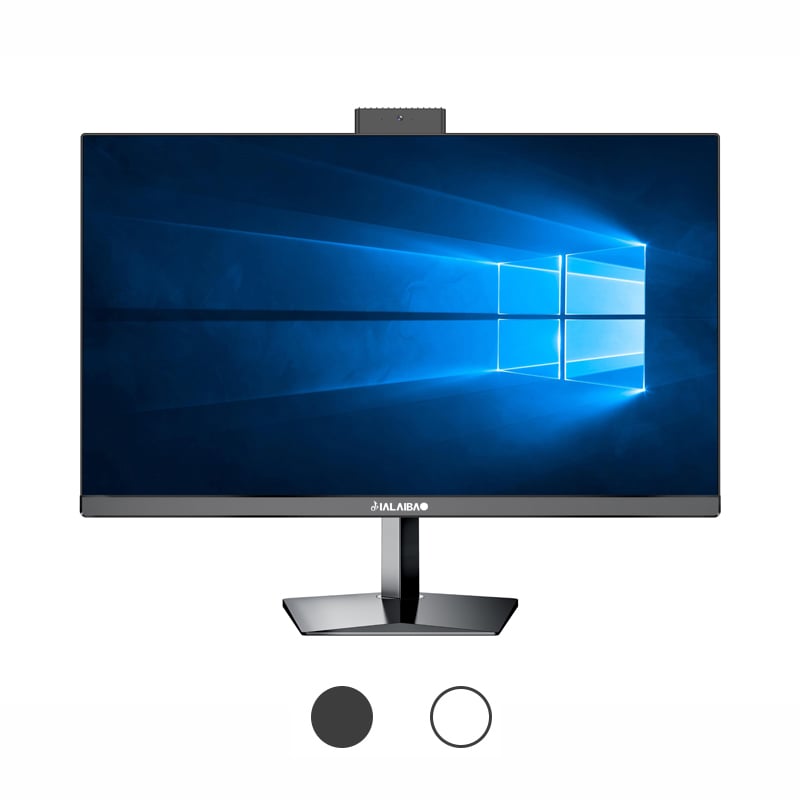
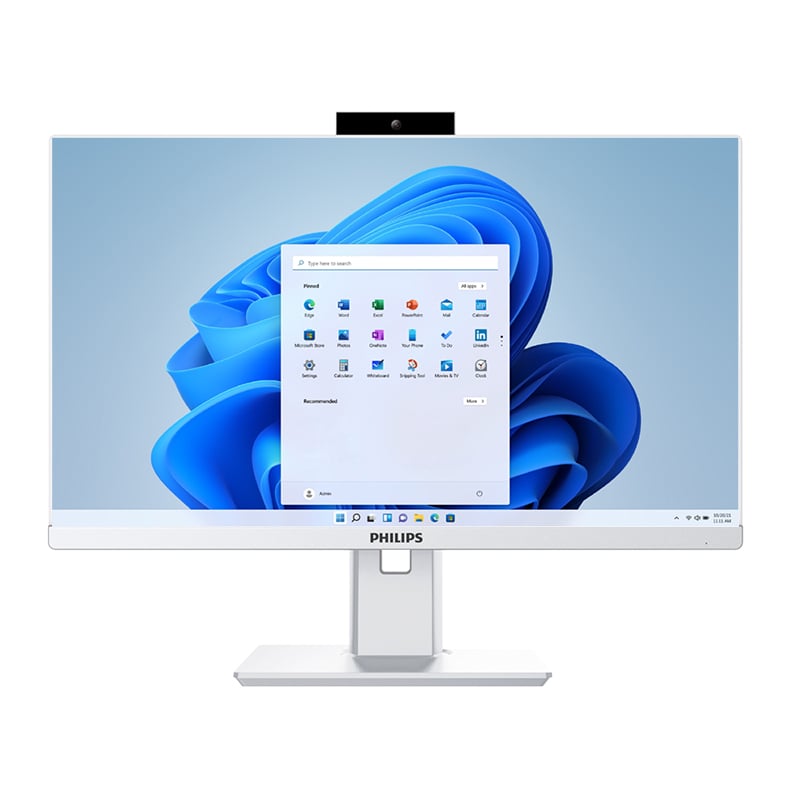
Business environments increasingly rely on compact computing solutions that deliver powerful performance while occupying minimal space. Mini PCs have emerged as essential components in modern workplace infrastructures, offering the processing capabilities of traditional desktop computers within significantly smaller form factors. However, maintaining these sophisticated devices requires a strategic approach to ensure consistent performance and maximize return on investment. Understanding proper maintenance protocols becomes crucial as organizations integrate more of these compact systems into their daily operations.
Dust accumulation represents one of the most significant threats to mini PC longevity, as particles can obstruct ventilation systems and cause components to overheat. Regular cleaning schedules should include compressed air treatments for ventilation ports and fan assemblies every three months. Environmental factors such as humidity levels and ambient temperature directly impact hardware performance, making climate-controlled environments essential for optimal operation. Position mini PCs away from direct sunlight and heat sources while ensuring adequate airflow around each unit.
Proper cable management prevents strain on connection points and reduces electromagnetic interference that could affect system stability. Use cable ties or management systems to organize power cables, network connections, and peripheral attachments without creating tension on ports. Regular inspection of power adapters helps identify potential failure points before they cause system disruptions or data loss incidents.
Temperature monitoring software provides real-time insights into system thermal performance, allowing administrators to identify potential overheating issues before hardware damage occurs. Most mini PCs include built-in temperature sensors that can trigger alerts when components exceed safe operating ranges. Establishing baseline temperature readings during normal operations helps identify gradual performance degradation over time.
Thermal paste replacement may become necessary after extended use periods, particularly in high-demand environments where systems operate continuously. Professional technicians should handle processor thermal interface material replacement to avoid damage to delicate components. Consider upgrading cooling solutions when operating mini PCs in demanding applications that generate significant heat loads.
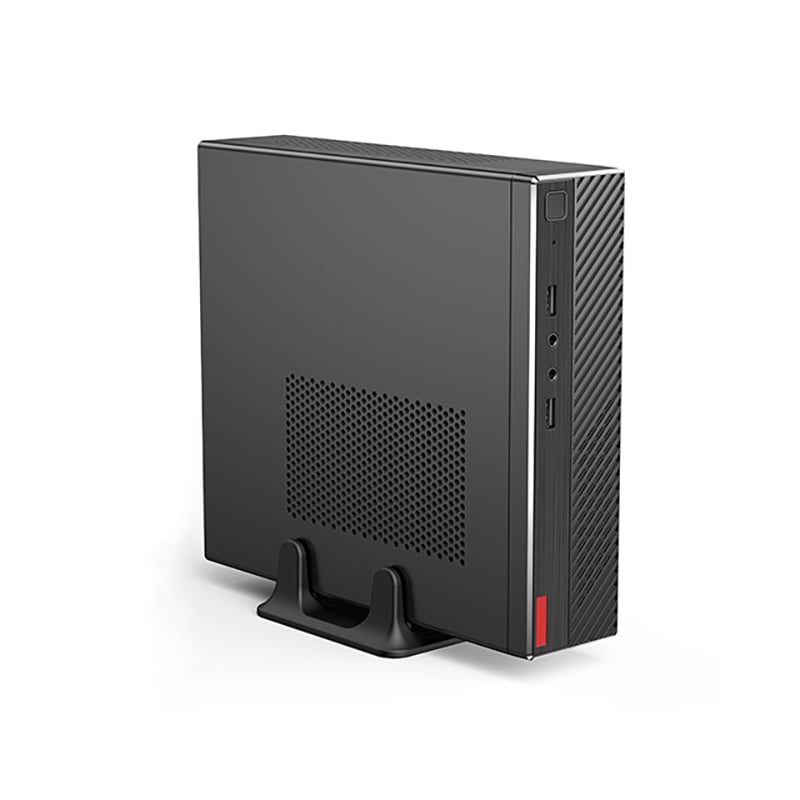
Regular operating system updates provide security patches and performance improvements that enhance system reliability and protect against emerging threats. Automated update scheduling during off-hours minimizes disruption to business operations while ensuring systems remain current with the latest improvements. Registry cleaning and disk optimization tools help maintain system responsiveness by removing unnecessary files and optimizing storage allocation.
Device driver updates ensure compatibility between hardware components and software applications, preventing conflicts that could cause system instability. Manufacturer websites typically provide the most recent driver versions specifically optimized for mini PC hardware configurations. Create system restore points before implementing major updates to provide rollback options if compatibility issues arise.
Solid-state drives in mini PCs require different maintenance approaches compared to traditional mechanical hard drives, including regular TRIM command execution to maintain write performance over time. Monitor storage health indicators through built-in diagnostic tools that can predict potential drive failures before data loss occurs. Implement automated backup systems that regularly copy critical business data to external storage locations or cloud services.
Defragmentation becomes less critical with solid-state storage, but regular file system checks help identify and repair any corruption that might develop over time. Schedule these maintenance tasks during periods of low system usage to minimize impact on productivity while ensuring comprehensive system health monitoring.
Network interface configuration plays a crucial role in mini PC performance, particularly in environments where multiple units share bandwidth resources. Quality of Service settings can prioritize critical business applications while managing bandwidth allocation across connected devices. Regular network speed testing helps identify performance bottlenecks that might indicate hardware issues or infrastructure limitations.
Wireless connectivity requires additional attention to signal strength and interference sources that could affect system reliability. Position mini PCs within optimal range of access points while considering physical obstacles that might degrade wireless performance. Ethernet connections typically provide more stable connectivity for business-critical applications requiring consistent network access.
Antivirus software specifically designed for business environments provides comprehensive protection against malware threats while maintaining system performance levels appropriate for mini PC hardware limitations. Regular security scanning schedules should balance thoroughness with operational requirements to avoid disrupting business processes during critical work periods.
Firewall configuration creates protective barriers against unauthorized network access while allowing legitimate business traffic to flow freely. User access controls limit system modifications to authorized personnel, reducing the risk of accidental configuration changes that could compromise system stability or security posture.
Daily visual inspections help identify obvious issues such as unusual LED indicator patterns, excessive fan noise, or physical damage that requires immediate attention. Weekly performance monitoring through system resource utilization reports can reveal gradual degradation trends that indicate developing hardware or software issues requiring intervention.
Event log analysis provides detailed information about system errors, warnings, and performance anomalies that might not be immediately apparent during normal operation. Establishing baseline performance metrics during initial deployment creates reference points for comparing current system behavior against optimal operating parameters.
Monthly comprehensive system scans include hardware diagnostics, software integrity checks, and security vulnerability assessments that provide thorough evaluations of overall system health. Quarterly deep cleaning procedures involve physical disassembly when necessary to access internal components for thorough dust removal and inspection.
Hardware inventory updates during quarterly reviews help track component ages, warranty status, and replacement schedules for proactive maintenance planning. Documentation updates ensure that maintenance records accurately reflect all performed services and identified issues for future reference and troubleshooting purposes.
System slowdowns in mini PCs often result from insufficient memory allocation, background process conflicts, or storage capacity limitations that develop gradually over time. Resource monitoring tools help identify specific bottlenecks by tracking CPU usage, memory consumption, and storage I/O patterns during typical business operations.
Application compatibility issues may arise when software requirements exceed mini PC hardware capabilities or when multiple resource-intensive programs compete for limited system resources. Performance optimization may require application prioritization, memory allocation adjustments, or hardware upgrades to meet demanding business requirements effectively.
Intermittent connectivity issues often indicate loose cable connections, port wear, or network configuration conflicts that require systematic troubleshooting approaches. Testing connections with known-good cables and alternative ports helps isolate hardware problems from network infrastructure issues.
Power-related problems may manifest as unexpected shutdowns, boot failures, or performance inconsistencies that suggest power adapter degradation or internal component issues. Voltage testing and power consumption monitoring help determine whether electrical problems require component replacement or power supply upgrades.
Professional maintenance for mini PCs should occur every six to twelve months depending on operating environment conditions and usage intensity. High-dust environments or continuous operation schedules may require more frequent professional cleaning and inspection services. Regular professional maintenance helps identify potential issues before they cause system failures or data loss incidents that could disrupt business operations.
Storage drives, cooling systems, and power supplies represent the most failure-prone components in mini PCs that require consistent monitoring and maintenance attention. Temperature sensors, disk health indicators, and power consumption metrics provide early warning signs of developing problems. Regular monitoring of these critical components helps prevent unexpected failures that could result in costly downtime or data recovery expenses.
Basic maintenance tasks such as cleaning, software updates, and performance monitoring can be performed by internal IT staff with appropriate training and tools. Complex procedures involving component replacement, thermal paste application, or warranty repairs should be handled by qualified technicians to avoid damage and maintain warranty coverage. Developing internal capabilities for routine maintenance while partnering with professional services for complex repairs provides optimal cost-effectiveness and system reliability.
Comprehensive backup strategies should include automated daily backups of critical business data, weekly system image creation, and monthly backup verification testing to ensure recovery capabilities remain functional. Cloud-based backup solutions provide off-site protection against local disasters while maintaining accessibility during system maintenance procedures. Recovery testing should occur quarterly to validate backup integrity and restoration procedures before emergency situations arise.
 EN
EN
 AR
AR
 BG
BG
 HR
HR
 CS
CS
 DA
DA
 NL
NL
 FR
FR
 DE
DE
 EL
EL
 HI
HI
 IT
IT
 JA
JA
 KO
KO
 NO
NO
 PL
PL
 PT
PT
 RO
RO
 RU
RU
 ES
ES
 SV
SV
 TL
TL
 IW
IW
 ID
ID
 SR
SR
 SK
SK
 VI
VI
 HU
HU
 TH
TH
 TR
TR
 FA
FA
 AF
AF
 MS
MS
 SW
SW
 UR
UR
 BN
BN
 HA
HA
 KM
KM
 MN
MN
 UZ
UZ