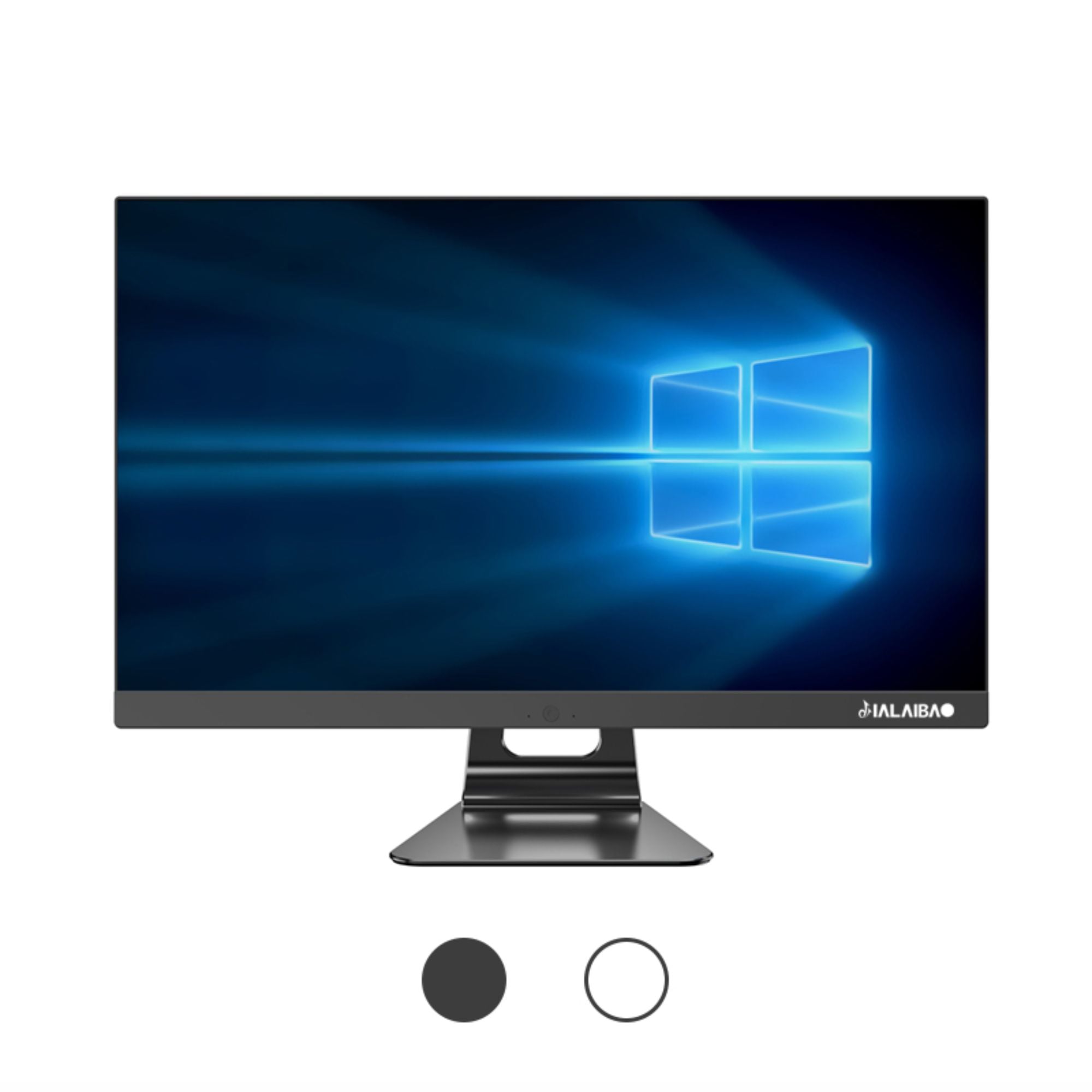
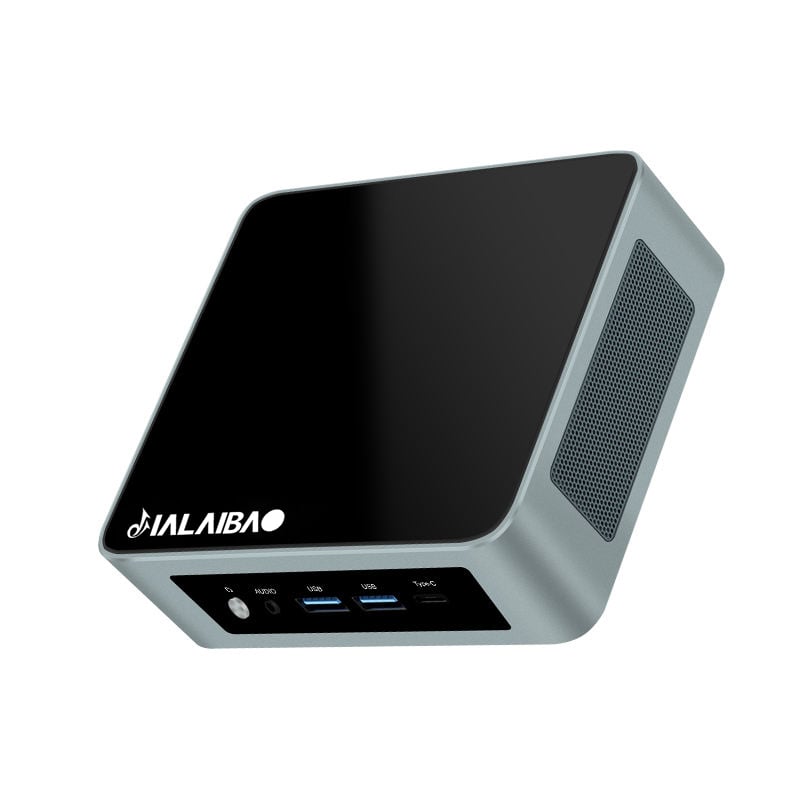
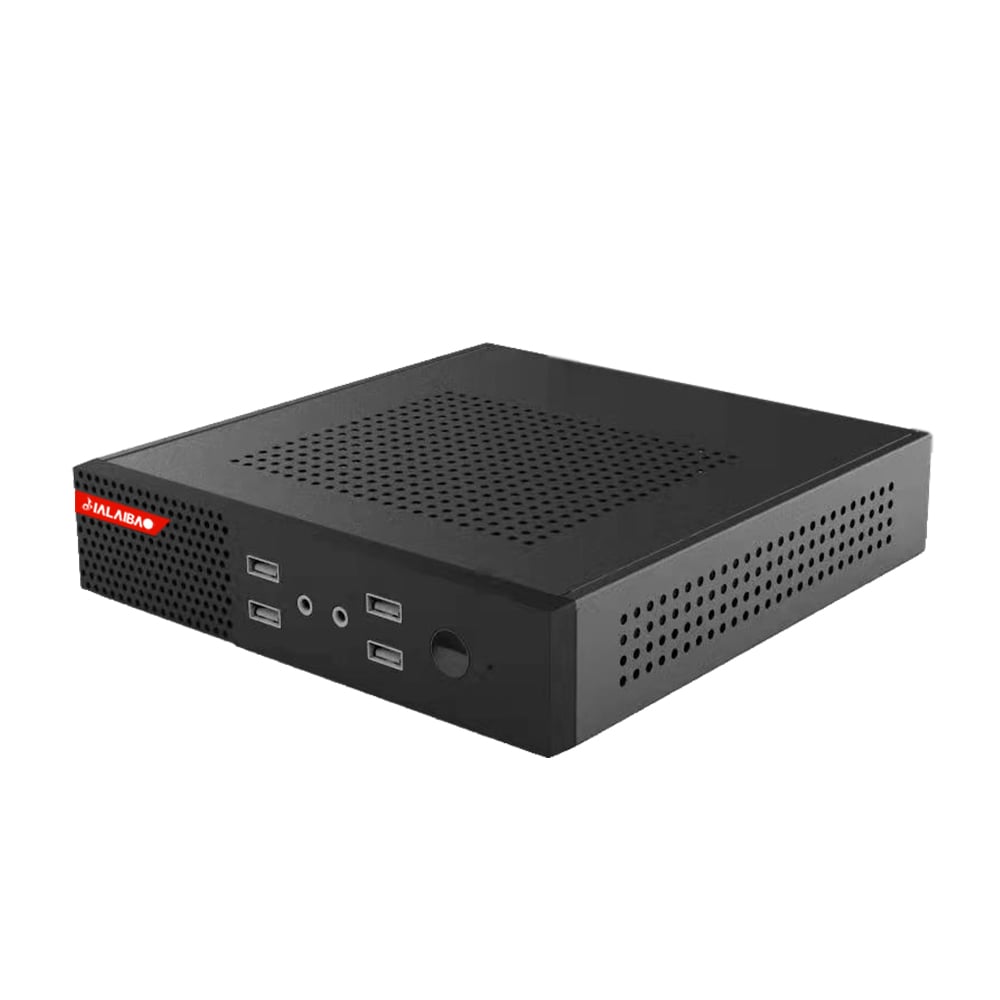
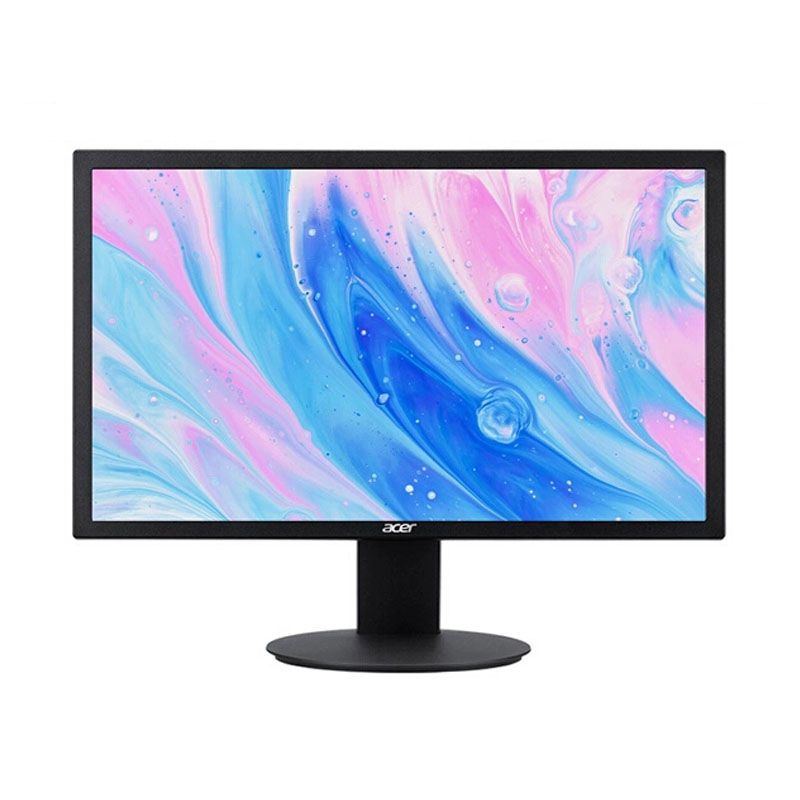
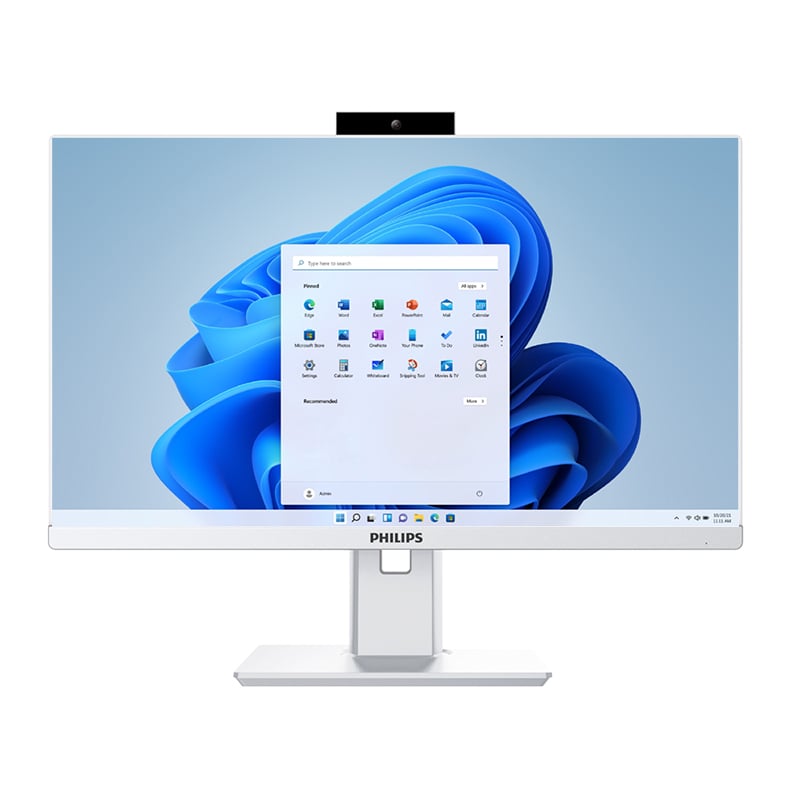
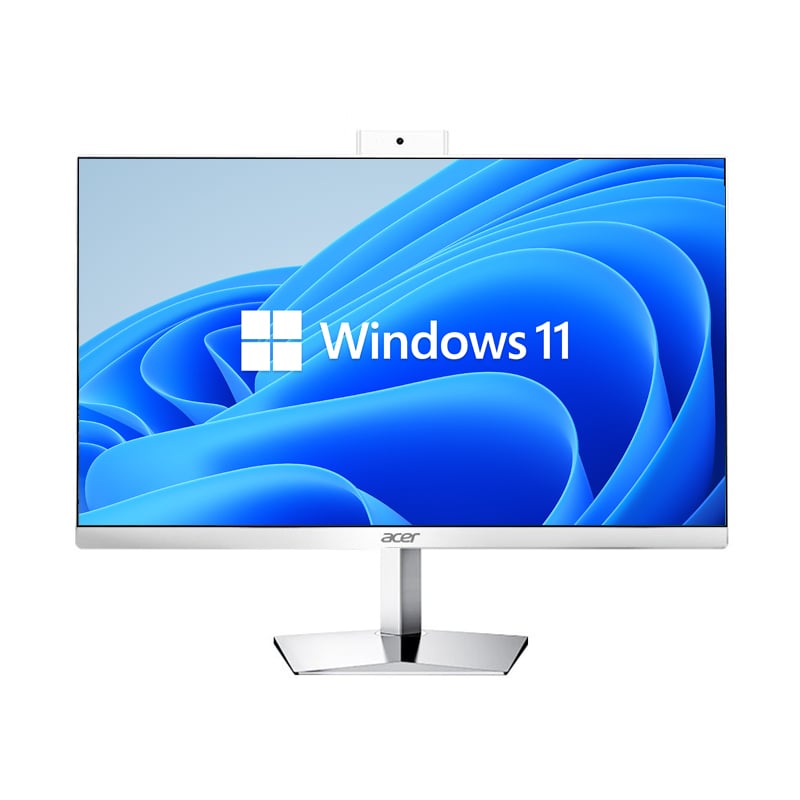
Small office workspaces face unique challenges when it comes to maximizing productivity while managing limited physical space and resources. Traditional desktop computers often consume valuable desk real estate, generate excessive heat, and require complex cable management systems that can create cluttered work environments. The solution lies in adopting compact computing technology that delivers powerful performance without the spatial constraints of conventional systems.
A mini computer represents a transformative approach to workplace computing that addresses the specific efficiency challenges small offices encounter daily. These compact devices offer the processing power needed for modern business applications while eliminating the physical and operational barriers that traditional desktop systems create. Understanding how mini computer technology can streamline small office operations reveals opportunities for significant productivity improvements and cost savings.
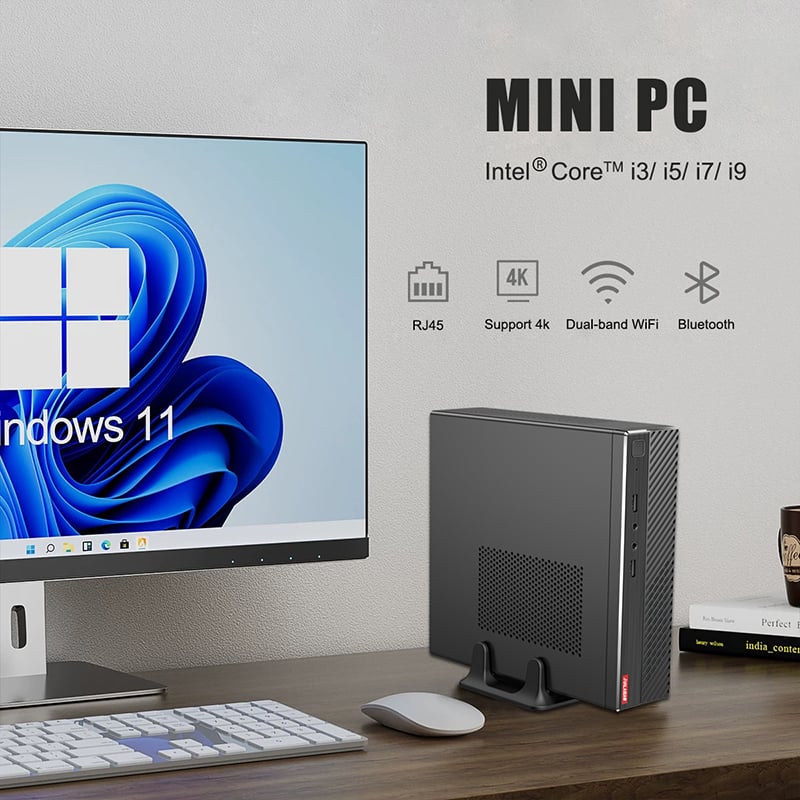
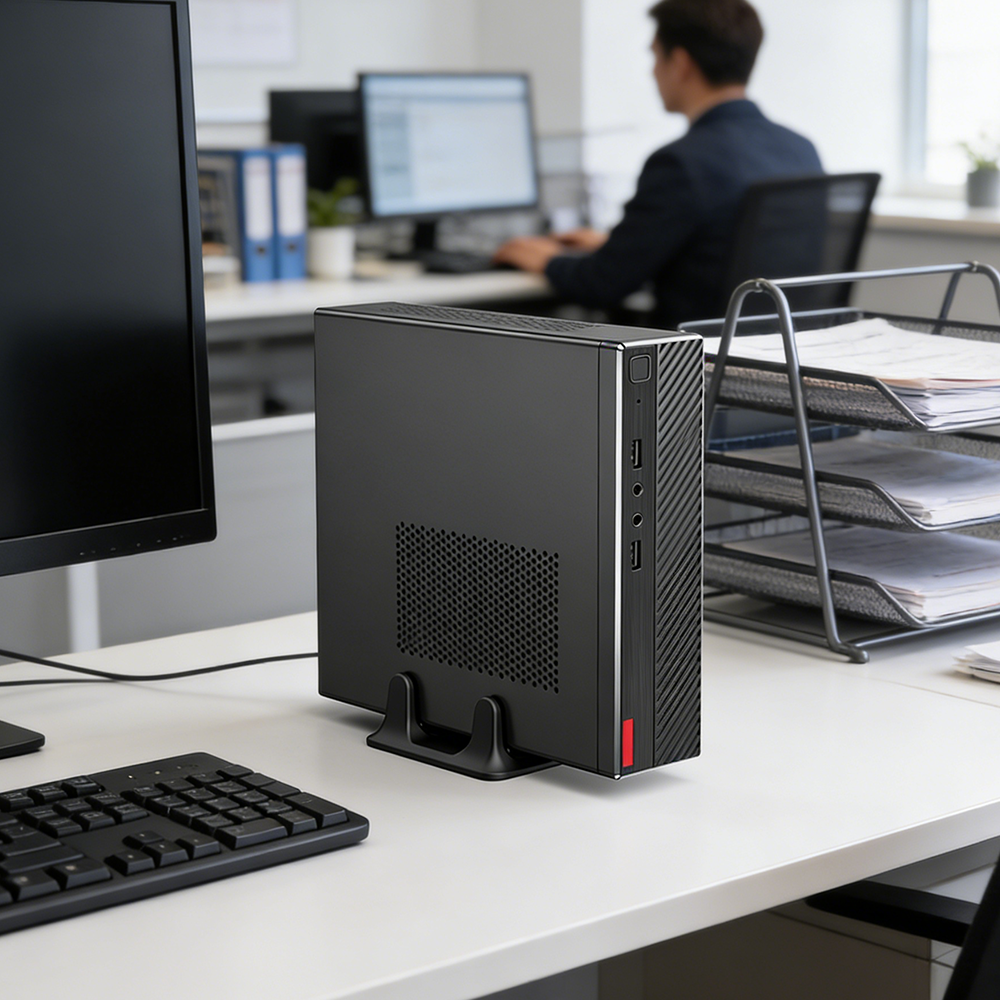
The most immediate efficiency gain from implementing a mini computer comes through dramatic space savings on individual workstations. Traditional desktop towers typically require 12-15 inches of floor or desk space, while a mini computer occupies less than 8 inches in any dimension. This space liberation allows employees to utilize previously occupied areas for essential work materials, additional monitors, or ergonomic accessories that directly support productivity.
Small offices benefit exponentially from this space efficiency because every square foot of workspace carries premium value. When multiple workstations adopt mini computer solutions, the cumulative space savings can accommodate additional employees or create collaborative areas that enhance team efficiency. The compact footprint also reduces the visual clutter that can negatively impact employee focus and workspace organization.
Mini computer systems offer unprecedented flexibility in positioning that traditional desktops cannot match. These devices can mount behind monitors, under desks, or on walls without compromising accessibility or cooling requirements. This positioning flexibility allows small offices to optimize traffic flow and create cleaner work environments that promote efficiency through improved organization.
The ability to position a mini computer away from the primary work surface eliminates cable interference with daily tasks and reduces accidental disconnections that can disrupt workflow. Employees can focus on their work without navigating around bulky computer cases or dealing with cable management issues that consume time and create frustration throughout the workday.
Energy efficiency represents a critical factor in small office operations where every operational expense impacts profitability. A typical mini computer consumes 15-25 watts of power during normal operation, compared to 150-300 watts required by traditional desktop systems. This dramatic reduction in power consumption translates to measurable cost savings over time, particularly in offices running multiple workstations simultaneously.
The reduced power consumption of mini computer technology also generates less heat, decreasing the load on office cooling systems and further reducing energy costs. Small offices often struggle with climate control in limited spaces, and the lower heat generation from mini computer systems helps maintain comfortable working conditions without additional cooling expenses or equipment.
Mini computer implementations require less robust electrical infrastructure than traditional desktop deployments. The lower power draw means existing electrical circuits can support more workstations without requiring costly electrical upgrades. This infrastructure efficiency allows small offices to scale their computing capacity without the capital investment typically associated with expanding IT capabilities.
The simplified power requirements of mini computer systems also reduce the complexity of uninterruptible power supply (UPS) systems needed for business continuity. Smaller UPS units can protect more mini computer workstations for longer periods, providing better protection against power interruptions while reducing equipment costs and space requirements for backup power systems.
Modern mini computer technology delivers processing capabilities that align perfectly with typical small office computing requirements. These systems handle office productivity suites, web applications, email, video conferencing, and cloud-based business software with efficiency that matches or exceeds traditional desktop performance for these applications. The key advantage lies in right-sizing computing power to actual business needs rather than over-provisioning with larger systems.
The focused performance profile of mini computer systems eliminates the resource waste common in traditional desktop deployments where powerful processors remain underutilized for basic business tasks. This efficiency translates to faster boot times, responsive application performance, and consistent system operation that supports sustained productivity throughout the workday.
Contemporary mini computer models support multiple monitor configurations that can significantly enhance productivity in small office environments. The ability to run dual or triple monitor setups from a compact mini computer enables employees to maintain multiple applications simultaneously, reducing time spent switching between windows and improving multitasking efficiency.
Modern mini computer systems include comprehensive peripheral connectivity options including USB 3.0, HDMI, DisplayPort, and wireless capabilities that support the full range of office equipment. This connectivity ensures that adopting mini computer technology does not require replacing existing peripherals or limiting functionality, allowing for seamless transitions that maintain operational efficiency during implementation.
Mini computer systems streamline IT management tasks that consume valuable time in small office environments where dedicated IT support may be limited. These devices typically feature fewer internal components than traditional desktops, reducing potential failure points and simplifying troubleshooting procedures. The simplified hardware architecture allows non-technical staff to perform basic maintenance tasks, reducing dependence on external IT support services.
The standardized form factor and component layout of mini computer systems facilitate inventory management and spare parts stocking. Small offices can maintain fewer replacement components while supporting their entire computing infrastructure, reducing capital tied up in spare hardware and simplifying procurement processes for IT equipment management.
The lightweight and compact design of mini computer technology dramatically reduces the time and effort required for system deployment and replacement. A single technician can easily transport and install multiple mini computer units during a single visit, compared to the logistical challenges of moving and positioning traditional desktop systems in small office environments.
The simplified installation process for mini computer systems reduces business disruption during technology updates or expansions. Employees can often continue working in their normal workspace while mini computer installation occurs, minimizing productivity losses that typically accompany IT infrastructure changes in small office settings.
Small offices benefit significantly from the scalability advantages that mini computer technology provides for business growth scenarios. Adding new workstations becomes a simple process of acquiring additional mini computer units without requiring infrastructure modifications or workspace reconfigurations. This scalability supports organic business growth without the capital investment spikes associated with traditional desktop expansion.
The modular nature of mini computer deployments allows small offices to match computing capacity precisely with current needs while maintaining the flexibility to expand seamlessly as business requirements evolve. This approach prevents over-investment in computing infrastructure while ensuring adequate capacity for productivity requirements.
The lower individual cost of mini computer systems enables more frequent technology refresh cycles that keep small office computing capabilities current with evolving software requirements. Rather than maintaining aging desktop systems that gradually lose efficiency, small offices can update mini computer units on shorter cycles while maintaining budget predictability and operational efficiency.
The simplified replacement process for mini computer technology reduces the operational disruption typically associated with technology refresh projects. Individual workstations can be updated without affecting other office operations, allowing for gradual migrations that maintain productivity while implementing improved computing capabilities.
Mini computer systems excel at running cloud-based business applications, office productivity suites, web browsers, email clients, and video conferencing software that comprise the majority of small office computing tasks. These applications benefit from the consistent performance and energy efficiency of mini computer technology while taking advantage of the space and cost savings these systems provide.
Modern mini computer systems deliver performance that meets or exceeds traditional desktop capabilities for typical business applications including complex spreadsheets, presentations, database access, and multi-application workflows. The key difference lies in optimized performance for actual business needs rather than theoretical maximum processing power that remains unused in most small office environments.
Mini computer systems typically include comprehensive networking options including ethernet, Wi-Fi, and Bluetooth connectivity that support all standard business networking requirements. The simplified network setup and reliable wireless capabilities of mini computer technology often improve network efficiency compared to traditional desktop systems with complex cable management requirements.
Mini computer platforms support all standard business operating systems and software licensing models without restrictions, ensuring compatibility with existing software investments and security policies. The simplified hardware architecture often enhances security management by reducing potential attack vectors while maintaining full compatibility with business security software and protocols.
 EN
EN
 AR
AR
 BG
BG
 HR
HR
 CS
CS
 DA
DA
 NL
NL
 FR
FR
 DE
DE
 EL
EL
 HI
HI
 IT
IT
 JA
JA
 KO
KO
 NO
NO
 PL
PL
 PT
PT
 RO
RO
 RU
RU
 ES
ES
 SV
SV
 TL
TL
 IW
IW
 ID
ID
 SR
SR
 SK
SK
 VI
VI
 HU
HU
 TH
TH
 TR
TR
 FA
FA
 AF
AF
 MS
MS
 SW
SW
 UR
UR
 BN
BN
 HA
HA
 KM
KM
 MN
MN
 UZ
UZ