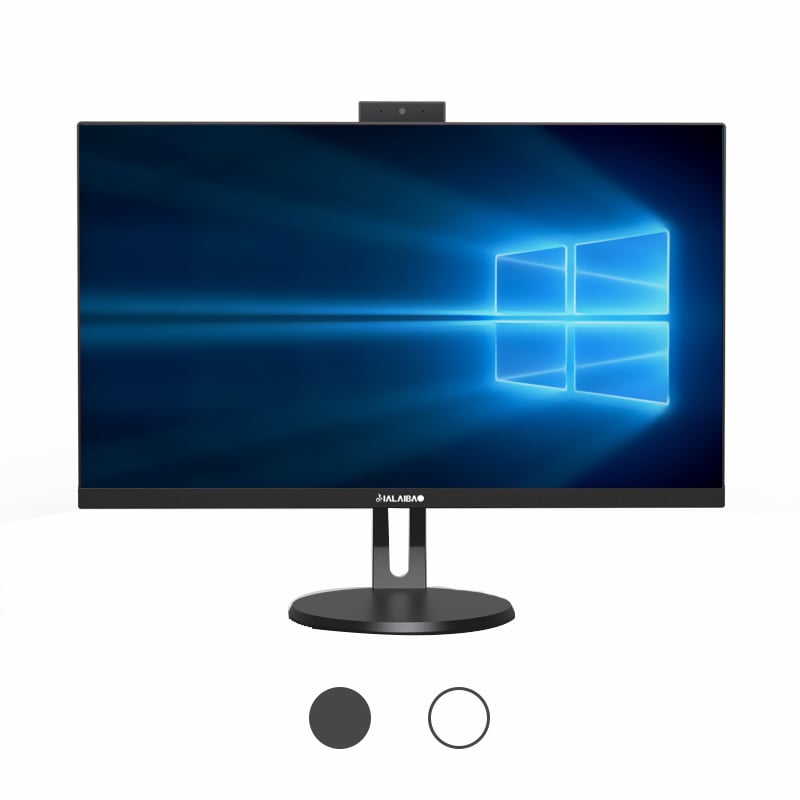
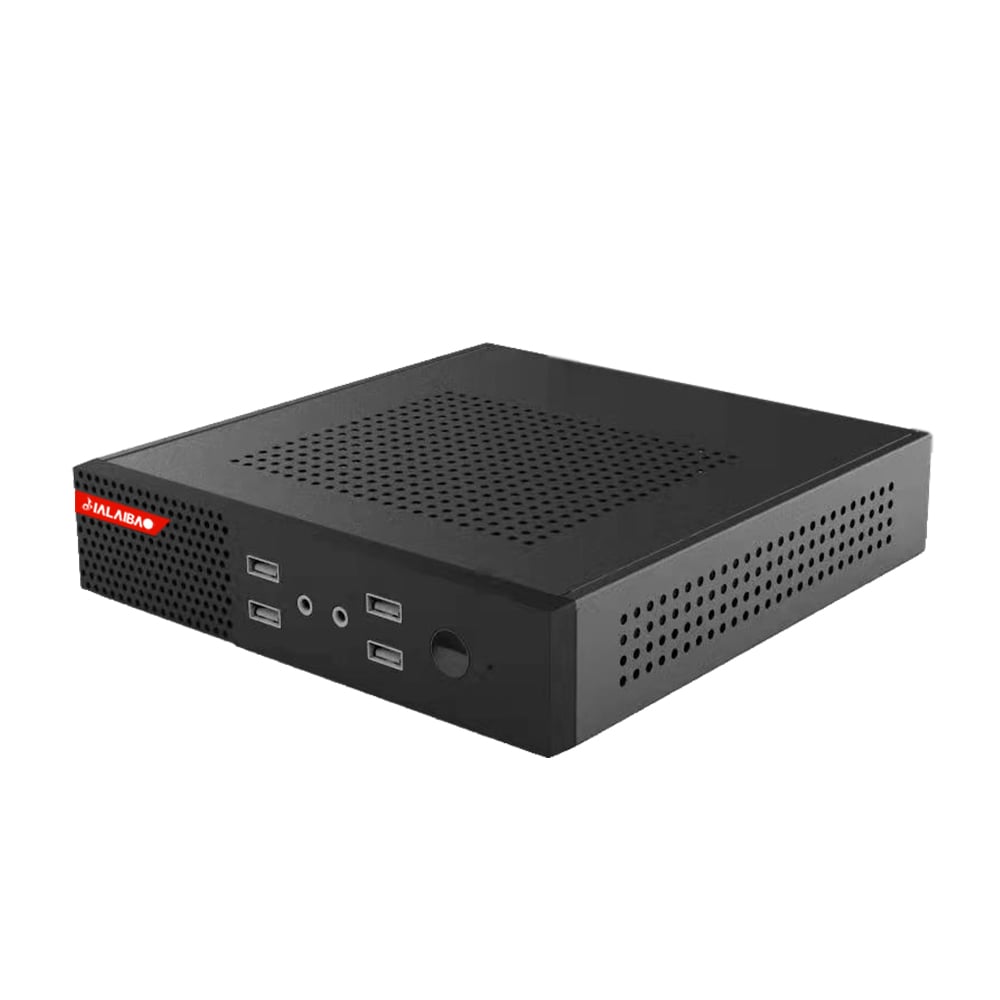
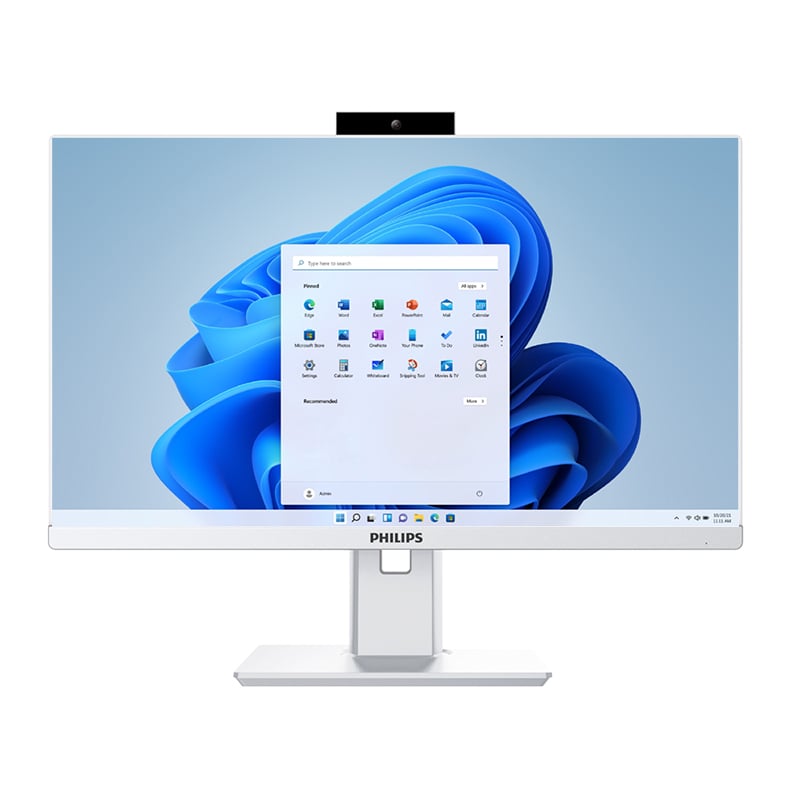
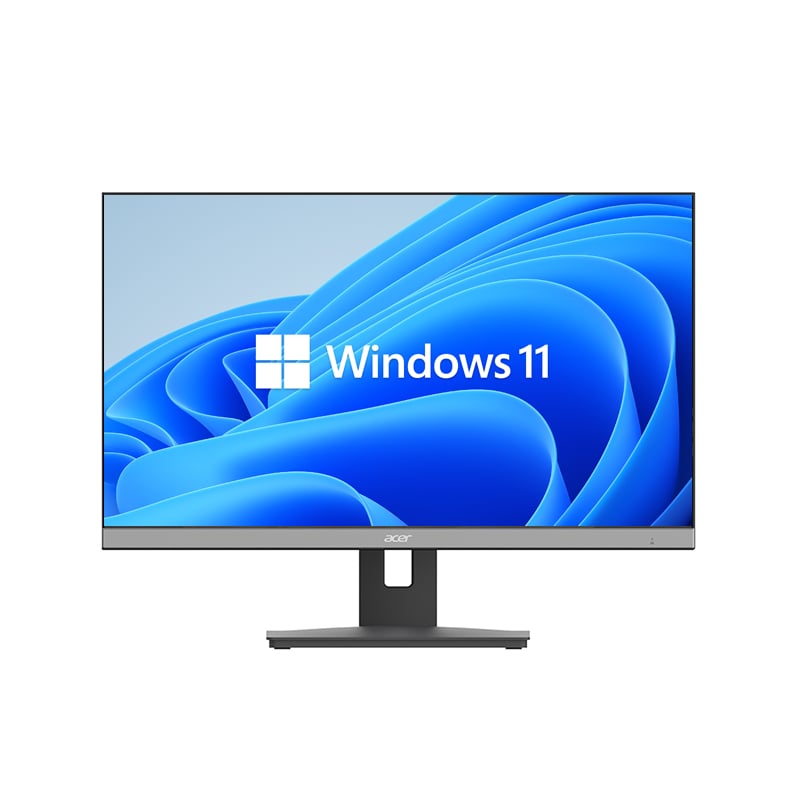
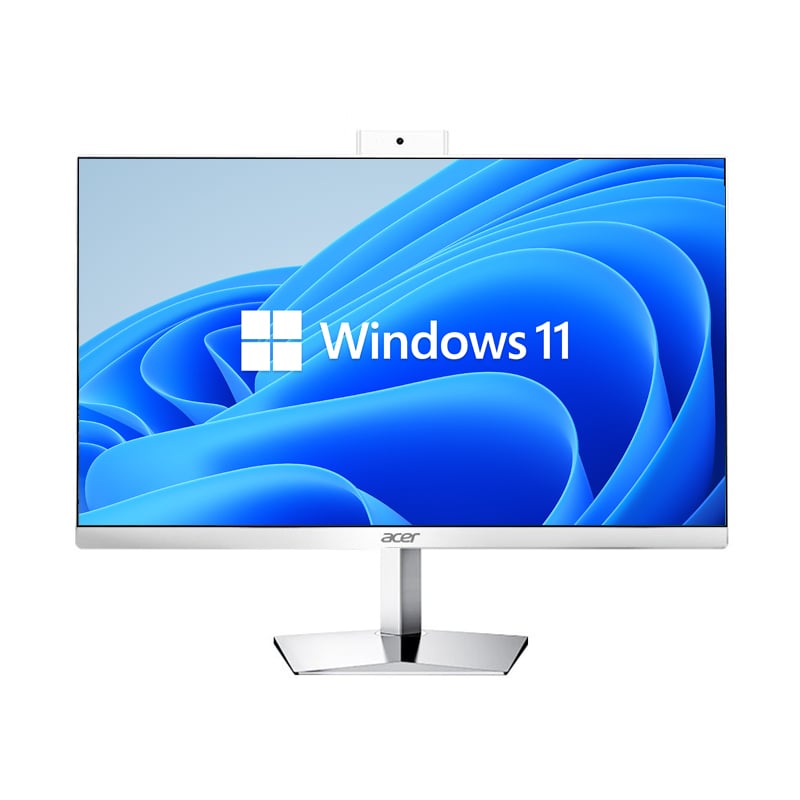
The shift toward remote work and flexible office environments has fundamentally changed how businesses approach their technology infrastructure. Organizations are increasingly seeking compact, powerful computing solutions that can adapt to diverse work scenarios while maintaining professional performance standards. A mini computer emerges as an ideal solution for these evolving workplace demands, offering full desktop functionality in a remarkably small form factor that supports both traditional office setups and dynamic remote work arrangements.
Modern businesses face the challenge of providing consistent computing capabilities across multiple work environments without compromising on performance or security. The mini computer addresses this challenge by delivering enterprise-grade computing power in a portable package that supports seamless transitions between home offices, co-working spaces, and traditional corporate environments. This flexibility becomes crucial as companies embrace hybrid work models that require technology solutions capable of supporting diverse operational scenarios.
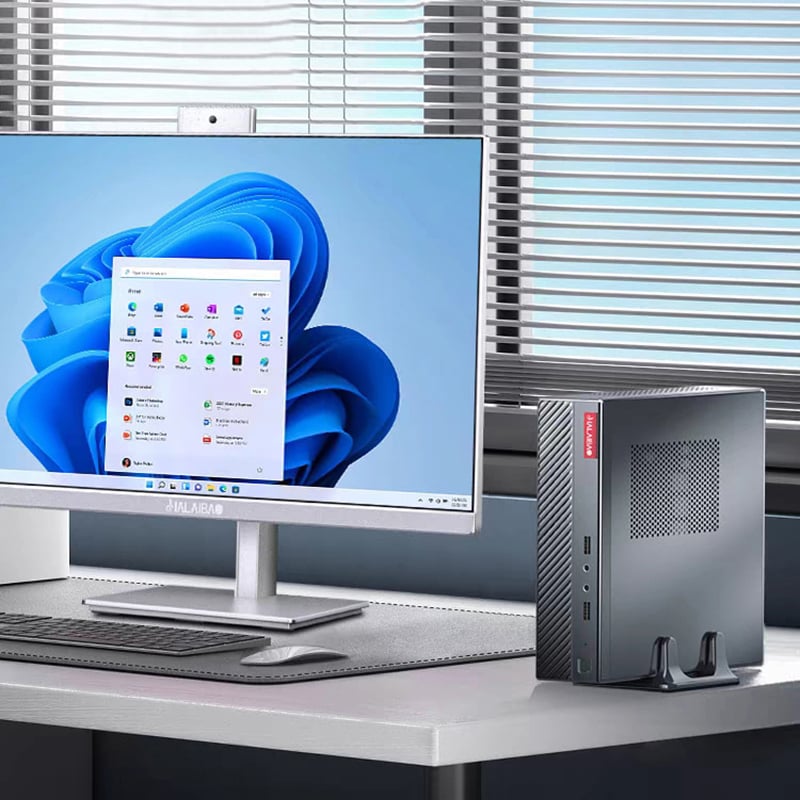
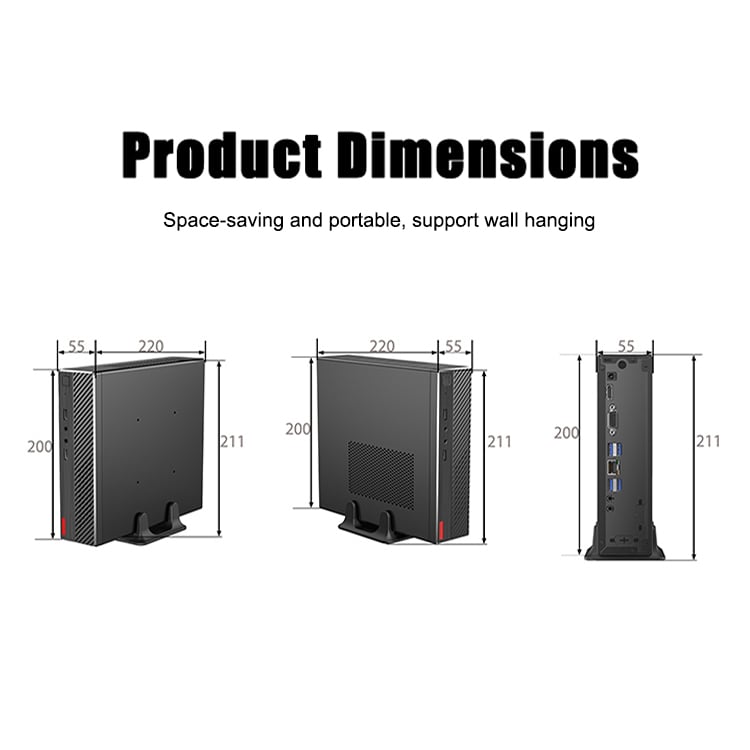
Remote work environments often involve space constraints that make traditional desktop computers impractical. A mini computer typically measures less than eight inches in any dimension, allowing it to fit comfortably on small desks, shelves, or even behind monitors using VESA mounting systems. This space efficiency proves particularly valuable in home offices where every square inch matters, enabling professionals to maintain clean, organized workspaces that enhance productivity and focus.
The compact nature of a mini computer also supports flexible office layouts where workstations need to be reconfigured frequently. Unlike bulky tower systems that require dedicated floor space and multiple cable connections, these devices can be easily relocated or repositioned based on changing workspace requirements. This adaptability supports agile work environments where teams may need to reorganize seating arrangements or collaborate in different configurations throughout the day.
Professional mobility becomes increasingly important as workers transition between various locations throughout their workweek. A mini computer weighs significantly less than traditional desktop systems while providing comparable processing power, making it feasible to transport complete workstations between locations. This mobility ensures that professionals can access their full computing environment whether working from home, client sites, or temporary office spaces.
The portability advantage extends beyond simple transportation convenience to include setup flexibility at different locations. A mini computer can quickly connect to various display configurations, from single monitors in home offices to multiple display setups in corporate environments. This adaptability reduces the technical barriers that often complicate remote work arrangements and ensures consistent productivity regardless of physical location.
Modern mini computer systems incorporate advanced processors that deliver sufficient performance for typical business applications including document processing, spreadsheet analysis, presentation software, and web-based productivity tools. These devices often feature multi-core processors with integrated graphics capabilities that handle standard office workloads efficiently while maintaining low power consumption profiles suitable for extended operation periods.
The processing capabilities of a mini computer support concurrent application usage that characterizes modern professional workflows. Users can simultaneously run video conferencing software, document editing applications, web browsers with multiple tabs, and communication tools without experiencing significant performance degradation. This multitasking capability ensures that remote workers can maintain productivity levels comparable to traditional office environments.
Contemporary mini computer designs incorporate sufficient RAM and storage capacity to support professional computing requirements. Many models include expandable memory configurations that allow users to increase system performance as their computing needs evolve. This scalability proves particularly valuable for businesses that may initially deploy basic configurations but later require enhanced performance for more demanding applications.
Storage solutions in mini computer systems often combine solid-state drives with cloud integration capabilities, providing both local performance and remote accessibility. This hybrid approach ensures that users can access critical files quickly while maintaining backup and synchronization capabilities that support seamless work continuity across multiple devices and locations. The combination of local and cloud storage addresses both performance requirements and data security concerns inherent in remote work scenarios.
Reliable network connectivity forms the foundation of successful remote work implementations, and a mini computer typically includes comprehensive connectivity options that support various networking scenarios. These devices commonly feature both wired Ethernet connections for stable, high-speed internet access and wireless capabilities that enable connection to home networks, mobile hotspots, or public wireless networks when working from diverse locations.
The networking capabilities of a mini computer extend beyond basic internet connectivity to include support for virtual private network connections that maintain security when accessing corporate resources. This capability ensures that remote workers can securely connect to company servers, databases, and internal applications while maintaining the encryption and access controls required by corporate security policies.
Professional productivity often depends on the ability to connect multiple peripherals and external devices to support specific workflow requirements. A mini computer typically includes multiple USB ports, display outputs, and audio connections that accommodate keyboards, mice, external storage devices, printers, and other peripherals commonly used in professional environments. This expansion capability ensures that users can create complete workstations regardless of their physical location.
The peripheral support capabilities of mini computer systems enable users to maintain consistent input and output configurations across different work environments. Professionals can use the same keyboard, mouse, and monitor preferences whether working from home or in temporary office spaces, reducing the adaptation time required when transitioning between locations and maintaining familiar, productive work patterns.
Energy efficiency becomes increasingly important as businesses consider both operational costs and environmental impact of their technology deployments. A mini computer typically consumes significantly less electrical power than traditional desktop systems while delivering comparable performance for standard business applications. This efficiency translates to reduced electricity costs for remote workers and lower overall energy consumption for organizations supporting distributed workforces.
The low power requirements of a mini computer also enable operation in environments where electrical capacity may be limited or where energy conservation is prioritized. Remote workers in home offices or temporary locations can operate these systems without concerns about electrical circuit overload or excessive heat generation that might require additional cooling solutions.
The environmental impact of computing equipment extends beyond operational energy consumption to include manufacturing resources, packaging, and end-of-life disposal considerations. A mini computer requires fewer raw materials in production compared to traditional desktop systems, resulting in a smaller manufacturing footprint. The compact packaging and reduced shipping volume also contribute to lower transportation-related environmental impact.
Organizations implementing mini computer solutions for remote work can achieve measurable reductions in their technology-related environmental impact while maintaining necessary computing capabilities. This alignment between operational efficiency and environmental responsibility supports corporate sustainability initiatives that increasingly influence technology purchasing decisions and deployment strategies.
Security considerations become particularly critical when computing devices operate outside traditional corporate network perimeters. A mini computer typically incorporates hardware-level security features including encrypted storage options, secure boot capabilities, and trusted platform module integration that provide foundational protection for sensitive business data and applications.
The security architecture of modern mini computer systems supports corporate security policies through features like automatic lock screens, user access controls, and integration with enterprise identity management systems. These capabilities ensure that remote workers can maintain appropriate security postures while accessing corporate resources from various locations and network environments.
Data protection becomes more complex when users work from multiple locations with varying network reliability and security characteristics. A mini computer can integrate with cloud-based backup solutions that automatically synchronize critical files and maintain version control across multiple devices and locations. This integration ensures that important work remains accessible even if local storage devices experience failures or other issues.
Recovery capabilities built into mini computer systems support business continuity by enabling rapid restoration of user environments and data following system failures or security incidents. These features prove particularly valuable for remote workers who may not have immediate access to technical support resources and need reliable, automated recovery options to maintain productivity.
Yes, modern mini computer systems include sufficient processing power and integrated graphics capabilities to support high-quality video conferencing applications including simultaneous screen sharing, document collaboration, and multi-participant calls. The systems typically include built-in wireless connectivity and multiple USB ports for connecting webcams, microphones, and other conferencing peripherals required for professional remote communication.
Mini computer storage capabilities vary by model but typically include solid-state drives ranging from 128GB to 1TB or more, with many models offering expandable storage options through additional drive bays or external connections. For users requiring extensive local storage, these systems can integrate with external drives or cloud storage services to provide virtually unlimited capacity while maintaining the compact form factor advantages.
A mini computer offers several advantages over laptops for remote work including superior upgrade flexibility, better cooling performance for sustained workloads, and the ability to connect to larger external displays and full-size keyboards permanently. However, laptops provide integrated displays and batteries for truly mobile computing, making mini computers more suitable for semi-permanent remote workstations rather than highly mobile computing scenarios.
Mini computer compatibility with specialized business software depends on the specific applications and system requirements, but many models run standard Windows or Linux operating systems that support most professional software packages. For highly demanding applications requiring dedicated graphics cards or extensive memory, businesses should evaluate specific mini computer specifications against software requirements to ensure adequate performance for their particular use cases.
 EN
EN
 AR
AR
 BG
BG
 HR
HR
 CS
CS
 DA
DA
 NL
NL
 FR
FR
 DE
DE
 EL
EL
 HI
HI
 IT
IT
 JA
JA
 KO
KO
 NO
NO
 PL
PL
 PT
PT
 RO
RO
 RU
RU
 ES
ES
 SV
SV
 TL
TL
 IW
IW
 ID
ID
 SR
SR
 SK
SK
 VI
VI
 HU
HU
 TH
TH
 TR
TR
 FA
FA
 AF
AF
 MS
MS
 SW
SW
 UR
UR
 BN
BN
 HA
HA
 KM
KM
 MN
MN
 UZ
UZ