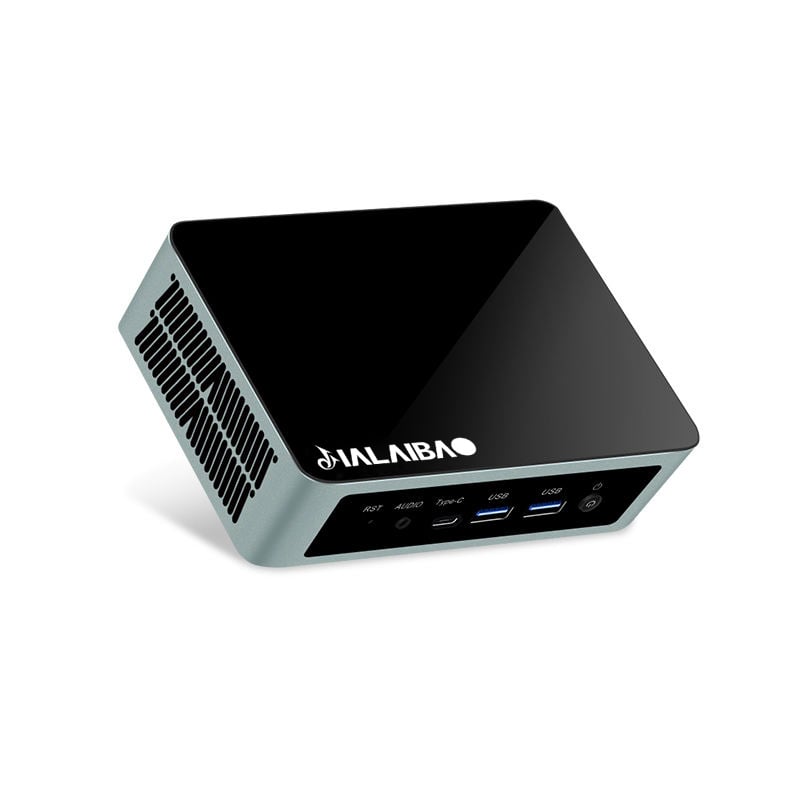
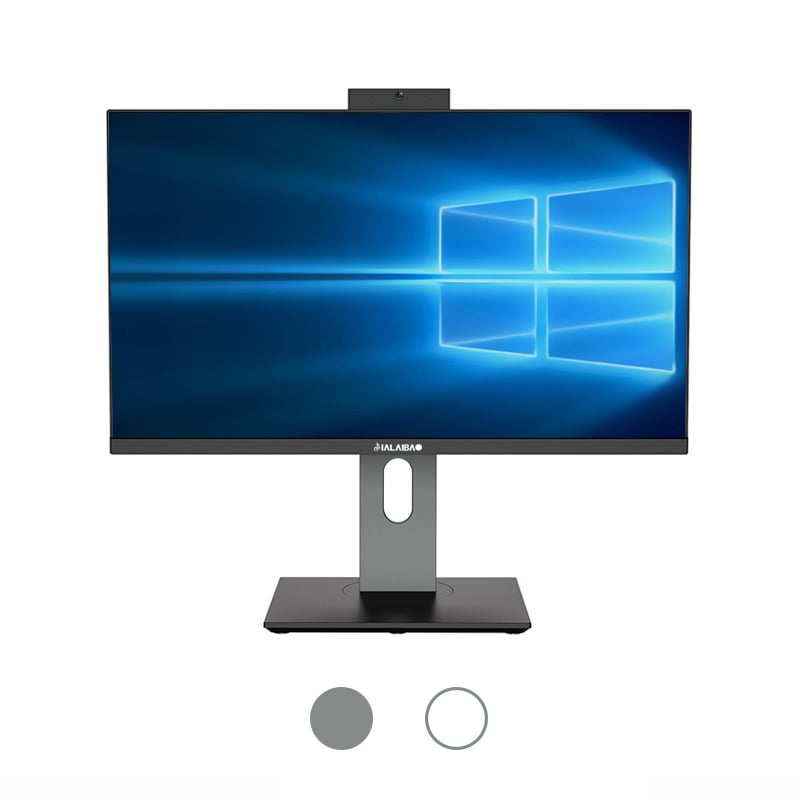
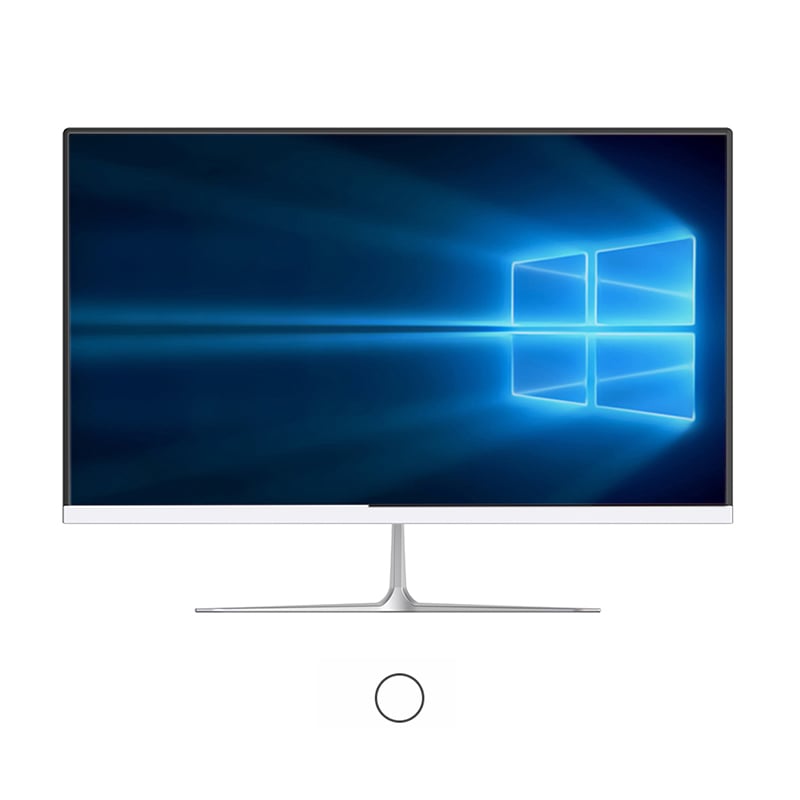
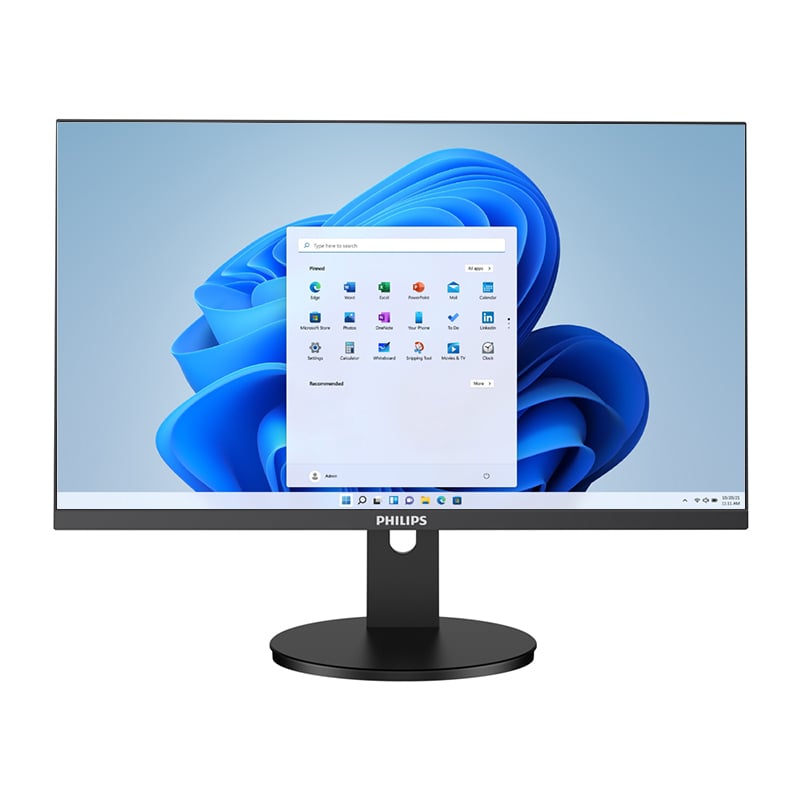
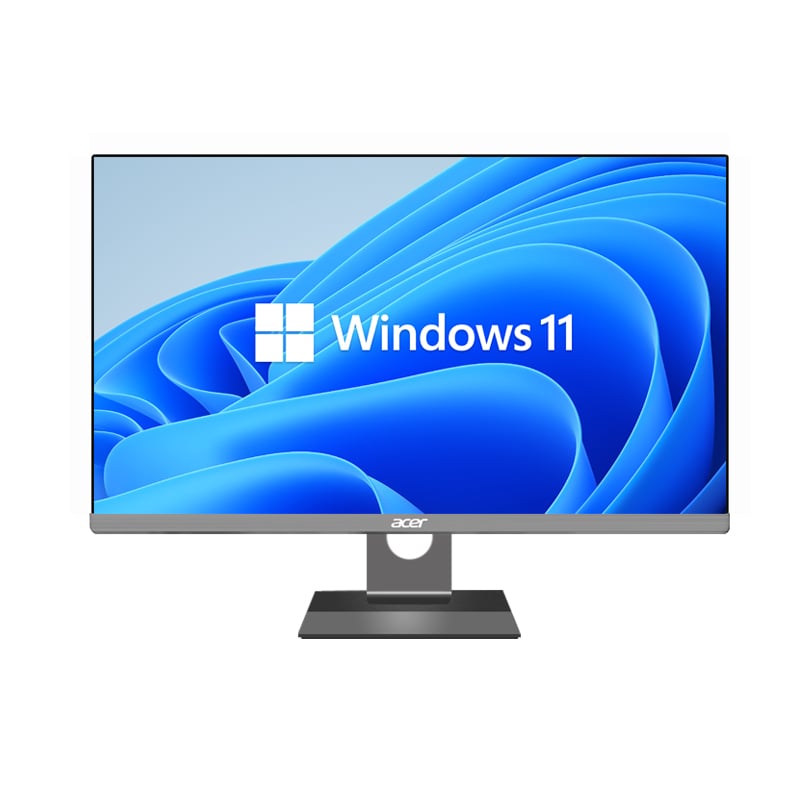
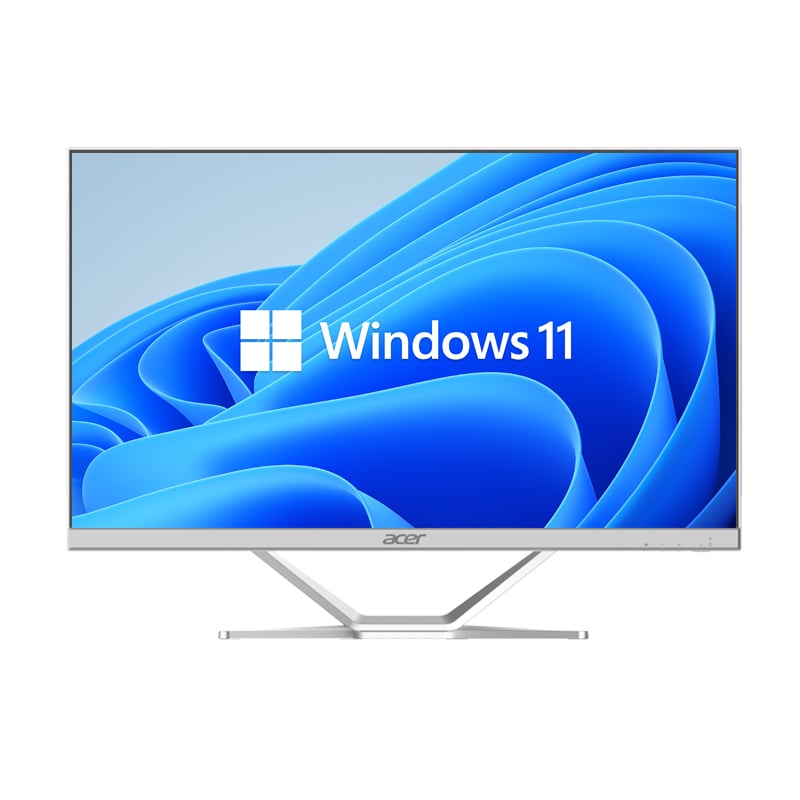
In today's fast-paced business environment, organizations are increasingly seeking computing solutions that combine functionality, space efficiency, and cost-effectiveness. All-in-one PCs have emerged as a compelling choice for B2B buyers who need to optimize their workspace while maintaining high performance standards. These integrated systems offer a unique blend of desktop computing power and space-saving design, making them ideal for modern office environments, conference rooms, and collaborative workspaces.
The decision to invest in all-in-one computing solutions requires careful consideration of various technical and business factors. Unlike traditional desktop setups that require separate towers, monitors, and peripherals, these comprehensive systems integrate all essential components into a single unit. This consolidation not only reduces clutter but also simplifies deployment, maintenance, and support processes for IT departments across organizations of all sizes.
Understanding the key features and capabilities that differentiate high-quality all-in-one systems from basic models is crucial for making informed purchasing decisions. Business buyers must evaluate multiple aspects including processing performance, display quality, connectivity options, and scalability potential to ensure their investment aligns with both current needs and future growth plans.
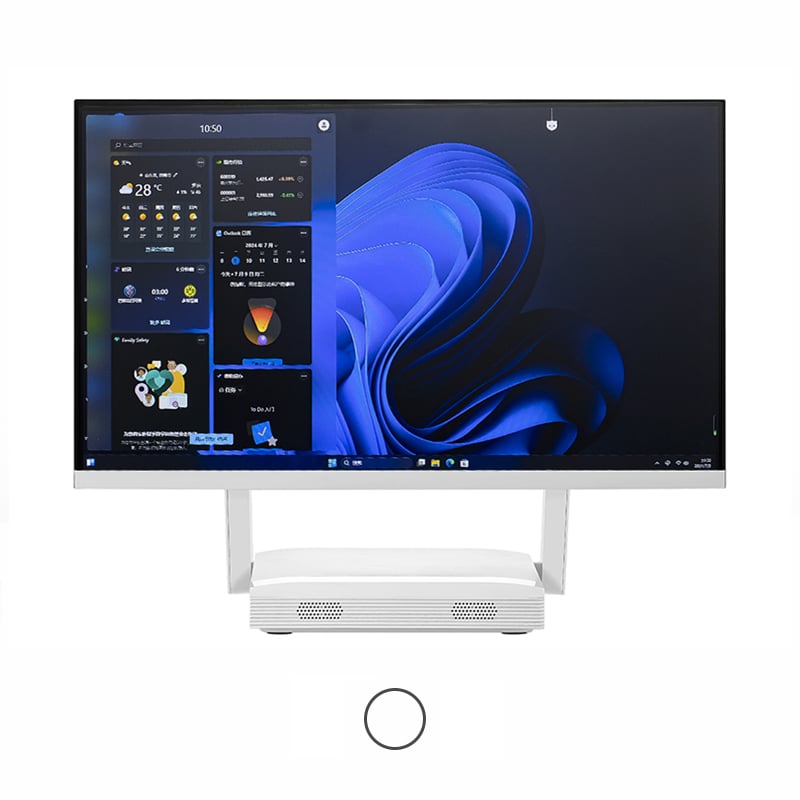
The central processing unit serves as the foundation of any all-in-one PC's performance capabilities. Business applications today demand processors that can handle multitasking, data processing, and complex calculations efficiently. Modern all-in-one systems should feature current-generation processors from established manufacturers, offering multiple cores and high clock speeds to support demanding business workloads.
When evaluating processor options, B2B buyers should consider the specific applications their teams will run. Creative professionals working with graphic design software require different processing power compared to administrative staff handling office productivity suites. The processor's architecture, cache memory, and thermal design power also impact overall system efficiency and long-term reliability in business environments.
System memory plays a critical role in determining how smoothly applications run and how many programs can operate simultaneously. Business-grade all-in-one PCs should include sufficient RAM to handle typical business workflows without performance bottlenecks. Most modern business applications benefit from at least 16GB of system memory, with higher-end configurations supporting 32GB or more for specialized applications.
Storage technology has evolved significantly, with solid-state drives becoming the standard for business computing. These drives offer faster boot times, quicker application loading, and improved system responsiveness compared to traditional mechanical hard drives. The storage capacity should align with business needs, considering both current data requirements and future growth projections.
The integrated display represents one of the most visible aspects of all-in-one PC systems, directly impacting user productivity and satisfaction. Business environments typically benefit from displays ranging from 21 to 27 inches, providing adequate screen real estate for multitasking while maintaining desk space efficiency. The resolution should support crisp text rendering and detailed graphics, with 4K displays becoming increasingly common for professional applications.
Display technology also affects color accuracy, brightness levels, and viewing angles. IPS panels generally provide superior color reproduction and wider viewing angles compared to TN panels, making them preferable for collaborative work environments where multiple users may view the screen simultaneously. Anti-glare coatings help reduce eye strain during extended work sessions and improve visibility in various lighting conditions.
Graphics processing capabilities determine how well the system handles visual content, from basic office applications to specialized design software. Integrated graphics solutions have improved significantly and can handle most standard business applications effectively. However, organizations with specific graphics-intensive requirements may need dedicated graphics processors for optimal performance.
Video acceleration features become particularly important for businesses that frequently work with multimedia content or conduct video conferences. Hardware-accelerated encoding and decoding capabilities ensure smooth video playback and recording, while also reducing CPU load during multimedia operations. These features contribute to overall system efficiency and user experience quality.
Modern business environments require comprehensive connectivity options to support various peripherals and external devices. All-in-one PCs should include multiple USB ports supporting current standards, HDMI outputs for external displays, and audio connections for headsets and speakers. The port selection should accommodate both current peripheral needs and future expansion requirements.
Wireless connectivity capabilities are equally important, with support for current WiFi standards and Bluetooth technology enabling seamless integration with mobile devices and wireless peripherals. Ethernet connections provide reliable network access for businesses that prioritize wired network connections or require consistent high-speed data transfer capabilities.
Built-in communication features enhance the value proposition of all-in-one systems for business use. Integrated webcams and microphones support video conferencing and remote collaboration, while advanced models may include noise cancellation and high-definition video capabilities. These features have become essential for modern business operations, particularly in hybrid work environments.
Network security features and management capabilities allow IT departments to maintain control over device access and data protection. Support for enterprise-grade security protocols and remote management tools simplifies deployment and maintenance across larger organizations with multiple all-in-one systems.
The physical design of all-in-one PCs directly impacts workspace organization and user comfort. Sleek, professional designs complement modern office environments while minimizing the visual and physical footprint compared to traditional desktop configurations. The stand design should provide stability while offering adjustment options for optimal viewing angles and user comfort.
Cable management features help maintain clean, organized workspaces by routing power and peripheral cables through the stand or base unit. This attention to design details contributes to a more professional appearance and easier maintenance for facilities management teams.
Effective thermal management ensures consistent performance while maintaining quiet operation suitable for office environments. All-in-one systems must balance processing performance with heat dissipation in compact form factors. Advanced cooling solutions prevent thermal throttling while keeping fan noise at acceptable levels for professional settings.
Acoustic performance becomes particularly important in open office environments where system noise can affect multiple workers. Quality all-in-one PCs incorporate noise reduction technologies and optimized fan curves to maintain quiet operation during typical business workloads while ensuring adequate cooling for sustained performance.
Business-grade all-in-one PCs should include comprehensive security features to protect sensitive corporate data and comply with industry regulations. Hardware-based security modules, encrypted storage options, and biometric authentication capabilities provide multiple layers of protection against unauthorized access and data breaches.
Remote management capabilities enable IT departments to deploy security updates, monitor system health, and troubleshoot issues without physical access to individual units. These features become increasingly valuable for organizations with distributed workforces or multiple office locations requiring centralized IT management.
Business continuity depends on reliable computing systems with comprehensive support options. Commercial-grade all-in-one PCs should include extended warranty options, on-site service capabilities, and next-business-day replacement programs to minimize downtime impacts on business operations.
The manufacturer's track record for business support, including technical assistance quality and replacement parts availability, significantly influences the total cost of ownership. Established vendors with dedicated business support channels typically provide more responsive service and better long-term support for their commercial customers.
All-in-one PCs offer significant space savings and simplified cable management compared to traditional desktop setups, making them ideal for modern office environments with limited desk space. While traditional desktops may offer more upgrade flexibility, all-in-one systems provide sufficient performance for most business applications while reducing IT complexity and maintenance requirements.
Most business applications run effectively on current-generation mid-range processors with at least four cores and base clock speeds of 2.5GHz or higher. Organizations with demanding applications like graphic design, video editing, or data analysis should consider higher-end processors with more cores and faster clock speeds to ensure optimal performance.
Many all-in-one PCs support external monitor connections through HDMI or DisplayPort outputs, allowing users to create multi-monitor configurations when needed. This flexibility enables businesses to enjoy the space-saving benefits of all-in-one designs while accommodating users who require extended desktop real estate for their workflows.
Business buyers should prioritize manufacturers offering comprehensive commercial warranties with on-site service options and next-business-day replacement guarantees. Extended warranty coverage, dedicated business support channels, and proactive system monitoring services help minimize downtime and ensure consistent business operations.
 EN
EN
 AR
AR
 BG
BG
 HR
HR
 CS
CS
 DA
DA
 NL
NL
 FR
FR
 DE
DE
 EL
EL
 HI
HI
 IT
IT
 JA
JA
 KO
KO
 NO
NO
 PL
PL
 PT
PT
 RO
RO
 RU
RU
 ES
ES
 SV
SV
 TL
TL
 IW
IW
 ID
ID
 SR
SR
 SK
SK
 VI
VI
 HU
HU
 TH
TH
 TR
TR
 FA
FA
 AF
AF
 MS
MS
 SW
SW
 UR
UR
 BN
BN
 HA
HA
 KM
KM
 MN
MN
 UZ
UZ