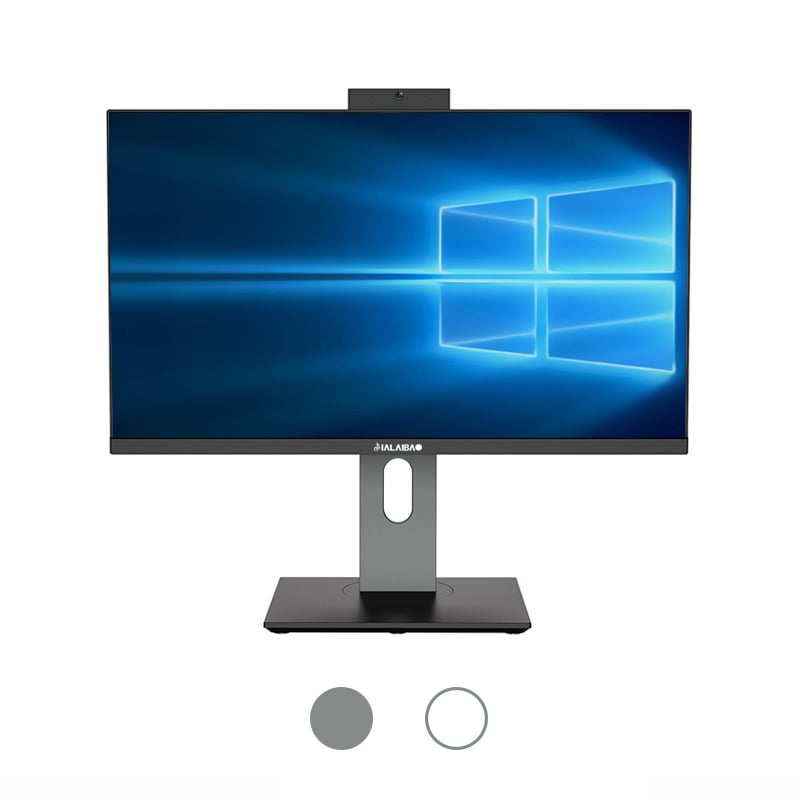
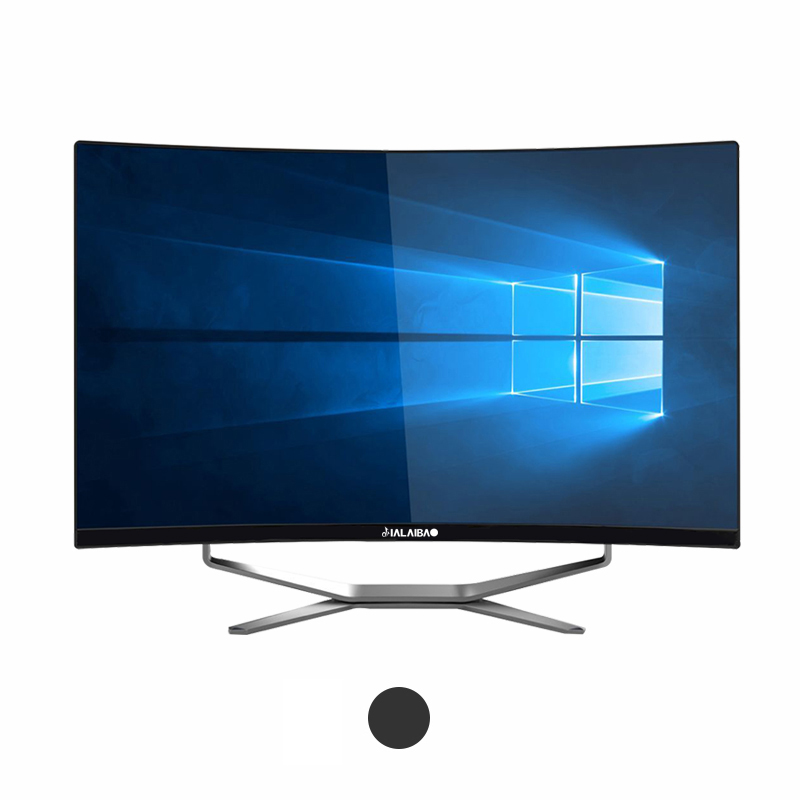
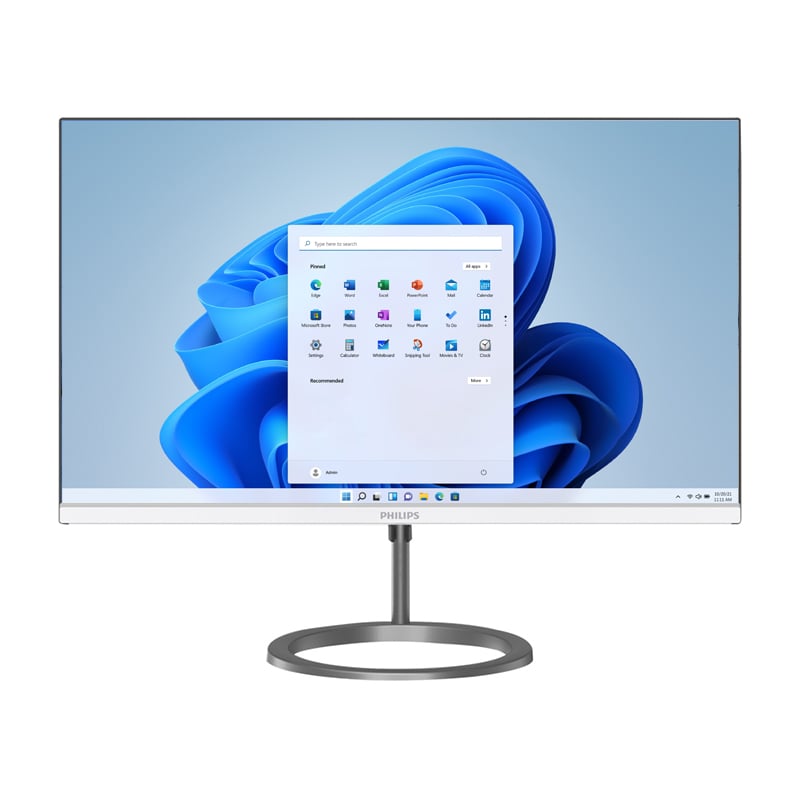
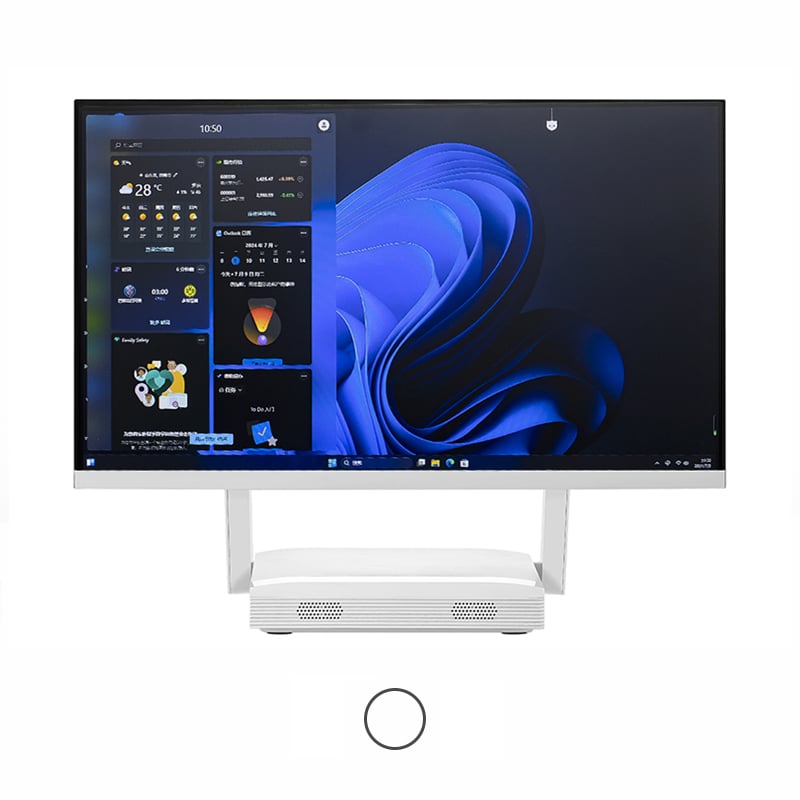
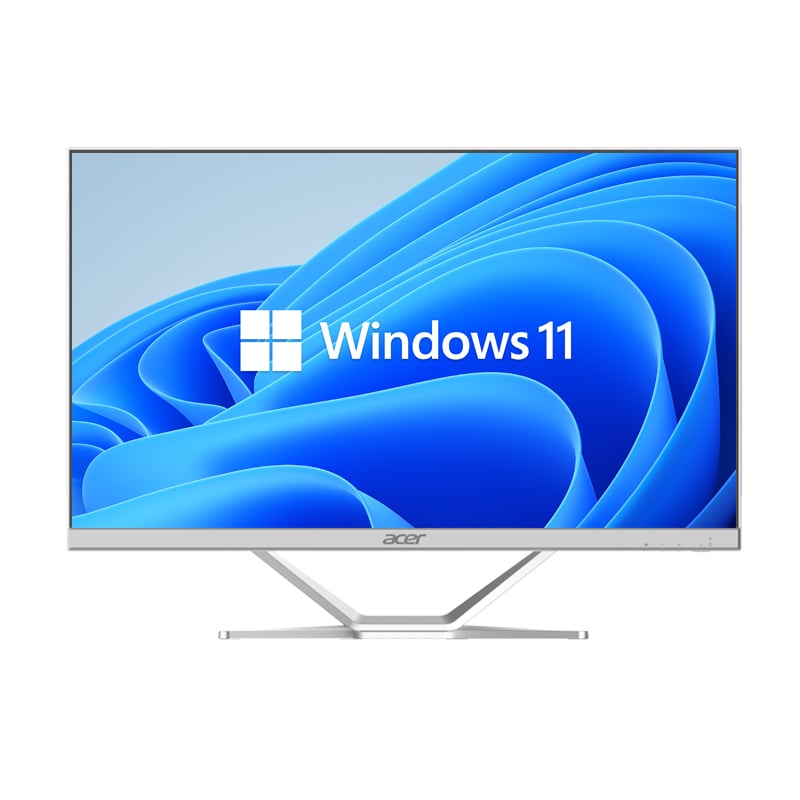
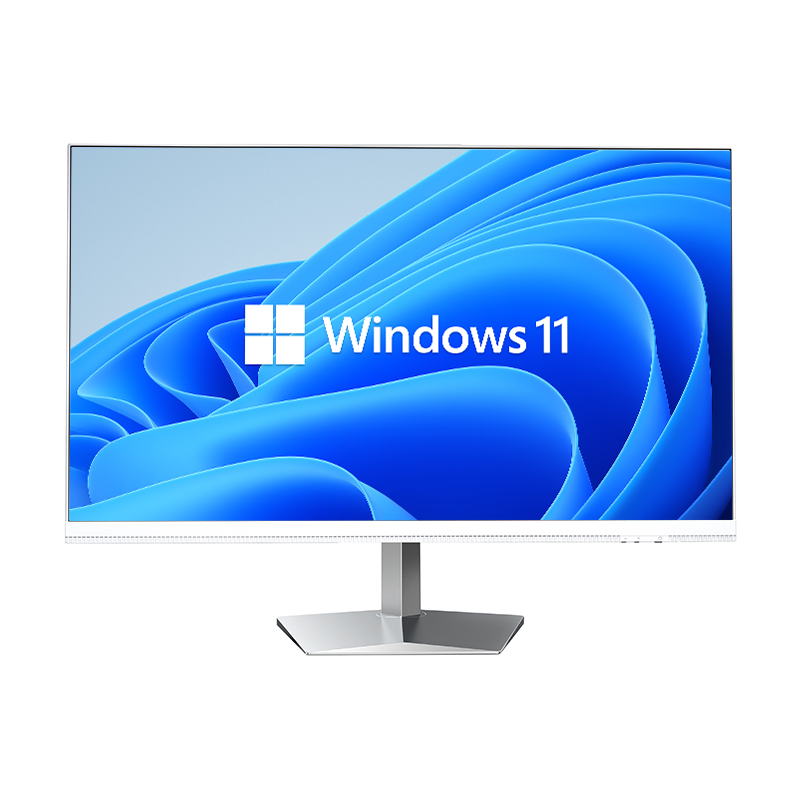
Digital workstations have evolved significantly in recent years, with professionals seeking more flexible and efficient computing solutions that can adapt to modern workplace demands. The traditional desktop computer, while powerful, often lacks the versatility required for today's dynamic work environments where space optimization and mobility are crucial factors. This transformation has led to the emergence of compact computing solutions that deliver professional-grade performance without the bulky footprint of conventional systems. Among these innovative solutions, the mini PC has gained considerable attention from professionals who require reliable computing power in a space-efficient form factor that can seamlessly integrate into various workspace configurations.
The modern workspace demands intelligent use of available space, particularly in urban environments where real estate comes at a premium. A mini PC addresses this challenge by offering a computing solution that occupies minimal desk space while maintaining professional performance standards. These compact systems typically measure just a few inches in each dimension, allowing them to fit comfortably behind monitors, under desks, or within tight spaces that would be impossible for traditional tower computers. This space-saving design enables professionals to create cleaner, more organized workstations that promote productivity and reduce visual clutter.
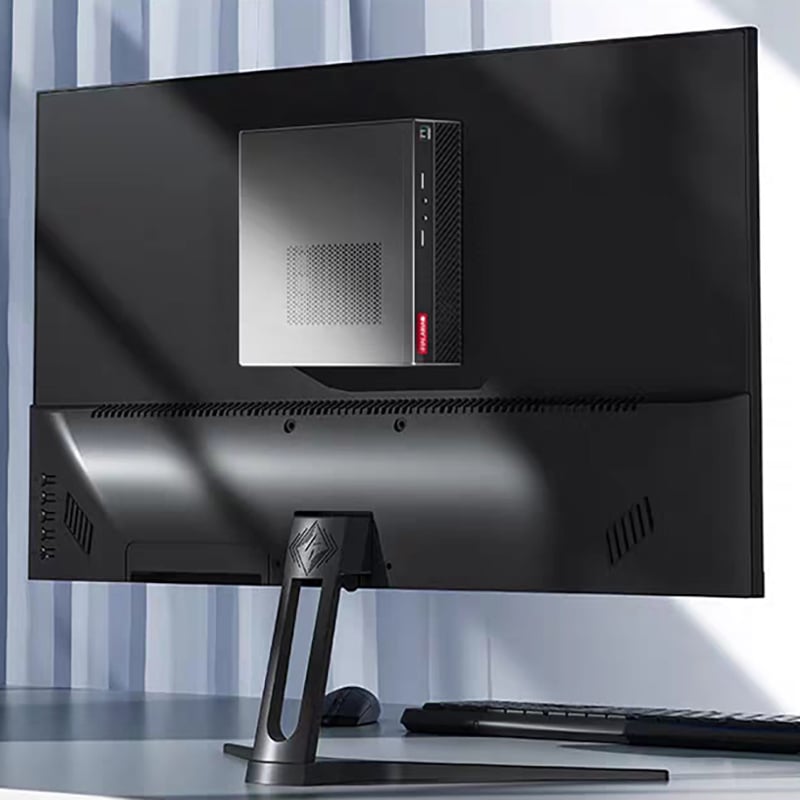
The reduced footprint of these compact computers also facilitates better cable management and workspace organization. Users can mount these devices directly to monitor stands or wall brackets, creating floating workstation setups that maximize floor space and improve accessibility. This mounting flexibility is particularly valuable in collaborative environments where workstations may need to be reconfigured frequently or in home offices where space serves multiple purposes throughout the day.
Beyond stationary workspace benefits, compact computers offer unprecedented portability for professionals who need to move between locations while maintaining access to their full computing environment. The lightweight design of these systems makes them ideal for professionals who split their time between multiple offices, work from various client locations, or need to set up temporary workstations for presentations or demonstrations. This portability factor eliminates the need to maintain separate computing setups in different locations or rely on less powerful laptop alternatives for mobile work scenarios.
The ability to transport a complete workstation setup enhances productivity by ensuring consistent computing environments regardless of location. Professionals can maintain their preferred software configurations, custom settings, and specialized applications across different work environments, reducing setup time and minimizing workflow disruptions that typically occur when switching between different computing systems.
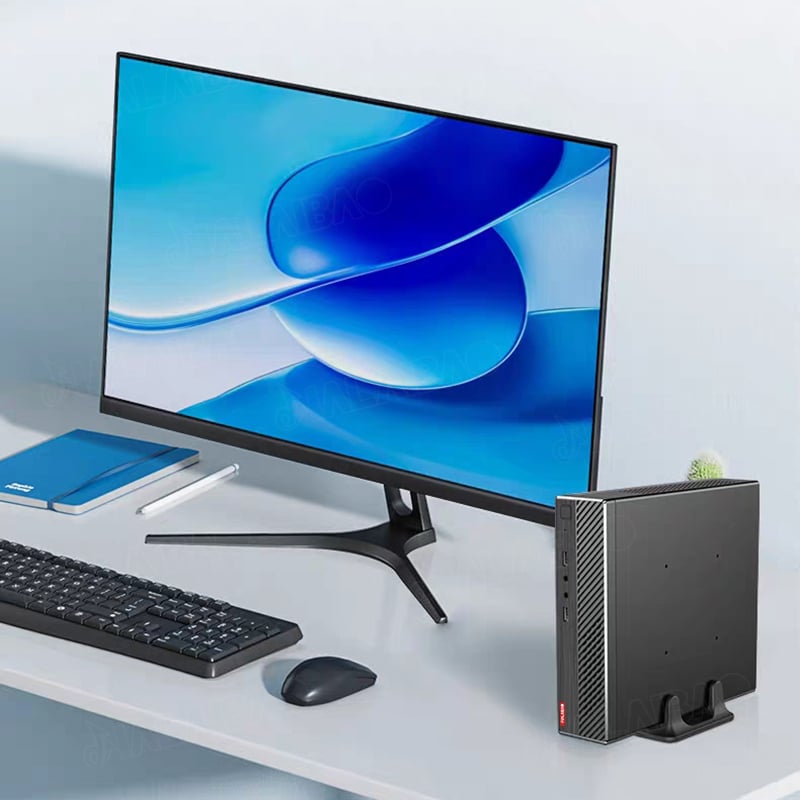
Modern compact computing solutions have overcome historical limitations in processing power through advanced chip architectures and thermal management systems. Contemporary processors designed for small form factor computers deliver performance levels that rival traditional desktop systems while consuming significantly less power and generating minimal heat. These efficiency improvements enable sustained performance under demanding workloads without the need for large cooling systems or noisy fans that can disrupt workspace environments.
The integration of multi-core processors and advanced graphics capabilities in compact designs supports professional applications ranging from content creation and data analysis to software development and digital design work. These systems can handle multiple applications simultaneously, support high-resolution displays, and process complex calculations while maintaining the quiet operation essential for professional environments. The energy efficiency of these processors also contributes to lower operating costs and reduced environmental impact compared to traditional desktop alternatives.
Despite their compact size, modern small form factor computers support substantial memory configurations and flexible storage options that meet professional computing requirements. These systems typically accommodate high-speed RAM configurations that enable smooth multitasking and efficient handling of memory-intensive applications. The availability of multiple memory slots in compact designs allows users to upgrade their systems as requirements evolve, providing long-term scalability without requiring complete system replacement.
Storage flexibility in compact computers includes support for both solid-state drives and traditional hard drives, enabling users to optimize their systems for speed or capacity based on specific workflow requirements. The inclusion of multiple storage interfaces allows for RAID configurations, external storage expansion, and backup solutions that ensure data security and accessibility. This storage versatility makes compact computers suitable for professionals who work with large datasets, multimedia content, or require extensive local storage for specialized applications.
Professional workflows increasingly depend on multiple display configurations that enhance productivity through expanded visual workspace and improved task management capabilities. Compact computers excel in this area by providing comprehensive display connectivity options that support various monitor configurations, from dual-screen setups to complex multi-monitor arrays. These systems typically include multiple video outputs such as HDMI, DisplayPort, and USB-C connections that accommodate different display types and resolutions while maintaining optimal visual quality.
The ability to drive multiple high-resolution displays simultaneously makes these compact systems particularly valuable for professionals in fields such as financial analysis, graphic design, software development, and data visualization where screen real estate directly impacts productivity. Advanced graphics processing capabilities in modern compact computers ensure smooth performance across all connected displays, eliminating lag or visual artifacts that could impede workflow efficiency.
Comprehensive connectivity options in compact computing systems ensure seamless integration with existing office equipment and network infrastructure. These systems typically provide numerous USB ports, including high-speed USB 3.0 and USB-C connections that support fast data transfer rates and peripheral charging capabilities. Ethernet ports enable stable network connections for environments where wireless connectivity may be unreliable or insufficient for bandwidth-intensive tasks.
Wireless connectivity features including Wi-Fi and Bluetooth support enable flexible peripheral configurations and reduce cable clutter in workspace environments. These wireless capabilities facilitate connection to wireless keyboards, mice, headsets, and other accessories while maintaining the clean, organized appearance that compact computing setups are designed to achieve. Advanced wireless standards ensure reliable connections and sufficient bandwidth for professional applications that require consistent peripheral responsiveness.
The energy efficiency inherent in compact computer designs translates directly into reduced operating costs for businesses and individual professionals. These systems typically consume 50-70% less power than equivalent traditional desktop computers, resulting in significant electricity cost savings over the system's operational lifetime. This energy efficiency becomes particularly valuable for organizations operating multiple workstations or in regions where electricity costs are substantial factors in operational budgeting.
Maintenance costs for compact systems are generally lower due to fewer mechanical components, reduced heat generation, and simplified internal architectures that are less prone to component failures. The solid-state nature of many compact computer components eliminates moving parts that typically require maintenance or replacement in traditional desktop systems, reducing both maintenance frequency and associated costs while improving overall system reliability and longevity.
While compact computers may have higher per-unit costs compared to basic desktop alternatives, their total cost of ownership often proves more favorable when considering factors such as space utilization, energy consumption, and maintenance requirements. The space savings achieved by compact systems can be particularly valuable in expensive office environments where every square foot of workspace carries significant rental or ownership costs.
The longevity and upgradability of quality compact computing systems provide excellent value retention over extended periods. Many of these systems support component upgrades that extend their useful life beyond that of traditional desktop computers, while their compact form factor ensures continued relevance as workspace requirements evolve. This combination of durability, efficiency, and adaptability creates a compelling value proposition for professional users seeking reliable long-term computing solutions.
Yes, modern compact computers are designed to handle professional software applications with performance levels comparable to traditional desktop systems. They support demanding applications such as CAD software, video editing programs, accounting systems, and development environments. The key is selecting a compact computer with specifications that match your specific software requirements, including adequate RAM, processing power, and graphics capabilities.
Compact computers offer several advantages over laptops for stationary professional use, including better performance per dollar, superior cooling capabilities, more upgrade options, and extensive connectivity. While laptops provide built-in displays and batteries, compact computers excel when paired with high-quality external monitors and peripherals, creating more ergonomic and productive workstation setups for extended professional use.
Key considerations include processor performance matching your workload requirements, sufficient RAM for multitasking, adequate storage capacity and type, necessary connectivity ports, display output capabilities, operating system compatibility, and warranty coverage. Additionally, consider the manufacturer's reputation for business support, availability of replacement parts, and the system's upgrade potential to ensure long-term value and compatibility with evolving business needs.
Absolutely, many compact computers are specifically designed to support creative professional workflows including graphic design, video editing, audio production, and 3D rendering. High-end compact systems feature powerful processors, dedicated graphics capabilities, and support for professional-grade monitors and peripherals. The key is selecting models with specifications that meet the demanding requirements of creative software while taking advantage of the space efficiency and flexibility that compact form factors provide.
 EN
EN
 AR
AR
 BG
BG
 HR
HR
 CS
CS
 DA
DA
 NL
NL
 FR
FR
 DE
DE
 EL
EL
 HI
HI
 IT
IT
 JA
JA
 KO
KO
 NO
NO
 PL
PL
 PT
PT
 RO
RO
 RU
RU
 ES
ES
 SV
SV
 TL
TL
 IW
IW
 ID
ID
 SR
SR
 SK
SK
 VI
VI
 HU
HU
 TH
TH
 TR
TR
 FA
FA
 AF
AF
 MS
MS
 SW
SW
 UR
UR
 BN
BN
 HA
HA
 KM
KM
 MN
MN
 UZ
UZ