 EN
 AR
 BG
 HR
 CS
 DA
 NL
 FR
 DE
 EL
 HI
 IT
 JA
 KO
 NO
 PL
 PT
 RO
 RU
 ES
 SV
 TL
 IW
 ID
 SR
 SK
 VI
 HU
 TH
 TR
 FA
 AF
 MS
 SW
 UR
 BN
 HA
 KM
 MN
 UZ

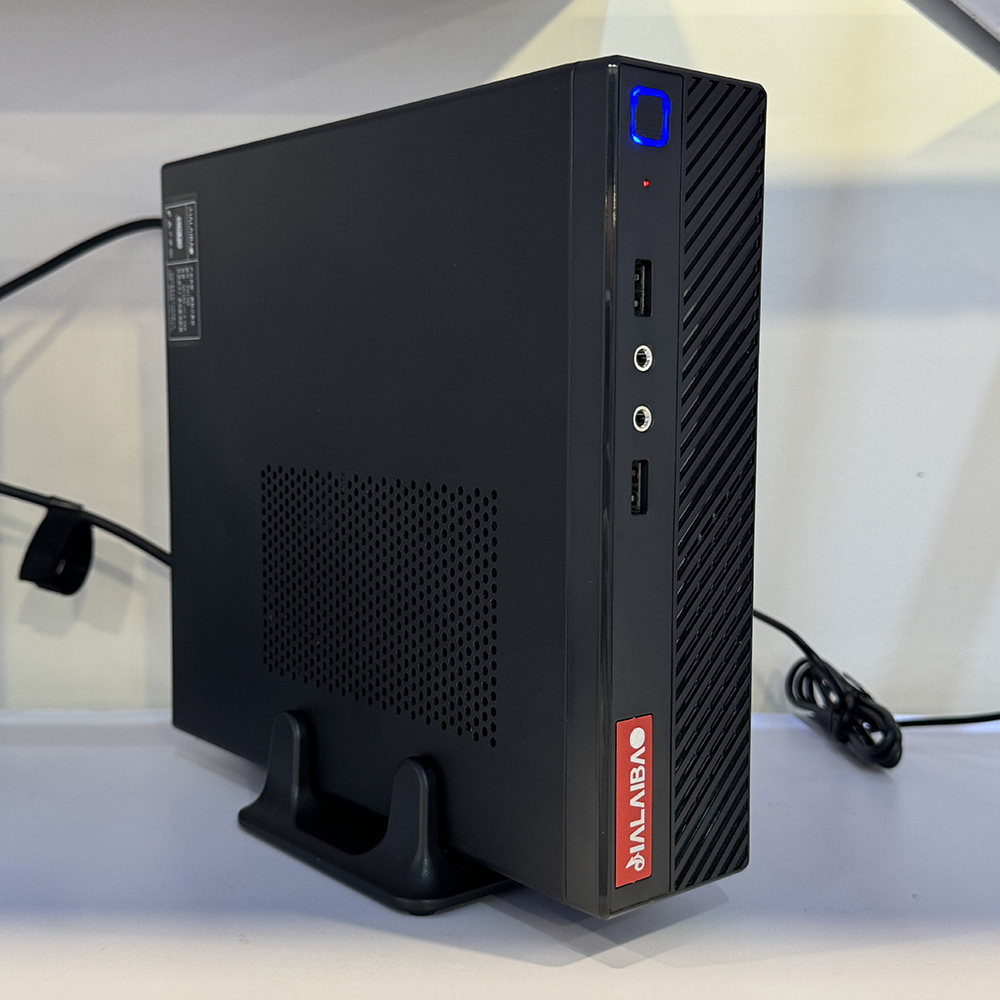
A mini pc thin client suits enterprise cloud systems when employees need reliable access to centrally hosted desktops and applications without a full desktop computer at every workstation. It connects users to computing resources managed in a data center or cloud environment, while keeping endpoint responsibilities relatively focused. That division can simplify how IT teams provision, secure, and maintain workplace devices.
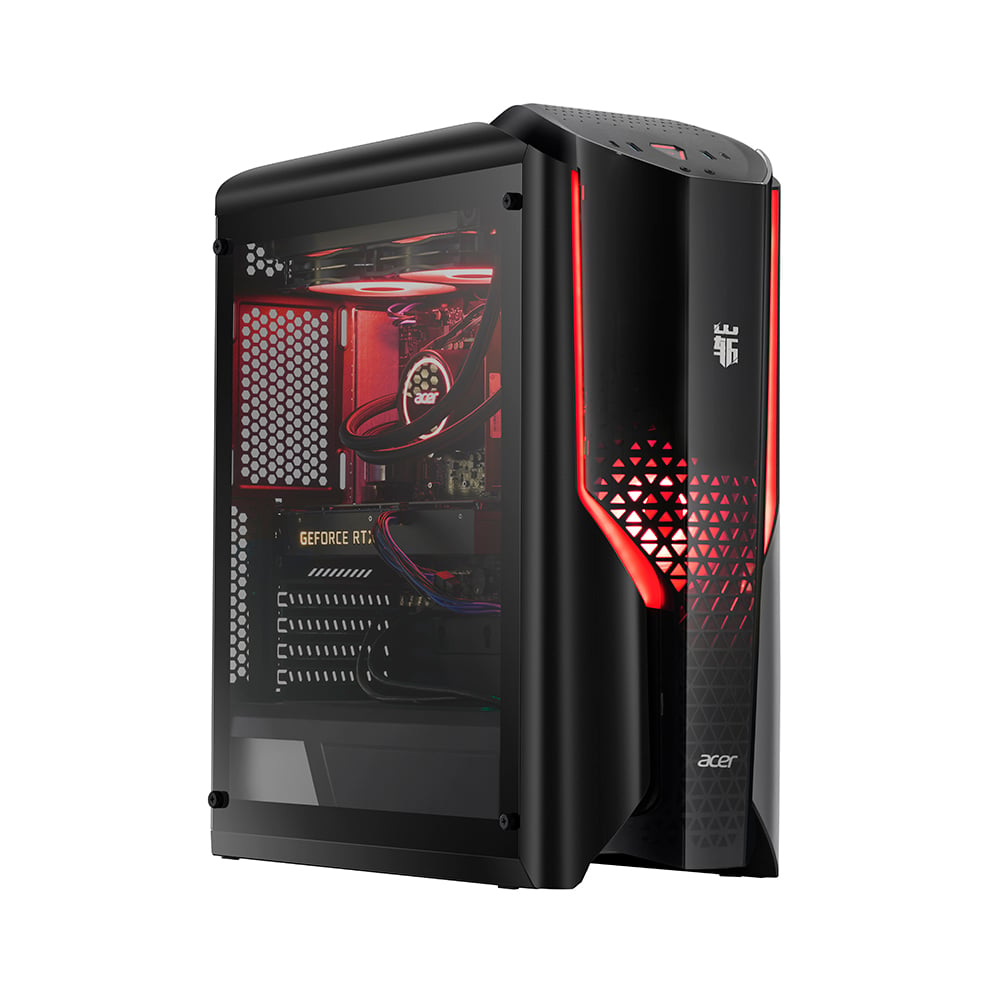
The fit depends on more than small size. A mini pc thin client must support the organization’s access software, displays, peripherals, network conditions, and security policies. When those needs align, this endpoint approach can make cloud desktop delivery practical across offices, shared work areas, and other managed settings. The following explains why it fits, where it works well, and what to assess before deployment.
How the endpoint fits a cloud architecture
Local access with centralized computing
In a cloud desktop model, applications and user sessions run on centrally managed infrastructure, while the endpoint displays the session and relays input. A mini pc thin client provides the local connection point without requiring each workstation to carry the same processing workload as a conventional PC. This separation helps IT manage computing resources and user environments from a central platform.
That model is useful when teams want consistent application access across multiple locations. The mini pc thin client can connect employees to an assigned desktop or published application, subject to the organization’s identity, network, and session configuration. Users still need responsive screens and input devices, but software changes and many desktop settings can be handled centrally rather than repeated on every endpoint.
Compact hardware for managed workspaces
A compact device can fit behind a monitor, at a reception counter, or in a shared workstation where desk space is limited. A mini pc thin client is therefore relevant to office floors, training rooms, call centers, and operational areas that rely on centrally delivered applications. Its size can make workstation layouts easier to standardize, although mounting, ventilation, ports, and cable access still require planning.
The physical design should match how the endpoint will be used. Check display outputs, USB connectivity, audio support, network interfaces, and any required card readers or specialist peripherals. A mini pc thin client is suitable only when its connections and operating environment support the actual workflow; a small footprint cannot compensate for a missing interface or an incompatible device.
Enterprise benefits and suitable workloads
Consistent administration and security controls
Centralized desktops can give administrators a more consistent way to configure applications, user permissions, and update schedules. With a mini pc thin client, endpoint management can be focused on connection settings, firmware, access controls, and the approved client software. This may reduce variation between workstations, but it does not remove the need to maintain endpoints or monitor their security status.
Security depends on the complete system, not the device alone. Organizations should consider identity management, multifactor authentication, session timeouts, network segmentation, encryption, and physical access to the workstation. A mini pc thin client can support a policy-driven cloud setup when it is configured to limit unnecessary local storage and access, yet administrators must verify actual behavior rather than assume that thin-client design guarantees protection.
Workloads that benefit from centralized delivery
Routine office work, browser-based applications, customer service tools, and standardized enterprise software are common candidates for centrally hosted sessions. A mini pc thin client can be a practical endpoint where users mainly need dependable access to those applications and do not rely on intensive local processing. Shared workstations and roles with predictable software needs are especially straightforward to assess.
Not every workload belongs in this model. High-performance graphics, latency-sensitive production tools, offline work, or applications tied to specialized local hardware may need testing or a different endpoint design. Before choosing a mini pc thin client, map each role to its software, peripheral, and response-time requirements. A small pilot can reveal whether cloud-hosted sessions perform adequately during normal and peak network use.
Deployment decisions that determine suitability
Network, compatibility, and user experience
Cloud access makes network quality part of the workstation experience. IT teams should assess bandwidth, latency, reliability, wireless coverage where relevant, and the effect of concurrent sessions. A mini pc thin client cannot overcome an unstable connection, so test it on the same network paths employees will use. Include realistic application activity and more than one display configuration in validation.
Compatibility checks should include the desktop platform, connection protocol, endpoint operating system, and required peripherals. Confirm that printers, headsets, scanners, webcams, and authentication devices behave correctly in the hosted session. A mini pc thin client may support the main application while still creating friction around a peripheral, so involve representative users and application owners in the test rather than relying on a specification sheet.
Lifecycle, support, and rollout planning
Consider the full operating model, including provisioning, remote updates, replacement procedures, asset tracking, and help-desk troubleshooting. A mini pc thin client can simplify some support tasks when configurations are standardized, but staff still need a clear process for diagnosing device, network, identity, and cloud-service issues. Define which team owns each layer before expanding beyond an initial group.
A phased rollout gives IT a chance to check real usage, support volume, and user feedback before wider adoption. Document approved configurations and exceptions, then review them as applications or security policies change. For an initial hardware review, examine the mini pc thin client option against the organization’s requirements. The decision should follow workload fit and lifecycle needs, not compactness alone.
FAQ
Can a mini pc thin client run without cloud access?
It may start locally and support limited functions depending on its configuration, but its main purpose is to connect users to centrally hosted resources. A mini pc thin client should not be treated as an offline replacement for a full desktop unless the required applications and data are available locally and that use has been tested.
Which employees are most likely to benefit?
Employees using standardized applications, shared workstations, or centrally managed desktops are often suitable candidates. A mini pc thin client is less straightforward for roles that need demanding local processing, frequent offline access, or specialized peripherals. Assess roles individually rather than applying one endpoint choice across every department.
What should IT validate before deployment?
Validate cloud-platform compatibility, network performance, identity controls, display support, peripheral behavior, update processes, and help-desk readiness. A mini pc thin client should be piloted with representative users and realistic workloads. The results help confirm whether the complete endpoint and cloud service meet business requirements before a broader rollout.