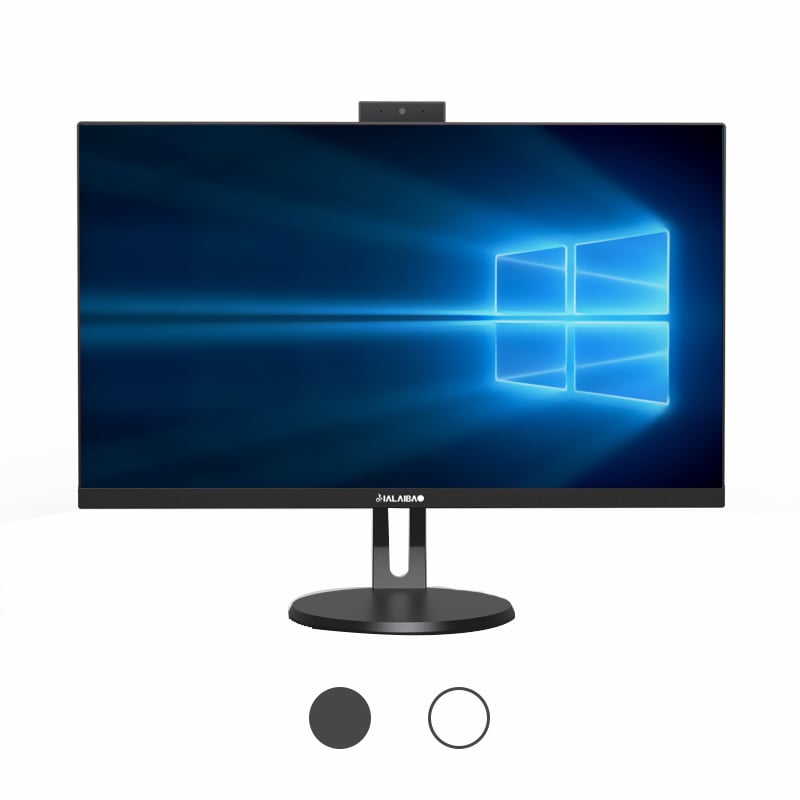
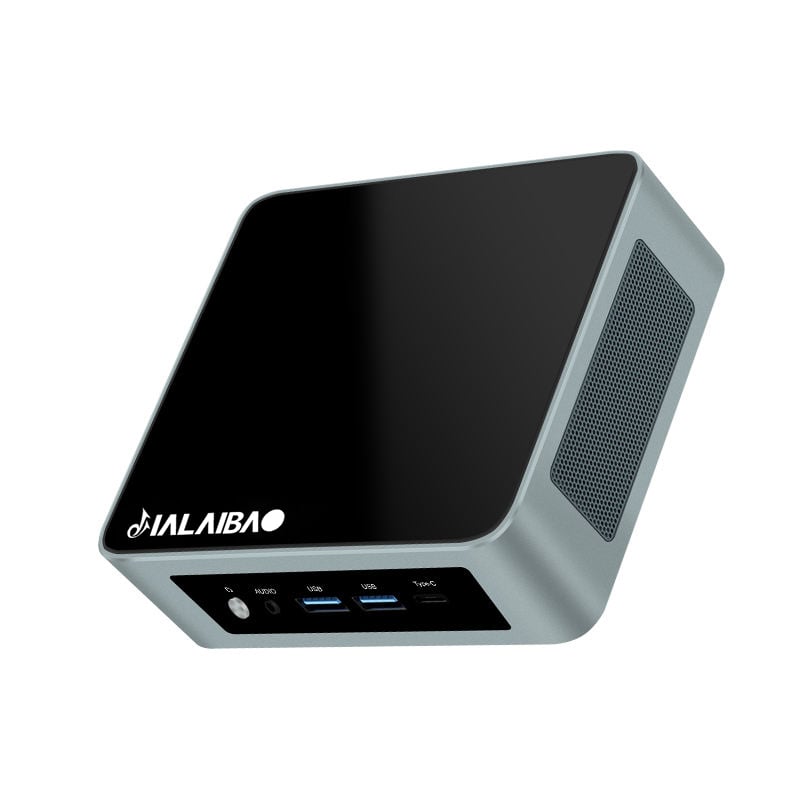
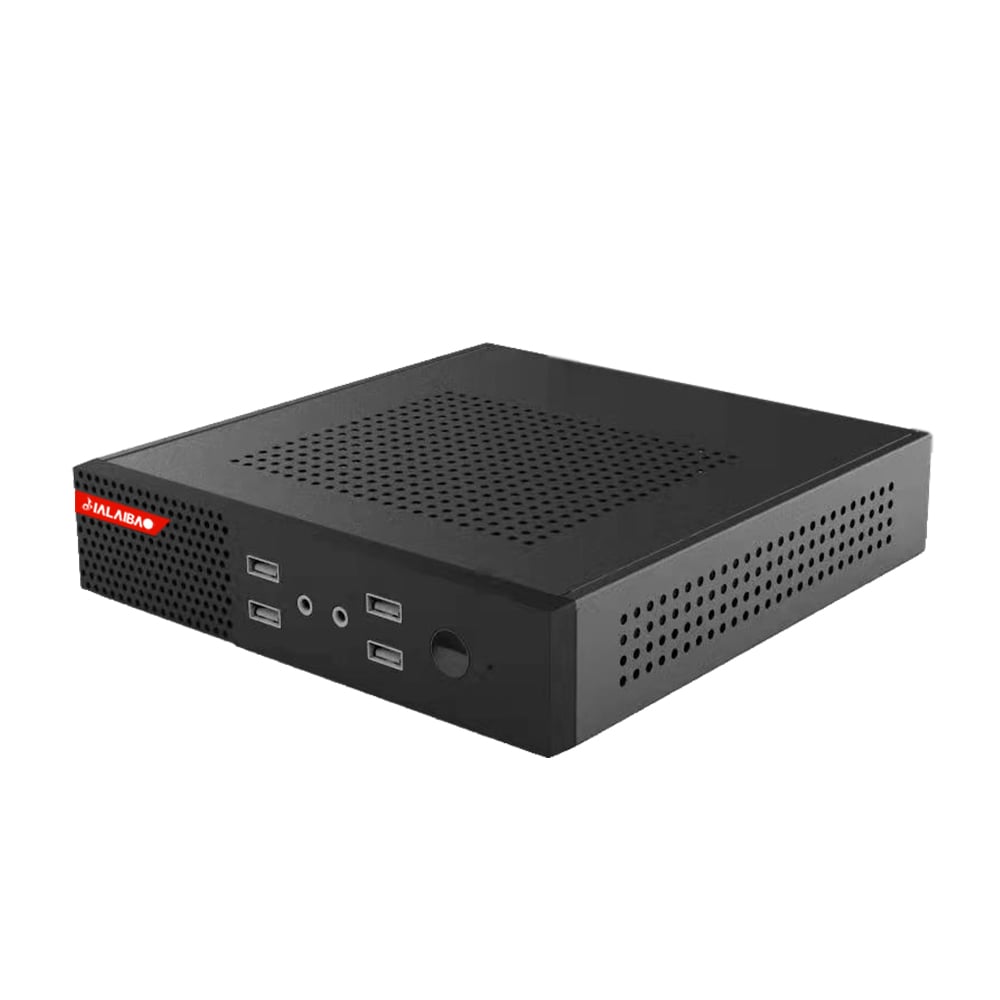
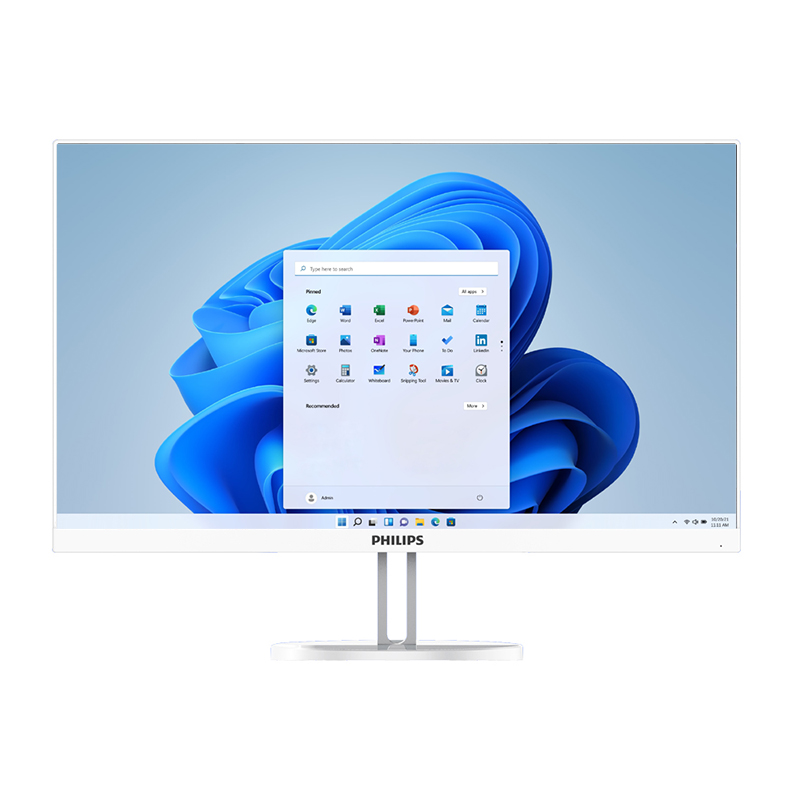
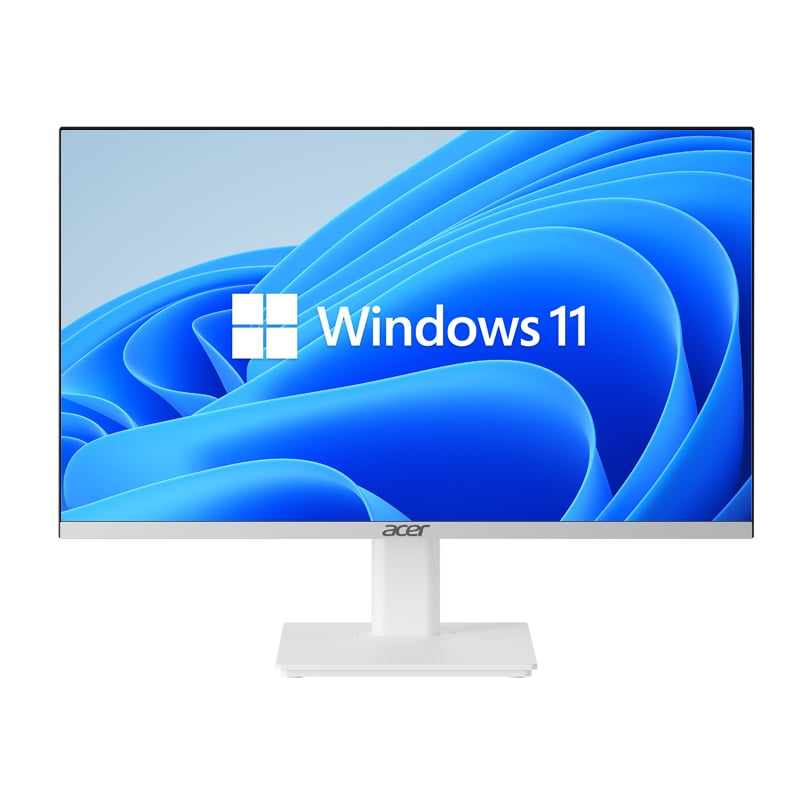
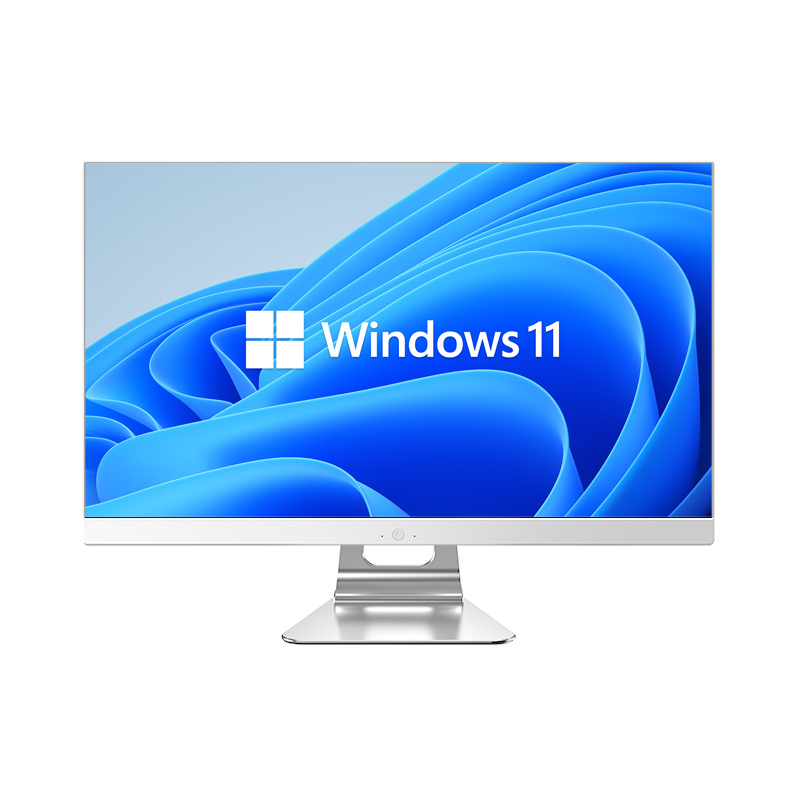
The modern workplace is no longer defined by rows of identical cubicles and bulky tower computers. As businesses increasingly adopt hot-desking, hybrid work models, and collaborative open-plan environments, the physical tools that support daily operations must evolve alongside these changes. A PC mini desktop has emerged as one of the most practical computing solutions for organizations that need to remain agile, space-conscious, and technologically capable all at once. Understanding how this compact device integrates with flexible office strategies is essential for any business planning its next workspace upgrade.
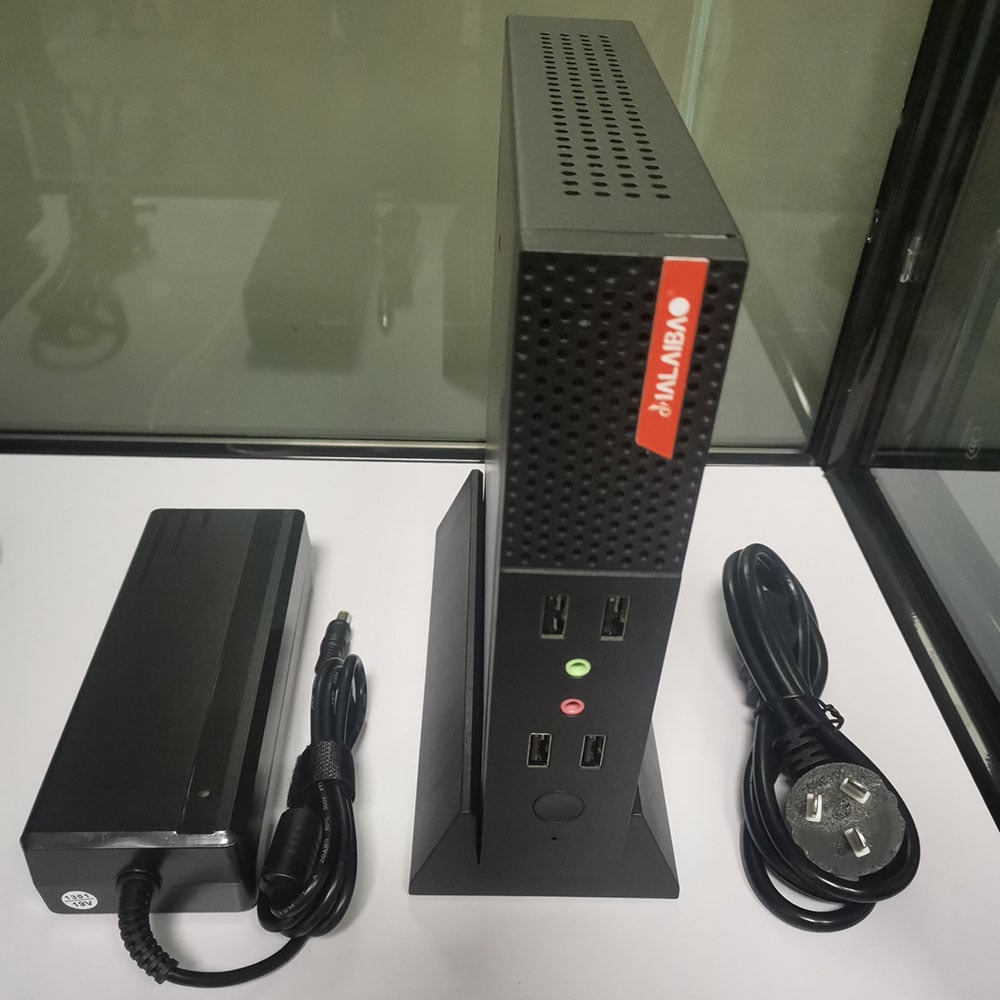
A PC mini desktop is exactly what its name suggests — a fully functional personal computer condensed into a remarkably small form factor, typically small enough to fit in the palm of your hand or mount directly behind a monitor. Despite its compact size, it delivers genuine computing performance capable of handling everyday business tasks, presentations, video conferencing, and even moderate creative workloads. For businesses navigating the complexities of flexible office layouts, the PC mini desktop offers a combination of portability, performance, and space efficiency that traditional desktop towers simply cannot match.

One of the most immediate and tangible benefits of deploying a PC mini desktop in a flexible office is the dramatic reduction in desk footprint. A conventional tower PC can occupy a large portion of floor space beneath a desk or consume significant surface area on top of it. By contrast, a PC mini desktop typically measures only a few inches on each side, freeing up desk surfaces for notebooks, tablets, documents, and collaborative tools that workers actually need throughout the day.
In hot-desking environments, where multiple employees share the same physical workstation at different times, a smaller machine translates directly into a cleaner, more adaptable workspace. Employees arrive, connect their peripherals, and begin working without navigating around oversized hardware. This frictionless transition between users is one of the core reasons why the PC mini desktop has become a preferred choice for forward-thinking facilities managers.
Beyond aesthetics, desk space efficiency directly impacts employee comfort and concentration. Research consistently shows that cluttered work environments reduce focus and increase stress. By removing the physical bulk of a traditional computer, organizations create workstations that feel open, intentional, and professionally designed — qualities that reinforce a positive workplace culture.
A PC mini desktop is engineered to fit wherever the work happens. Many models support VESA mounting, which allows the unit to attach directly to the back of a monitor. This arrangement eliminates the machine from the desk surface entirely, creating an impressively streamlined workstation. For offices that use standing desks, this mounting capability is especially valuable because it keeps the computing unit at an ergonomically appropriate level and moves with the desk as height adjustments are made.
Beyond monitor mounting, a PC mini desktop can be placed in desk drawers, mounted beneath desk surfaces, or positioned inside specially designed dock enclosures. This versatility means that interior designers and IT planners can incorporate computing hardware into the architectural design of the office rather than treating it as an afterthought. The result is a more cohesive, professional environment where technology serves the space rather than dominating it.
This spatial flexibility also reduces cable clutter, a persistent complaint in open-plan office designs. When a PC mini desktop mounts directly behind the display, the number of cables running across or under the desk is minimized, making the workspace easier to clean, maintain, and reconfigure as business needs shift.
Hybrid work models require that offices accommodate varying occupancy levels from day to day. On some days, a floor may be at full capacity; on others, only a fraction of workstations will be in use. A PC mini desktop is ideally suited to this environment because it can be configured as a shared resource that any authorized employee can log into, regardless of whether they were in the office the previous day.
With cloud-based profiles and virtual desktop infrastructure, a PC mini desktop becomes a consistent access point for any worker in the organization. Employees sign in with their credentials and immediately access their personalized desktop environment, applications, and files — just as they would on a dedicated machine. This model maximizes asset utilization and reduces the number of devices a company needs to purchase and maintain.
The compact nature of the PC mini desktop also makes it easier for IT teams to deploy, replace, or relocate hardware during office reconfiguration projects. Changing the layout of a floor plan no longer requires disassembling large tower computers and routing new cable runs. Instead, IT staff can move a PC mini desktop from one workstation to another in minutes, dramatically reducing downtime and labor costs associated with workspace redesigns.
Activity-based working is a workspace philosophy in which employees choose their work setting based on the task at hand rather than being assigned a fixed desk. A quiet zone for focused work, a collaboration area for team brainstorming, and a lounge for informal conversations might all coexist within the same floor. Each of these zones may benefit from computing access, and a PC mini desktop is compact enough to be deployed throughout multiple areas without overwhelming the aesthetic of any particular space.
In collaboration zones, a PC mini desktop connected to a large display or interactive screen can serve as a shared presentation and communication hub. In quiet focus areas, it provides individual computing access without the noise and heat output associated with larger machines. This adaptability across different activity zones makes the PC mini desktop a genuinely versatile component of the modern workplace ecosystem.
Because a PC mini desktop consumes significantly less power than a traditional tower computer, organizations deploying multiple units across activity-based zones also benefit from reduced energy costs. Lower power draw per machine adds up to meaningful savings at scale, which matters for businesses managing large office footprints or multiple locations simultaneously.
A common concern among IT decision-makers evaluating the PC mini desktop is whether such a small machine can genuinely handle the demands of a business computing environment. The short answer is that modern PC mini desktop models are far more capable than their size suggests. Current-generation processors, paired with sufficient RAM and solid-state storage, deliver performance levels that are entirely adequate for the vast majority of office tasks, including video conferencing, document editing, web-based applications, and data entry workflows.
For organizations running standard productivity suites, browser-based enterprise software, or communications platforms, a PC mini desktop will perform comparably to a mid-range tower system. The efficiency of modern chip architectures means that raw performance no longer requires a large physical package. Businesses that once assumed they needed full-size desktops for basic office functions often discover that a PC mini desktop handles their workloads with room to spare.
It is important, however, to match the specification of the PC mini desktop to the intended use case. For demanding tasks such as video editing, 3D rendering, or intensive data processing, more powerful configurations — or dedicated workstations — remain appropriate. The PC mini desktop excels in the broad middle ground of business computing, where performance requirements are genuine but not extreme, and where compactness and flexibility are equally important selection criteria.
A well-designed PC mini desktop offers a comprehensive range of connectivity options despite its small size. Modern units typically include multiple USB ports in various standards, HDMI or DisplayPort outputs for connecting one or more displays, audio inputs and outputs, and both wired and wireless networking capabilities. This connectivity range allows workers to connect the same peripherals they would use with a larger machine — keyboard, mouse, external storage, docking stations, and monitors — without compromise.
For flexible office layouts that rely on universal docking stations, a PC mini desktop integrates seamlessly. Employees can connect a single cable from a docking station to the PC mini desktop and instantly access all connected peripherals, multiple displays, and network infrastructure. This single-cable connection model is particularly efficient in hot-desking scenarios because it minimizes setup time and reduces wear on individual ports.
Wireless connectivity is another area where the PC mini desktop serves flexible offices well. Support for the latest Wi-Fi standards and Bluetooth protocols means that the device can operate effectively in spaces where running ethernet cables to every workstation is impractical. This wireless capability gives facilities teams far greater freedom when designing or reconfiguring workspace layouts without being constrained by fixed network infrastructure.
From a financial perspective, the PC mini desktop offers a compelling total cost of ownership profile for organizations managing flexible office environments. The initial purchase price of a PC mini desktop is often competitive with mid-range tower systems, and when the associated savings in energy consumption, furniture space requirements, and IT labor are factored in, the economic case becomes even stronger over a multi-year deployment cycle.
Because a PC mini desktop runs cooler and draws less power, cooling costs within the office may also be reduced. Traditional tower computers generate considerable heat, which places additional demand on building climate control systems. Replacing a fleet of towers with PC mini desktop units can contribute to measurable reductions in overall facility energy expenditure — a factor that aligns well with corporate sustainability commitments and operating cost reduction targets.
Maintenance and replacement cycles also favor the PC mini desktop in high-churn office environments. Compact units are easier to swap out when hardware fails, simpler to transport during office moves, and less costly to insure and track as physical assets. For IT departments managing large inventories of devices across multiple flexible work sites, these practical advantages translate into significant administrative efficiency.
Managing a large deployment of computers in a flexible office requires consistent hardware standards that simplify provisioning, imaging, and remote management. A PC mini desktop is well-suited to this requirement because its standardized form factor makes it easy to configure uniformly across an entire fleet. IT administrators can deploy operating system images, security policies, and software packages remotely with the same reliability they would expect from any managed endpoint device.
Remote management capabilities are particularly important in hybrid work environments where IT teams may not have constant physical access to every workstation. A PC mini desktop connected to the organization's network can receive updates, security patches, and configuration changes without requiring on-site intervention, reducing both downtime risk and IT staffing demands.
The compact and consistent physical design of a PC mini desktop also makes asset tracking and inventory management more straightforward. Small, clearly labeled units stored in standardized locations within a workstation are easier to audit and account for than large, variably configured towers distributed across different desk setups. This organizational clarity supports both security compliance and budget planning.
A PC mini desktop is well-suited for the majority of office workers engaged in tasks such as document creation, email, video conferencing, data entry, and web-based applications. Workers with specialized demands — such as graphic designers, video editors, or engineers running simulation software — may require higher-specification machines. However, for general business use, a PC mini desktop delivers more than adequate performance in a much smaller package.
Many current PC mini desktop models support dual or even triple monitor configurations through a combination of HDMI, DisplayPort, and USB-C video outputs. This makes the PC mini desktop a practical choice for workers who rely on extended screen real estate for productivity. Always verify the specific video output capabilities of the model under consideration before purchasing for multi-display workstations.
Upgrade options for a PC mini desktop vary by model. Some units allow RAM and storage to be expanded by the end user, while others are more tightly integrated with limited upgrade paths. For organizations prioritizing longevity and investment protection, it is advisable to select a PC mini desktop model that offers at least some degree of RAM and storage flexibility, and to review the manufacturer's upgrade documentation before committing to a large-scale deployment.
Security in a shared workspace is a legitimate concern with any computing asset, and a PC mini desktop is no exception. Physical security measures such as Kensington lock slots, VESA mount installations, and secure desk enclosures help prevent theft. On the software side, BIOS-level passwords, full-disk encryption, and remote wipe capabilities ensure that data remains protected even if a unit is removed from its intended location. These measures are standard practice for responsible fleet management of any PC mini desktop deployment.
 EN
EN
 AR
AR
 BG
BG
 HR
HR
 CS
CS
 DA
DA
 NL
NL
 FR
FR
 DE
DE
 EL
EL
 HI
HI
 IT
IT
 JA
JA
 KO
KO
 NO
NO
 PL
PL
 PT
PT
 RO
RO
 RU
RU
 ES
ES
 SV
SV
 TL
TL
 IW
IW
 ID
ID
 SR
SR
 SK
SK
 VI
VI
 HU
HU
 TH
TH
 TR
TR
 FA
FA
 AF
AF
 MS
MS
 SW
SW
 UR
UR
 BN
BN
 HA
HA
 KM
KM
 MN
MN
 UZ
UZ